 Web DevelopmentWordPress vs Drupal: Which CMS Is Right for Your Business?WordPress vs Drupal compared on ease of use, content modeling, security, performance, ecommerce and cost drivers, with five questions to help you choose.
Shopify API Integration: When and How to Build a Custom App
Which Shopify APIs do what, when a custom integration beats an app, how custom apps are built now, and how to keep an integration working as versions change.
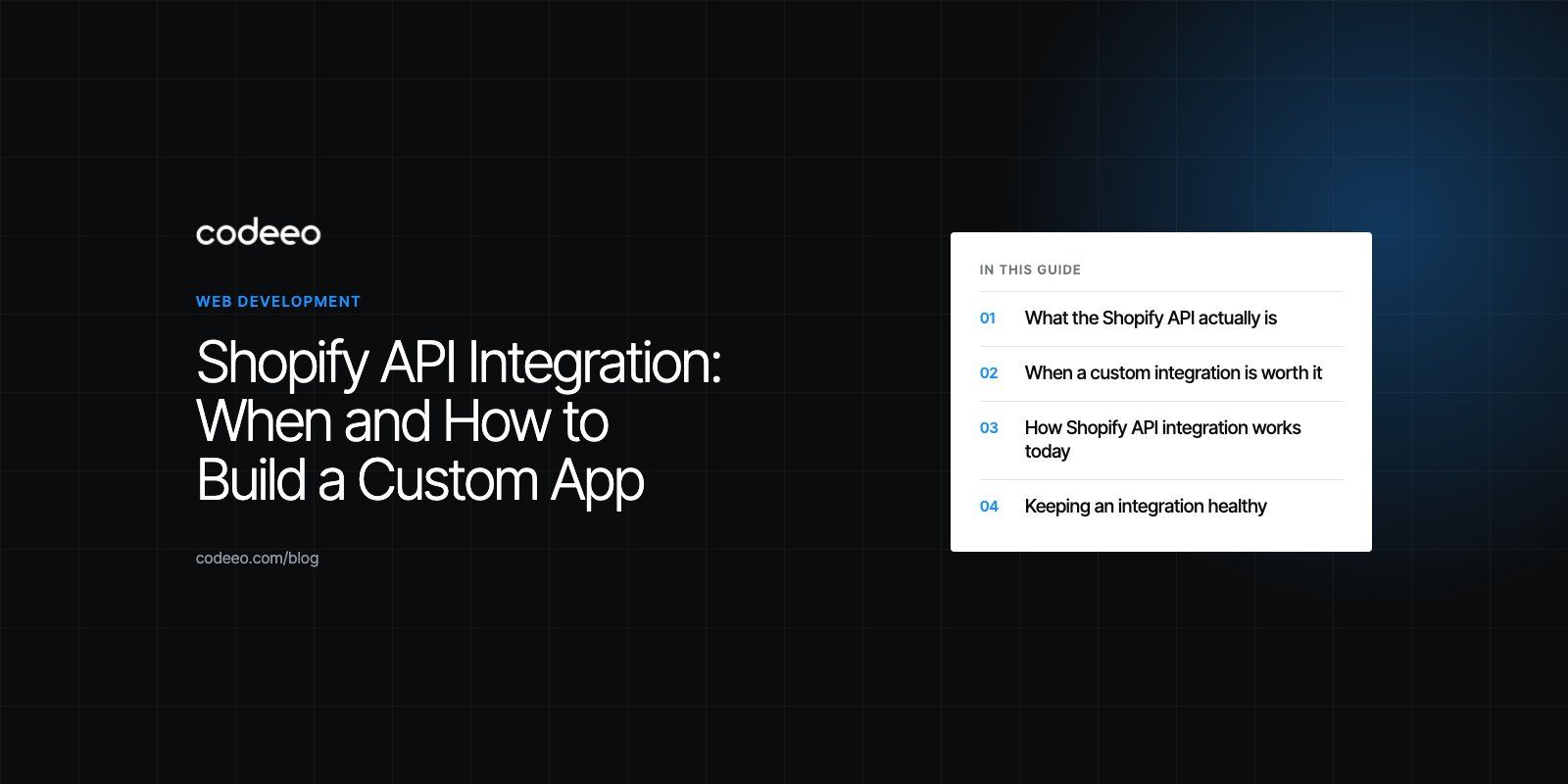
Shopify API integration means connecting your store to other software through Shopify's APIs, so products, orders, customers and inventory move between systems without manual work. For most needs an existing app from the Shopify App Store is enough. When it is not, a custom app built on the GraphQL Admin API or the Storefront API lets you build exactly the workflow or customer experience your business needs.
This guide explains which Shopify APIs do what, when a custom integration is worth building, how the build works today, and how to keep it running as Shopify updates its platform.
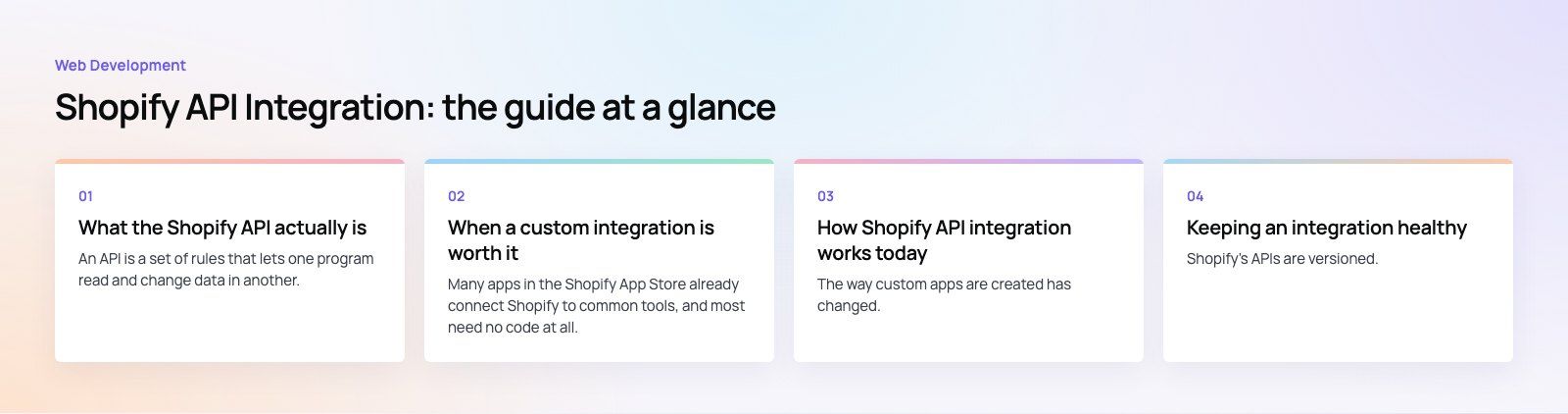
What the Shopify API actually is
An API is a set of rules that lets one program read and change data in another. Shopify exposes several, each aimed at a different job. The two that matter for most integrations are:
- The Admin API, which reads and writes the back office data of a store: products, variants, inventory, orders, customers, fulfilments, discounts and more. Shopify's current recommendation for new work is the GraphQL version of this API.
- The Storefront API, a GraphQL API for buyer facing experiences such as showing products, managing carts and starting checkout. It is the foundation for headless storefronts and custom mobile shopping apps.
Alongside these, webhooks let Shopify notify your system the moment something happens, such as an order being created or a product going out of stock, so your integration does not have to keep asking.
Admin API versus Storefront API
| Admin API | Storefront API | |
|---|---|---|
| Purpose | Run the store: catalog, orders, inventory, customers | Power shopping experiences: browse, cart, checkout |
| Who calls it | Back office systems, ERPs, internal tools, apps | Websites, mobile apps, kiosks, other front ends |
| Data access | Broad, controlled by the scopes you grant | Limited to what a shopper can see or do |
| Security | Private credentials kept on a server | Access tokens designed for public clients, with tighter limits |
| Typical projects | ERP sync, warehouse integration, custom reporting | Headless storefronts, native shopping apps |
When a custom integration is worth it
Many apps in the Shopify App Store already connect Shopify to common tools, and most need no code at all. Start there. A custom build makes sense when:
- Your process is genuinely different. For example, made to order products that need a production ticket in another system, or trade pricing rules that no app supports.
- You need to connect an internal or regional system that has no ready connector, such as a local ERP, a regional payment provider or a legacy warehouse system.
- Apps are stacking up. Five apps each doing a small piece of one workflow can cost more, slow the store and break in surprising ways. One focused integration is often simpler.
- You want full control of the front end through a headless build or a native mobile app.
- Data needs to reach analytics or finance in a specific shape and on a specific schedule.
What a good integration delivers
- Less manual work. Orders, stock and customer records update themselves.
- Better data. Store data reaches your analytics, finance or CRM tools without exports and spreadsheets.
- Distinct features. Product configurators, loyalty logic or B2B workflows that match how you sell.
- Room to grow. Integrations designed around webhooks and queues keep working as order volume rises.
How Shopify API integration works today
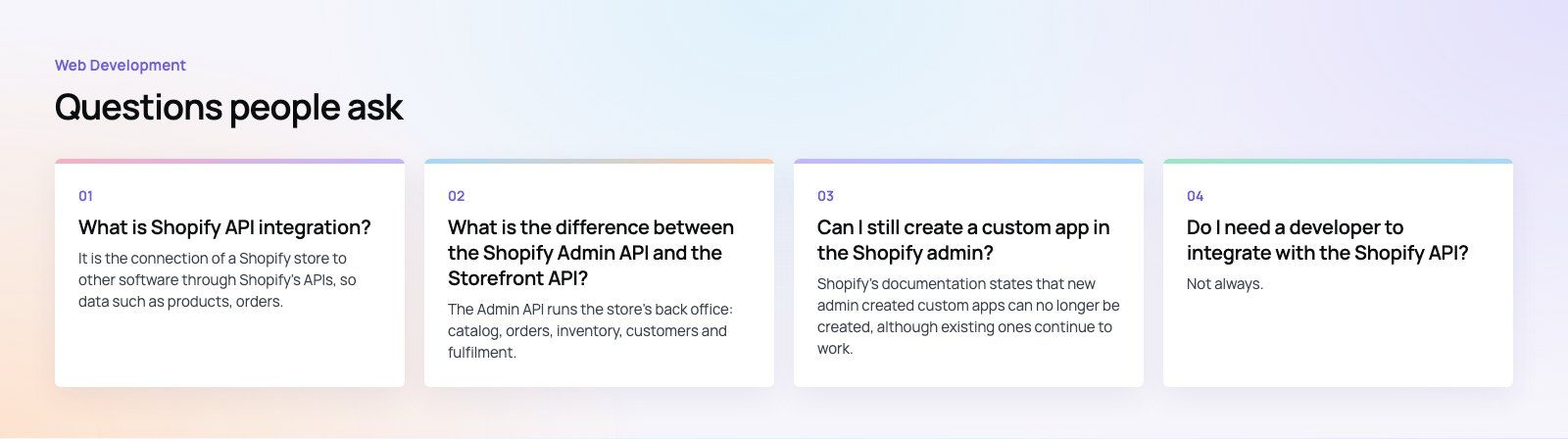
The way custom apps are created has changed. Older guides describe creating a custom app inside the Shopify admin and copying an access token. Shopify's documentation now states that new admin created custom apps can no longer be made; existing ones keep working, and new apps are built through the Dev Dashboard or Shopify CLI with a proper OAuth flow. If you follow an older tutorial, expect the screens to be different.
Step 1: Define the integration
Before any code, write down the business problem, the systems involved, which data moves in which direction, how often, and which system is the source of truth for each record. Decide what should happen when something fails. This document saves more time than any other step.
Step 2: Set up a developer environment
Create a Shopify Partner account, then a development store for testing. Never build against your live store first.
Step 3: Create the app
Create the app through the Dev Dashboard or Shopify CLI. Request only the access scopes the integration needs, for example read access to orders and write access to inventory. Narrow scopes reduce risk if credentials are ever exposed.
Step 4: Handle authentication
Install the app on the store through OAuth, which issues the access token your server uses. Store tokens and secrets in a secure location on the server, never in front end code or a shared document.
Step 5: Build the data flows
Use webhooks for events such as new orders, and API calls for reads and writes. Put incoming work in a queue so a burst of orders during a sale does not overwhelm the other system. Respect Shopify's rate limits and retry failed calls with a delay.
Step 6: Test properly
Test normal orders, edge cases (partial refunds, split fulfilments, cancelled orders, bundles) and failures (the other system is down, a product is missing). Confirm that a failed sync is logged and visible, not silently lost.
Step 7: Launch and monitor
Go live in stages if you can, watch the logs closely for the first weeks, and set alerts for errors so problems are found before customers notice.
Keeping an integration healthy
Shopify's APIs are versioned. According to Shopify's versioning documentation, a new version is released every three months and each stable version is supported for at least 12 months. An integration that is never updated will eventually call a version that is no longer supported. Plan for:
- Regular version upgrades, checked against the developer changelog for breaking changes.
- Monitoring and alerts on failed syncs and webhook delivery.
- Documentation of data mappings and business rules, so the next developer can maintain it.
- Periodic reviews of access scopes, removing any that are no longer used.
Common use cases
ERP and accounting sync
Orders flow to the ERP for fulfilment and accounting; stock levels and prices flow back to Shopify. This is the most common custom integration for growing stores.
Headless storefronts
Brands that want a fully custom front end, often built in React or Next.js, use the Storefront API for the catalog and cart while Shopify continues to handle checkout and orders.
Native mobile shopping apps
The same Storefront API powers iOS and Android apps with the same catalog and cart as the website.
Regional payments and logistics
Connecting local couriers, buy now pay later providers or regional payment gateways that do not yet have the connector you need.
Custom reporting
Pulling order and customer data into a data warehouse or BI tool for reporting the Shopify admin does not offer.
Mistakes to avoid
- Building before defining the source of truth. Two systems both editing stock or prices is the most common cause of bad data.
- Requesting broad scopes. Ask only for the access you need.
- Ignoring rate limits. Sale days are when integrations fail, because volume spikes.
- No error handling. Silent failures mean orders that never reach the warehouse.
- Treating launch as the end. Without version upgrades and monitoring, the integration decays.
- Choosing a developer without Shopify experience. Ask for examples of similar integrations and how they handled versioning and failures.
Custom integrations are worth it when they remove real work or create something your customers notice. Codeeo has delivered 200+ projects across the UAE and the US, including EGO Sustainable, a bilingual Shopify store for a GCC athleisure label with Tabby and Tamara across five markets. If you are planning an integration, our Shopify developers can scope and build it, our headless commerce team covers custom storefronts, and our payment integration work covers regional providers. A platform fit review is a good place to start if you are unsure what to build.
Frequently asked questions
It is the connection of a Shopify store to other software through Shopify's APIs, so data such as products, orders, inventory and customers moves automatically between systems.
It can be as simple as installing an existing app or as involved as a custom app that syncs with an ERP, powers a headless storefront or adds features no off the shelf app provides.
Web DevelopmentWordPress vs Drupal: Which CMS Is Right for Your Business?WordPress vs Drupal compared on ease of use, content modeling, security, performance, ecommerce and cost drivers, with five questions to help you choose. Web DevelopmentCustom Website Development vs Website Builders: Pros and ConsAn honest comparison of custom website development and website builders: control, cost over time, SEO, integrations, and how to decide which fits your business.
 Web DevelopmentWeb Development Consultant: What They Do and When to Hire OneWhat a web development consultant does, how the role differs from a developer or agency, when hiring one pays off and how to choose the right one.
Tell us what the business needs. We will tell you what to build first.
Schedule a free consultation and get a written recommendation, with costs, before you commit to anything.
Get in touchPROVEN RESULTS
4.7 / 5verified reviews on Google