 Web DevelopmentWordPress vs Drupal: Which CMS Is Right for Your Business?WordPress vs Drupal compared on ease of use, content modeling, security, performance, ecommerce and cost drivers, with five questions to help you choose.
5 Signs Your Website Needs a UX and UI Redesign
High bounce rates, weak conversions, slow pages, a poor mobile experience and user complaints: how to spot each sign and decide between a fix and a redesign.
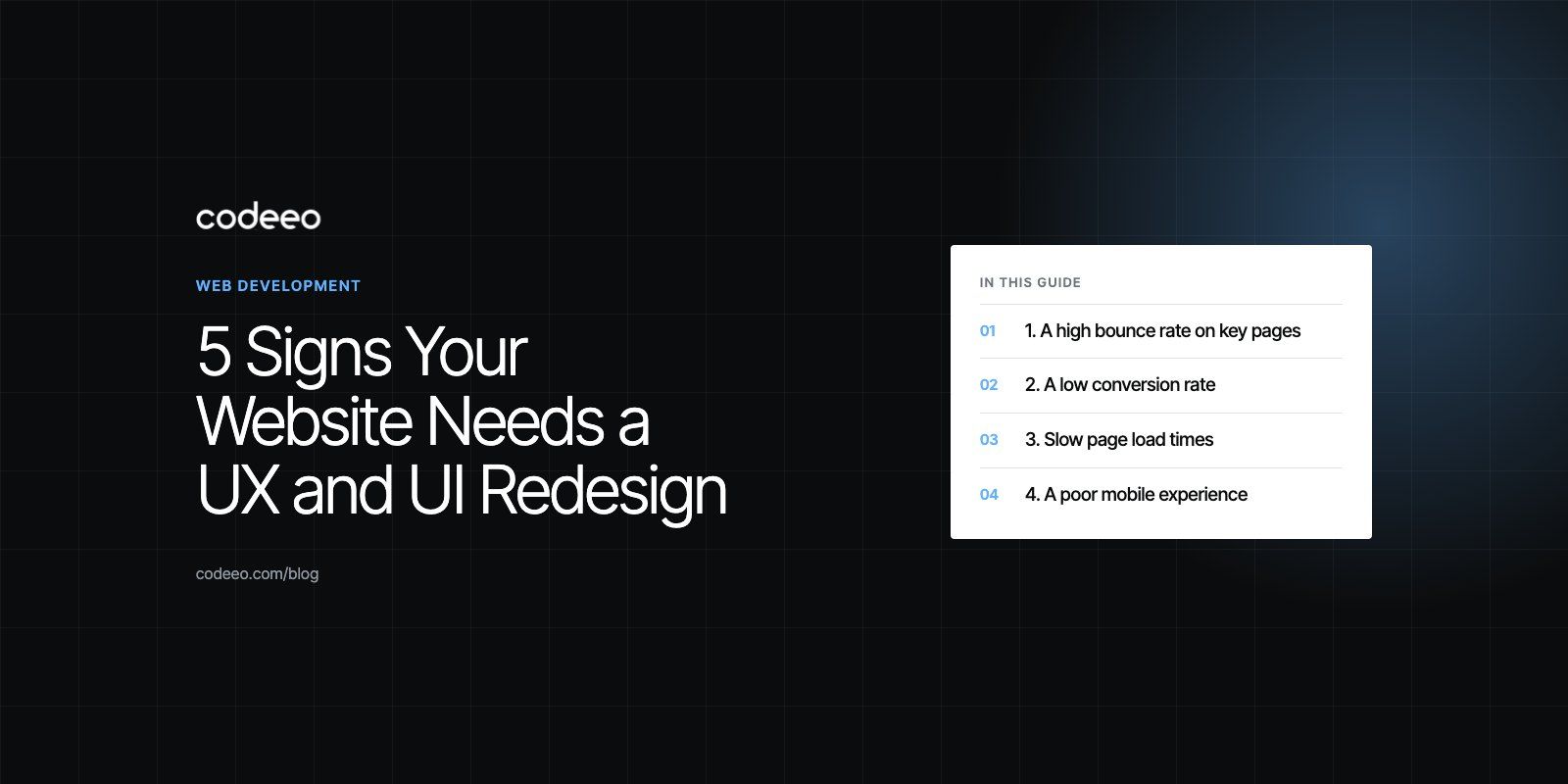
Your website needs a UX and UI redesign when the data and your visitors keep telling you the same thing: people leave quickly, few of them convert, pages feel slow, the mobile experience is awkward, and customers complain. One of these alone may need a fix rather than a redesign. Several together usually mean the design itself is holding the business back.
Below are the clearest signs, how to measure each one, and how to tell whether you need a targeted fix or a full redesign.
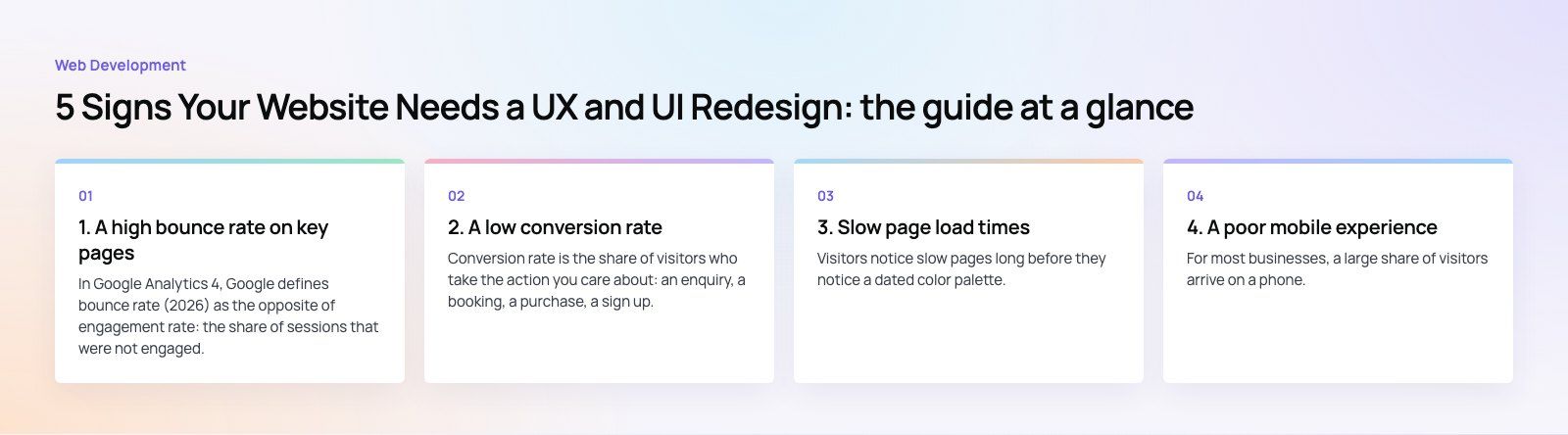
The five signs at a glance
| Sign | What it usually means | Where to check |
|---|---|---|
| High bounce rate | Visitors do not find what they expected | Analytics, by landing page |
| Low conversion rate | The path to enquiry or purchase has friction | Analytics funnels, form and checkout data |
| Slow pages | Heavy design, code or hosting problems | Core Web Vitals field data |
| Poor mobile experience | A desktop design squeezed onto small screens | Device reports, real phone testing |
| Negative user feedback | Real people hitting real problems | Support tickets, reviews, sales calls |
1. A high bounce rate on key pages
In Google Analytics 4, Google defines bounce rate (2026) as the opposite of engagement rate: the share of sessions that were not engaged. A visit counts as engaged when it lasts long enough, triggers a key event or views more than one page.
A high bounce rate on a blog post can be perfectly normal, because someone found their answer and left. A high bounce rate on a service page, a pricing page or a product page is a warning. Common design causes include:
- A hero section that does not say clearly what you do or who it is for.
- Navigation that hides the pages people actually want.
- Walls of text with no clear next step.
- Pop ups that appear before the visitor has seen anything useful.
Look at bounce rate by landing page and traffic source, not as one site wide number. A page that bounces badly only from paid ads may have a message mismatch rather than a design problem.
2. A low conversion rate
Conversion rate is the share of visitors who take the action you care about: an enquiry, a booking, a purchase, a sign up. If traffic is healthy but conversions are not, the design is often the bottleneck.
Typical causes are unclear calls to action, long forms that ask for too much too early, a checkout with too many steps, and a lack of trust signals such as real reviews, case studies and clear contact details.
Booking flows show this clearly. On the Star Cinemas project, the old flow asked for a cinema, a film, a date and a time before it would show a single seat, which is three screens of commitment before the customer sees any value. Reordering a flow like that is UX work, not a cosmetic refresh.
3. Slow page load times
Visitors notice slow pages long before they notice a dated color palette. Google's Core Web Vitals are the most practical yardstick. According to web.dev (2026), a good experience means Largest Contentful Paint within 2.5 seconds, Interaction to Next Paint of 200 milliseconds or less, and Cumulative Layout Shift of 0.1 or less.
Some speed problems are fixable without a redesign: image compression, caching, removing unused scripts or better hosting. Others are baked into the design itself, such as autoplay video headers, sliders, heavy page builders and dozens of third party widgets. If your Core Web Vitals fail because of how the pages are built, a redesign is often cheaper than endless patching. Our speed optimization quick start helps separate the two.
4. A poor mobile experience
For most businesses, a large share of visitors arrive on a phone. A site that was designed for desktop and then "made responsive" often shows the symptoms: tiny tap targets, menus that are hard to open, text that needs zooming, forms that fight the keyboard, and important content pushed far down the page.
Test on real phones, not just a resized browser window. Try to complete your most important task, such as sending an enquiry or buying a product, with one thumb. If that is frustrating, mobile users feel it too.
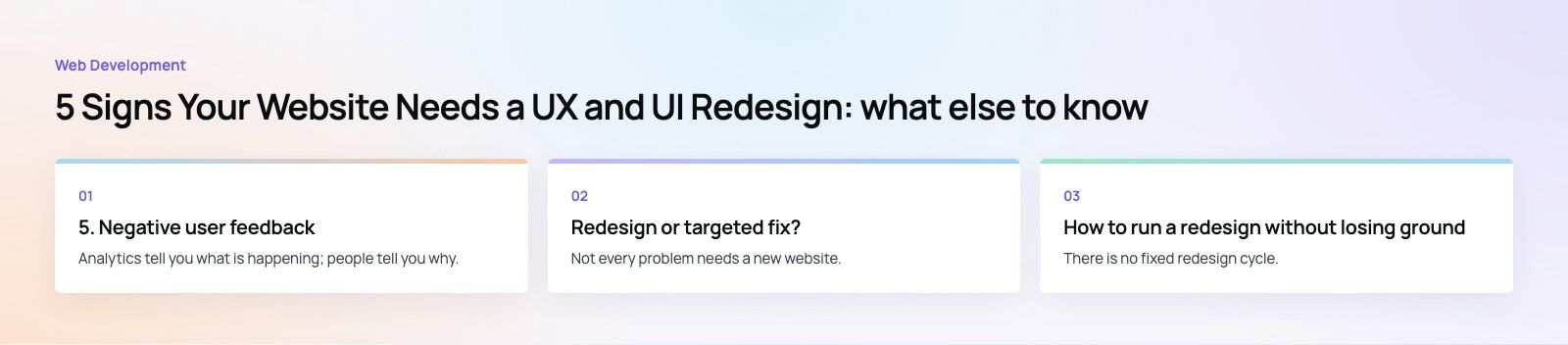
5. Negative user feedback
Analytics tell you what is happening; people tell you why. Read support tickets, chat logs, reviews and social comments. Ask your sales team which questions customers keep asking that the website should already answer.
Patterns matter more than single complaints. If several people say they could not find pricing information, could not find your location or gave up on a form, you have a design problem with a clear brief attached.
Other signs worth watching
- Your brand has changed. New services, a new logo or a new market make an old site misleading.
- Editing is painful. If your team needs a developer to change a heading, the content management setup is part of the problem.
- Accessibility gaps. Low contrast text, missing alt text and keyboard traps exclude users and add legal risk in some markets.
- Security and platform age. An outdated CMS, theme or plugins that no longer receive updates are a strong reason to rebuild.
- It looks dated next to competitors. First impressions affect trust, especially for higher value services.
Redesign or targeted fix?
Not every problem needs a new website. Use this rough rule:
| Situation | Likely answer |
|---|---|
| One or two pages underperform | Rework those pages and test |
| Speed fails because of images or hosting | Technical optimization, no redesign |
| Navigation, layout and mobile all fail | UX and UI redesign |
| The platform is outdated or unsupported | Rebuild, with a careful migration plan |
| The business has changed direction | Redesign starting from new messaging |
How to run a redesign without losing ground
- Benchmark first. Record traffic, conversions, rankings and Core Web Vitals before you change anything.
- Research the users. Review analytics, session recordings and feedback to find where people struggle.
- Fix structure before visuals. Agree the sitemap, page goals and content hierarchy, then design.
- Prototype the key user flows. Test the enquiry or checkout path with real users before building.
- Protect your SEO. Map every old URL to a new one and set up redirects. A planned site migration avoids losing rankings you already earned.
- Measure after launch. Compare against your benchmark and keep iterating.
There is no fixed redesign cycle. Some sites need attention every couple of years; others only when the business or technology changes. Let the evidence decide.
Getting a second opinion
If you are unsure whether your site needs a redesign or a tune up, start with a website audit. Codeeo has delivered 200+ projects across the UAE and the US, and our UX and UI design team can show you where visitors struggle and what it would take to fix it.
Frequently asked questions
Check how it performs, not just how it looks.
Warning signs include failing Core Web Vitals, an awkward experience on phones, a falling conversion rate, a CMS or theme that no longer receives updates, and content that no longer reflects what you sell. If visitors or your own team regularly struggle to find or update information, the design is outdated in the way that matters most.
Web DevelopmentWordPress vs Drupal: Which CMS Is Right for Your Business?WordPress vs Drupal compared on ease of use, content modeling, security, performance, ecommerce and cost drivers, with five questions to help you choose. Web DevelopmentCustom Website Development vs Website Builders: Pros and ConsAn honest comparison of custom website development and website builders: control, cost over time, SEO, integrations, and how to decide which fits your business.
 Web DevelopmentWeb Development Consultant: What They Do and When to Hire OneWhat a web development consultant does, how the role differs from a developer or agency, when hiring one pays off and how to choose the right one.
Tell us what the business needs. We will tell you what to build first.
Schedule a free consultation and get a written recommendation, with costs, before you commit to anything.
Get in touchPROVEN RESULTS
4.7 / 5verified reviews on Google