 Web DevelopmentWordPress vs Drupal: Which CMS Is Right for Your Business?WordPress vs Drupal compared on ease of use, content modeling, security, performance, ecommerce and cost drivers, with five questions to help you choose.
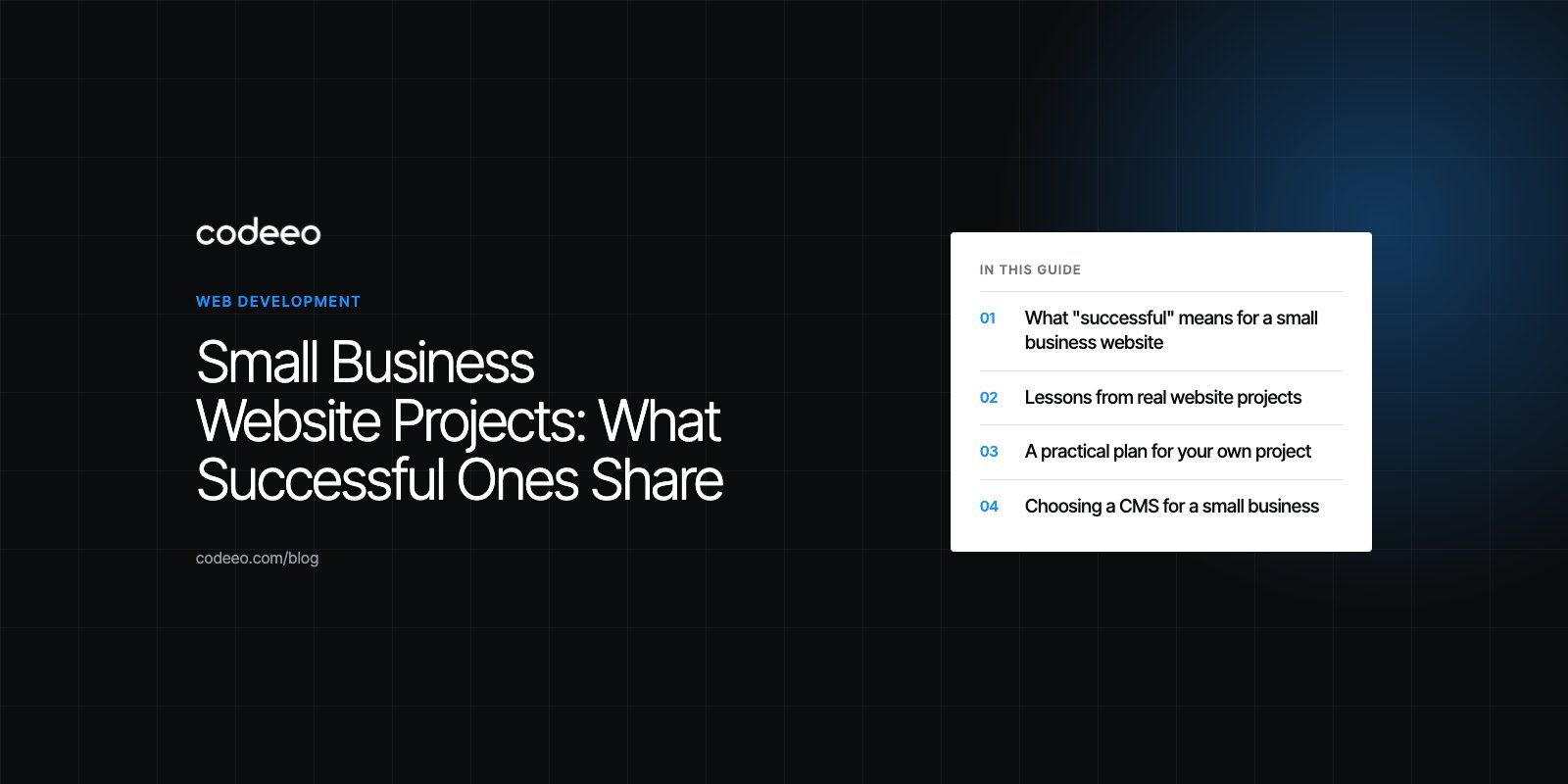
Small Business Website Projects: What Successful Ones Share
The habits behind small business websites that keep earning, with lessons from real projects and a seven step plan for your own website build.
Successful small business website projects share a few habits: a clear goal agreed before design starts, a structure built around what customers actually look for, content the business can maintain, solid mobile performance and search basics done properly from launch. The technology matters less than the planning. Most failed projects fail on scope, content or ownership, not on code.
Below are the patterns that separate websites that keep earning from those that quietly go stale, with examples from real projects in our published case studies.
What "successful" means for a small business website
Before looking at examples, define success in terms the business can measure. For most small and medium sized businesses it is one or more of these:
- More qualified enquiries, bookings or calls.
- More online sales, or a higher share of orders placed online instead of by phone.
- Fewer repetitive questions to staff, because the website answers them.
- Better visibility in search for the services and areas you cover.
- A site the team can update without calling a developer.
Pick one primary goal and one or two secondary ones. Every design and content decision should serve them.
Lessons from real website projects
Structure the site around how customers search
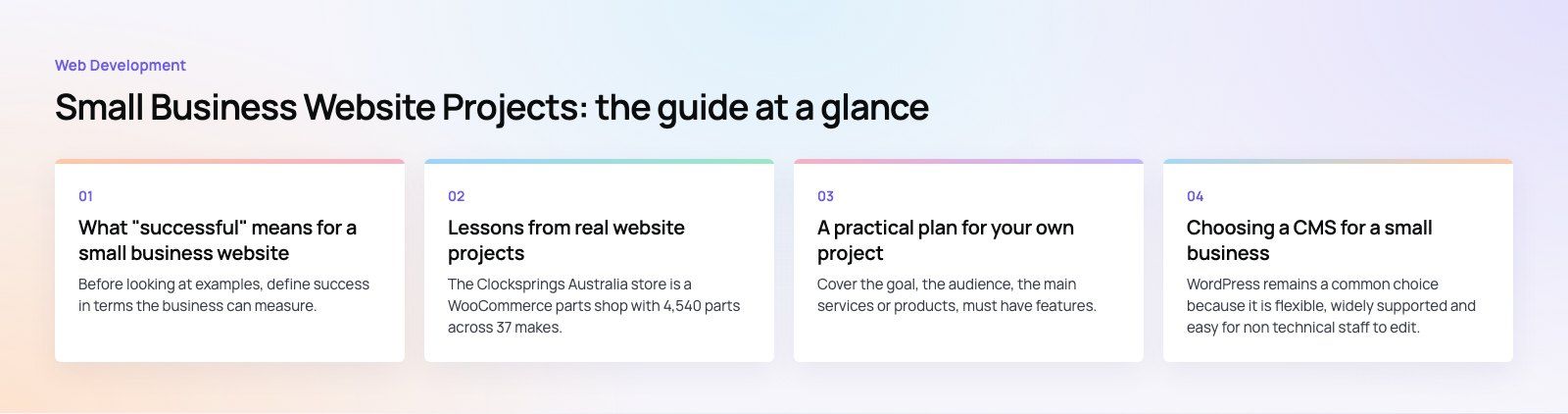
The Clocksprings Australia store is a WooCommerce parts shop with 4,540 parts across 37 makes. Customers shop by make and model, and every product shows fitment. That structure exists because buyers think in terms of "will this fit my vehicle?", not in terms of product codes. The lesson for any small business: organize pages, menus and filters around the question the customer is trying to answer.
Build every important task into the site
The HMS website for a physiotherapy and sports medicine group is content managed, with treatments, professionals, events, training and appointment requests. Patients can learn about a treatment, see who provides it and ask for an appointment in one place. If customers routinely phone to ask something, that is a sign the website should handle it.
Plan for language and audience from the start
The Diyafah school website runs on Strapi and is bilingual, built right to left from the start, with 399+ conversions recorded since launch. Adding Arabic at the end of a project rarely works well. Audience requirements such as language, accessibility and device use belong in the first brief.
Make the brand feel owned, not borrowed
The EGL Aesthetic clinic site uses a WordPress custom child theme, with blog banners and widgets designed for the brand rather than borrowed from a template. For service businesses where trust drives the sale, a distinctive design is part of the product.
The common themes
| Element | Why it matters | What to do |
|---|---|---|
| Clear goals | Keeps scope focused and decisions quick | Agree one primary goal and how you will measure it |
| Customer led structure | Visitors find answers without hunting | Base the sitemap on real customer questions |
| Content strategy | Content drives trust and search visibility | Assign owners and deadlines for every page |
| Search basics | New sites need to be found | Set titles, metadata, structure and local listings at launch |
| Mobile performance | Most visitors arrive on phones | Design mobile first and test on real devices |
| Ownership | The site stays current after launch | Choose a CMS your team can actually use |
A practical plan for your own project
1. Write a one page brief
Cover the goal, the audience, the main services or products, must have features, two or three sites you admire and any systems the website must connect to. A short, honest brief saves weeks later. If the scope is unclear, a product scoping session turns ideas into a buildable plan.
2. Map the pages before the design
List every page, its purpose and its main call to action. Group pages that can share a layout. This is where you spot missing content and unnecessary pages.
3. Prepare content early
Late content is the most common cause of delayed launches. Draft copy, gather photos and collect testimonials while the design is underway, not after.
4. Design for phones first
Make the most important action easy with one thumb: call, message, book or buy. Then expand the layout for larger screens.
5. Get the performance and search basics right
Aim to pass Core Web Vitals. According to web.dev (2026), a good experience means Largest Contentful Paint within 2.5 seconds, Interaction to Next Paint of 200 milliseconds or less and Cumulative Layout Shift of 0.1 or less. Set clear page titles and descriptions, submit a sitemap and, for businesses serving a city or region, connect the site to a Google Business Profile as part of local SEO.
6. Track what matters
Set up analytics events for form submissions, calls, WhatsApp clicks and purchases before launch. Without this, you cannot tell whether the project worked.
7. Plan the first ninety days after launch
Review analytics, fix what confuses visitors, add content that answers new questions and keep software updated. A website is a business asset that improves with attention.
Mistakes that sink small business websites
- Designing for the owner instead of the customer. Favorite colors and long company histories rarely convert.
- Too many goals. A homepage that tries to do everything does nothing well.
- No owner after launch. Sites without a named person responsible go stale within months.
- Plugin and app overload. Each extra tool adds cost, risk and weight to every page.
- Skipping measurement. Without tracking, you cannot improve what you cannot see.
Choosing a CMS for a small business
WordPress remains a common choice because it is flexible, widely supported and easy for non technical staff to edit. Headless options such as Strapi suit businesses that want a custom front end or content shared across a website and app. Hosted builders suit very simple sites. The best choice is the one your team will actually keep updated.
Start your project on the right footing
Codeeo has delivered 200+ projects across the UAE and the US, with a team of 80+ across Dubai, Riyadh and Karachi. You can browse more of our case studies, or talk to our web development team about a website built around your customers and your goals.
Frequently asked questions
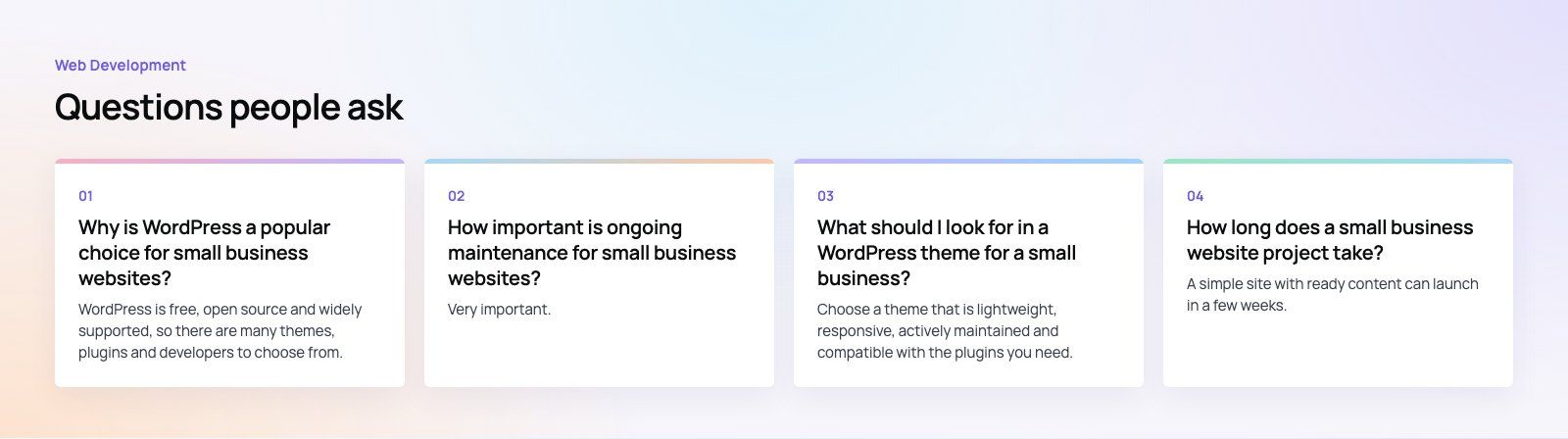
WordPress is free, open source and widely supported, so there are many themes, plugins and developers to choose from.
Non technical staff can edit pages and publish posts through a familiar admin area. It also grows with the business, from a simple brochure site to a store or membership site. The trade off is that someone must keep it updated and secure.
Web DevelopmentWordPress vs Drupal: Which CMS Is Right for Your Business?WordPress vs Drupal compared on ease of use, content modeling, security, performance, ecommerce and cost drivers, with five questions to help you choose. Web DevelopmentCustom Website Development vs Website Builders: Pros and ConsAn honest comparison of custom website development and website builders: control, cost over time, SEO, integrations, and how to decide which fits your business.
 Web DevelopmentWeb Development Consultant: What They Do and When to Hire OneWhat a web development consultant does, how the role differs from a developer or agency, when hiring one pays off and how to choose the right one.
Tell us what the business needs. We will tell you what to build first.
Schedule a free consultation and get a written recommendation, with costs, before you commit to anything.
Get in touchPROVEN RESULTS
4.7 / 5verified reviews on Google