 Software DevelopmentAPI Integration for Saudi Business Websites: ERP, CRM and Payment GatewaysHow Saudi websites connect to ERP, CRM, payment gateways like mada and Tabby, ZATCA e-invoicing, logistics and WhatsApp through APIs.
CodeeoInsightsSoftware Development
SQL vs NoSQL Databases: Differences and How to Choose
How SQL and NoSQL databases differ in data model, schema, scaling and consistency, where each one fits, and five questions to choose for your project.
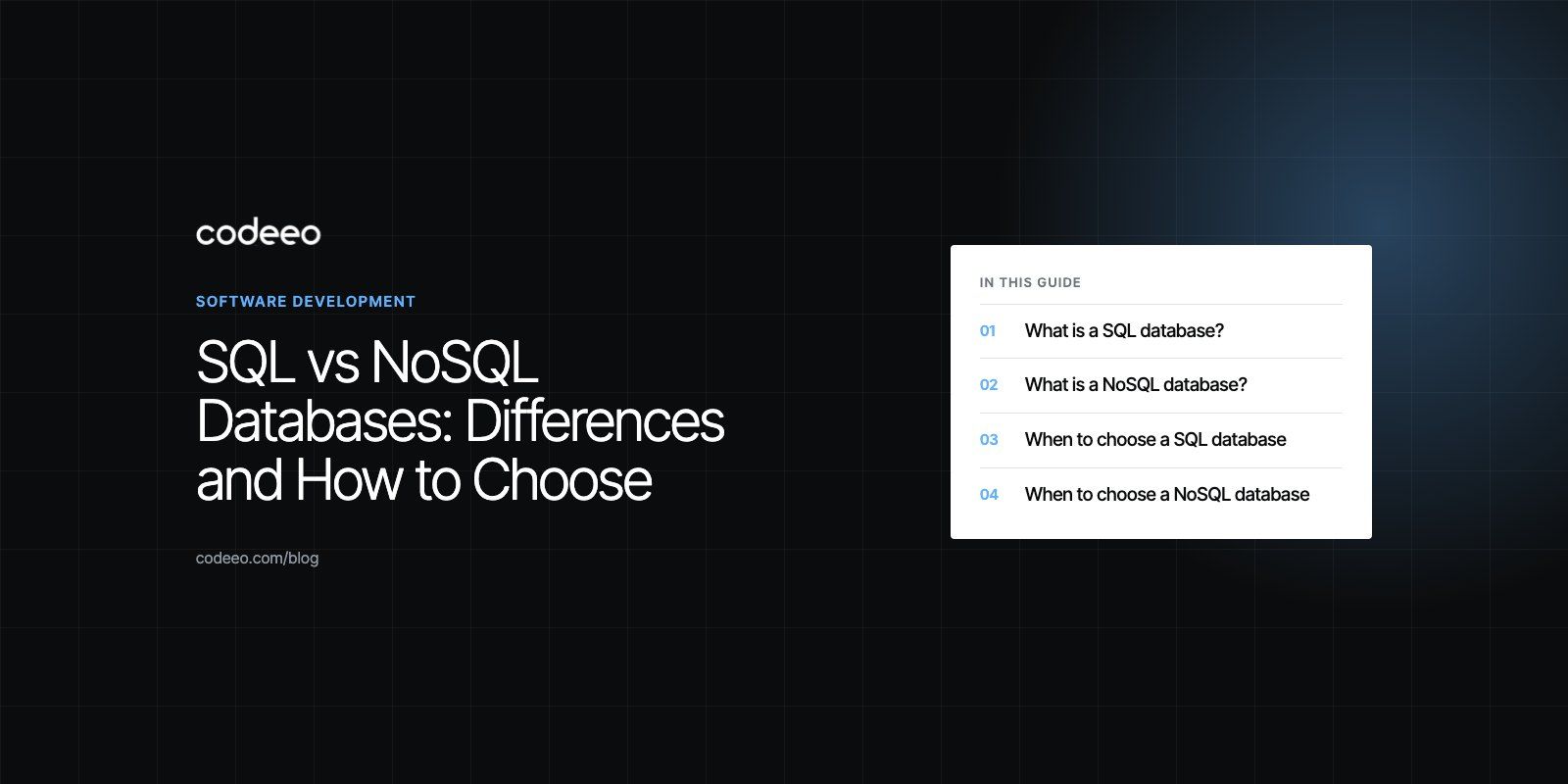
SQL databases store data in tables with a fixed schema and strict consistency rules, which makes them the safer default for orders, payments, bookings and records that relate to each other. NoSQL databases store data as documents, key value pairs, wide columns or graphs with a flexible schema, which suits fast changing, high volume or loosely structured data. Most products should start with SQL and add a NoSQL store only where a specific workload needs it.
This guide explains how each type works, where each one shines, the trade offs that matter in practice, and a simple way to decide for your own project.
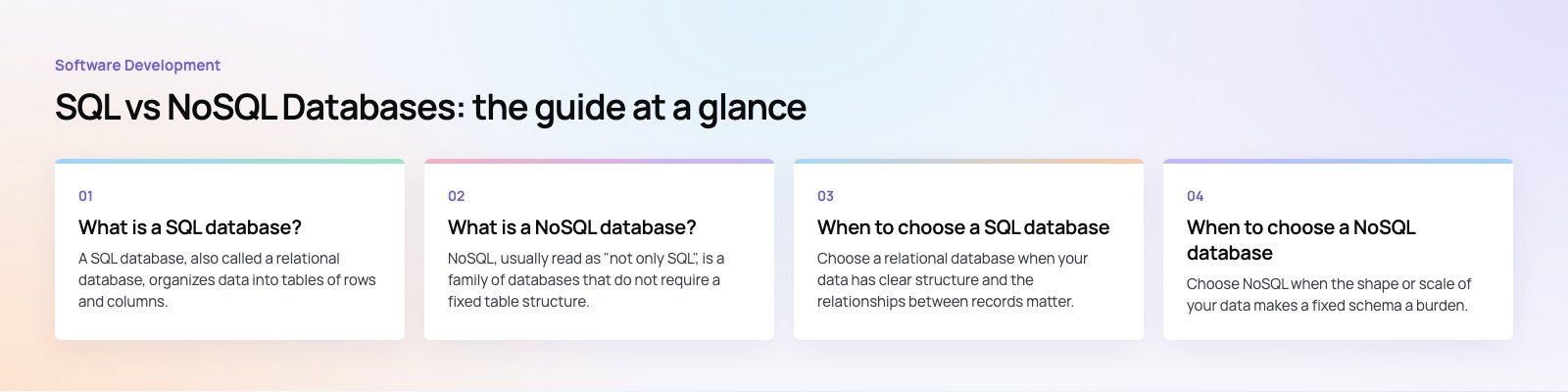
What is a SQL database?
A SQL database, also called a relational database, organizes data into tables of rows and columns. Each table has a defined schema: a customer table has a name, an email and a created date, and every row follows that shape. Tables link to each other through keys, so an order row points to the customer who placed it and to the products in it.
You query a relational database with SQL, a standard language that lets you join tables, filter, group and aggregate in a single statement. PostgreSQL, MySQL, MariaDB, Microsoft SQL Server and Oracle are the best known examples.
The key strength of relational databases is ACID transactions. A transaction either completes in full or not at all, so a payment cannot be recorded without the matching order, and two people cannot book the same seat at the same moment.
What is a NoSQL database?
NoSQL, usually read as "not only SQL", is a family of databases that do not require a fixed table structure. There are four main types:
- Document databases such as MongoDB and Couchbase store records as JSON like documents, so each record can carry its own nested fields.
- Key value stores such as Redis and Amazon DynamoDB look up a value by a single key, which makes them very fast for sessions, caches and counters.
- Wide column stores such as Apache Cassandra spread huge volumes of rows across many servers and are built for heavy write loads.
- Graph databases such as Neo4j store nodes and relationships directly, which suits social networks, recommendations and fraud detection.
NoSQL databases were designed to scale horizontally, which means adding more servers rather than buying a bigger one. They often relax consistency in exchange for availability and speed, although many now offer transactions too. MongoDB, for example, supports multi document transactions according to its official transactions documentation.
SQL vs NoSQL: key differences
| Feature | SQL databases | NoSQL databases |
|---|---|---|
| Data model | Tables of rows and columns linked by keys | Documents, key value pairs, wide columns or graphs |
| Schema | Defined up front, changed through migrations | Flexible, can vary from record to record |
| Query language | Standard SQL | Varies by product |
| Scaling | Mostly vertical, with read replicas and sharding for growth | Designed to scale horizontally across many servers |
| Consistency | Strong ACID transactions by default | Often eventual consistency, transactions vary by product |
| Relationships | Joins are a core strength | Joins are limited or handled in application code |
| Best for | Orders, payments, bookings, finance, HR, reporting | Event streams, catalogs with varied attributes, caches, social graphs, IoT data |
When to choose a SQL database
Choose a relational database when your data has clear structure and the relationships between records matter. Typical examples:
- Ecommerce and bookings. Orders, payments, stock levels and reservations must always agree with each other.
- Finance and accounting. Every ledger entry must balance, and audits depend on accurate history.
- HR and payroll systems. Employees, departments, contracts and pay runs are highly structured and linked.
- Business reporting. SQL is the language most analytics and BI tools speak, which makes dashboards in tools like Power BI much easier to build.
- Marketplaces. Customers, providers, jobs, payments and reviews are all related entities.
Modern relational databases are also more flexible than their reputation suggests. PostgreSQL, for example, can store and query JSON columns, so you can keep semi structured data inside a relational model without adding a second database.
When to choose a NoSQL database
Choose NoSQL when the shape or scale of your data makes a fixed schema a burden. Typical examples:
- Caching and sessions. A key value store like Redis answers simple lookups from memory and takes load off your main database.
- Activity feeds and event logs. High volume writes that are mostly appended and rarely updated.
- Product catalogs with varied attributes. A phone and a sofa have very different fields, and a document model handles that naturally.
- IoT and telemetry. Millions of small readings per hour spread across many devices.
- Recommendation and relationship data. Graph databases answer "friends of friends" style questions far faster than joins.
NoSQL and microservices
In a microservices design, each service owns its own data. That makes it reasonable for one service to use PostgreSQL for orders while another uses a document store for content and a third uses Redis for sessions. This approach is often called polyglot persistence. It gives each service the best tool, but it also means more systems to run, back up and monitor, so it is worth doing only when the team can support it.
Pros and cons at a glance
SQL databases
- Pros: strong consistency, powerful joins and reporting, a standard query language, mature tooling and a large pool of skilled developers.
- Cons: schema changes need planning and migrations, and scaling writes beyond a single large server takes more engineering.
NoSQL databases
- Pros: flexible schema, horizontal scaling, very fast reads and writes for the right access patterns.
- Cons: weaker or more limited transactions in many products, no single query language, and reporting across collections is harder.
How to decide: five questions
- Does money or stock change hands? If yes, keep that data in a relational database with transactions.
- Do you know the shape of your data? If most records share the same fields, SQL is simpler. If every record is different, a document store may fit.
- How will you query it? If you need ad hoc reports and joins, SQL wins. If you always fetch by a single key, NoSQL can be faster.
- What is your real scale? A single well tuned PostgreSQL or MySQL server handles far more than most businesses need. Do not choose NoSQL for scale you do not yet have.
- Who will run it? A database your team knows well and can back up, restore and tune is better than a theoretically ideal one nobody understands.
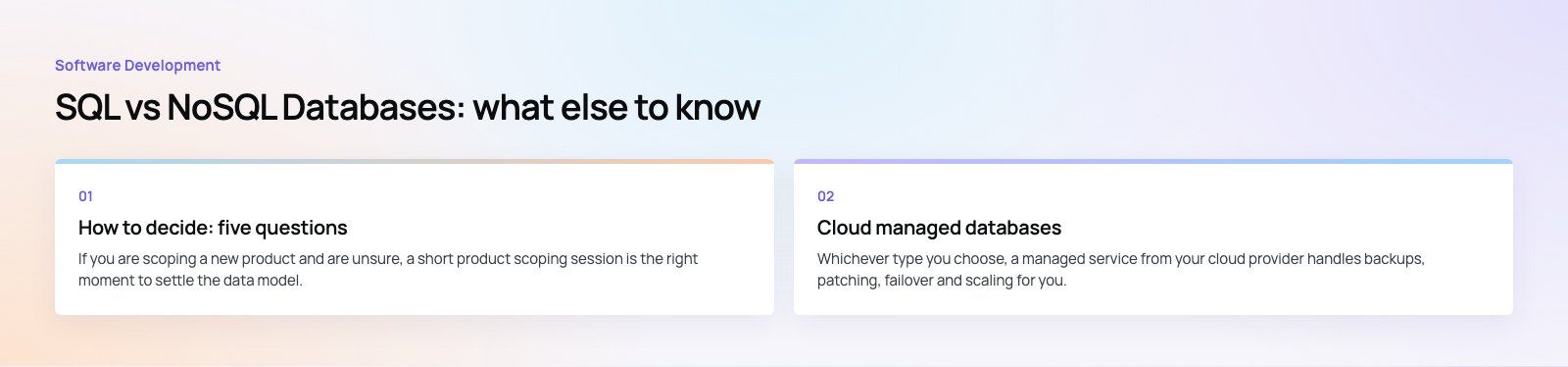
If you are scoping a new product and are unsure, a short product scoping session is the right moment to settle the data model, before any code is written.
Common mistakes to avoid
- Choosing NoSQL to skip schema design. The schema still exists, it just moves into application code where it is harder to see and enforce.
- Storing payments in an eventually consistent store. Reconciliation problems surface months later and are painful to untangle.
- Adding a second database too early. Every extra data store adds backups, monitoring, security and skills you need to maintain.
- Ignoring indexes. Most "the database is slow" problems in SQL are missing indexes or inefficient queries, not the wrong database type.
- Forgetting migration paths. Moving data between database types later is a project in itself. Our data and CRM migration work shows how much planning that takes.
Cloud managed databases
Whichever type you choose, a managed service from your cloud provider handles backups, patching, failover and scaling for you. Azure, AWS and Google Cloud all offer managed PostgreSQL, MySQL and SQL Server, plus their own NoSQL services. For teams already on Microsoft, Azure integration work often includes choosing between Azure SQL and Cosmos DB for each workload.
Picking the right database for your product
For most business applications, a relational database is the right core, with Redis or a document store added for caching, search or high volume events. The decision is worth getting right early because it shapes everything built on top. Codeeo's team of 80+ across Dubai, Riyadh and Karachi designs data models as part of its custom software development work, and can help you choose and set up the right mix.
Frequently asked questions
SQL databases store data in related tables with a fixed schema and use a standard query language with strict transaction rules.
NoSQL databases store data as documents, key value pairs, wide columns or graphs with a flexible schema, and are designed to scale across many servers. SQL favors consistency and complex queries, while NoSQL favors flexibility and high volume reads and writes.
Software DevelopmentAPI Integration for Saudi Business Websites: ERP, CRM and Payment GatewaysHow Saudi websites connect to ERP, CRM, payment gateways like mada and Tabby, ZATCA e-invoicing, logistics and WhatsApp through APIs. Software DevelopmentAI Workflow Automation for Case Management: Where AI Saves Case Teams Real TimeHow AI workflow automation fits into case management: practical uses, human review, data security and when to build a custom AI workflow.
 Software DevelopmentLaw Firm Client Portal, Legal CRM and Intake Software: Turning Inquiries into Signed ClientsTurn more legal inquiries into signed clients with intake software, a legal CRM and a secure client portal built around your firm.
Tell us what the business needs. We will tell you what to build first.
Schedule a free consultation and get a written recommendation, with costs, before you commit to anything.
Get in touchPROVEN RESULTS
4.7 / 5verified reviews on Google