 Web DevelopmentWordPress vs Drupal: Which CMS Is Right for Your Business?WordPress vs Drupal compared on ease of use, content modeling, security, performance, ecommerce and cost drivers, with five questions to help you choose.
Web Design for Small Businesses: Tips and Best Practices
Practical web design for small businesses: how to plan the site, the design tips that matter most, build best practices and how to keep it working after launch.
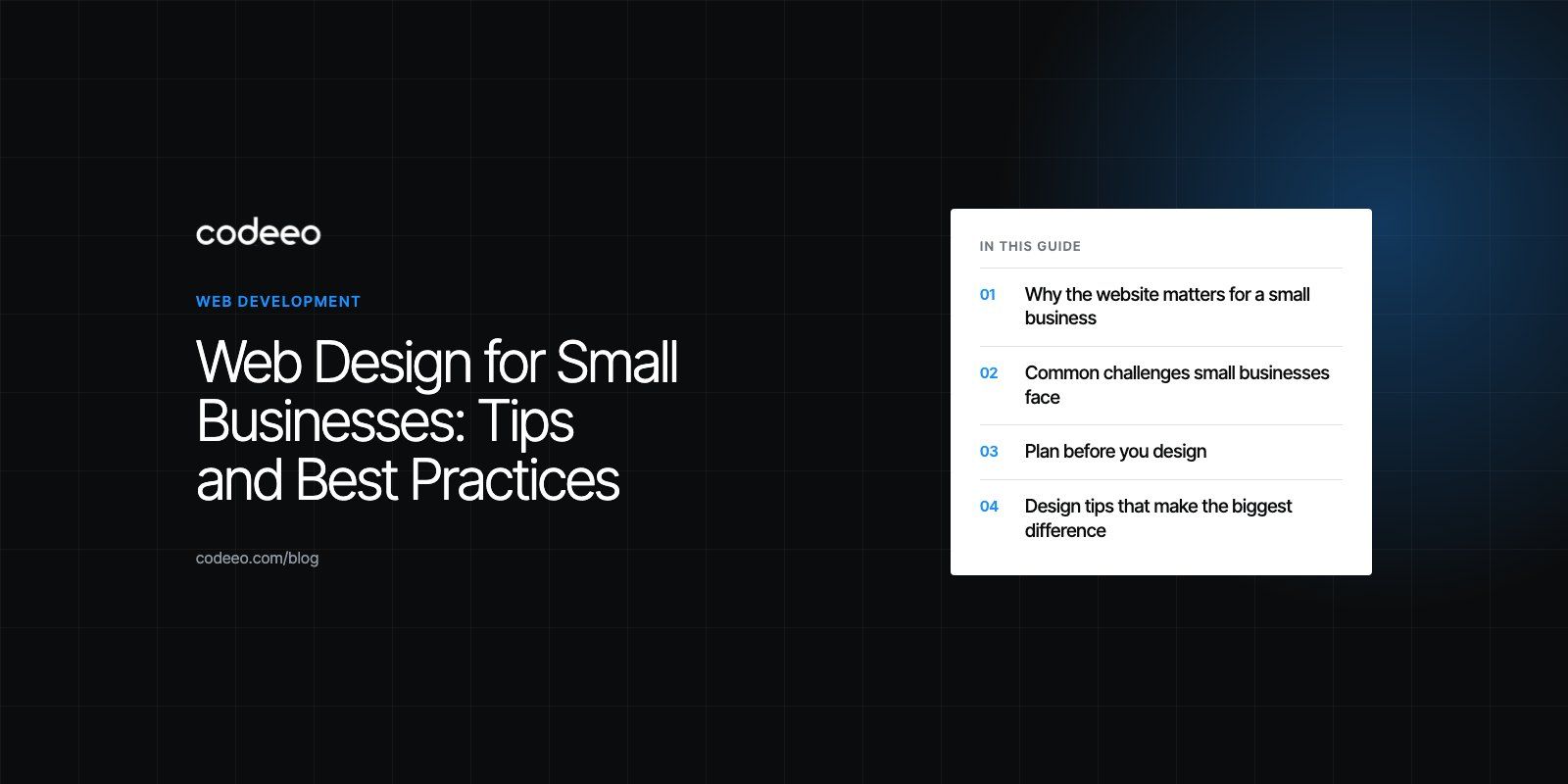
Good web design for small businesses comes down to a few things done well: a clear message on the first screen, simple navigation, a fast mobile experience, obvious calls to action, and content that answers customers' questions. Add basic security, accessibility and SEO, then keep the site updated. A small, focused site that does these things will usually outperform a large, impressive one that does not.
This guide covers why the website matters, the challenges small businesses face, how to plan, the design tips that make the biggest difference, and how to keep the site working after launch.
Why the website matters for a small business
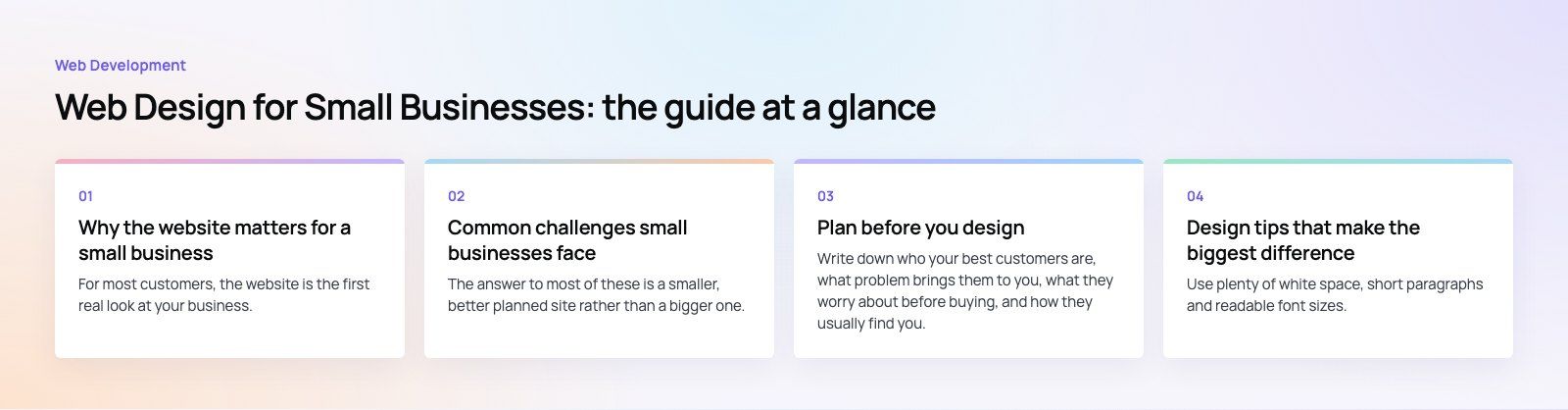
For most customers, the website is the first real look at your business. They check it after seeing an ad, hearing a recommendation or finding you on a map. In a few seconds they decide whether you look credible, whether you offer what they need, and how to contact you.
| Benefit | What it means in practice |
|---|---|
| Customer acquisition | Clear calls to action turn visitors into calls, bookings and orders. |
| Credibility | A polished, current site signals that the business is active and trustworthy. |
| Brand awareness | Consistent visuals and messaging make the business memorable. |
| Always on marketing | The site answers questions and takes enquiries outside working hours. |
| Better decisions | Analytics show which pages and channels bring customers. |
What a well designed site does for you
- Engages customers. Visitors find what they need quickly and understand what makes you different.
- Generates leads and sales. Clear information on services, products and next steps turns interest into action.
- Reduces support load. FAQs, guides and booking tools answer routine questions without a phone call.
- Tells your story. An About page and real photos show the people and values behind the business.
Common challenges small businesses face
- Limited budget. Every spend competes with stock, staff and rent, so the site has to justify itself.
- Limited technical time. Owners rarely have hours to manage hosting, updates and plugins.
- An unclear audience. Trying to speak to everyone usually means speaking clearly to no one.
- Content creation. Writing pages and taking photos is time consuming and easy to postpone.
- Keeping up. Search guidance, browsers and customer expectations keep shifting.
The answer to most of these is a smaller, better planned site rather than a bigger one.
Plan before you design
Define your customer
Write down who your best customers are, what problem brings them to you, what they worry about before buying, and how they usually find you. Every page should help that person decide.
Set measurable goals
Decide what action you want visitors to take: call, book, request a quote, buy, or join a mailing list. Set goals that are specific and measurable, such as a target number of quote requests per month, so you can tell whether the site is working.
Define your brand basics
Pick a small set of fonts, colors and a tone of voice, and use them everywhere. Consistency builds recognition and trust faster than a busy design.
Choose the right platform
Hosted builders are quick to start and easy to edit, which suits very simple sites. A CMS such as WordPress gives more control, a large plugin ecosystem and room to grow. Make sure you own your domain and can move the site later.
Plan the pages
Most small business sites need a home page, a page for each main service or product group, an About page, a Contact page and a way to show proof such as reviews or examples of work. Add a blog only if you will keep it updated.
Design tips that make the biggest difference
Keep it simple and readable
Use plenty of white space, short paragraphs and readable font sizes. One clear message per section works better than several competing ones. Limit your color palette and use contrast to guide attention.
Design for mobile first
Many visitors will arrive on a phone, often from a map listing or social post. Design the mobile layout first: thumb friendly buttons, tap to call, short forms and fast loading. Then expand for larger screens.
Use clear calls to action
Tell visitors exactly what to do next, using verbs that match the action: "Book a consultation", "Get a quote", "Shop the range". Make the main button stand out and repeat it at natural decision points down the page.
Write content that answers questions
Explain what you offer, who it is for, what it includes, how the process works and what happens next. Use your customers' words, not internal jargon. Specifics build more trust than adjectives.
Prioritize user experience
Keep navigation short and predictable, put contact details where people expect them, and make sure every page has a logical next step. Test the site by asking someone outside the business to complete a task, such as booking an appointment, while you watch.
Use real, high quality images
Photos of your team, premises and work are far more persuasive than generic stock. Compress and size images correctly so they look sharp without slowing the page.
Best practices for the build
Security
Serve the whole site over HTTPS, keep the CMS, theme and plugins updated, use strong passwords with two factor sign in for admin accounts, and take regular backups stored off the server.
Accessibility
Add alt text to images, ensure good color contrast, make every feature usable with a keyboard and label form fields clearly. The WCAG 2.2 guidelines are the standard reference. Accessible sites are also easier for everyone to use.
Performance
Choose reliable hosting, compress images, limit plugins and third party scripts, and use caching. Google's Core Web Vitals measure loading, responsiveness and visual stability, and are a useful checklist for speed work. Our Core Web Vitals service focuses on exactly this.
SEO foundations
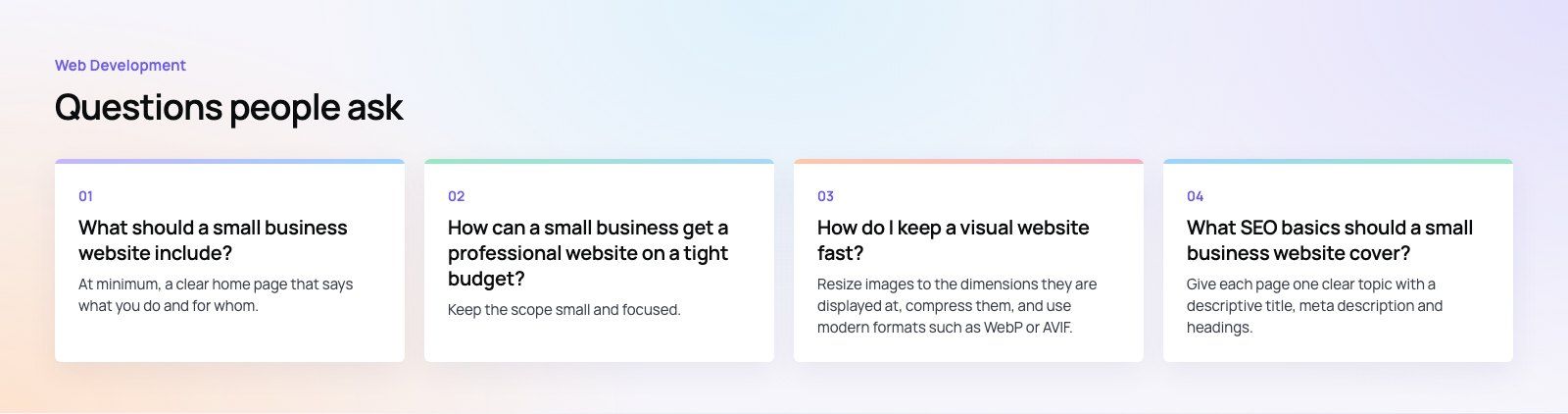
Give each page one clear topic, a descriptive title and a helpful meta description. Use headings logically, link related pages together and submit a sitemap. If you serve a local area, keep your business name, address and phone number consistent across the site and your map listings.
Navigation
Use short, descriptive menu labels, keep the main menu to a handful of items, and add breadcrumbs on deeper pages so visitors always know where they are.
Keep the site working after launch
- Update content regularly. Add new projects, reviews, products and answers to common questions. Remove anything out of date.
- Watch your analytics. Track enquiries, conversion rates and the pages people leave from. Fix the weakest page first.
- Apply updates promptly. Security patches for the CMS and plugins should not wait.
- Refresh carefully. Adopt new design ideas where they help, but avoid changes that confuse returning visitors.
Mistakes we often see
- Hiding the phone number or booking button below several screens of text.
- Slider banners with vague slogans instead of a clear statement of what the business does.
- Large, uncompressed images that make mobile pages slow.
- Contact forms that ask for more information than needed.
- Launching without analytics, so nobody knows which pages bring customers.
Getting started
Web design for small businesses works best when it is focused: know your customer, make the next step obvious, and keep the site fast and current. If you want help planning or rebuilding your site, Codeeo's web development and design teams have delivered more than 200 projects across the UAE and the US. You can also begin with a website audit or see how our digital marketing team brings visitors to the site once it is live.
Frequently asked questions
At minimum, a clear home page that says what you do and for whom, a page for each main service or product group, an About page, easy to find contact details and proof such as reviews or examples of work.
Every page should have an obvious next step, such as calling, booking or requesting a quote, and the site should work well on phones.
Web DevelopmentWordPress vs Drupal: Which CMS Is Right for Your Business?WordPress vs Drupal compared on ease of use, content modeling, security, performance, ecommerce and cost drivers, with five questions to help you choose. Web DevelopmentCustom Website Development vs Website Builders: Pros and ConsAn honest comparison of custom website development and website builders: control, cost over time, SEO, integrations, and how to decide which fits your business.
 Web DevelopmentWeb Development Consultant: What They Do and When to Hire OneWhat a web development consultant does, how the role differs from a developer or agency, when hiring one pays off and how to choose the right one.
Tell us what the business needs. We will tell you what to build first.
Schedule a free consultation and get a written recommendation, with costs, before you commit to anything.
Get in touchPROVEN RESULTS
4.7 / 5verified reviews on Google