 Web DevelopmentWordPress vs Drupal: Which CMS Is Right for Your Business?WordPress vs Drupal compared on ease of use, content modeling, security, performance, ecommerce and cost drivers, with five questions to help you choose.
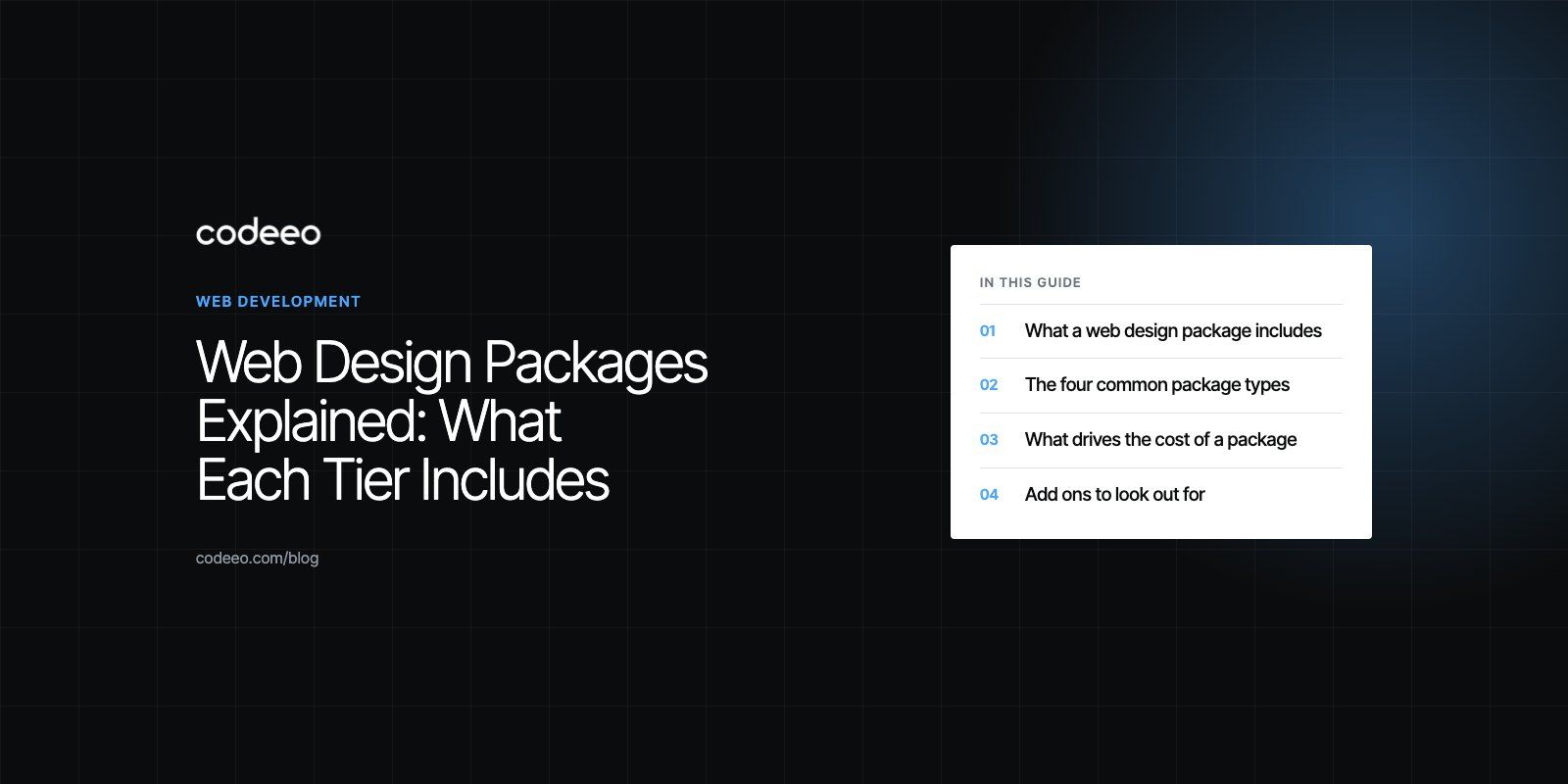
Web Design Packages Explained: What Each Tier Includes
Basic, standard, premium and custom web design packages explained: what each includes, what drives cost, common add ons and a checklist for comparing quotes.
A web design package is a bundle of services, usually design, development, a content management system, basic SEO and some support, sold as one scope. Most agencies offer a basic tier for small brochure sites, a standard tier for growing businesses, a premium tier with ecommerce or integrations, and a custom option for anything else. The right package is the one whose scope matches your goals, not the one with the longest feature list.
This guide explains what each type of package usually includes, what drives cost up or down, and how to compare quotes so you know exactly what you are buying.
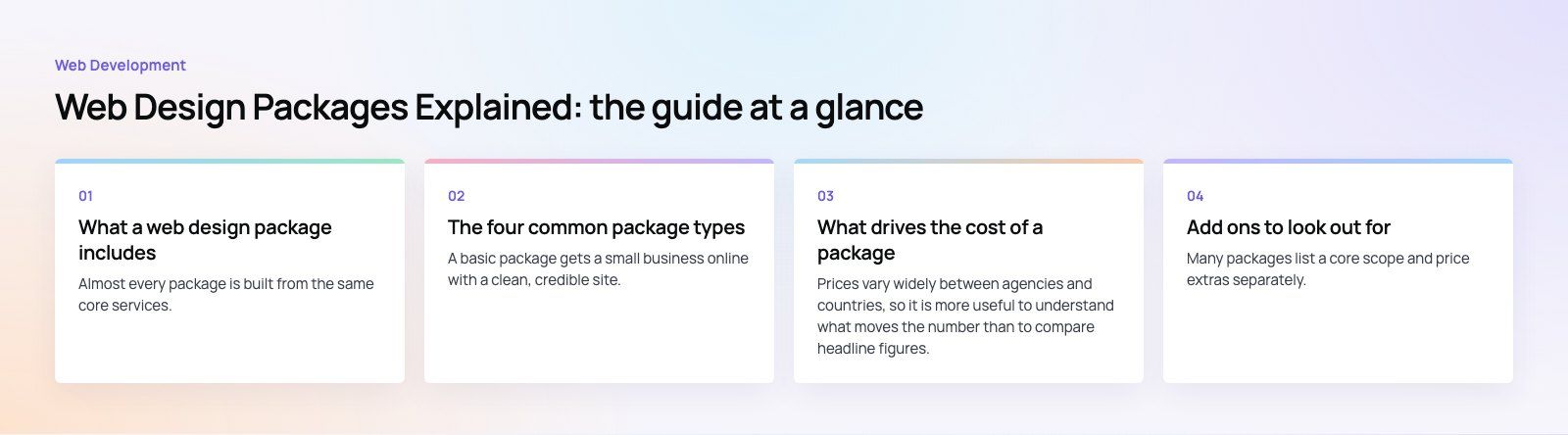
What a web design package includes
Almost every package is built from the same core services. The difference between tiers is how much of each you get.
- Design. Layout, typography, colors and imagery that reflect your brand, from a lightly adapted template to fully original page designs.
- Development. Turning the design into a working, responsive website that loads quickly on phones and desktops.
- Content management system (CMS). An editor, such as WordPress or a headless CMS, so your team can change text and images without code.
- SEO foundations. Clean page structure, titles and descriptions, sitemaps, redirects and fast loading, following guidance such as Google's SEO starter guide.
- Content. Sometimes copywriting and image sourcing, sometimes only uploading what you provide.
- Launch and support. Hosting setup, backups, security updates and a period of fixes after go live.
The four common package types
Basic package
A basic package gets a small business online with a clean, credible site. Expect a handful of core pages, such as Home, About, Services and Contact, built on a template or theme with your branding applied.
- Template based design with brand colors and logo
- Responsive build on a mainstream CMS such as WordPress
- Contact form, map and links to social profiles
- Basic on page SEO setup
It suits sole traders, new businesses and anyone who mainly needs to be found and contacted. Limits usually include few design changes, little custom functionality and content supplied by you.
Standard package
A standard package adds more pages, more design input and more functionality. The design is customized around your brand rather than lifted from a theme, and the site includes interactive elements that support lead generation.
- Custom designed key pages with a consistent design system
- A larger page count, often including a blog or news section
- Lead forms, booking or quote requests, and analytics setup
- Stronger SEO setup and speed tuning
This is the most common choice for established small and medium businesses that rely on the website for enquiries.
Premium package
A premium package covers larger sites and sites that do more than inform. It might include an online store, member areas, multiple languages or integrations with business systems.
- Original design across all templates, with prototyping and user testing
- Ecommerce on a platform such as WooCommerce or Shopify
- Integrations with CRM, ERP, payment or booking systems
- Content strategy, copywriting and a structured SEO plan
- Ongoing maintenance and performance monitoring
Custom package
A custom package is scoped from scratch. It suits platforms, portals, marketplaces and sites with unusual workflows where no tier fits. Expect a discovery phase before the main quote, because the scope has to be defined first.
| Package | Best for | Design | Typical functionality | Support |
|---|---|---|---|---|
| Basic | New and very small businesses | Theme with branding | Few pages, contact form | Short fix period |
| Standard | Growing service businesses | Customized design system | More pages, blog, lead capture, analytics | Fix period plus optional plan |
| Premium | Larger sites and online stores | Original, tested design | Ecommerce, integrations, languages | Ongoing maintenance |
| Custom | Platforms and complex workflows | Scoped to need | Whatever the product requires | Scoped to need |
What drives the cost of a package
Prices vary widely between agencies and countries, so it is more useful to understand what moves the number than to compare headline figures.
- Number of unique templates. Ten pages built from two templates cost less than ten pages each designed differently.
- Design originality. Adapting a theme is quicker than designing from a blank canvas with prototypes and testing.
- Functionality. Booking, ecommerce, member areas, calculators and search all add build and testing time.
- Integrations. Each connection to a CRM, ERP, payment gateway or marketing tool adds work and risk.
- Content. Copywriting, photography and migration of old content are often the most underestimated items.
- Languages. A bilingual site, especially one that includes a right to left language, needs layout work as well as translation.
- Support and hosting. Ongoing maintenance, monitoring and hosting are usually separate recurring items.
Add ons to look out for
Many packages list a core scope and price extras separately. Check whether these are included or charged on top:
- Extra pages or templates beyond the package limit
- Additional design revision rounds
- Copywriting, stock photography or video
- Advanced SEO, such as keyword research and content plans
- Accessibility work against WCAG 2.2
- Training for your team on the CMS
- Paid plugins, licenses or third party services
Checklist for choosing a package
Start with goals, not features
Write down what the site must achieve: enquiries, bookings, online sales, recruitment or credibility with investors. Then check which package delivers those outcomes. A beautiful site that does not generate leads is an expensive brochure.
Know your audience
List the questions your customers ask before buying and make sure the page plan answers them. A clinic needs treatments and booking; an online store needs search, filters and a fast checkout.
Check the CMS and ownership
Ask which CMS the site uses, whether your team can edit it easily, and who owns the domain, hosting account, design files and code at the end. You should be able to move providers without rebuilding.
Plan for growth
Choose a structure that can take more pages, languages or products later without a rebuild. A cheap package on a closed builder can cost more in the long run if you outgrow it.
Review real work
Look at the provider's live sites, not just screenshots. Test them on your phone. For example, EGL Aesthetic is a WordPress site for an aesthetic clinic with a custom child theme, and HMS is a content managed site for a physiotherapy and sports medicine group with treatments, events and appointment requests.
Agree on communication and support
Ask who your contact is, how feedback rounds work, and what happens after launch. Get the support terms in writing: response times, what counts as a fix, and what counts as new work.
Mistakes we often see
- Comparing quotes with different scopes. One quote includes content and SEO, another does not. Line up the inclusions before comparing totals.
- Leaving content to the end. Missing copy and images are the most common cause of delayed launches.
- Ignoring speed and SEO at launch. Fixing structure, redirects and performance later costs more than doing it in the build.
- No migration plan. Replacing an old site without redirects can lose existing search rankings.
Finding the right fit
Web design packages are a useful starting point, but the best results come from matching scope to what your business needs the site to do. If you want a clear scope before you compare quotes, Codeeo's web development and design teams can help, or you can start with a website audit of your current site.
Frequently asked questions
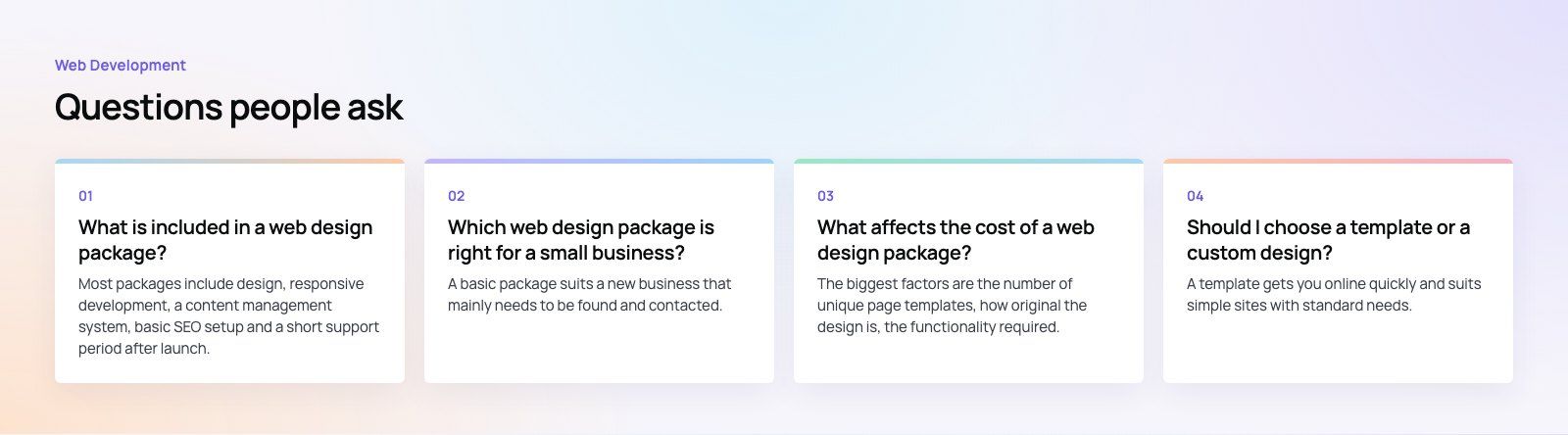
Most packages include design, responsive development, a content management system, basic SEO setup and a short support period after launch.
Higher tiers add more pages, original design, ecommerce, integrations, copywriting and ongoing maintenance. Always ask for a written list of inclusions, because two packages with the same name can cover very different work from one provider to the next.
Web DevelopmentWordPress vs Drupal: Which CMS Is Right for Your Business?WordPress vs Drupal compared on ease of use, content modeling, security, performance, ecommerce and cost drivers, with five questions to help you choose. Web DevelopmentCustom Website Development vs Website Builders: Pros and ConsAn honest comparison of custom website development and website builders: control, cost over time, SEO, integrations, and how to decide which fits your business.
 Web DevelopmentWeb Development Consultant: What They Do and When to Hire OneWhat a web development consultant does, how the role differs from a developer or agency, when hiring one pays off and how to choose the right one.
Tell us what the business needs. We will tell you what to build first.
Schedule a free consultation and get a written recommendation, with costs, before you commit to anything.
Get in touchPROVEN RESULTS
4.7 / 5verified reviews on Google