 Web DevelopmentWordPress vs Drupal: Which CMS Is Right for Your Business?WordPress vs Drupal compared on ease of use, content modeling, security, performance, ecommerce and cost drivers, with five questions to help you choose.
Web Development Technologies: A Plain Guide to the Modern Stack
HTML, CSS, JavaScript, frameworks, back end languages, databases, APIs and hosting explained in plain terms, with advice on choosing a stack for your project.
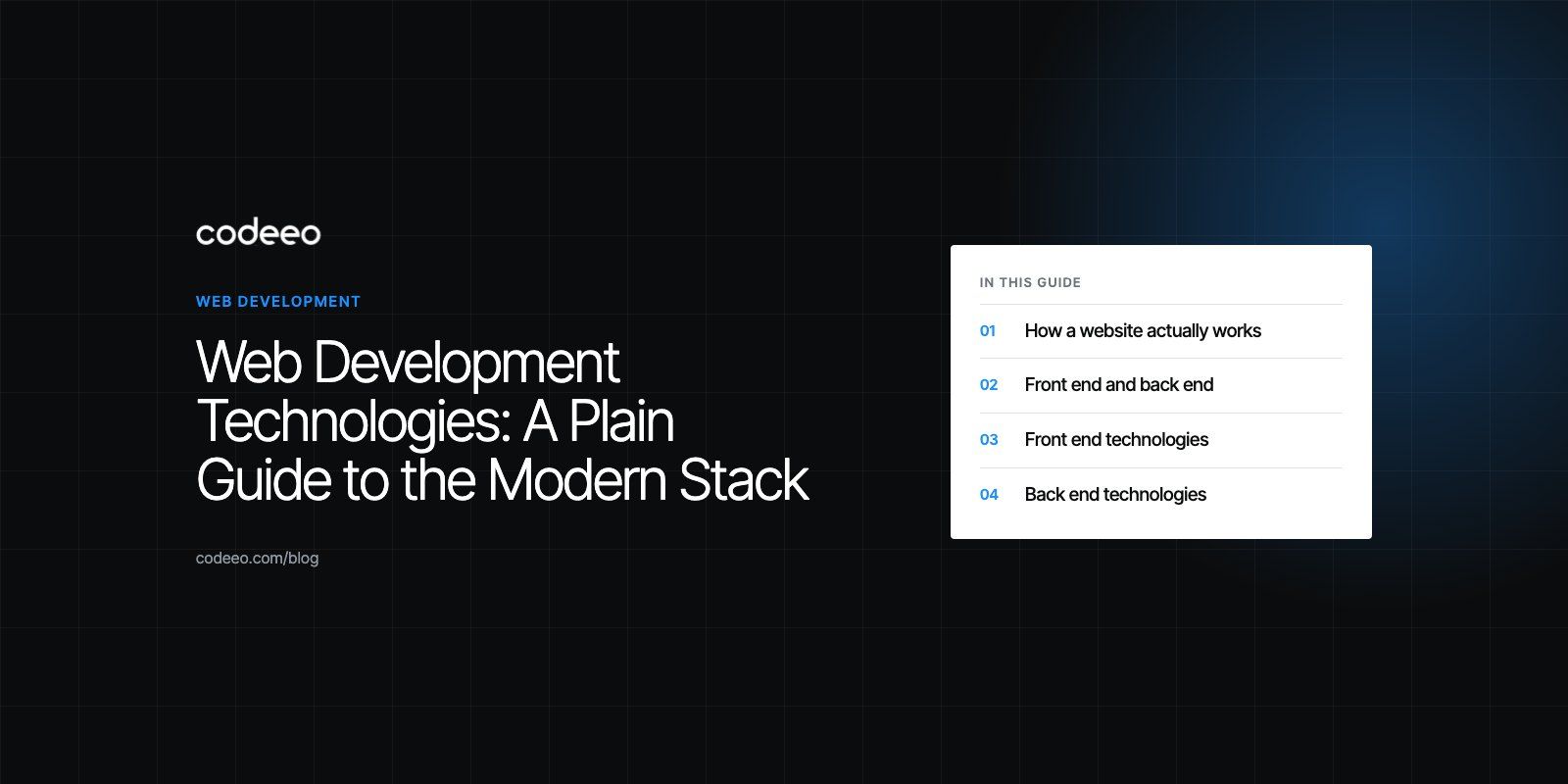
Web development technologies are the languages, frameworks, databases and protocols used to build websites and web applications. Every site rests on the same three browser languages, HTML, CSS and JavaScript, plus a back end that stores data and answers requests over HTTP. What changes from project to project is which frameworks, databases and hosting you put on top of that foundation.
This guide explains each layer in plain terms, how the pieces fit together and how to choose a sensible stack for your own project.
How a website actually works
When someone types an address or taps a link, their browser sends a request to a web server. The server works out what to send back, often by reading from a database, and returns a response. The browser then turns that response into the page the visitor sees.
- The web: a network of linked documents and applications reached over the internet using shared rules.
- The browser: software such as Chrome, Safari or Firefox that requests pages and renders them.
- The web server: a program that receives requests and returns files or generated pages.
- The web page: a document built from HTML, styled with CSS and made interactive with JavaScript.
Everything else in web development is a way to build, speed up or organize one of these parts.
Front end and back end
Web development splits into two halves.
The front end is everything that runs in the browser: layout, text, images, buttons, forms and animations. It is sometimes called the client side.
The back end runs on servers the visitor never sees. It stores data, checks who is signed in, processes payments, sends emails and connects to other systems. It is sometimes called the server side.
A developer who works across both is often called full stack. On larger projects, the two halves are usually built by different specialists who agree on an API between them.
Front end technologies
HTML
HyperText Markup Language describes the structure and meaning of a page: headings, paragraphs, lists, links, images and forms. Good HTML matters more than it looks. Screen readers, search engines and browsers all rely on it to understand what each part of the page is.
CSS
Cascading Style Sheets control how the page looks: colors, fonts, spacing and layout. Two layout systems do most of the heavy lifting today. Flexbox arranges items in a single row or column. CSS Grid handles two dimensional layouts with rows and columns together. Media queries and container queries let one design adapt from a phone to a wide desktop screen.
JavaScript
JavaScript makes pages interactive. It validates forms, updates content without a full reload, powers menus and filters, and talks to back end APIs. Techniques once called Ajax, where the page fetches data in the background, are now simply how modern JavaScript works through the built in fetch function. TypeScript, a typed version of JavaScript, is widely used on larger projects because it catches many mistakes before code runs.
Front end frameworks
Writing a large interface in plain JavaScript gets hard to maintain. Frameworks give structure:
- React builds interfaces from reusable components and has a very large ecosystem. Teams often pair it with React development specialists for complex products.
- Next.js adds routing, server rendering and static generation on top of React, which helps speed and search visibility. See our Next.js developers page for when it fits.
- Vue and Angular are mature alternatives, each with its own conventions.
- Svelte compiles components into small, fast JavaScript.
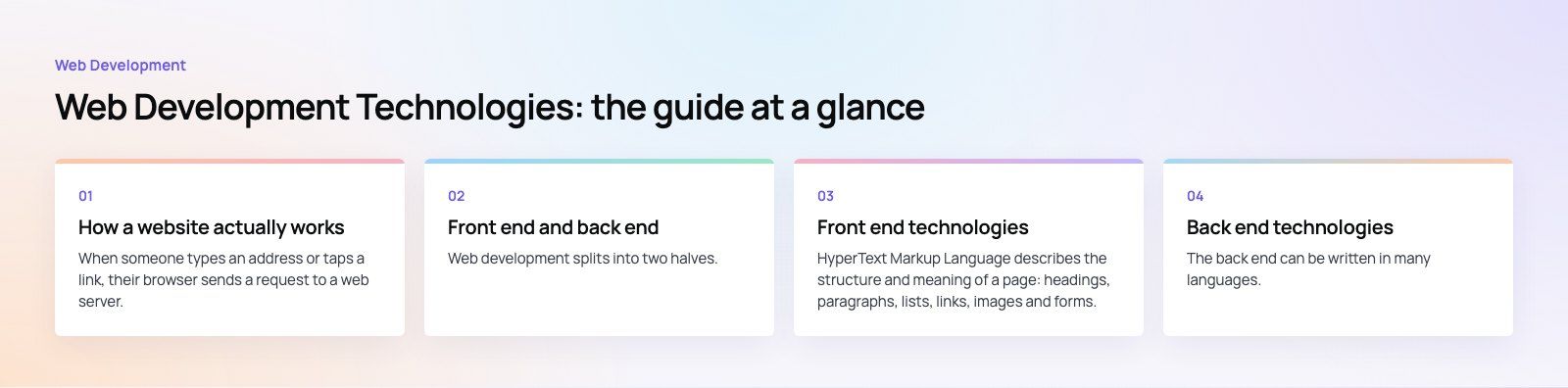
Back end technologies
The back end can be written in many languages. The right one depends on your team, your hosting and the libraries you need.
- PHP runs a large share of the web, including WordPress. Modern frameworks such as Laravel make it a strong choice for business applications.
- Node.js runs JavaScript on the server, so one language covers both halves of the stack. It suits APIs and real time features such as chat.
- Python, with frameworks such as Django and FastAPI, is popular for data heavy products and anything near machine learning.
- Java and C# with .NET are common in large enterprises, banks and systems that need strict typing and long term support.
- Go and Ruby each have loyal followings, for fast services and for quick product development respectively.
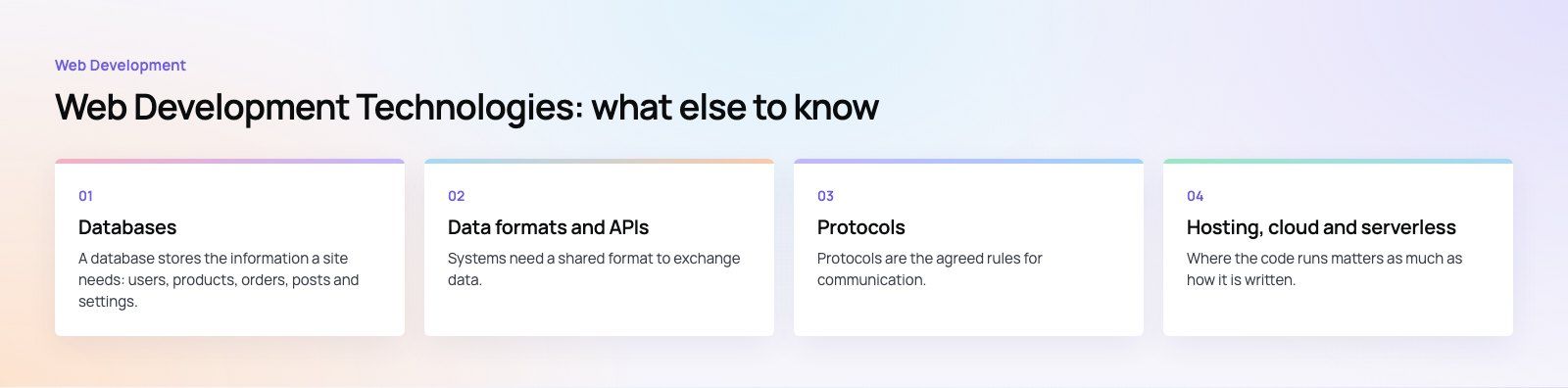
Databases
A database stores the information a site needs: users, products, orders, posts and settings.
| Type | Examples | Strengths | Typical use |
|---|---|---|---|
| Relational (SQL) | PostgreSQL, MySQL, SQL Server | Structured tables, strong consistency, powerful queries | Ecommerce, finance, most business apps |
| Document | MongoDB, Firestore | Flexible records without a fixed schema | Content with varied fields, fast prototypes |
| Key value and cache | Redis | Very fast reads and writes held in memory | Sessions, caching, queues |
| Search | Elasticsearch, OpenSearch | Full text search and filtering | Product search, large content libraries |
Most projects start with one relational database and add a cache or search engine only when they need it.
Data formats and APIs
Systems need a shared format to exchange data. JSON is the default for web APIs because it is light and maps directly to JavaScript objects. XML is still common in older enterprise systems, sitemaps and RSS feeds.
An API, or application programming interface, is the contract that lets one system ask another for data or actions. REST APIs use ordinary web addresses and HTTP methods. GraphQL lets the client ask for exactly the fields it needs. Most real projects rely on several third party APIs for payments, maps, email and analytics.
Graphics on the web
- SVG draws sharp, scalable icons, logos and charts using XML.
- Canvas draws pixels with JavaScript, useful for games and heavy visualizations.
- WebGL and its successor WebGPU give access to the graphics card for 3D scenes.
- Modern image formats such as WebP and AVIF cut file sizes compared with older formats.
Protocols
Protocols are the agreed rules for communication. HTTP is the request and response protocol behind every page load, and HTTPS adds encryption, which is now expected on every site. Underneath sit TCP and UDP, which carry the data across networks. Other protocols you may meet include SMTP for email, WebSockets for live two way connections, and SFTP for moving files to servers securely.
Hosting, cloud and serverless
Where the code runs matters as much as how it is written. Options range from shared hosting for simple sites, through virtual private servers and managed platforms, to cloud providers. Serverless functions run code only when a request arrives, so you do not manage servers at all. A content delivery network keeps copies of files close to visitors around the world, which makes pages load faster.
Content management systems
Many sites do not need a custom back end at all. A content management system lets editors publish without developers. WordPress is the most widely used option and suits marketing sites and blogs, which is where WordPress development usually fits. Headless systems such as Strapi or Contentful store content and serve it through an API to any front end, which suits sites with apps or several channels.
Newer technologies worth knowing
- Progressive web apps add offline support, home screen installation and push notifications to a website.
- WebAssembly runs compiled code from languages such as Rust or C++ in the browser at near native speed, useful for editors, games and data tools.
- Edge computing runs code in data centers close to the visitor for faster responses.
- AI features such as search, summaries and chat are increasingly added through APIs rather than built from scratch.
How to choose a stack for your project
- Start from the job. A marketing site, an online store and a booking platform need very different things.
- Consider who will maintain it. A popular, well documented stack is easier to hire for and hand over.
- Check your integrations. Payment gateways, CRMs and ERPs often have better libraries for some languages than others.
- Plan for speed and search. Server rendering or static generation helps both.
- Avoid novelty for its own sake. New tools are exciting, but stable ones are cheaper to run for years.
If you are deciding on a stack for a new site or rebuilding an old one, our web development team can recommend a stack based on your content, integrations and who will maintain it. Codeeo has delivered 200+ projects across the UAE and the US. A platform fit review is a short way to test an existing choice.
Frequently asked questions
The core technologies are HTML, CSS and JavaScript.
HTML gives a page its structure, CSS controls how it looks and JavaScript makes it interactive. Every browser understands these three, so every website relies on them. On top of that foundation sit back end languages, databases, frameworks and hosting, which vary from one project to another depending on what the site needs to do.
Web DevelopmentWordPress vs Drupal: Which CMS Is Right for Your Business?WordPress vs Drupal compared on ease of use, content modeling, security, performance, ecommerce and cost drivers, with five questions to help you choose. Web DevelopmentCustom Website Development vs Website Builders: Pros and ConsAn honest comparison of custom website development and website builders: control, cost over time, SEO, integrations, and how to decide which fits your business.
 Web DevelopmentWeb Development Consultant: What They Do and When to Hire OneWhat a web development consultant does, how the role differs from a developer or agency, when hiring one pays off and how to choose the right one.
Tell us what the business needs. We will tell you what to build first.
Schedule a free consultation and get a written recommendation, with costs, before you commit to anything.
Get in touchPROVEN RESULTS
4.7 / 5verified reviews on Google