 Web DevelopmentWordPress VIP or Self Hosted Enterprise WordPress in the UAEWordPress VIP or self hosted enterprise WordPress in the UAE: compare data residency, hosting SLA, cost drivers and code review rules, plus key setup notes.
Website Management Packages: What to Include at Each Business Size
What a website management package should include for small, growing and enterprise businesses, what drives the cost, and how to choose a provider.
A website management package is an ongoing service that keeps your site updated, secure, fast and current, usually covering software updates, backups, security monitoring, performance checks, content changes and support. Small businesses need the essentials done reliably, growing businesses add SEO, reporting and faster support, and large organizations need continuous monitoring, formal security and a dedicated team.
This guide explains what belongs in a package, what to expect at each business size, and how to compare providers without being sold services you do not need.
Why websites need ongoing management
A website is not finished at launch. The CMS, plugins, themes, server software and third party scripts all release updates, and browsers and search engines keep changing what they expect. Left alone, a site gradually becomes slower, less secure and less accurate.
Updates and compatibility
Platforms such as WordPress release core, plugin and theme updates regularly, and the official WordPress guide to updating advises backing up your site before you update. A management package handles these updates, tests them on staging first, and rolls back if something breaks.
Security
Outdated software is one of the most common ways sites get compromised. Good management covers patching, malware scanning, a web application firewall, strong admin access controls and tested backups. The OWASP Top Ten is a useful reference for the categories of risk a provider should understand.
Performance
Speed affects both conversions and search. Google's Core Web Vitals guidance explains the loading, responsiveness and visual stability measures it uses. Ongoing work includes image optimization, caching, removing unused plugins and scripts, and watching these metrics after every change.
Content
Out of date prices, staff, opening hours or service pages cost trust quickly. Many packages include a set amount of content changes each month so the marketing team is not waiting on a developer.
Focus
Handing routine upkeep to a specialist frees your team to work on the business rather than plugin conflicts and expired certificates.
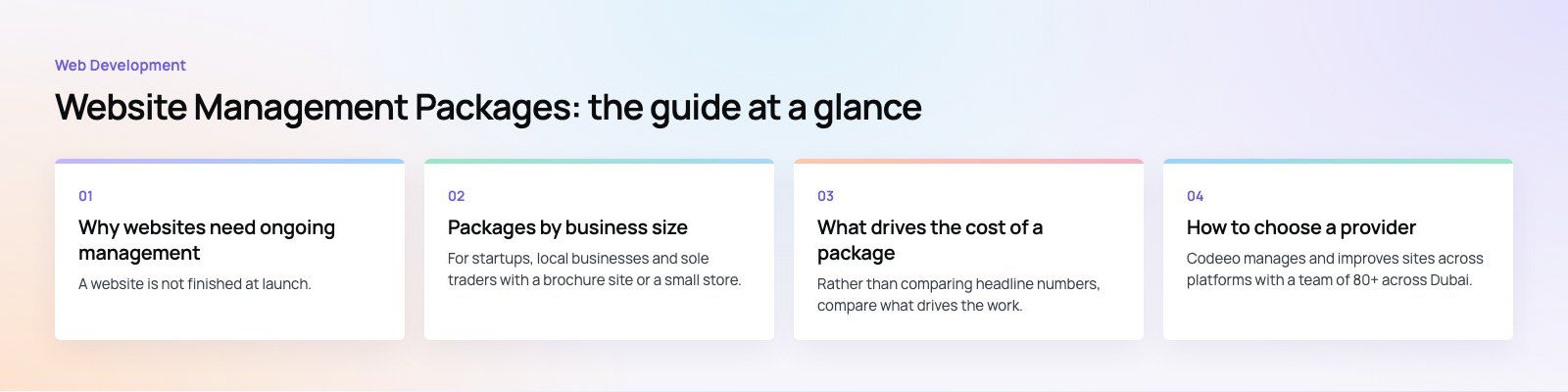
Packages by business size
Small business package
For startups, local businesses and sole traders with a brochure site or a small store. The goal is a site that stays secure and accurate without anyone in house needing technical skills.
- Monthly CMS, theme and plugin updates, tested before going live
- Automated daily or weekly backups stored off the server, with periodic restore tests
- Uptime monitoring and basic malware scanning
- SSL certificate renewal checks
- A small allowance of content updates each month
- Basic speed checks and image optimization
- Basic on page SEO hygiene: titles, descriptions, broken links
- Email support during business hours
Growing business package
For businesses where the website drives leads or sales, including e-commerce stores and companies with several locations or services.
- Updates applied more often, with staging tests and change logs
- Web application firewall, login protection and regular vulnerability scans
- More frequent content updates, including new landing pages
- Performance work: caching, CDN setup, database cleanup and Core Web Vitals monitoring
- Ongoing SEO: technical fixes, local SEO and content recommendations
- Monthly reporting on traffic, conversions, speed and issues found
- Faster support with agreed response times
Enterprise package
For large organizations, high traffic sites, multi language sites and listed companies with disclosure obligations.
- Continuous monitoring with alerting and an on call process
- Formal security: DDoS protection, regular audits, penetration testing and access reviews
- Content operations with editorial workflows and approval rules
- Infrastructure management: load balancing, scaling, server tuning and disaster recovery plans
- Technical and international SEO, structured data and regular audits
- Custom dashboards, A/B testing support and quarterly roadmaps
- A named team with a service level agreement
| Area | Small business | Growing business | Enterprise |
|---|---|---|---|
| Updates | Monthly, tested | More frequent, staged with change logs | Continuous, with release process |
| Security | Scanning, backups, SSL | Firewall, vulnerability scans | Audits, penetration tests, DDoS protection |
| Performance | Basic checks | CDN, caching, Core Web Vitals | Infrastructure and scaling |
| Content | Small monthly allowance | Regular updates and landing pages | Editorial workflow and approvals |
| SEO | Basic hygiene | Technical and local SEO | Technical, international, structured data |
| Reporting | Short summary | Monthly report | Dashboards and quarterly reviews |
| Support | Business hours | Agreed response times | Named team with an SLA |
What drives the cost of a package
Rather than comparing headline numbers, compare what drives the work.
- Platform and complexity. A simple CMS site needs less than a store with many plugins or a custom application.
- Number of integrations. Payment gateways, CRMs, ERPs and booking systems all need checking after updates.
- Content volume. The number of changes you expect each month.
- Risk. Sites handling payments, personal data or regulated disclosures need more security and monitoring.
- Response time. Faster and out of hours support costs more to staff.
- Languages and markets. Each language version adds content and testing work.
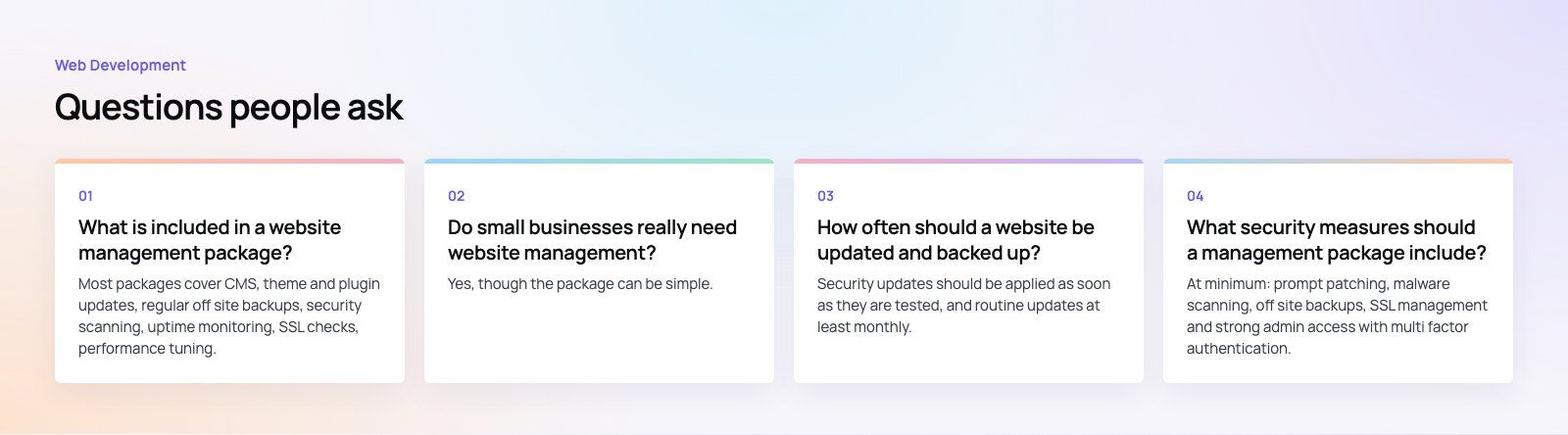
How to choose a provider
- Start with an audit. A provider should review your current site before proposing a package, so the plan fits what you actually run.
- Ask how updates are tested. Look for a staging environment and a rollback plan, not updates applied straight to the live site.
- Ask where backups go and when they were last restored. A backup that has never been restored is an assumption.
- Read the reporting sample. A good report shows what was done, what was found and what is recommended next.
- Check ownership. Make sure you own the domain, hosting accounts, admin logins and code, and can leave with everything.
- Define what is out of scope. New features and redesigns are usually separate from management, so agree how they are quoted.
Codeeo manages and improves sites across platforms with a team of 80+ across Dubai, Riyadh and Karachi and 200+ projects delivered across the UAE and the US. For corporate sites like Modon Holding, the website is a disclosure surface where governance documents and financial reporting have to publish reliably, which is the kind of requirement a management plan must be built around.
A website audit is the simplest place to start, and if speed is the main concern our speed optimization quick start and Core Web Vitals service focus on that. For WordPress sites, our WordPress development team handles updates, security and ongoing improvements.
Frequently asked questions
Most packages cover CMS, theme and plugin updates, regular off site backups, security scanning, uptime monitoring, SSL checks, performance tuning, a set amount of content changes and technical support.
Higher tiers add firewalls, vulnerability scans, SEO work, monthly reporting and faster response times. Enterprise plans typically add continuous monitoring, formal security audits, infrastructure management and a named team with a service level agreement.
Web DevelopmentWordPress VIP or Self Hosted Enterprise WordPress in the UAEWordPress VIP or self hosted enterprise WordPress in the UAE: compare data residency, hosting SLA, cost drivers and code review rules, plus key setup notes. Web DevelopmentWhat a WordPress Maintenance SLA Should CoverWhat WordPress maintenance services should cover in writing: core and plugin updates, security, backups, multilingual publishing support and response times.
 Web DevelopmentWordPress Release Management: Staging, QA and RollbackA WordPress deployment workflow that releases safely: Git based builds, a staging site that mirrors live, smoke tests to run and a rollback plan written first.
Tell us what the business needs. We will tell you what to build first.
Schedule a free consultation and get a written recommendation, with costs, before you commit to anything.
Get in touchPROVEN RESULTS
4.7 / 5verified reviews on Google