 Web DevelopmentWordPress vs Drupal: Which CMS Is Right for Your Business?WordPress vs Drupal compared on ease of use, content modeling, security, performance, ecommerce and cost drivers, with five questions to help you choose.
What Affects Website Speed: 7 Factors and How to Fix Them
Server response, images, JavaScript, requests, caching, fonts and distance: the seven factors behind a slow website and the first fix to try for each.

The factors that affect website speed most are how fast the server responds, how heavy the images are, how much JavaScript and CSS the browser has to download and run, how fonts load, whether the browser can reuse cached files, and how far the content travels to reach the visitor. Fix those six and most sites get noticeably faster, on both mobile and desktop.
Speed is not a vanity metric. Slow pages lose visitors before they see anything, convert fewer of the ones who stay, and score worse on the Core Web Vitals that Google uses as part of its page experience signals. This guide explains each factor, how to spot it and what to do about it.
How speed is measured: Core Web Vitals
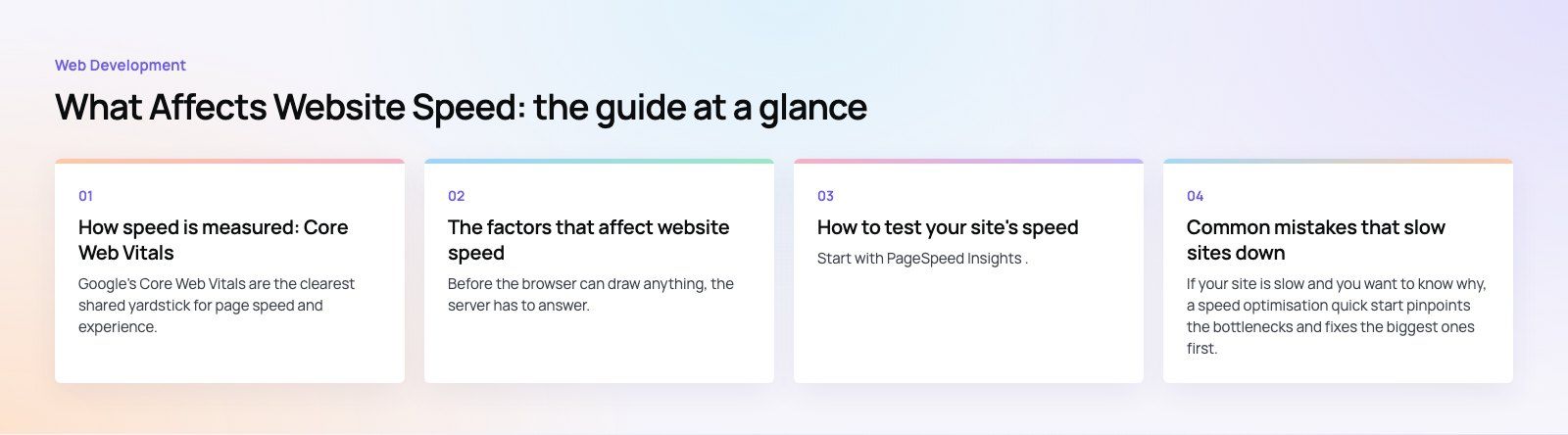
Google's Core Web Vitals are the clearest shared yardstick for page speed and experience. As of 2026, web.dev defines three metrics and their "good" thresholds:
| Metric | What it measures | Good result |
|---|---|---|
| Largest Contentful Paint (LCP) | Loading: how long until the main content appears | Within 2.5 seconds |
| Interaction to Next Paint (INP) | Responsiveness: how quickly the page reacts to taps, clicks and typing | 200 milliseconds or less |
| Cumulative Layout Shift (CLS) | Visual stability: how much the layout jumps while loading | 0.1 or less |
If you read older guides, you will see First Input Delay (FID) listed instead of INP. Google replaced FID with INP in March 2024, because INP measures every interaction on the page rather than only the first one.
Google describes Core Web Vitals as part of its page experience guidance. Good scores will not rescue weak content, but poor scores are a disadvantage you can avoid.
The factors that affect website speed
1. Server response time
Before the browser can draw anything, the server has to answer. That first wait, often called Time to First Byte, is shaped by hosting quality, server configuration, database queries and how much work runs on every request.
- Choose hosting that matches your traffic. Cheap shared hosting is often the single biggest bottleneck on business sites.
- Cache pages on the server. Serving a stored copy of a page is far faster than building it from the database each time.
- Fix slow queries. A handful of unindexed queries can slow every page.
- Measure from the right place. Test from where your visitors are, not only from your office connection.
2. Images
Images are usually the heaviest files on a page and often the Largest Contentful Paint element.
- Use modern formats. WebP and AVIF are much smaller than JPEG or PNG at similar quality.
- Size images for their slot. Do not send a 3,000 pixel wide photo into a 600 pixel column. Use responsive images so phones get smaller files.
- Compress. Most images can lose a large share of their weight with no visible difference.
- Lazy load below the fold, but never lazy load the main hero image, because that delays LCP.
- Set width and height on every image so the browser reserves space and the layout does not shift.
3. JavaScript and CSS
JavaScript is the most common cause of poor responsiveness. The browser has to download, parse and run it, and while it runs, the page cannot react to the visitor.
- Remove what you do not use. Old plugins, unused libraries and abandoned tracking tags all cost time.
- Minify and compress. Minification strips whitespace and comments; serving files with Brotli or gzip compression shrinks them further.
- Defer non essential scripts so they load after the main content.
- Split code so each page loads only what it needs.
- Inline critical CSS for the top of the page and load the rest without blocking rendering.
- Audit third party scripts. Chat widgets, heatmaps and ad tags are frequent offenders.
4. Number of requests
Each file the page requests adds overhead. Modern HTTP/2 and HTTP/3 handle many small files far better than older protocols did, so combining files matters less than it once did. It still pays to cut unnecessary requests: fewer fonts, fewer icon files (use an SVG sprite or inline SVG), and fewer third party domains, each of which needs its own connection.
5. Browser caching
Browser caching lets returning visitors reuse files they already downloaded. Set long cache lifetimes on static assets such as images, fonts, CSS and JavaScript, and add a version or hash to file names so a new release is picked up immediately. Repeat visits then load almost instantly.
6. Fonts
Web fonts can block text from appearing, or cause it to jump when the font arrives.
- Use the WOFF2 format.
- Limit the number of families and weights. Each weight is a separate file.
- Use font-display: swap so text shows immediately in a fallback font.
- Preload the one or two fonts used above the fold.
- Consider self hosting fonts to avoid an extra connection to another domain.
7. Distance and the CDN
Data takes time to travel. A content delivery network stores copies of your files on servers around the world and serves each visitor from a nearby one. For a site with visitors in several countries, a CDN is one of the simplest ways to cut load time, and many CDNs can also cache whole pages, compress files and convert images on the fly.
Speed factors at a glance
| Factor | Main effect | First fix to try |
|---|---|---|
| Server response | Delays everything | Page caching and better hosting |
| Images | Slow LCP, heavy pages | WebP or AVIF, correct sizes, compression |
| JavaScript and CSS | Poor INP, blocked rendering | Remove unused code, defer scripts |
| Requests | Connection overhead | Fewer fonts, icons and third party domains |
| Browser caching | Slow repeat visits | Long cache headers on static files |
| Fonts | Invisible or jumping text | WOFF2, fewer weights, font-display swap |
| Distance | Slow for far away visitors | A content delivery network |
How to test your site's speed
Start with PageSpeed Insights. It shows real visitor data from Chrome users where enough exists, plus a lab test with specific recommendations. Search Console's Core Web Vitals report groups problem pages across the whole site. Browser developer tools and GTmetrix help you see exactly which files load and in what order.
Two habits make testing useful:
- Test on mobile first. Most visitors are on phones, often on slower connections and less powerful devices.
- Trust field data over lab data. Lab scores vary from run to run. What real visitors experience is what counts.
Common mistakes that slow sites down
- Too many plugins. On WordPress especially, every plugin can add scripts and database queries.
- Heavy page builders and sliders that load large libraries on every page.
- Autoplay background video on the home page.
- Lazy loading the hero image, which makes LCP worse, not better.
- Treating speed as a one off job. New content, tags and plugins creep in, so check performance after every significant change.
If your site is slow and you want to know why, a speed optimisation quick start pinpoints the bottlenecks and fixes the biggest ones first. For ongoing work, our Core Web Vitals service covers LCP, INP and CLS in detail, and our WordPress development and web development teams build sites to be fast from the start. A broader website audit is useful if speed is one of several concerns.
Frequently asked questions
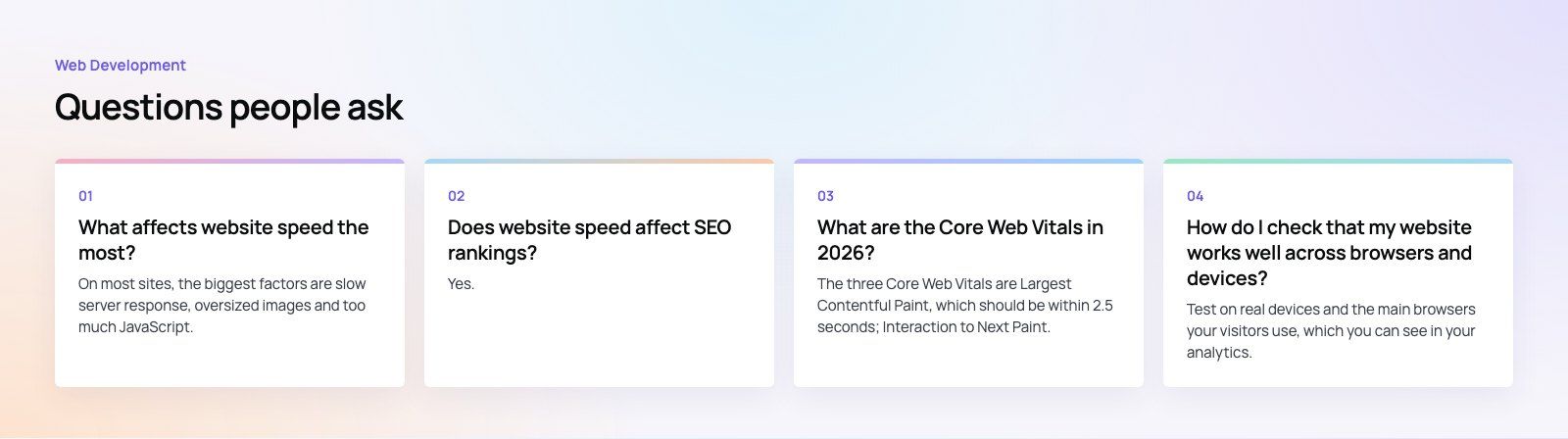
On most sites, the biggest factors are slow server response, oversized images and too much JavaScript.
Server response delays everything else, images are usually the heaviest files on the page, and JavaScript blocks the browser from responding to visitors. Fixing hosting and caching, converting and resizing images, and removing unused scripts typically produces the largest improvement for the least effort.
Web DevelopmentWordPress vs Drupal: Which CMS Is Right for Your Business?WordPress vs Drupal compared on ease of use, content modeling, security, performance, ecommerce and cost drivers, with five questions to help you choose. Web DevelopmentCustom Website Development vs Website Builders: Pros and ConsAn honest comparison of custom website development and website builders: control, cost over time, SEO, integrations, and how to decide which fits your business.
 Web DevelopmentWeb Development Consultant: What They Do and When to Hire OneWhat a web development consultant does, how the role differs from a developer or agency, when hiring one pays off and how to choose the right one.
Tell us what the business needs. We will tell you what to build first.
Schedule a free consultation and get a written recommendation, with costs, before you commit to anything.
Get in touchPROVEN RESULTS
4.7 / 5verified reviews on Google