 Web DevelopmentWordPress vs Drupal: Which CMS Is Right for Your Business?WordPress vs Drupal compared on ease of use, content modeling, security, performance, ecommerce and cost drivers, with five questions to help you choose.
What Is a Headless CMS and How Do You Choose One?
How a headless CMS works, how it compares with a traditional CMS, the main types on the market, and a practical checklist for choosing the right one.
A headless content management system stores and organizes your content but does not decide how it looks. It hands that content to any website, app or screen through an API, so your developers can build each front end with whatever tools suit it. You get one place to edit content and full freedom over design and performance on every channel.
That freedom comes with responsibilities a traditional CMS handles for you, such as previews, page layouts and hosting the front end. This guide explains how a headless CMS works, the main types on the market, where it pays off, and how to pick one without regretting it a year later.
How a headless CMS works
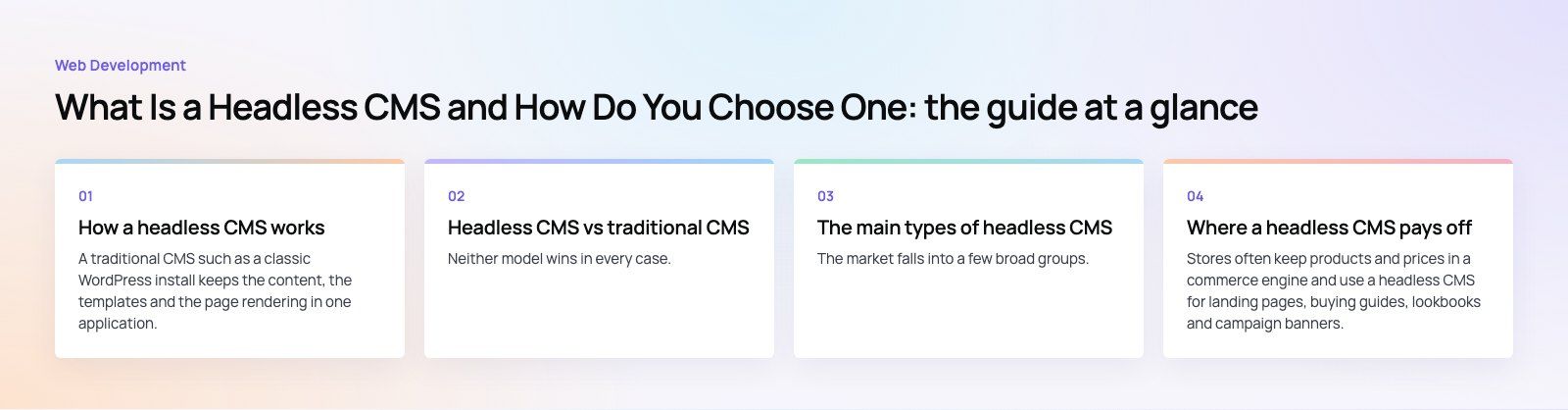
A traditional CMS such as a classic WordPress install keeps the content, the templates and the page rendering in one application. The editor writes a post, the theme decides the layout, and the same server builds the page a visitor sees. That works well for a single website. It gets awkward once the same content also needs to appear in a mobile app, a kiosk or a partner portal.
A headless CMS removes the "head", meaning the presentation layer. What is left is a content repository with an editing interface and an API. Picture a news publisher that runs a website and an app for breaking alerts:
- Content modeling: editors write articles as structured entries with fields for headline, summary, body, author, images and tags, rather than as one blob of formatted text.
- API delivery: the CMS exposes those entries through a REST or GraphQL API. It does not care which device asks.
- Separate front ends: the website might be built in Next.js or another React framework, while the app uses Swift and Kotlin or a cross platform framework. Each one requests only the fields it needs.
- One update, every channel: fix a typo in the headline once and every front end that reads the API shows the corrected version.
This split is often called decoupled architecture. The content team and the development team can work at their own pace, because changing a template no longer means touching the content store, and adding a new channel no longer means copying content into another system.
A simple request in practice
Under the hood, a front end asks the CMS for content much like any other API call. A website might request the ten latest posts, receive them as JSON, and render them into its own components. Good headless platforms add filtering, pagination, localization and image transformation to that API, so the front end does not have to do heavy lifting on every request.
Headless CMS vs traditional CMS
Neither model wins in every case. The right choice depends on how many channels you serve, how custom your design is, and how much development capacity you have.
| Factor | Headless CMS | Traditional CMS |
|---|---|---|
| Architecture | Content store and front end are separate | Content, templates and rendering in one system |
| Channels | Website, apps, screens, voice and more from one source | Mainly one website |
| Design freedom | Any front end framework, no theme limits | Bound by the theme and plugin system |
| Performance | Front end can be statically generated and cached at the edge | Depends on theme, plugins and hosting |
| Editor experience | Needs preview set up deliberately | What you see is usually what you get |
| Setup effort | Higher, two systems to build and host | Lower, many sites launch from a theme |
| Security surface | Admin can sit away from the public site | Admin and public site often share a server |
If you run one marketing site with a small team and standard layouts, a well built traditional CMS is often the sensible answer. Our WordPress development work covers plenty of those. Headless starts to earn its keep when content has to travel, or when performance and design control matter enough to justify a separate front end.
The main types of headless CMS
The market falls into a few broad groups. Many products blur the lines, so treat these as a way to frame your shortlist rather than strict boxes.
Open source, self hosted
Platforms such as Strapi, Directus and Payload let you run the CMS on your own servers and change its code. You control the data, the hosting region and the plugins. The trade off is that your team, or a partner, owns upgrades, backups, security patches and scaling. The Strapi documentation is a good example of how much configuration sits in your hands.
Cloud hosted SaaS
Products such as Contentful, Sanity, Prismic and Kontent.ai run the infrastructure for you. Setup is faster and updates arrive without effort. You accept their limits on content model size, API calls and customization, and you pay an ongoing subscription that usually scales with users, locales or traffic.
Visual or hybrid headless
Tools such as Storyblok add visual editing on top of an API first core, so marketers can arrange blocks on a page and see a live preview. This suits teams who want headless delivery without giving up the page building feel of a traditional CMS.
Enterprise digital experience platforms
Large suites such as Adobe Experience Manager and Sitecore offer headless delivery alongside personalization, workflow, digital asset management and analytics. They fit organizations with complex approval chains and many brands, and they demand a matching level of implementation effort.
Where a headless CMS pays off
Ecommerce with rich content
Stores often keep products and prices in a commerce engine and use a headless CMS for landing pages, buying guides, lookbooks and campaign banners. The front end pulls from both. This pattern is the core of headless commerce, and it lets the marketing team ship new pages without waiting on a store theme release.
Content heavy and multilingual sites
Publishers, universities and schools manage large volumes of articles, events and pages. Structured content makes it easy to reuse the same entry in a listing, a newsletter and a mobile app. For bilingual sites, field level localization keeps English and Arabic versions aligned. The Diyafah case study shows a school website built on Strapi and designed right to left from the start.
Mobile apps
App content such as onboarding screens, help articles, offers and announcements changes far more often than the app itself. Serving it from a headless CMS means you can update it without an app store release. Our mobile app development projects often use this split for exactly that reason.
Many screens, one source
Digital signage, in store kiosks, smart TVs and partner integrations can all read from the same API. The more channels you add, the more a single source of truth saves in duplicated editing and inconsistent messages.
How to choose the right headless CMS
- Map your content before your tools. List the content types you publish, their fields, how they relate, and which channels use each one. A clear content model narrows the shortlist fast.
- Check the editor experience. Ask your actual editors to try a trial. Look at live preview, scheduling, roles, approval workflow and how localization works on screen.
- Test the API with your front end. Build a small proof of concept in the framework you plan to use, for example with Next.js. Check GraphQL or REST support, filtering, image handling and webhook triggers for rebuilds.
- Decide where it runs. Self hosting gives control over data location and cost growth. SaaS removes operations work. Factor in data residency rules that apply to your sector.
- Model the cost of growth. Pricing tiers usually move with seats, locales, records or API traffic. Project where you will be in two years, not just at launch.
- Plan the exit. Confirm you can export all content and assets in a usable format, so you are not locked in if the vendor changes direction.
Common mistakes to avoid
- Copying page layouts into the content model. Fields like "left column text" tie content to one design. Model the meaning of content, and let each front end decide layout.
- Forgetting preview. Editors hate publishing blind. Budget time to wire up draft previews from day one.
- Ignoring SEO basics. A custom front end must still output titles, meta descriptions, canonical tags, structured data and a sitemap. None of it comes free with headless.
- Underestimating caching. Speed gains come from static generation and edge caching, not from the CMS alone. Plan how pages rebuild when content changes.
If you are weighing a headless CMS for a new site, an app or a migration from an older platform, our team can help you map the content model and choose a stack that fits. Start with our web development service, or ask for a platform fit review before you commit.
Frequently asked questions
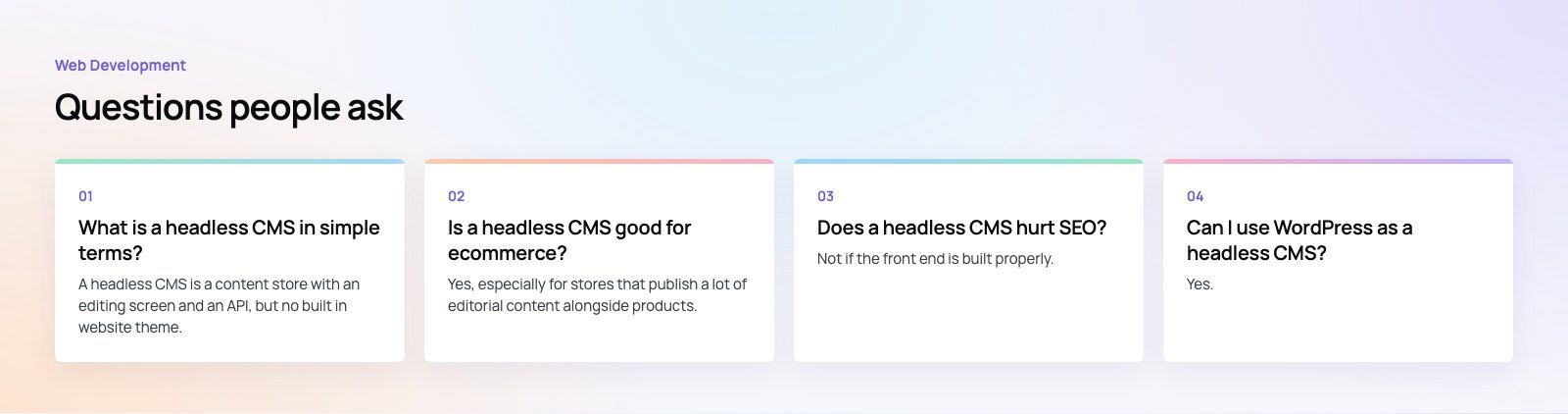
A headless CMS is a content store with an editing screen and an API, but no built in website theme.
Editors manage text, images and other content in one place, and developers fetch that content into any website, app or device. Because the CMS does not control layout, each channel can have its own design and technology while sharing the same content.
Web DevelopmentWordPress vs Drupal: Which CMS Is Right for Your Business?WordPress vs Drupal compared on ease of use, content modeling, security, performance, ecommerce and cost drivers, with five questions to help you choose. Web DevelopmentCustom Website Development vs Website Builders: Pros and ConsAn honest comparison of custom website development and website builders: control, cost over time, SEO, integrations, and how to decide which fits your business.
 Web DevelopmentWeb Development Consultant: What They Do and When to Hire OneWhat a web development consultant does, how the role differs from a developer or agency, when hiring one pays off and how to choose the right one.
Tell us what the business needs. We will tell you what to build first.
Schedule a free consultation and get a written recommendation, with costs, before you commit to anything.
Get in touchPROVEN RESULTS
4.7 / 5verified reviews on Google