 Web DevelopmentWordPress vs Drupal: Which CMS Is Right for Your Business?WordPress vs Drupal compared on ease of use, content modeling, security, performance, ecommerce and cost drivers, with five questions to help you choose.
Why Is My Website Slow? Causes and How to Fix Them
The five usual reasons a website loads slowly, how to tell which one you have, and the simple fixes for servers, images, scripts, caching and plugins.
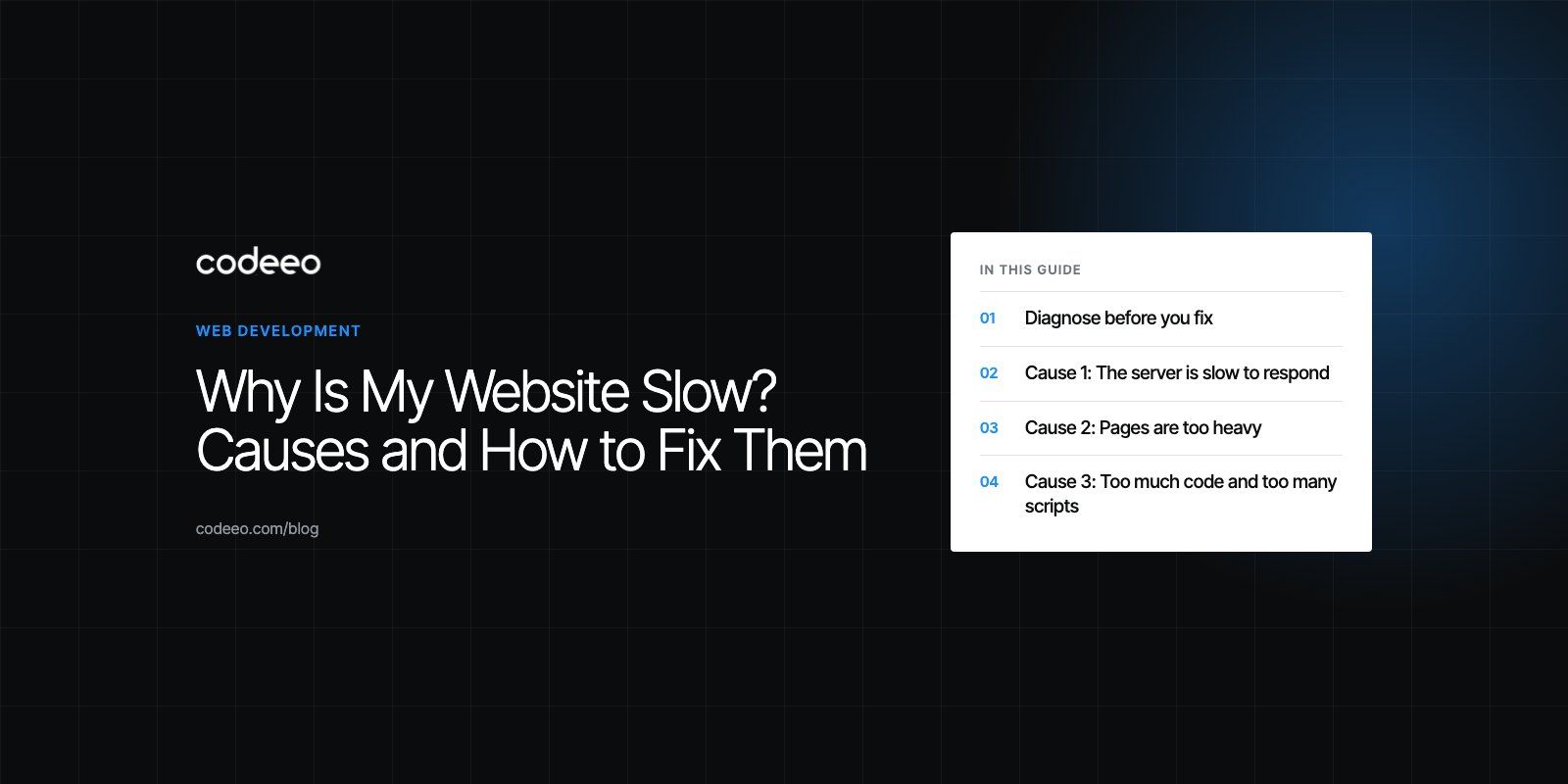
A website is usually slow for one of five reasons: the server takes too long to respond, the pages are too heavy, too much JavaScript runs before the page is usable, files are not cached, or the platform is weighed down by plugins and old code. Your own internet speed rarely matters, because most of the delay happens on the server and in the visitor's browser. The fix starts with finding which of the five is the real bottleneck, then working on that first.
This guide shows how to diagnose a slow site, what each cause looks like, and the simple fixes that make the biggest difference.
Diagnose before you fix
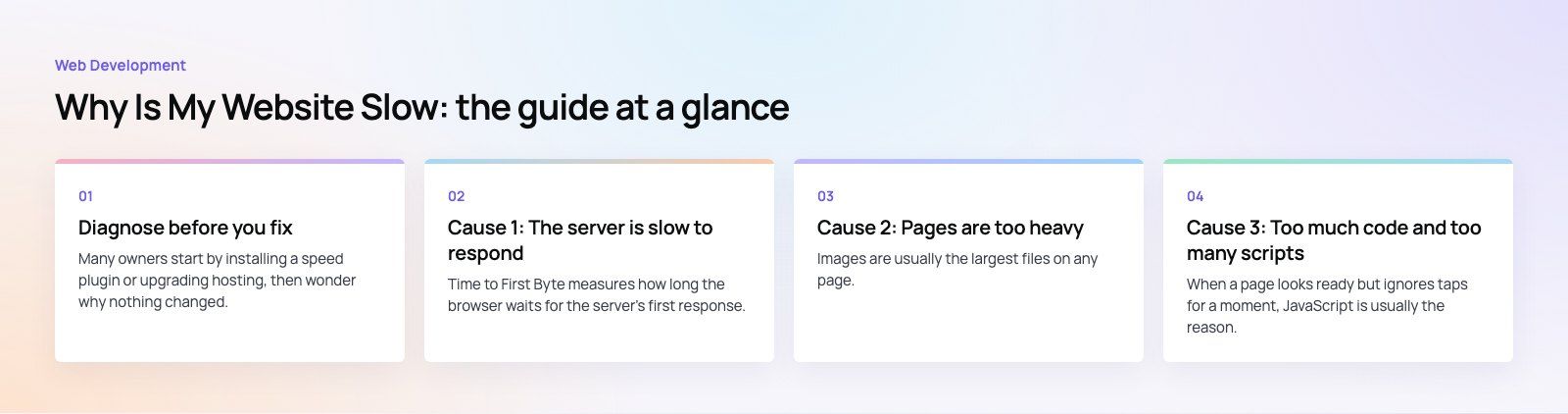
Many owners start by installing a speed plugin or upgrading hosting, then wonder why nothing changed. Ten minutes of diagnosis saves days of guessing.
- Test your most important pages, not just the home page. Product pages, landing pages and forms often behave differently.
- Run PageSpeed Insights on mobile. Note the Core Web Vitals and the top suggestions.
- Open a waterfall view in WebPageTest or your browser's developer tools. It lists every file the page requests and how long each takes.
- Look at the first bar. If the HTML document itself takes a long time, the server is the problem. If it arrives quickly but the page still crawls, the problem is page weight or scripts.
- Write the numbers down so you can prove which change helped.
| What you see | Likely cause | Where to start |
|---|---|---|
| Long wait before anything appears | Slow server response | Page caching, hosting, database |
| Text appears, main image arrives late | Heavy or unoptimized images | Resize, compress, modern formats |
| Page looks ready but taps lag | Too much JavaScript | Remove or defer scripts |
| Content jumps around while loading | Elements without reserved space | Set image sizes, reserve ad and banner slots |
| Fast for you, slow for overseas visitors | Distance to the server | CDN |
| Return visits as slow as first visits | Missing browser caching | Cache headers |
Cause 1: The server is slow to respond
Time to First Byte measures how long the browser waits for the server's first response. web.dev's TTFB guide (checked in 2026) suggests most sites should aim for 0.8 seconds or less. If yours is well above that, nothing else on the page can make up the difference.
How to fix it
- Cache whole pages. Serving a stored HTML copy is far faster than building the page from the database on every visit. On WordPress, a good page cache or server level caching does this.
- Use opcode and object caching. These keep compiled code and frequent database results in memory.
- Check the hosting plan. Crowded shared hosting struggles under load. Choose a provider with servers near your audience and enough memory and CPU for your traffic.
- Tune server settings. Current PHP or Node versions, enough worker processes and sensible memory limits all matter.
- Find slow queries. A single unindexed database query on a busy page can slow the whole site.
One pattern we often see is a site that tests slow from the owner's office but fast from elsewhere. Always test from a neutral tool as well as your own machine before blaming the server.
Cause 2: Pages are too heavy
Images are usually the largest files on any page. A single photo uploaded straight from a camera can outweigh everything else combined.
How to fix it
- Resize to display size. A photo shown 800 pixels wide does not need to be 4,000 pixels wide.
- Choose the right format. WebP or AVIF for most images, JPEG for photos where older support matters, PNG only for graphics that need sharp edges or transparency, and SVG for logos and icons.
- Compress carefully. Modern compression tools cut file size sharply with no visible loss. Check the result at full size.
- Lazy load below the fold. Let images further down the page load as the visitor scrolls, but load the main hero image straight away.
- Replace video embeds with a poster. Load the video player only when someone clicks play.
Cause 3: Too much code and too many scripts
When a page looks ready but ignores taps for a moment, JavaScript is usually the reason. The browser is busy running code from the theme, plugins, analytics, chat widgets and ad tags.
How to fix it
- Audit third party scripts. List every tag and widget, ask who uses it, and remove the ones nobody does.
- Defer what is not needed immediately. Scripts that do not affect the first screen can load after the page appears.
- Load features only where they are used. A booking widget does not need to load on every blog post.
- Prioritize the critical rendering path. Deliver the CSS needed for the first screen first, and load the rest without blocking.
- Minify and remove unused code. Minification strips spaces and comments; removing dead CSS and JavaScript cuts much more.
- Cut redirects. Each redirect adds a round trip before the page even starts to load. Link to final URLs directly.
Cause 4: Nothing is cached
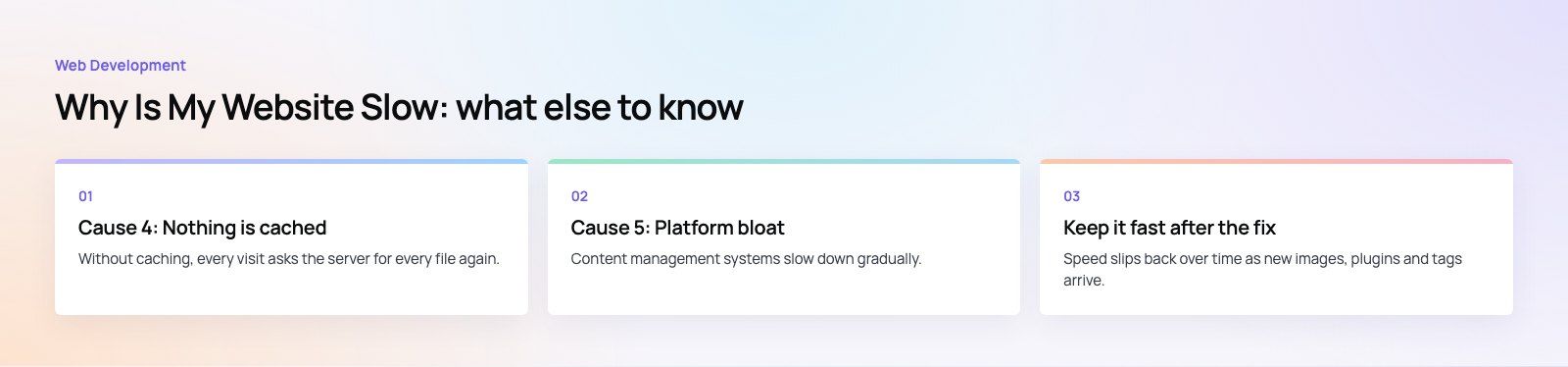
Without caching, every visit asks the server for every file again. Good caching works in three layers.
- Browser caching: correct cache headers tell browsers to keep images, fonts, CSS and JavaScript for repeat views. MDN's HTTP caching guide explains how the headers work.
- Server caching: page, object and opcode caches cut the work needed to build each page.
- CDN caching: a content delivery network keeps copies of your files, and ideally full pages, on servers close to each visitor, which also fixes slowness caused by distance.
Turn on Brotli or GZIP compression at the same time. It shrinks HTML, CSS and JavaScript in transit and is usually a single setting on the server or CDN.
Cause 5: Platform bloat
Content management systems slow down gradually. Each plugin, page builder add on and tracking tool adds a little weight, and after a few years the total is large. Themes built to do everything load code for features you never use.
How to fix it
- Remove inactive and duplicate plugins, then test whether each remaining one is worth its cost in speed.
- Replace heavy page builder sections with simpler blocks where the design allows.
- Keep the core platform, theme and plugins updated, since updates often include performance fixes.
- Clean the database of old revisions, spam and expired temporary data.
Keep it fast after the fix
Speed slips back over time as new images, plugins and tags arrive. Build a few habits so it stays fixed:
- Check your key pages monthly and after every release.
- Watch the Core Web Vitals report in Google Search Console for pages that drift into "needs improvement".
- Agree simple rules with your team, such as maximum image sizes and a review before any new script is added.
- Treat a speed regression like any other bug, with an owner and a deadline.
When to get help
Some fixes, such as compressing images or removing a plugin, are quick wins anyone can do. Others, such as server tuning, critical CSS, script loading strategy or a theme that is slow by design, need a developer. If the platform itself is the bottleneck, a careful site migration may serve you better than endless tuning.
Codeeo's speed optimization quick start finds what is slowing your key pages and fixes it, and our Core Web Vitals service covers deeper code and hosting work. For WordPress sites in particular, our WordPress development team handles plugin cleanup, caching and theme performance.
Frequently asked questions
Your connection only controls how quickly data travels to you.
Most delay happens before that, on the server while it builds the page, and after it, in your browser while it runs scripts and renders images. A slow server response, heavy images, too many third party scripts, missing caching or plugin bloat will make a site slow on any connection, including a very fast one.
Web DevelopmentWordPress vs Drupal: Which CMS Is Right for Your Business?WordPress vs Drupal compared on ease of use, content modeling, security, performance, ecommerce and cost drivers, with five questions to help you choose. Web DevelopmentCustom Website Development vs Website Builders: Pros and ConsAn honest comparison of custom website development and website builders: control, cost over time, SEO, integrations, and how to decide which fits your business.
 Web DevelopmentWeb Development Consultant: What They Do and When to Hire OneWhat a web development consultant does, how the role differs from a developer or agency, when hiring one pays off and how to choose the right one.
Tell us what the business needs. We will tell you what to build first.
Schedule a free consultation and get a written recommendation, with costs, before you commit to anything.
Get in touchPROVEN RESULTS
4.7 / 5verified reviews on Google