 Web DevelopmentWordPress vs Drupal: Which CMS Is Right for Your Business?WordPress vs Drupal compared on ease of use, content modeling, security, performance, ecommerce and cost drivers, with five questions to help you choose.
Why Regular Website Maintenance Matters and What It Involves
What website maintenance covers, why updates, backups and speed checks matter, a practical weekly to yearly schedule, and the real cost of neglecting it.
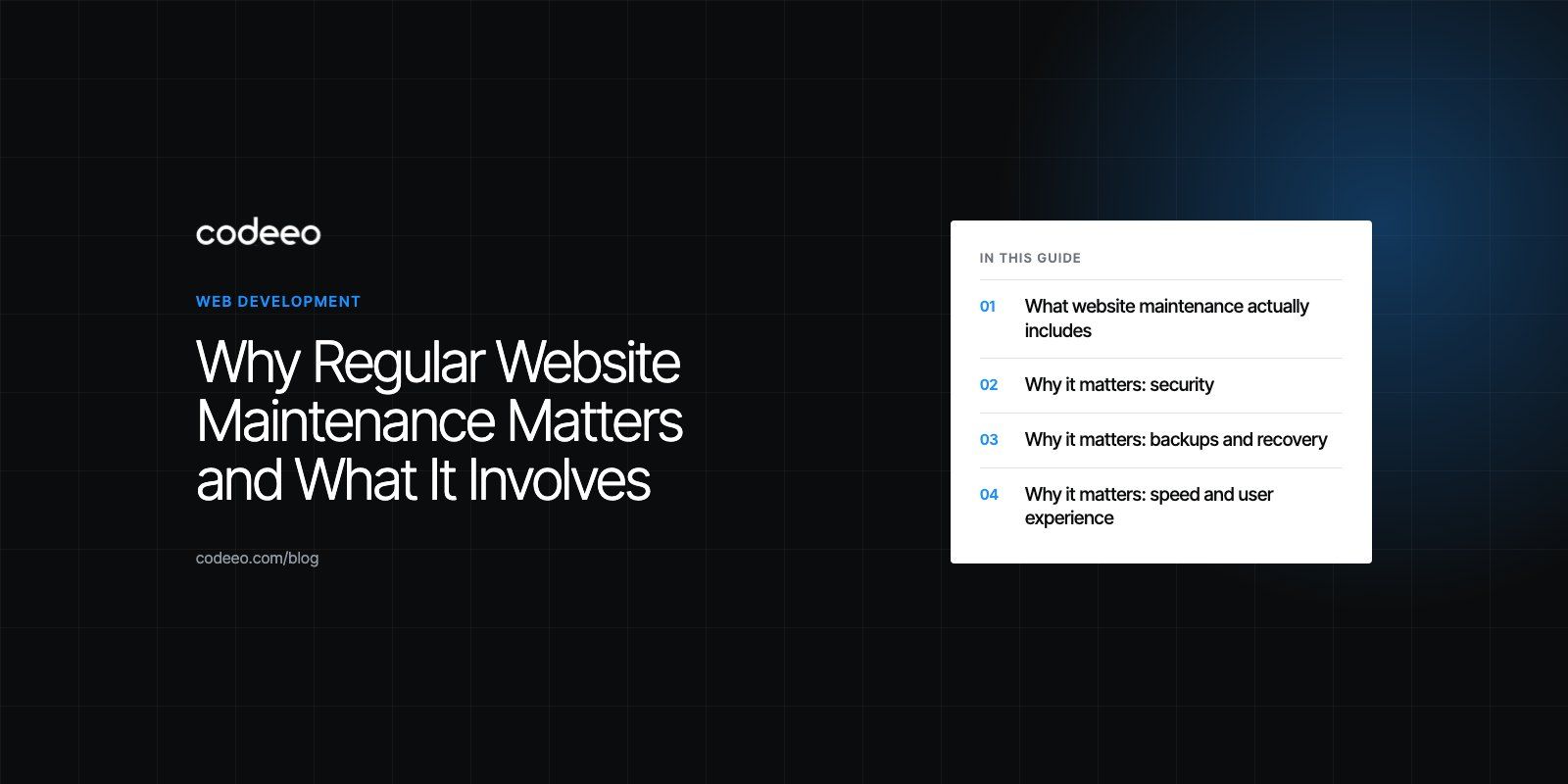
Regular website maintenance is essential because a website is software, and software that is not looked after slowly becomes slower, less secure and less visible in search. Plugins and frameworks release security fixes, content goes out of date, links break and backups fail silently. A simple routine of updates, backups, monitoring and content checks keeps the site fast, safe and useful, and it costs far less than recovering from a hack or a long outage.
This guide explains what maintenance covers, how often each task should happen, and what tends to go wrong when nobody owns it.
What website maintenance actually includes
Maintenance is everything that keeps a live site working after launch. It falls into five areas:
- Security: updating the CMS, plugins, themes and server software, scanning for malware and reviewing who has admin access.
- Backups and recovery: taking regular copies of files and the database, storing them away from the server, and testing that they restore.
- Performance: watching page speed, image sizes, caching and the scripts that third party tools add over time.
- Search health: fixing broken links and errors, keeping sitemaps and redirects correct, and checking how search engines see the site.
- Content: updating opening hours, policies, team pages, contact details and anything that has changed in the business.
Why it matters: security
Most compromised business websites are not targeted by a skilled attacker. They are found by automated scanners looking for a known weakness in an outdated plugin or an old version of the CMS. Once a fix for a vulnerability is published, the weakness becomes public knowledge, and sites that have not applied the update are easy targets.
That is why the most important maintenance task is also the most boring one: applying updates. The US Cybersecurity and Infrastructure Security Agency puts keeping software updated among its basic security steps, and the same logic applies to every component of a website. For WordPress sites, the official guide to updating WordPress recommends backing up before you update, which leads to the next point.
Other security habits worth keeping
- Remove plugins and themes you no longer use, even if they are deactivated.
- Review admin accounts and remove former staff and agencies.
- Use strong, unique passwords and two factor authentication for every admin login.
- Keep the SSL certificate valid and check that every page loads over HTTPS.
- Use a web application firewall from your host or CDN to filter obvious attacks.
Why it matters: backups and recovery
A backup you have never restored is a hope, not a plan. Good practice is simple: automatic backups of both files and the database, stored off the server, kept for several weeks, and a test restore to a staging copy every few months. If the site is ever hacked, broken by an update or deleted by mistake, you can roll back in hours instead of rebuilding from scratch.
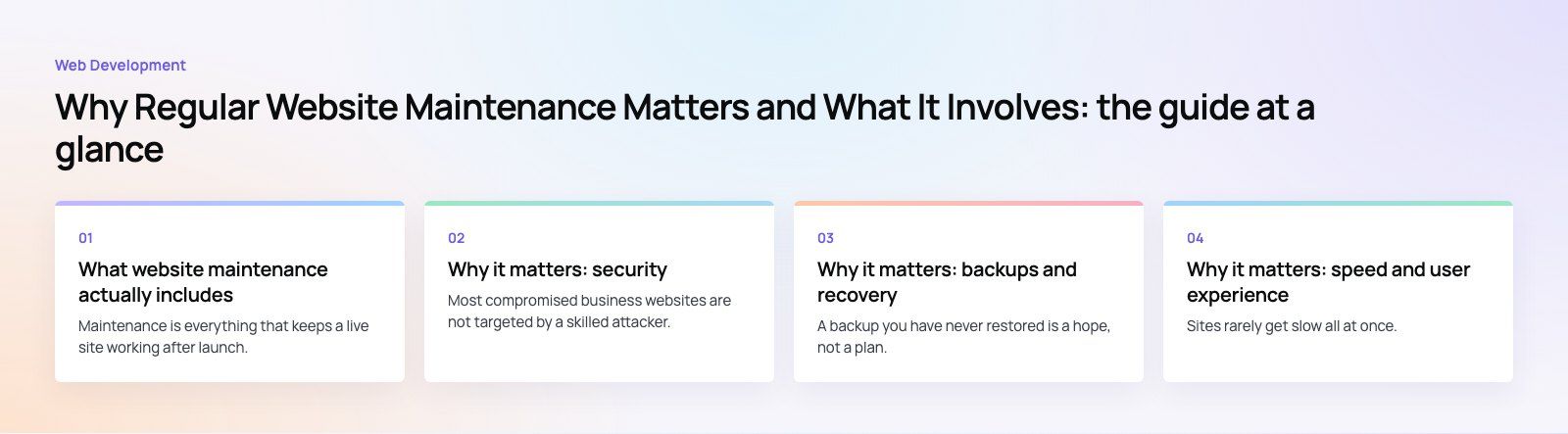
Why it matters: speed and user experience
Sites rarely get slow all at once. They get slower one chat widget, tracking script, oversized image and unused plugin at a time. Regular checks catch this drift before visitors notice it.
Google uses its Core Web Vitals to describe real user experience around loading, responsiveness and visual stability, and recommends site owners aim for good scores. A maintenance routine should review these numbers, compress new images, clear out unused scripts and confirm that caching still works after updates. If scores have already slipped, a focused speed optimization pass is usually faster than piecemeal fixes, and deeper problems are covered by our Core Web Vitals service.
Mobile deserves separate attention. Check key pages and forms on real phones after any theme or plugin update, because layout bugs often appear only on small screens.
Why it matters: search visibility
Search engines reward sites that work. Broken internal links, pages that return errors, redirect chains and outdated sitemaps all waste crawl time and send visitors to dead ends. Maintenance should include:
- A monthly crawl to find broken links, missing pages and redirect loops.
- A review of Google Search Console for indexing errors and manual actions.
- Checking that new pages have unique titles, descriptions and headings.
- Updating older articles and service pages so they stay accurate.
A periodic technical SEO review catches problems that routine checks miss, such as accidental noindex tags or duplicate pages created by filters.
A practical maintenance schedule
The exact cadence depends on how often the site changes and how much it matters to revenue. This schedule suits most business websites.
| Frequency | Tasks |
|---|---|
| Continuous | Uptime monitoring, automatic backups, security scanning, form delivery alerts |
| Weekly | Apply security updates to CMS, plugins and themes after a backup; check that forms and checkout work |
| Monthly | Review speed scores, crawl for broken links, check Search Console, review admin users |
| Quarterly | Test a full backup restore on staging, remove unused plugins and scripts, update key content |
| Yearly | Review hosting, PHP or runtime versions, domain and SSL renewals, accessibility and design |
Use a staging site for updates
Larger updates, especially major CMS versions or page builder updates, should be tested on a staging copy first. Apply the update there, click through the main templates, forms and checkout, and only then update the live site. This one habit prevents most update related outages.
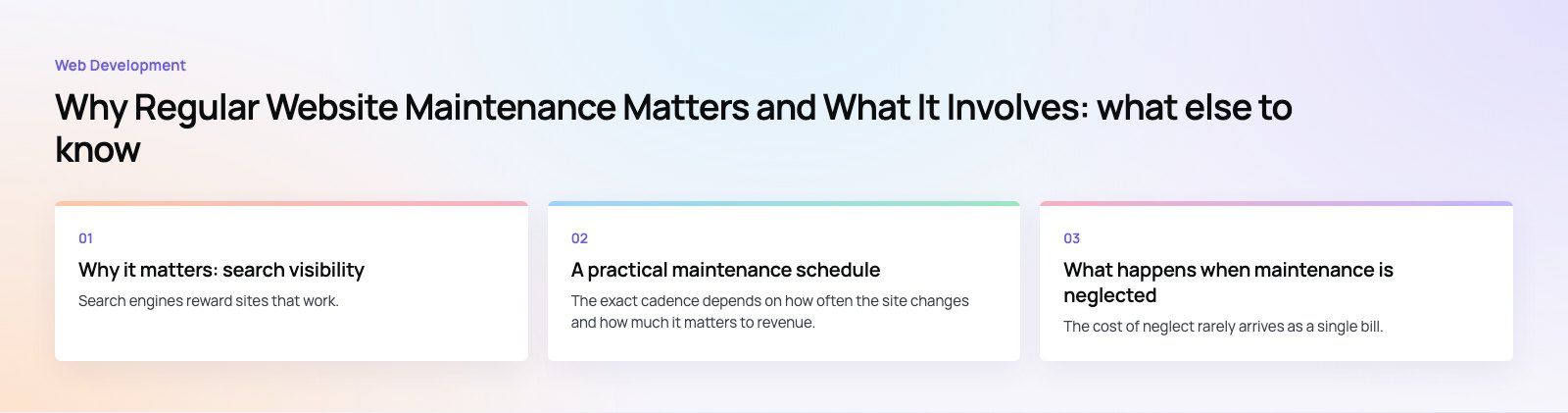
What happens when maintenance is neglected
The cost of neglect rarely arrives as a single bill. It builds up:
- Security incidents: spam pages injected into the site, redirects to scam domains or a blocklist warning in browsers.
- Lost leads: contact forms that stopped sending email weeks ago without anyone noticing.
- Falling rankings: slower pages, broken links and stale content gradually push the site down.
- Painful upgrades: a site left on old versions for years often cannot be updated in one step and may need a partial rebuild or a migration to a new platform.
- Reputation: outdated prices, old staff photos or a broken checkout tell visitors the business is not paying attention.
Doing it in house or with a partner
A small brochure site with few plugins can be maintained in house by someone organized, with clear instructions and access to backups. Sites that sell online, handle personal data, run many integrations or generate most of the company's leads usually benefit from a developer who knows the platform and can fix things when an update breaks them. Whichever route you take, write down who owns each task, where the backups are and who to call when something fails.
If you are not sure what state your site is in, a website audit is a sensible first step: it shows what needs fixing now and what belongs in a routine. For ongoing updates, fixes and improvements, our WordPress development team maintains business sites as part of normal support work.
Frequently asked questions
Website maintenance is the ongoing work that keeps a live site secure, fast and accurate after launch.
It includes updating the CMS, plugins and themes, taking and testing backups, monitoring uptime and speed, fixing broken links and errors, and keeping content such as contact details and policies current. Without it, sites become slower, less secure and less visible in search over time.
Web DevelopmentWordPress vs Drupal: Which CMS Is Right for Your Business?WordPress vs Drupal compared on ease of use, content modeling, security, performance, ecommerce and cost drivers, with five questions to help you choose. Web DevelopmentCustom Website Development vs Website Builders: Pros and ConsAn honest comparison of custom website development and website builders: control, cost over time, SEO, integrations, and how to decide which fits your business.
 Web DevelopmentWeb Development Consultant: What They Do and When to Hire OneWhat a web development consultant does, how the role differs from a developer or agency, when hiring one pays off and how to choose the right one.
Tell us what the business needs. We will tell you what to build first.
Schedule a free consultation and get a written recommendation, with costs, before you commit to anything.
Get in touchPROVEN RESULTS
4.7 / 5verified reviews on Google