 SEOSEO Rank Tracking Tools for Saudi Arabia: What to Track and HowHow to track Google rankings in Saudi Arabia: by city, Arabic and English keywords, mobile, local pack, AI Overviews and Search Console.
Enterprise Website Migration: Reducing SEO, Data and Conversion Risk
A migration playbook for Saudi enterprises: URL mapping, redirects, SEO protection, analytics continuity, integration testing and launch checks.
A website migration reduces SEO, data and conversion risk only when it is treated as a controlled project: every old URL mapped to a new one, analytics carried across without gaps, integrations tested with real data, and enquiry paths checked in both Arabic and English before launch. Most traffic losses after a redesign come from skipped steps, not bad luck. This playbook sets out those steps for Saudi enterprises moving to a new platform, CMS or domain.
Why enterprise migrations go wrong
Large organisations in Riyadh, Jeddah and Dammam often run websites that have grown for years: thousands of pages, several languages, forms wired into CRMs and ERPs, landing pages for campaigns nobody remembers, and documents linked from government portals and partner sites. When a new site replaces that, the risk is not just a dip in rankings. It is broken links in press releases, lost leads from forms that post nowhere, reports that suddenly show half the traffic, and Arabic pages that vanish because nobody owned them.
The common causes are predictable:
- No complete inventory of existing URLs, so pages are dropped without redirects
- Redirects pointing everything to the homepage instead of the closest matching page
- Analytics and tag manager setups rebuilt from scratch, breaking historic comparisons
- Integrations tested only with sample data, then failing on real submissions
- Arabic content migrated late, partially, or with broken right to left layouts
- Launch on a Thursday afternoon with nobody watching the weekend
Types of migration and what each puts at risk
Not every move carries the same risk. Knowing which type you are planning helps decide how much testing and monitoring is needed.
| Migration type | Example | Main risks |
|---|---|---|
| Redesign on the same platform | New templates, same CMS and URLs | Content changes, internal links, page speed, tracking tags |
| CMS migration | Moving from an old CMS to WordPress or a headless CMS | URL structure, metadata, media files, bilingual content mapping |
| Domain change | Rebrand or merging several domains into one | Search signals, backlinks, email and certificates, brand searches |
| Hosting or infrastructure move | New cloud provider or in Kingdom hosting | Downtime, DNS, caching, security rules, data residency |
| Full replatform | All of the above at once | Every risk combined, plus integration and organisational change |
Where possible, avoid changing everything at once. Moving the domain, the CMS, the design and the URL structure on the same day makes it hard to find the cause if traffic drops.
Step 1: Audit content and URLs before anything else
Every enterprise website migration in Saudi Arabia should start with a full inventory. Crawl the current site, export URLs from the CMS, pull landing pages from analytics and search console data, and collect backlinks from SEO tools. Combine these sources, because no single one is complete.
Decide what stays, merges or goes
Use the inventory to make decisions page by page, or in groups for large sections. Pages with traffic, backlinks or conversions should stay or be merged into a stronger page. Thin, outdated or duplicate content can be retired, but still needs a redirect if it has links or visits. This is also the moment to agree who owns each section in Arabic and English, a topic covered in our guide to Arabic and English website governance.
Capture what search engines already know
Record titles, meta descriptions, headings, canonical tags, hreflang tags and structured data for important pages. Save a snapshot of rankings for priority keywords and of organic landing page traffic. These baselines are what you will compare against after launch.
Step 2: Build the redirect map
The redirect map is the core of SEO migration work. Each old URL should point to the most relevant new URL with a permanent redirect, in a single hop.
- Map one to one wherever a matching page exists
- Where pages merge, redirect to the page that now covers the topic
- Only use category or homepage redirects when no relevant page exists
- Avoid redirect chains, where one old URL hops through several others
- Include Arabic URLs, PDFs, images that receive traffic, and old campaign landing pages
- Keep the map in a spreadsheet that developers, SEO and content teams all review
Test the map on staging by running every old URL through it and checking the status code and final destination. Google's guidance on site moves and redirects in Search Central is a useful reference for the technical details.
Step 3: Protect on page SEO in the new build
A website redesign without losing SEO depends on carrying over the signals that already work. New templates should keep a sensible heading structure, preserve or improve titles and descriptions, and output canonical and hreflang tags correctly for both languages. Internal links need updating to the new URLs directly rather than relying on redirects.
Bilingual checks
Arabic pages deserve their own review. Check that each Arabic page links to its English equivalent through hreflang, that Arabic URLs or slugs are consistent, that right to left layouts render properly on every template, and that Arabic metadata has not been replaced by English defaults. Missing Arabic pages are one of the most common quiet losses after a Saudi migration.
Performance as part of SEO
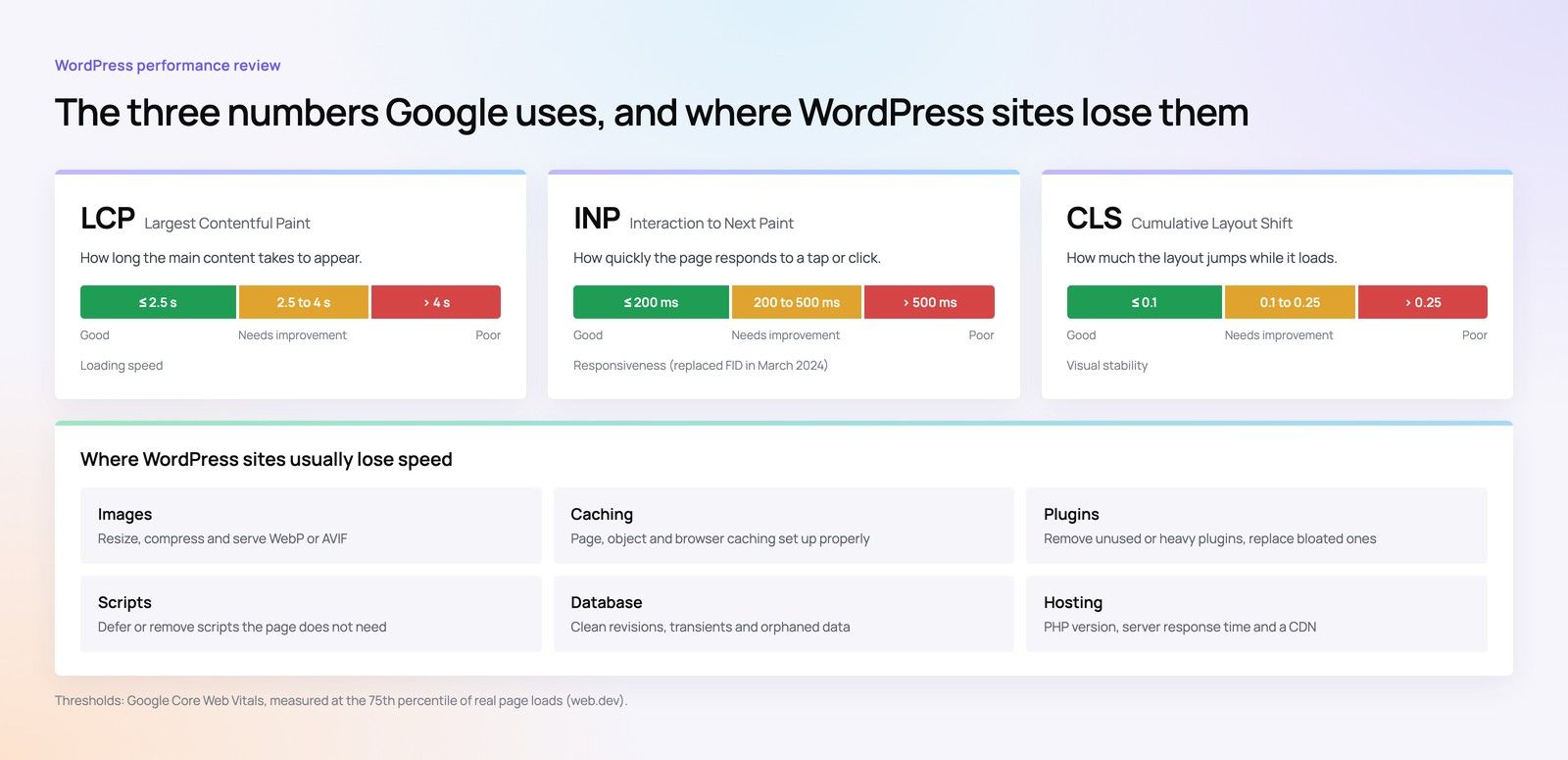
New sites are often slower than expected because of larger images, more scripts and new tracking tags. Measure Core Web Vitals on staging for the main templates and fix issues before launch. Our Core Web Vitals checklist lists the usual culprits.
Step 4: Keep analytics and tracking continuous
Losing analytics history makes it impossible to judge whether the new site performs better. Keep the same analytics property where possible, migrate tag manager containers rather than rebuilding them, and keep event names consistent so reports still compare like with like. List every conversion event, such as form submissions, WhatsApp clicks, calls, downloads and logins, and test each one on staging and again on the live site.

Agree the annotation date for launch so everyone reading reports knows when the change happened. Make sure consent banners and privacy notices on the new site match how data is actually collected, in line with PDPL; confirm wording with counsel.
Step 5: Test integrations with real scenarios
Enterprise sites rarely stand alone. Forms feed CRMs, careers pages feed HR systems, portals call internal APIs, and some sites connect to payment gateways or ZATCA compliant invoicing through back office systems. Each of these needs testing with realistic data, not just a sample record.
- Submit every form in Arabic and English and confirm the record arrives correctly, including source and language fields
- Check that personal data is sent only to approved systems and stored where the business expects
- Test logins, password resets and any single sign on flows
- Run payment flows in test mode where they exist
- Confirm email notifications reach the right teams and are not caught by spam filters
- Check API rate limits and error handling under realistic load
Security also belongs in this step. New platforms open new attack surfaces, and NCA cybersecurity controls set expectations for many organisations; review hosting, access and patching arrangements with your security team.
Step 6: Run conversion QA before launch
Conversion QA is about the money pages: contact, quote, booking, careers and product pages. Walk through each path on mobile and desktop, in both languages, as a real visitor would. Check that calls to action are visible, forms accept Saudi phone formats, thank you pages load and fire tracking, and WhatsApp buttons open the right number with the right message.
Step 7: Launch carefully and monitor
Choose a launch window when the team is available for several days afterwards, avoiding the end of the working week and major holidays. On launch day, deploy redirects, submit the new sitemap, check robots rules have not been left blocking the site from staging, and test a sample of old URLs live.
Post launch monitoring
For the following weeks, watch crawl errors and coverage reports in search console, organic traffic to key landing pages, rankings for priority keywords, form and WhatsApp conversions, server errors and page speed. Some fluctuation is normal after any major change. A sustained drop on specific pages usually points to a missing redirect, a changed title or a template problem, and the baseline captured in step 1 makes those easy to find.
Migration checklist
- Crawl and export every current URL, including Arabic pages, PDFs and campaign pages.
- Record baselines for traffic, rankings, conversions and page speed.
- Decide which pages stay, merge or retire, with named owners for each section.
- Build and review a one to one redirect map.
- Carry over titles, descriptions, headings, canonical and hreflang tags.
- Migrate analytics and tag manager setups and test every conversion event.
- Test all integrations with realistic data in both languages.
- Run conversion QA on mobile and desktop.
- Check robots rules, sitemaps and security settings before switching DNS.
- Launch early in the week and monitor daily, then weekly.
CMS migration choices for Saudi enterprises
A CMS migration is a chance to fix editorial pain as well as technology. Many enterprises move to WordPress for familiarity and flexibility, or to a headless CMS when they need several front ends, strict performance targets or tighter control over bilingual content. The right choice depends on who edits content, how often, and how many systems the site must talk to. If the project is growing from a website into a platform with logins, workflows and data, read our guide to rebuilding a website as a platform before choosing.
How Codeeo helps Saudi businesses with website migration
Codeeo has delivered more than 200 projects across the UAE and the US, with a team of 80+ across Dubai, Riyadh and Karachi. A site migration at Codeeo brings together SEO, development, analytics and QA in one team, so the redirect map, the new templates and the tracking plan are built with each other in mind. Where the move is to WordPress, the WordPress development team handles the build and content transfer.
Codeeo has an office in Riyadh, so clients in the city can meet the team in person during planning and launch. Organisations elsewhere in the Kingdom work with the team over video calls. Codeeo is rated 4.7 from 23 Google reviews. For a starting point before committing to a migration, a technical SEO review shows where the current site stands.
To plan a migration that protects search visibility, data and enquiries, speak to the Codeeo team.
Frequently asked questions
Some short term fluctuation is common after a major change while search engines recrawl and process redirects.
A well planned move with a complete redirect map, preserved metadata and stable performance usually recovers quickly. Large or lasting drops normally point to missing redirects, removed content, blocked crawling or template problems, which monitoring against a baseline helps identify.
SEOSEO Rank Tracking Tools for Saudi Arabia: What to Track and HowHow to track Google rankings in Saudi Arabia: by city, Arabic and English keywords, mobile, local pack, AI Overviews and Search Console. SEOAI SEO Tools for Saudi Businesses: What Each Type Is Good ForThe main types of AI SEO tools, what each is good for, why Arabic support matters for Saudi businesses, and where human review is still needed.
 SEOHow to Add AEO and GEO to Your Existing SEO StrategyAnswer engine and generative engine optimisation explained: question led content, structured data, entities, citations and AI visibility.
Tell us what the business needs. We will tell you what to build first.
Schedule a free consultation and get a written recommendation, with costs, before you commit to anything.
Get in touchPROVEN RESULTS
4.7 / 5verified reviews on Google