 App DevelopmentBest Apps for Finance Professionals, by CategoryThe most useful apps for finance professionals by category, from budgeting and accounting to market news and security, and when to build your own.
Apps Like Albert: The Best Money Management Alternatives
Apps like Albert compared: YNAB, Monarch Money, Rocket Money, PocketGuard, EveryDollar and Goodbudget, which old favorites closed, and building your own.
The best apps like Albert in the US today are YNAB, Monarch Money, Rocket Money, PocketGuard, EveryDollar and Goodbudget. Each covers part of what Albert does: budgeting, spending tracking, saving or bill management. Which one fits depends on whether you want automation, hands on budgeting, help with subscriptions or a shared household view. Businesses that need features none of these offer can build their own financial app.
This guide explains what Albert does, compares the main alternatives, notes which once popular apps have closed, and covers what it takes to build a custom money management app.
What Albert does
Albert is a US personal finance app that combines budgeting, banking features, saving and investing in one place. Its main features include:
- Spending and budget tracking: link bank accounts and cards, and Albert categorizes transactions and shows where money goes each month.
- Bill and subscription tracking: recurring charges are listed so you can spot ones you no longer use.
- Automatic saving: Albert analyzes income and spending and moves amounts it considers safe into savings.
- Investing: simple portfolios and individual investments for beginners.
- Genius: a paid subscription that adds access to human financial experts who answer money questions by text, along with extra features.
- Alerts: notifications about low balances, unusual charges and upcoming bills.
Albert suits people who want one app to do a little of everything with a lot of automation. People who prefer detailed control over their budget, or who want a free tool, often look elsewhere.
Apps like Albert compared
| App | Best for | Approach | Bank syncing |
|---|---|---|---|
| YNAB | Hands on budgeters | Zero based: give every dollar a job | Yes, plus manual entry |
| Monarch Money | Couples and full financial picture | Budgets, net worth, investments, goals | Yes |
| Rocket Money | Cutting subscriptions and bills | Subscription tracking and bill negotiation | Yes |
| PocketGuard | Knowing what is safe to spend | Shows money left after bills and goals | Yes |
| EveryDollar | Simple zero based budgets | Monthly plan built on Ramsey principles | Premium tier |
| Goodbudget | Envelope budgeting, shared households | Virtual envelopes for each category | No, manual entry |
Pricing and tiers change often, so check each app's current plans before you commit. Most offer a free version or a free trial.
YNAB (You Need a Budget)
YNAB is built around a clear method: assign every dollar you have to a purpose before you spend it. Its four rules explain the approach, and the app supports it with goals, bank syncing and detailed reports. It asks more of the user than Albert, but people who stick with it often say it changed how they think about money.
Compared with Albert: more control and education, less automation, no investing or banking features.
Monarch Money
Monarch Money brings budgets, transactions, investments, net worth and goals into one dashboard, and lets partners share an account. It attracted many former Mint users looking for a full overview of their finances.
Compared with Albert: a stronger planning and household view, but no built in savings automation or human advice.
Rocket Money
Rocket Money focuses on recurring costs. It finds subscriptions, helps cancel the ones you do not want and offers a bill negotiation service for things like phone and internet plans. It also includes budgeting and spending tracking.
Compared with Albert: similar help with bills and subscriptions, with less emphasis on savings and investing.
PocketGuard
PocketGuard answers a single question well: how much can I safely spend right now? It subtracts bills, savings goals and necessities from income and shows what is left. Transactions are categorized automatically.
Compared with Albert: simpler and more focused, with no investing or expert advice.
EveryDollar
EveryDollar is a zero based budgeting app from Ramsey Solutions. You plan the month so income minus planned spending equals zero. The free version uses manual entry; bank syncing is part of the paid tier.
Compared with Albert: a straightforward budgeting method for people who follow Ramsey's principles, but little automation in the free tier.
Goodbudget
Goodbudget digitizes the envelope method: income is split into virtual envelopes for groceries, rent, fun and so on, and you record spending against each. It syncs between devices, which makes it popular with couples and families managing a shared budget.
Compared with Albert: very hands on, with no bank syncing or automation, but simple and clear.
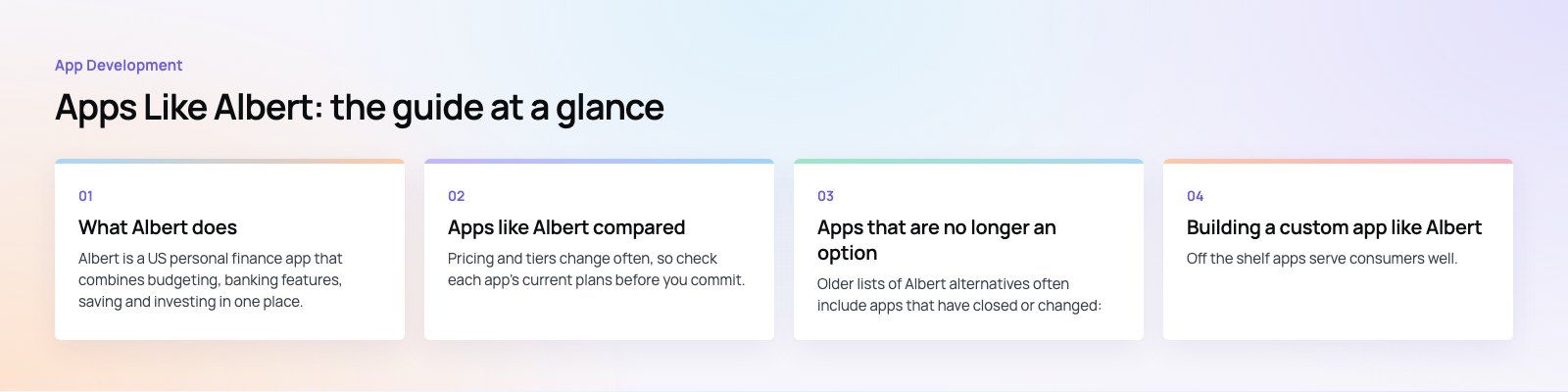
Apps that are no longer an option
Older lists of Albert alternatives often include apps that have closed or changed:
- Mint was shut down by Intuit, and users were directed to Credit Karma.
- Clarity Money has closed.
- Mvelopes has shut down; envelope budgeters generally moved to Goodbudget, YNAB or EveryDollar.
- Personal Capital no longer operates under that name after a rebrand by its parent company.
If you are still relying on an app from an old recommendation, confirm it is actively maintained, since a finance app that is no longer updated is a security risk.
How to choose a money management app
- Decide how hands on you want to be. Automatic apps suit busy people; manual methods suit people who want to change habits.
- Check what it connects to. Make sure your bank, cards and investment accounts sync reliably.
- Look at security. Two factor authentication, encryption and a clear privacy policy are the minimum.
- Consider who shares the budget. Couples and families need shared access.
- Try before you pay. Use the free version or trial for a full month before subscribing.
Building a custom app like Albert
Off the shelf apps serve consumers well. Banks, fintech startups, employers, credit unions and financial advisors often need something different: their own brand, their own products and data they control. That is where a custom financial app makes sense.
Features to plan
- Account linking through an open banking or data aggregation provider.
- Transaction categorization, budgets, goals and spending insights.
- Bill and subscription tracking with reminders.
- Savings rules and, where licensed, money movement.
- In app chat or advisor access.
- Admin tools for support, content and reporting.
Security and compliance
Financial apps handle sensitive data, so security is part of the design, not an add on. Plan for encryption in transit and at rest, strong authentication, audit logs and regular testing. If the app holds or moves money, you will usually work with a bank or licensed provider, and US federal and state rules on privacy and money transmission apply. Bring legal advice in early.
Integration
A custom app rarely stands alone. It connects to core banking, payment processors, CRM and accounting systems. Clean APIs and a clear data model make the app easier to extend later.
What a custom app gives you
- Your brand and experience rather than a generic one.
- Features specific to your customers, such as employer savings programs or advisor workflows.
- Ownership of data and insights, within the limits of privacy law and consent.
- Flexible business models, including subscriptions, partnerships and premium tiers.
- Room to grow, with architecture designed for more users and new products.
Getting started
For personal use, pick the app that matches how involved you want to be, and check that it is still actively maintained. For a business, a custom app lets you serve your customers in your own way. Codeeo has delivered 200+ projects across the UAE and the US, including Purpose Payment, a payments app with portals and an API, and Remin Diary, which tracks renewal dates with reminders. Our mobile app development and fintech teams can help, and a product scoping session turns the idea into a clear plan.
Frequently asked questions
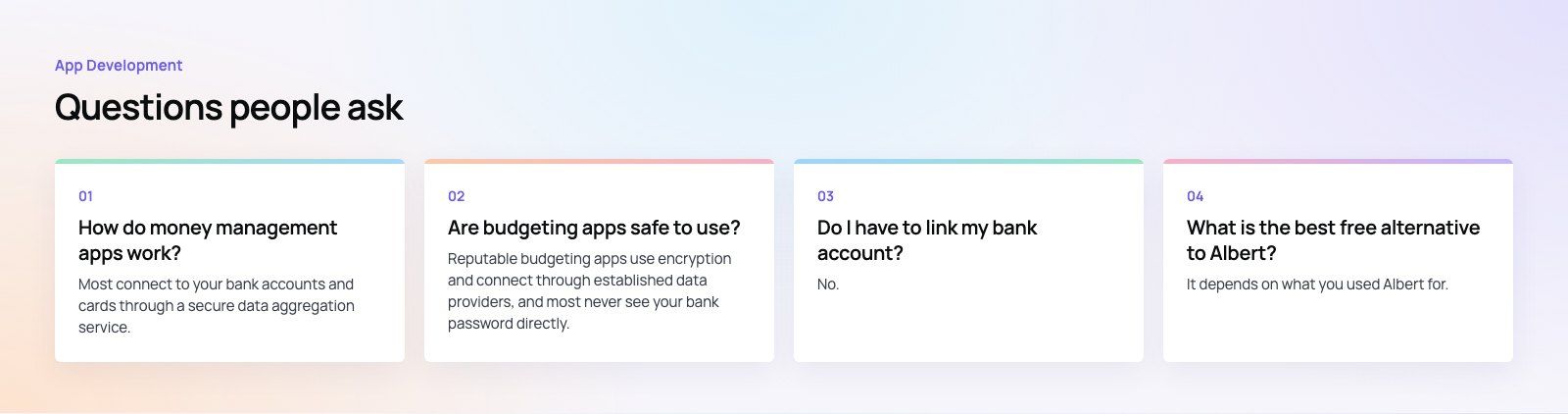
Most connect to your bank accounts and cards through a secure data aggregation service, then import and categorize your transactions automatically.
They show where your money goes, track bills and subscriptions, and help you set budgets and goals. Some also move money into savings, offer investing, or give access to advisors. Apps without bank syncing rely on you entering transactions yourself.
App DevelopmentBest Apps for Finance Professionals, by CategoryThe most useful apps for finance professionals by category, from budgeting and accounting to market news and security, and when to build your own. App DevelopmentApps Like Cash App: Money Transfer Alternatives ComparedVenmo, PayPal, Zelle, Apple Cash, Revolut, Wise and more compared as Cash App alternatives, plus what it takes to build a payments app of your own.
 App DevelopmentApps Like Dave: Cash Advance and Earned Wage Access OptionsEarnIn, Brigit, MoneyLion, Chime, Branch and other apps like Dave compared by how they charge, plus what it takes to build a wage access app.
Tell us what the business needs. We will tell you what to build first.
Schedule a free consultation and get a written recommendation, with costs, before you commit to anything.
Get in touchPROVEN RESULTS
4.7 / 5verified reviews on Google