 Software DevelopmentBest CRM for Real Estate: Top Picks and When to Go CustomFollow Up Boss, Wise Agent, Realvolve, Top Producer and Market Leader compared, the features that matter, and when a custom real estate CRM is worth it.
CodeeoInsightsSoftware Development
Property Management Software vs a Custom Website: How to Choose
Property management software runs leases and rent; your website wins owners. Compare US platforms and learn how to plan a site that connects to them.
Most property management companies need two things that are easy to confuse: property management software that runs leases, rent and maintenance, and a company website that wins owners and sends residents to the right place. Buy the software from an established platform, then build a website around it that reflects your brand, ranks locally and connects to the platform's listings and portals. A fully custom portal only makes sense when your processes genuinely do not fit any platform.
This guide explains what each layer does, compares well known US platforms, and shows how to plan the website that sits in front of them.
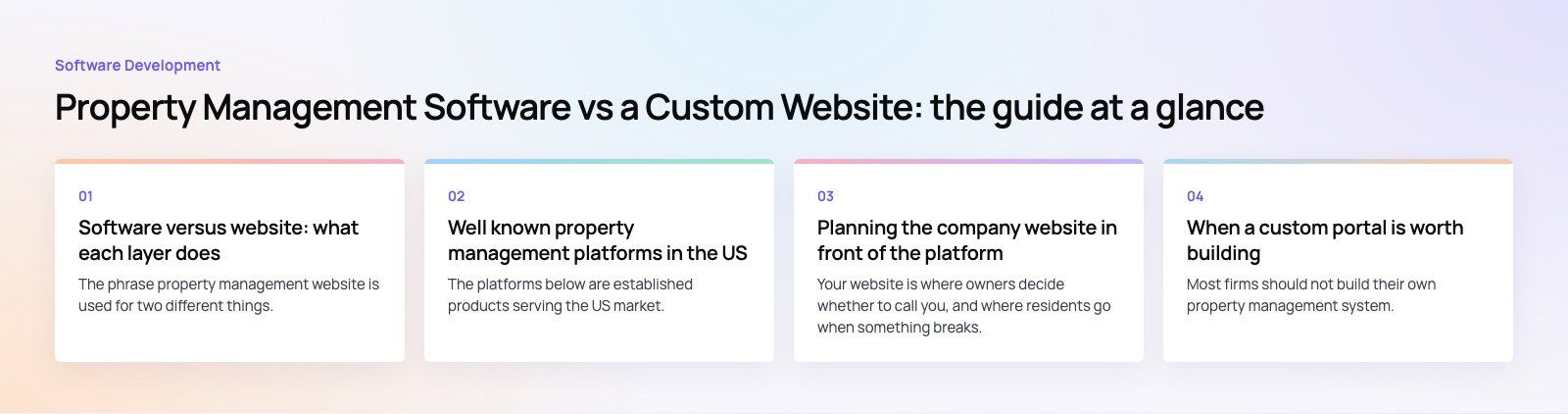
Software versus website: what each layer does
The phrase property management website is used for two different things. One is a software platform, often called a property management system, where leases, ledgers, work orders and payments live. The other is your public company website. They work together, but they are bought and built differently.
| Layer | Main job | Who uses it | Usually |
|---|---|---|---|
| Property management software | Leases, rent collection, accounting, maintenance, screening, owner statements | Your team, owners, residents through portals | Bought as a subscription |
| Company website | Win new owners, list vacancies, route residents, rank in local search | Prospective owners, renters, current residents | Designed and built for your brand |
| Custom portal or app | Workflows no platform handles, a branded resident experience | Residents, owners, field staff | Built only when the case is clear |
Features property management software should cover
- Online rent payments with automatic reminders and late fee rules.
- Maintenance requests that residents submit with photos and track to completion.
- Tenant screening and online applications.
- Lease management, including electronic signatures and renewal tracking.
- Accounting and owner reporting, with statements owners can download from their portal.
- Listings syndication to rental sites and a feed or widget for your own website.
- Mobile apps for residents and staff.
- Integrations with accounting tools, CRMs and payment providers.
Well known property management platforms in the US
The platforms below are established products serving the US market. Each targets a slightly different customer. Pricing and plans change often, so compare current plans on each vendor's own site before you decide.
AppFolio
Aimed at professional property management companies with larger portfolios across residential, community association and commercial property. It covers accounting, leasing, maintenance and resident and owner portals in one system.
Buildium
Built for property management firms and community associations that want accounting, leasing, maintenance and portals in a single tool, with resident and owner apps.
DoorLoop
An all in one property management platform for landlords and management companies, covering rent collection, accounting, maintenance and leasing.
Rentec Direct
Software for landlords and property managers with a strong focus on payments and accounting, alongside tenant screening and portals.
RentRedi, TurboTenant and TenantCloud
These are geared toward independent landlords and smaller portfolios. They cover screening, leases, rent collection and maintenance, usually with a free or low entry plan and paid features on top. They suit owners who self manage more than full service management firms.
Zillow Rental Manager
A listing focused tool that publishes rentals across Zillow's rental network and handles applications, screening, leases and rent payments. It is a marketing channel first, so firms that need full accounting and maintenance management usually pair it with one of the platforms above.
How to choose a platform
- Portfolio size and type. Single family, multifamily, HOA and commercial portfolios need different accounting and reporting.
- Who uses it daily. A platform your team finds slow will be worked around with spreadsheets.
- Owner reporting. Check the statements owners actually receive; this is what they judge you on.
- Resident experience. Test the resident app and portal yourself, including paying rent and filing a request on a phone.
- Integrations and data export. Confirm you can get your data out, and that the platform offers an API or feeds your website can use.
- Total cost. Look beyond the base plan to per unit fees, payment processing, screening, onboarding and add ons.
Planning the company website in front of the platform
Your website is where owners decide whether to call you, and where residents go when something breaks. Build it around those two audiences.
Know who you are talking to
If growth comes from new management agreements, the homepage should speak to owners: what you manage, where, how fees work and how to request a rental analysis. Residents and renters still need clear paths, but they should not crowd out the owner story. Our real estate industry work starts from the same balance.
Connect listings and portals instead of copying them
Pull vacancies from your platform's listings feed or API so the website is always current. Link owner and resident portals from the header on every page. When the platform's embeddable widget looks out of place, a developer can fetch listings through the API and render them in your own design.
Keep the design simple
Your site does not need to look like a national listings portal. It needs fast pages, clear navigation, real photography and calls to action that say exactly what happens next. Polished, simple design tells owners you run a tidy operation.
Must have pages
- Homepage with owner, resident and renter paths.
- Services by property type.
- Location pages for each area you genuinely serve.
- Available rentals, synced from your platform.
- Owner resources and a rental analysis request form.
- Resident help: pay rent, maintenance, emergency contact, move out steps.
- About, team and reviews.
When a custom portal is worth building
Most firms should not build their own property management system. Accounting, payments and compliance are hard to get right and the platforms above already solve them. A custom build makes sense in narrower cases:
- You manage a type of property or service model that platforms handle poorly, such as serviced apartments, coliving or mixed use buildings with unusual billing.
- You want a fully branded resident app with services beyond rent and repairs, such as amenity booking, community features or partner offers.
- You need to connect several systems, such as a platform, a CRM and a field service tool, into one view for staff.
In those cases the usual approach is to keep the platform as the system of record and build a custom layer on top through its API. Our custom software team works this way, and a product scoping session is a sensible first step before committing to a build. For CRM work specifically, see our sales automation service.
What drives the cost of a property management website
Costs vary widely, so it is more useful to know what pushes them up:
- The number of templates and unique page designs.
- Listings integration: a simple widget is quick, a custom API driven search with filters and maps takes longer.
- The number of location and service pages, and who writes them.
- CRM and form integrations, such as sending rental analysis requests straight into your sales pipeline.
- Custom portal or app features, which are a separate project in their own right.
- Ongoing hosting, security updates and content support.
Common mistakes
- Choosing software for its feature list without testing the resident and owner experience.
- Copying listings onto the website by hand.
- Hiding the resident portal, which turns simple payments into phone calls.
- Building a custom system for problems a platform already solves.
- Writing listing copy without checking it against the Fair Housing Act, which covers how rentals are advertised.
- Launching the site without location pages or a Google Business Profile, then wondering why owners cannot find it.
The strongest setup pairs a proven platform with a website built for your market and brand. If you want help planning that website or connecting it to your software, our web development team can scope it with you.
Frequently asked questions
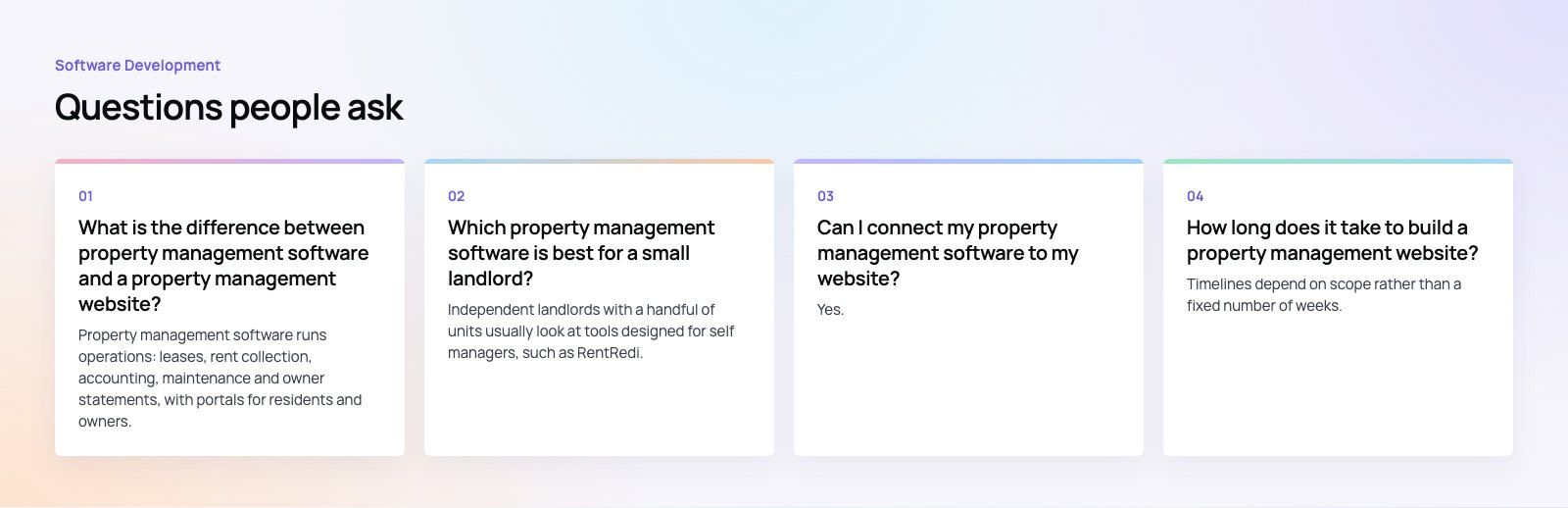
Property management software runs operations: leases, rent collection, accounting, maintenance and owner statements, with portals for residents and owners.
A property management website is your public company site, built to win new owners, list vacancies and route residents to the right portal. Most firms subscribe to software and build a website that links to it and pulls listings from it.
Software DevelopmentBest CRM for Real Estate: Top Picks and When to Go CustomFollow Up Boss, Wise Agent, Realvolve, Top Producer and Market Leader compared, the features that matter, and when a custom real estate CRM is worth it. Software DevelopmentCapitalizing Software Development Costs: Rules and Best PracticesWhen US GAAP lets you capitalize software development costs, what changed with ASU 2025-06, which costs qualify and how to track them for a clean audit.
 Software DevelopmentWhat Is the Epic EHR System? Modules, MyChart and CostsWhat the Epic EHR system is, its main modules, MyChart, Chronicles and Clarity, what drives its cost, and how developers connect apps to it.
Tell us what the business needs. We will tell you what to build first.
Schedule a free consultation and get a written recommendation, with costs, before you commit to anything.
Get in touchPROVEN RESULTS
4.7 / 5verified reviews on Google