 App DevelopmentCross Platform App Development: How It Saves Time and MoneyHow shared code across iOS and Android cuts build and maintenance effort, which frameworks to consider in 2026, and when native development is still the better call.
App Development Life Cycle: Every Stage From Idea to Launch
The seven stages of the app development life cycle, what each one should produce, and how to choose between agile, waterfall and other life cycle models.
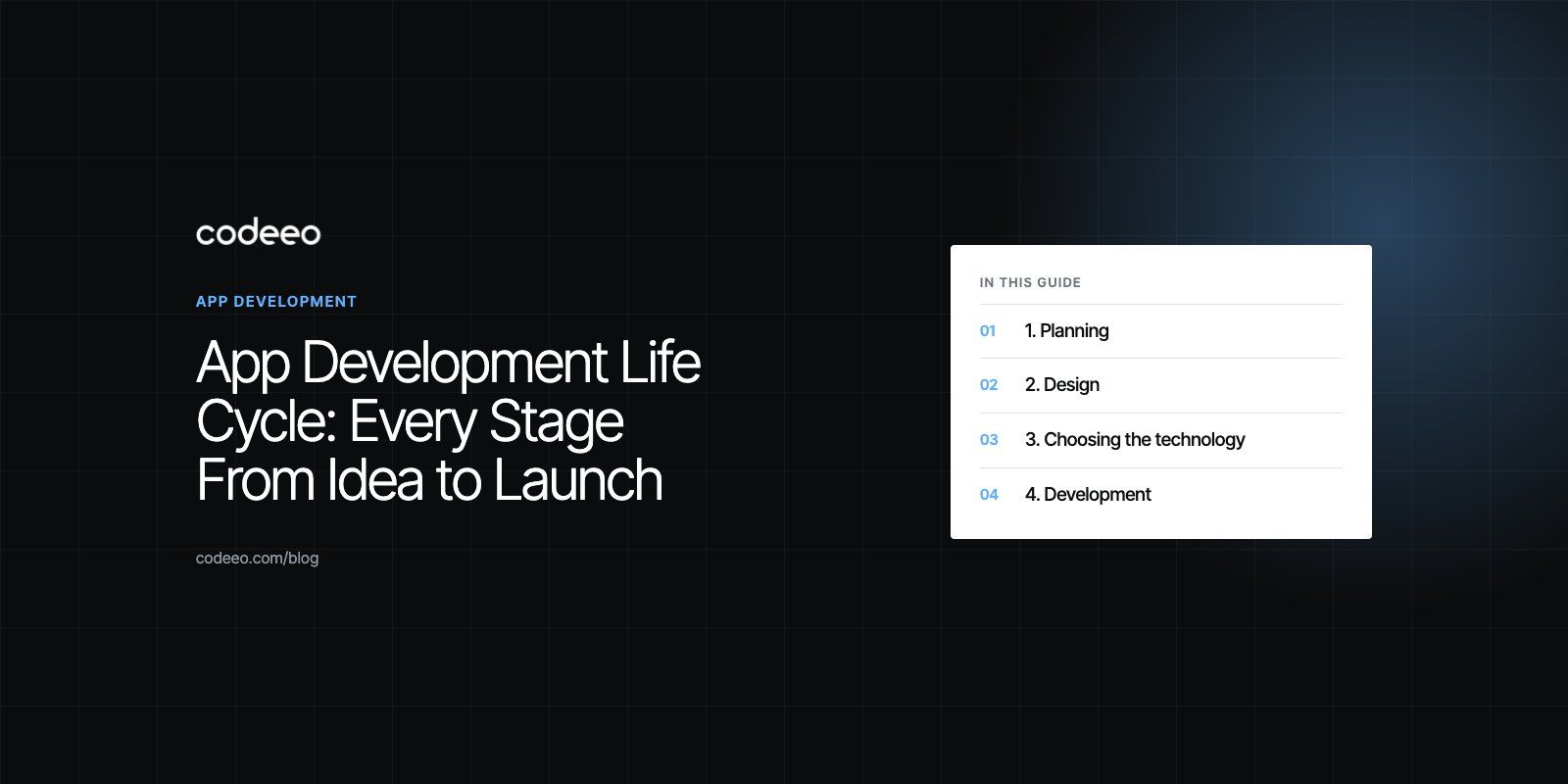
The app development life cycle is the sequence of stages an app moves through from idea to live product: planning, design, technology choice, development, testing, release and ongoing maintenance. Following it in order, while repeating the build and test stages in short cycles, keeps scope under control and catches problems while they are cheap to fix. Skipping a stage rarely saves time; it usually moves the cost to a later and more expensive point.
This guide explains each stage, what it should produce, and how to choose the life cycle model that suits your project.
The stages at a glance
| Stage | Main question | Typical output |
|---|---|---|
| 1. Planning | What problem are we solving, for whom? | Goals, scope, feature list, user roles, plan |
| 2. Design | How will people use it? | User flows, wireframes, tested prototype, UI design |
| 3. Technology choice | What do we build it with? | Platform approach, stack, architecture outline |
| 4. Development | Does it work? | Working increments, API, admin panel |
| 5. Testing | Is it reliable, secure and usable? | Test results, fixed defects, release candidate |
| 6. Release | Can users get it? | Store listings, production setup, launch |
| 7. Maintenance | Is it still working and improving? | Updates, monitoring, new features |
1. Planning
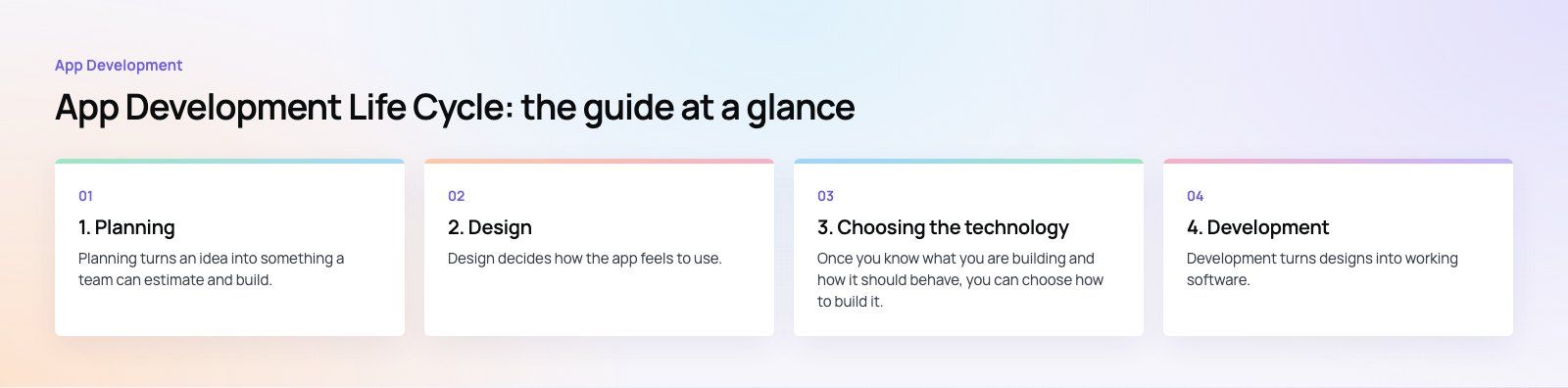
Planning turns an idea into something a team can estimate and build. It is the stage most often rushed, and the one that causes the most trouble later.
Define goals and users
Write down what the app must achieve for the business and for its users. Name each type of user, such as customer, vendor or admin, and the main job each one needs to do.
Set the scope
List features and split them into the first release and later phases. A focused first release launches sooner and teaches you what users actually want. Be explicit about what is out of scope.
Plan the timeline and risks
Break the work into phases, identify dependencies such as third party APIs or content, and flag the riskiest parts so they can be tackled early. A structured product scoping exercise produces this plan in a form both sides can agree on.
2. Design
Design decides how the app feels to use. Good design work is mostly about structure and flow; visual polish comes last.
User flows and wireframes
Map each main task step by step, then sketch the screens as simple wireframes. This is where you discover that a flow needs one screen fewer, or that a key action is buried.
Prototypes and early testing
Turn the wireframes into a clickable prototype and test it with a few target users. Fixing a confusing flow at this point costs hours. Fixing it after development costs far more.
Visual design and design systems
Apply the brand through a consistent set of colors, type, spacing and components. A small design system keeps screens consistent and speeds up development. Our product design work follows this order: flows first, then visuals.
3. Choosing the technology
Once you know what you are building and how it should behave, you can choose how to build it.
Native or cross platform
Native apps use each platform's own languages and tools: Swift with Xcode for iOS, and Kotlin with Android Studio for Android. They give the deepest access to device features and the most platform specific behavior, but mean two codebases.
Cross platform frameworks such as React Native and Flutter let one codebase serve both platforms. For most business apps, they offer a good balance of speed, cost and quality. Native remains the better choice for apps that depend heavily on device hardware, complex graphics or the newest platform features.
Backend and infrastructure
Most apps need a backend: an API, a database, authentication, file storage, notifications and an admin panel. Common choices include Node.js, Laravel or a managed backend service, hosted on a cloud platform. Pick technologies your team, or your future team, can maintain.
Questions that guide the choice
- Which device features does the app need?
- Do you need iOS and Android at launch?
- How much real time behavior is involved, such as chat or tracking?
- What systems must the app integrate with?
- Who will maintain the code after launch?
4. Development
Development turns designs into working software. The best teams build in short cycles, typically one or two weeks, each ending with something that can be demonstrated and tested.
Working in increments
Agile methods, built on the values in the Agile Manifesto, favor working software and regular feedback over long upfront specifications. Each sprint delivers a small, usable part of the app, and the plan adjusts based on what you learn.
Code quality
Clean, readable code with consistent conventions, code reviews and version control makes the app cheaper to change later. Automated tests written alongside features catch regressions early. If you inherit an existing codebase, a codebase review shows its condition before you commit to building on it.
Hardware and firmware projects
Some apps talk to physical devices, which adds firmware and hardware testing to the cycle. Our Runvse project, a tuning and calibration product for diesel trucks, combined a mobile app, an API and the microcontroller firmware that talks to the vehicle.
5. Testing
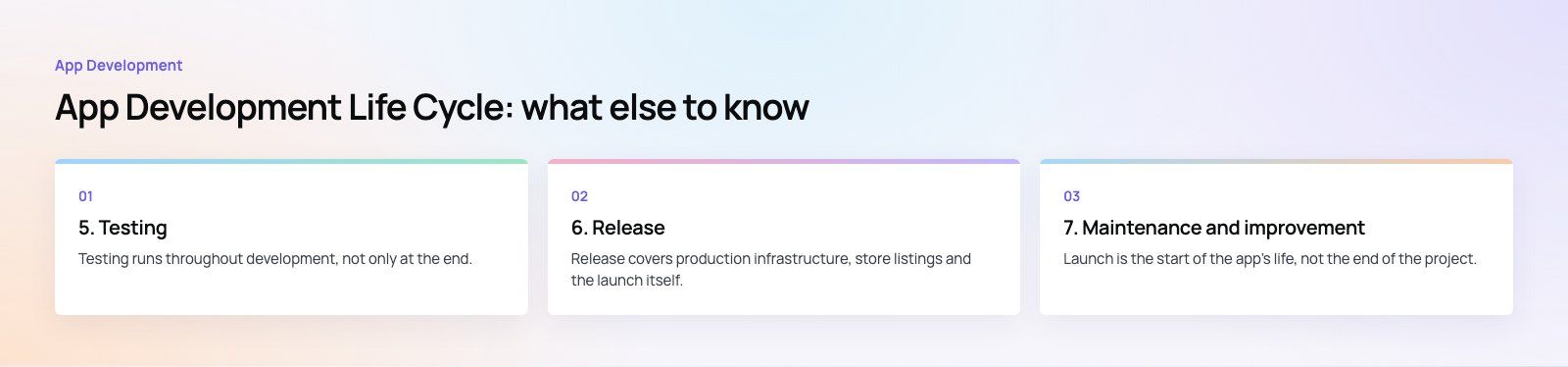
Testing runs throughout development, not only at the end. A complete approach combines several layers.
- Unit tests check individual functions and components.
- Integration tests check that parts work together, such as the app and its API.
- System tests check complete user flows on real devices.
- Usability tests check that real users can complete tasks without help.
- User acceptance testing confirms the app meets the agreed requirements.
- Performance tests check speed, memory use and behavior under load and on slow connections.
Security testing
Review authentication, data storage, network traffic and API permissions. The OWASP Mobile Top 10 is a useful checklist of the most common mobile security risks. Encrypt sensitive data in transit and at rest, and never store secrets in the app itself.
Automation and CI/CD
Continuous integration runs the automated tests on every code change, and continuous delivery builds and distributes test versions automatically. This keeps the codebase stable and makes releases routine rather than stressful.
6. Release
Release covers production infrastructure, store listings and the launch itself. Prepare app store screenshots, descriptions and privacy details early, and read Apple's App Store Review Guidelines before you submit, since rejections usually come from avoidable issues such as missing account deletion or unclear permissions. Use staged rollouts where possible, so a problem affects a small share of users before you release widely.
7. Maintenance and improvement
Launch is the start of the app's life, not the end of the project. Plan for:
- Crash reporting and performance monitoring from day one.
- Regular updates for new iOS and Android versions and library security fixes.
- Analytics to see which features are used and where users drop out.
- A backlog of improvements, prioritized by user feedback and data.
Many teams keep a smaller dedicated group on the app after launch. Dedicated developers are one way to keep that knowledge in place.
Life cycle models compared
The stages stay the same, but how you move through them differs by model.
| Model | How it works | Best for | Main drawback |
|---|---|---|---|
| Waterfall | Each stage completes before the next starts | Fixed, well understood requirements | Changes late in the project are costly |
| Agile (Scrum, Kanban) | Short cycles with regular feedback | Most app projects, evolving requirements | Needs active product owner involvement |
| Iterative and incremental | Build in versions or slices, refining each time | Large apps released in phases | Architecture must anticipate later increments |
| V-Model | Each build stage paired with a test stage | Regulated or safety sensitive software | Rigid when requirements change |
| Spiral | Repeated cycles focused on risk | Large, high risk projects | Heavy on planning and documentation |
| Prototype and RAD | Rapid prototypes refined with users | Unclear requirements, fast validation | Prototypes can be mistaken for finished code |
| DevOps | Development and operations share automated delivery | Apps with frequent releases | Requires investment in tooling and culture |
For most mobile apps, an agile approach with a short planning and design phase upfront works best. It keeps scope flexible while giving the team a clear starting point.
Following the life cycle does not mean slowing down; it means spending effort where it saves the most later. If you are planning an app and want a team that works through each stage with you, see our mobile app development services.
Frequently asked questions
The app development life cycle usually has seven stages: planning, design, technology choice, development, testing, release and maintenance.
Planning defines goals and scope, design shapes the user flows and interface, development builds the app in increments, testing checks reliability, security and usability, release publishes it to the stores, and maintenance keeps it updated and improving after launch.
App DevelopmentCross Platform App Development: How It Saves Time and MoneyHow shared code across iOS and Android cuts build and maintenance effort, which frameworks to consider in 2026, and when native development is still the better call. App DevelopmentHow to Plan an App Development Project From Start to FinishA step by step plan for an app project: define users and goals, scope an MVP, choose platforms, design, build the team, phase the timeline, test and launch.
 App DevelopmentMust Have Features of an HR Management AppThe features an HR management app needs, from onboarding and self service to payroll, performance and analytics, plus when to buy or build.
Tell us what the business needs. We will tell you what to build first.
Schedule a free consultation and get a written recommendation, with costs, before you commit to anything.
Get in touchPROVEN RESULTS
4.7 / 5verified reviews on Google