 App DevelopmentCross Platform App Development: How It Saves Time and MoneyHow shared code across iOS and Android cuts build and maintenance effort, which frameworks to consider in 2026, and when native development is still the better call.
How to Plan an App Development Project From Start to Finish
A step by step plan for an app project: define users and goals, scope an MVP, choose platforms, design, build the team, phase the timeline, test and launch.
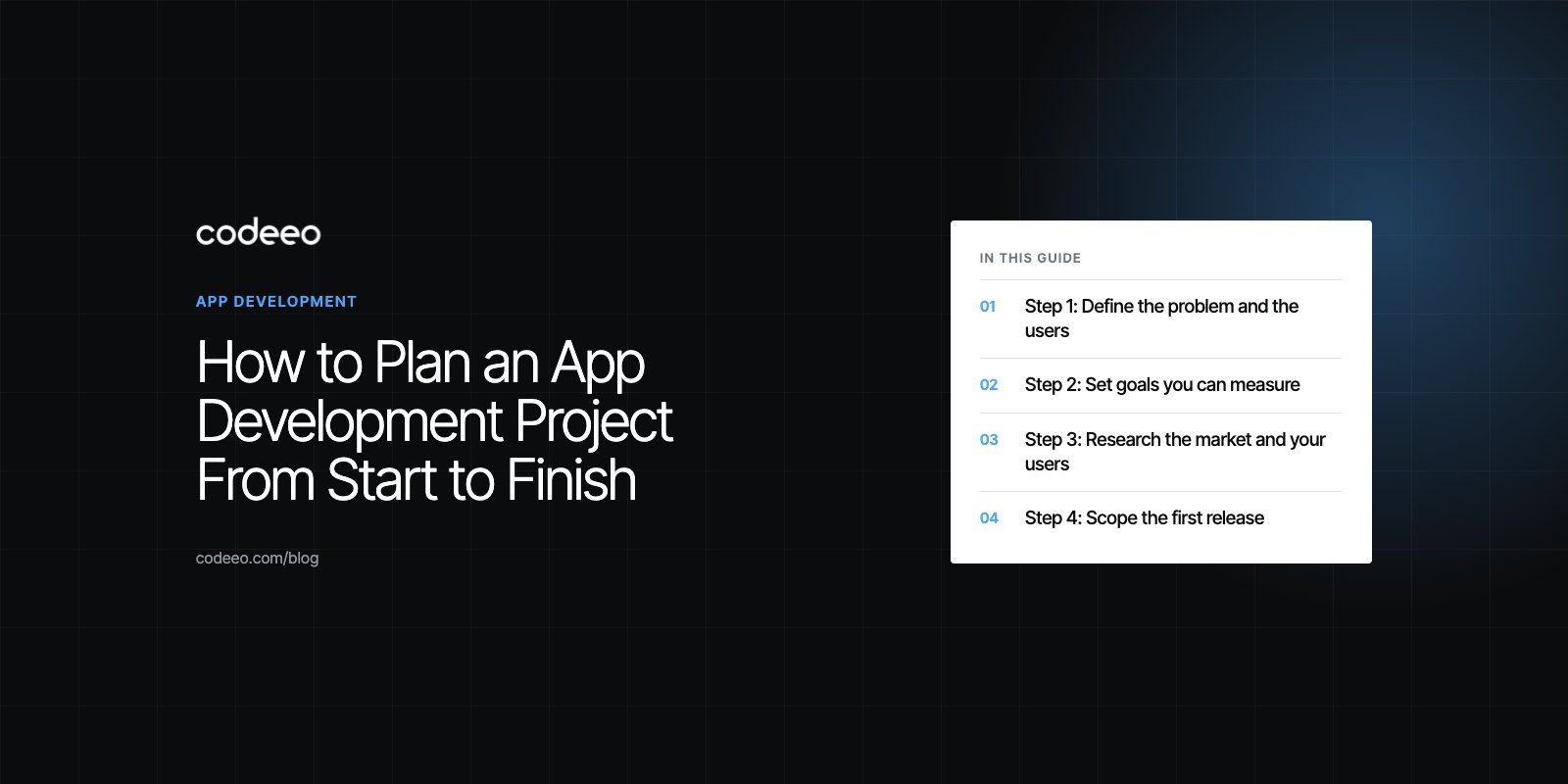
To plan an app development project from start to finish, define the problem and the users first, set measurable goals, check the market, then turn that into a scoped first release with clear must have features, a platform choice, a team, a phased timeline and a budget range. Plan testing, store submission and post launch support from the start, because those stages are where unplanned projects most often slip.
This guide walks through each planning step in order, with the questions to answer and the documents you should have at the end of each one.
Step 1: Define the problem and the users
Every good app plan starts with a single sentence: who the app is for and what problem it solves for them. If you cannot write that sentence clearly, the rest of the plan will drift.
Write down your primary user groups and what each needs to do. A food ordering platform, for example, may have customers, riders, restaurants and an admin team, and each group needs its own flows. Our Teachers Lunch build shows how quickly a "simple" ordering idea becomes a customer app, a rider app, restaurant menus, payments and an admin view.
Output: a one page product brief with the problem, target users, core value and what success looks like.
Step 2: Set goals you can measure
Goals give the project direction and make trade offs easier. Choose a small number of measurable outcomes, such as completed bookings per week, repeat orders, reduced support calls or time saved for staff. Separate launch goals from longer term goals so the first release is not judged against everything you hope to achieve eventually.
Each feature proposed later should support at least one of these goals. If it does not, it probably belongs in a later phase.
Step 3: Research the market and your users
Look at the apps your users already rely on. Note what they do well, where reviews complain, and what users have come to expect as standard, such as social sign in, saved payment methods or push notifications.
Then talk to real potential users. Five to ten short interviews will tell you more about priorities and language than any amount of desk research. Ask how they solve the problem today and what frustrates them, rather than asking whether they would use your app.
Output: a short competitor summary and a list of user insights that shape the feature list.
Step 4: Scope the first release
This is the most important planning step. List every feature idea, then sort them into must have, should have and later.
Must have features
These deliver the core value. Without them the app does not work. For a booking app, that is browsing services, choosing a time, paying and receiving a confirmation.
Should have and later features
Features that improve the experience but are not essential on day one, such as referral programs, advanced filters, in app chat or loyalty points, can wait. Launching a focused minimum viable product (MVP) lets you learn from real usage before investing in extras.
Write user stories
Express each must have feature as a user story, such as "As a customer, I want to reschedule a booking so I do not have to call." Stories keep the team focused on outcomes and make estimates more accurate.
If you want help turning an idea into a scoped plan, our product scoping engagement produces a feature list, user flows and estimates.
Step 5: Choose the platform and technology
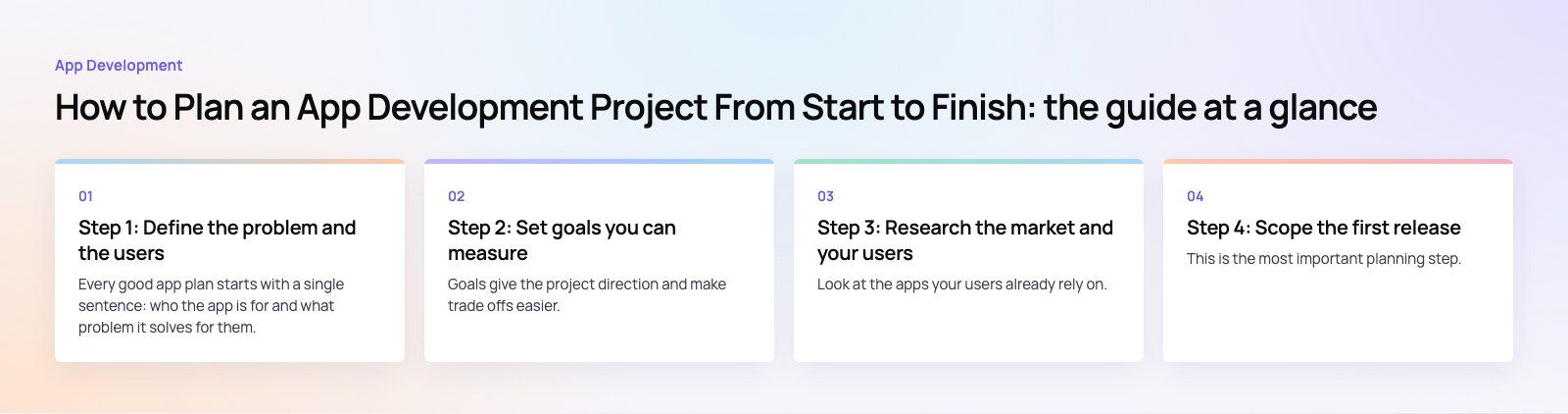
The platform decision affects cost, timeline and user experience. The table below summarizes the main options.
| Approach | Best for | Trade offs |
|---|---|---|
| Native iOS and Android (Swift, Kotlin) | Apps that need the best performance or deep device features | Two codebases to build and maintain |
| Cross platform (Flutter, React Native) | Most business apps that must reach both platforms | Some device specific features need native code |
| Progressive web app | Simple tools, internal apps and early validation | Limited store presence and fewer device features |
| iOS or Android only first | Audiences concentrated on one platform | Second platform comes later and needs its own plan |
Do not forget the back end. Most apps need an API, a database, an admin panel for your team, and integrations such as payments, maps, messaging or analytics. The admin panel is often underestimated, yet it is what your staff use every day.
Step 6: Design the user experience
Design starts with user flows, the step by step paths for each key task. Then come wireframes, which are simple screen layouts, and finally visual designs and a clickable prototype.
Test the prototype with a handful of users before development begins. Changing a design is far cheaper than changing built code. Keep screens simple, make the main action on each screen obvious, and design for accessibility from the start with readable text, good contrast and large tap targets. Our design team runs this stage alongside development planning.
Step 7: Build the right team
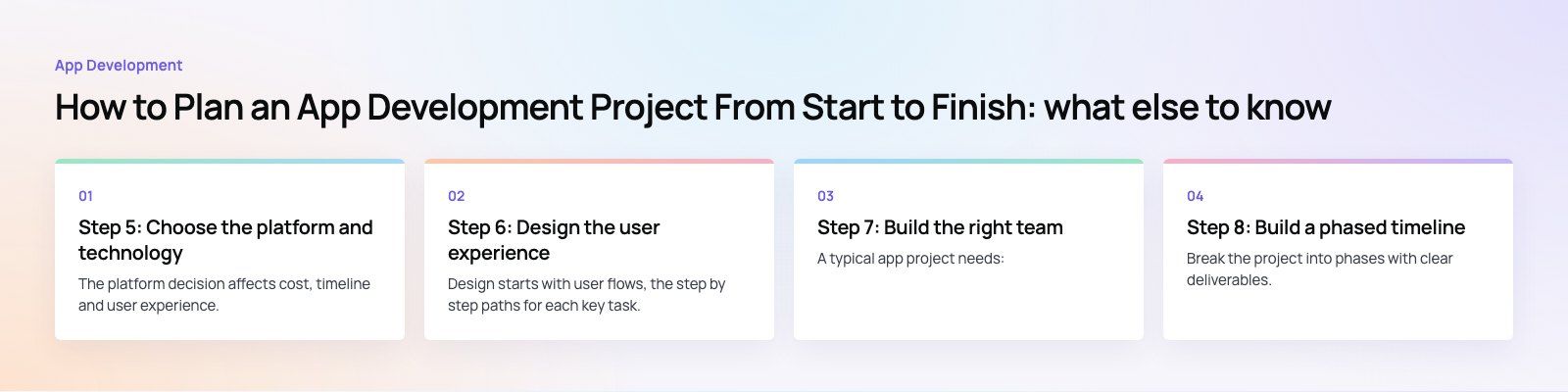
A typical app project needs:
- A product owner on your side who makes decisions and prioritizes features.
- A project manager or delivery lead who runs the schedule and communication.
- UI and UX designers for flows, screens and prototypes.
- Mobile developers for iOS, Android or a cross platform framework.
- Back end developers for the API, database and admin.
- QA engineers who test on real devices throughout, not only at the end.
You can hire in house, work with an agency, or extend your team with dedicated developers. The most important factor is a single person on your side with the authority to make product decisions quickly.
Step 8: Build a phased timeline
Break the project into phases with clear deliverables. A typical sequence looks like this:
- Discovery and scoping: brief, user research, feature list, technical approach.
- Design: flows, wireframes, visual design and prototype testing.
- Development in sprints: usually two week cycles, each ending with a working build you can review.
- Testing and stabilization: functional, performance, security and device compatibility testing.
- Store submission and launch.
- Post launch support and iteration.
The overall timeline depends on scope, integrations and how quickly decisions are made. Build in buffer for store review, third party approvals such as payment gateway onboarding, and the feedback rounds that always take longer than expected.
Step 9: Set the budget
Rather than starting from a number, list what drives cost so you can make informed trade offs:
- The number of user roles and screens.
- Platforms: one, both, or web as well.
- Integrations such as payments, maps, chat, video or hardware.
- The complexity of the admin panel and reporting.
- Security and compliance needs for personal, health or payment data.
- Ongoing costs: hosting, third party services, store accounts, maintenance and updates.
Reserve part of the budget for post launch work. Users will reveal improvements you could not predict, and operating systems change every year.
Step 10: Plan testing from the start
Testing should run through every sprint, not wait until the end. Cover the main types:
- Functional testing to confirm every feature works as specified.
- Device and OS testing on a realistic mix of phones, including older and mid range models.
- Performance testing for load times, battery use and heavy traffic on the back end.
- Security testing for logins, data storage and API access.
- Usability testing with real users before launch.
Step 11: Prepare for launch
Read the App Store Review Guidelines and Google Play developer policies early, since rules on privacy, payments, sign in options and user generated content can affect your design. Prepare store listings, screenshots, a privacy policy and support contact details well before submission.
Set up analytics and crash reporting before launch, so you can see how people use the app from the first day. Plan your launch marketing, and have the team ready to respond to bugs and reviews quickly in the first weeks.
Step 12: Plan post launch support
An app is never finished at launch. Plan for bug fixes, operating system updates, security patches, dependency upgrades and new features driven by user feedback. Review analytics and store reviews regularly and feed the findings into a prioritized roadmap for the next releases.
Common planning mistakes
- Trying to launch every feature in version one.
- Forgetting the admin panel and internal workflows.
- No single decision maker, so feedback rounds drag on.
- Leaving store policy and privacy requirements until submission.
- No budget for maintenance after launch.
Turning your plan into an app
A clear plan keeps an app project focused, predictable and easier to fund. Codeeo's team of 80+ across Dubai, Riyadh and Karachi has delivered 200+ projects across the UAE and the US, including event, booking and marketplace apps such as Meecon. Our mobile app development team can take you from scoping to launch and beyond. Tell us about your idea.
Frequently asked questions
It depends mainly on scope, the number of user roles, integrations and how quickly decisions are made.
A focused MVP with one user type and a simple admin is far quicker than a multi sided marketplace with payments and real time features. A proper scoping phase produces a phased timeline you can rely on, rather than a guess made before features are defined.
App DevelopmentCross Platform App Development: How It Saves Time and MoneyHow shared code across iOS and Android cuts build and maintenance effort, which frameworks to consider in 2026, and when native development is still the better call. App DevelopmentMust Have Features of an HR Management AppThe features an HR management app needs, from onboarding and self service to payroll, performance and analytics, plus when to buy or build.
 App DevelopmentHow to Create a Smooth Mobile User ExperienceThe principles behind a smooth mobile app experience: clear design, fast performance, short flows and accessibility, and how to build them into every stage.
Tell us what the business needs. We will tell you what to build first.
Schedule a free consultation and get a written recommendation, with costs, before you commit to anything.
Get in touchPROVEN RESULTS
4.7 / 5verified reviews on Google