 App DevelopmentHow to Plan an App Development Project From Start to FinishA step by step plan for an app project: define users and goals, scope an MVP, choose platforms, design, build the team, phase the timeline, test and launch.
Cross Platform App Development: How It Saves Time and Money
How shared code across iOS and Android cuts build and maintenance effort, which frameworks to consider in 2026, and when native development is still the better call.
Cross platform app development saves time and money by letting one team write most of an app's code once and ship it to both iOS and Android. Instead of building and maintaining two separate native apps, you share the user interface, business logic or both across platforms, so features, fixes and releases happen once. The savings are real, but they depend on choosing the right framework and knowing where native work is still needed.
This guide explains where the savings come from, the main frameworks in 2026, the trade offs, and how to decide whether cross platform is right for your app.
Where the time and cost savings come from
| Advantage | What it means in practice |
|---|---|
| Shared code | Screens, logic and data handling are written once for both platforms |
| One team | One group of developers instead of separate iOS and Android teams |
| Faster releases | New features ship to both stores at the same time |
| Simpler maintenance | Bugs are fixed once, in one codebase |
| Consistent experience | Users get the same features and design on every device |
Writing code once
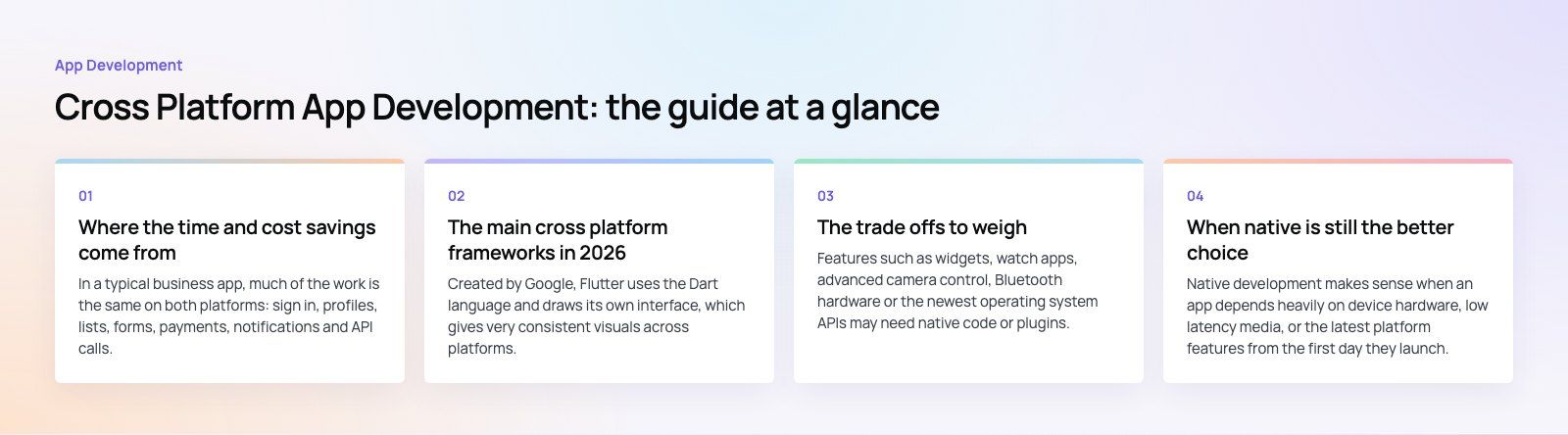
In a typical business app, much of the work is the same on both platforms: sign in, profiles, lists, forms, payments, notifications and API calls. Cross platform frameworks let that work be done once. Platform specific code is limited to the parts that genuinely differ.
One team, one backlog
Two native apps usually mean two teams, two sets of estimates and constant effort to keep features in sync. A single cross platform team works from one backlog, which cuts coordination overhead as much as it cuts coding time.
Faster time to market
Launching on iOS and Android together means you reach your full audience on day one, rather than launching on one platform and making the other half of your users wait.
Lower long term maintenance
Most of an app's lifetime cost comes after launch: operating system updates, new devices, bug fixes and new features. A shared codebase means each of those changes is made once and tested in one place.
The main cross platform frameworks in 2026
Flutter
Created by Google, Flutter uses the Dart language and draws its own interface, which gives very consistent visuals across platforms. It also targets web and desktop. It suits apps with custom, brand heavy designs and teams happy to work in Dart.
React Native
Created by Meta, React Native uses JavaScript or TypeScript and React, and renders native platform components. It suits teams that already work with React on the web, and lets them share skills and sometimes code between web and mobile.
Kotlin Multiplatform
Kotlin Multiplatform lets teams share business logic while keeping native user interfaces, or share both logic and UI using Compose Multiplatform. It suits teams with strong Android and Kotlin skills, or apps that want fully native screens with a shared core.
.NET MAUI, and what happened to Xamarin
Older articles often recommend Xamarin. According to Microsoft's Xamarin support policy (2024), Xamarin support ended on May 1, 2024, and Xamarin.Forms projects should be migrated to .NET MAUI. For C# and .NET teams, .NET MAUI is the current option. Do not start a new app on Xamarin.
| Framework | Language | UI approach | Best fit |
|---|---|---|---|
| Flutter | Dart | Draws its own widgets | Custom designs, consistent look everywhere |
| React Native | JavaScript, TypeScript | Native components via React | Teams with React web skills |
| Kotlin Multiplatform | Kotlin | Native UI or Compose Multiplatform | Shared logic with native feel |
| .NET MAUI | C# | Native controls via .NET | Microsoft centered teams |
The trade offs to weigh
Platform specific features
Features such as widgets, watch apps, advanced camera control, Bluetooth hardware or the newest operating system APIs may need native code or plugins. Most frameworks handle this well, but it adds effort and should be scoped upfront.
Performance
Modern frameworks perform very well for typical business, commerce, booking and content apps. Apps that do heavy graphics, real time audio or video processing, or complex animations may still benefit from native code for those parts.
Dependency on the framework
You rely on the framework and its plugins keeping up with Apple and Google. Choose a widely used, actively maintained framework and keep third party plugins to a minimum.
Team skills
Cross platform does not remove the need to understand iOS and Android. Store submission, signing, permissions and platform design conventions still matter, and someone on the team needs that knowledge.
When native is still the better choice
Native development makes sense when an app depends heavily on device hardware, low latency media, or the latest platform features from the first day they launch. Our Ourcast Live project, an assistive listening product that streams a venue's audio to attendees' phones in real time, uses native iOS and Android apps. Similarly, Runvse combines a mobile app, an API and the microcontroller firmware that talks to the vehicle, a mix where hardware access shapes the technical choices.
For most other apps, such as marketplaces, booking tools, commerce, internal tools and content apps, cross platform is the practical default.
How to get the most out of a cross platform build
- Scope platform specific features early. List anything that touches hardware or newer operating system features before choosing a framework.
- Design once, adapt where it matters. Use one design system, then respect platform conventions such as back navigation and system dialogs. The Distinct healthcare workforce platform, for example, uses a design system shared by web and admin.
- Keep plugins lean. Every plugin is a dependency you must keep updated.
- Automate builds and tests. Continuous integration that builds both apps on every change catches platform issues early.
- Test on real devices. Emulators miss performance, keyboard and permission issues that real phones reveal.
If you are not sure which approach fits, a product scoping session maps features to the right framework before any code is written.
Building your app the efficient way
Codeeo has delivered 200+ projects across the UAE and the US, with a team of 80+ across Dubai, Riyadh and Karachi. Our mobile app development team builds both cross platform and native apps, and our React developers work across web and React Native, so we can recommend the approach that fits your product rather than a default.
Frequently asked questions
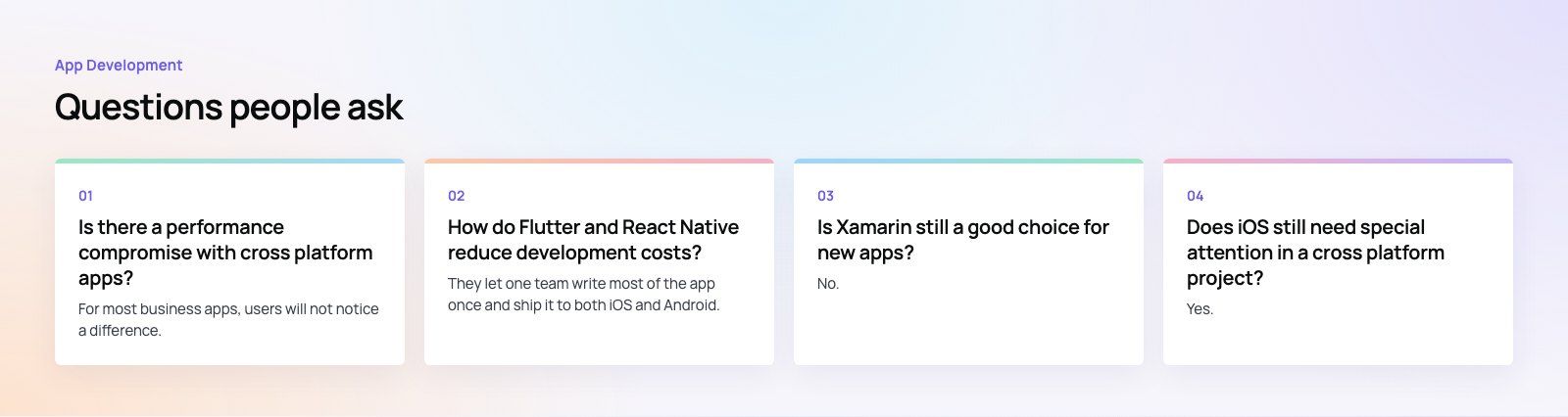
For most business apps, users will not notice a difference.
Flutter, React Native and Kotlin Multiplatform all produce fast, responsive apps for typical tasks such as lists, forms, payments and maps. Apps that rely on heavy graphics, real time media processing or deep hardware access may still need native code for those specific parts, which every major framework supports.
App DevelopmentHow to Plan an App Development Project From Start to FinishA step by step plan for an app project: define users and goals, scope an MVP, choose platforms, design, build the team, phase the timeline, test and launch. App DevelopmentMust Have Features of an HR Management AppThe features an HR management app needs, from onboarding and self service to payroll, performance and analytics, plus when to buy or build.
 App DevelopmentHow to Create a Smooth Mobile User ExperienceThe principles behind a smooth mobile app experience: clear design, fast performance, short flows and accessibility, and how to build them into every stage.
Tell us what the business needs. We will tell you what to build first.
Schedule a free consultation and get a written recommendation, with costs, before you commit to anything.
Get in touchPROVEN RESULTS
4.7 / 5verified reviews on Google