 App DevelopmentCross Platform App Development: How It Saves Time and MoneyHow shared code across iOS and Android cuts build and maintenance effort, which frameworks to consider in 2026, and when native development is still the better call.
Apps Like Pinterest: The Best Alternatives by Niche
Compare the best apps like Pinterest for designers, ad free mood boards, research and reading, plus what it takes to build your own discovery app.
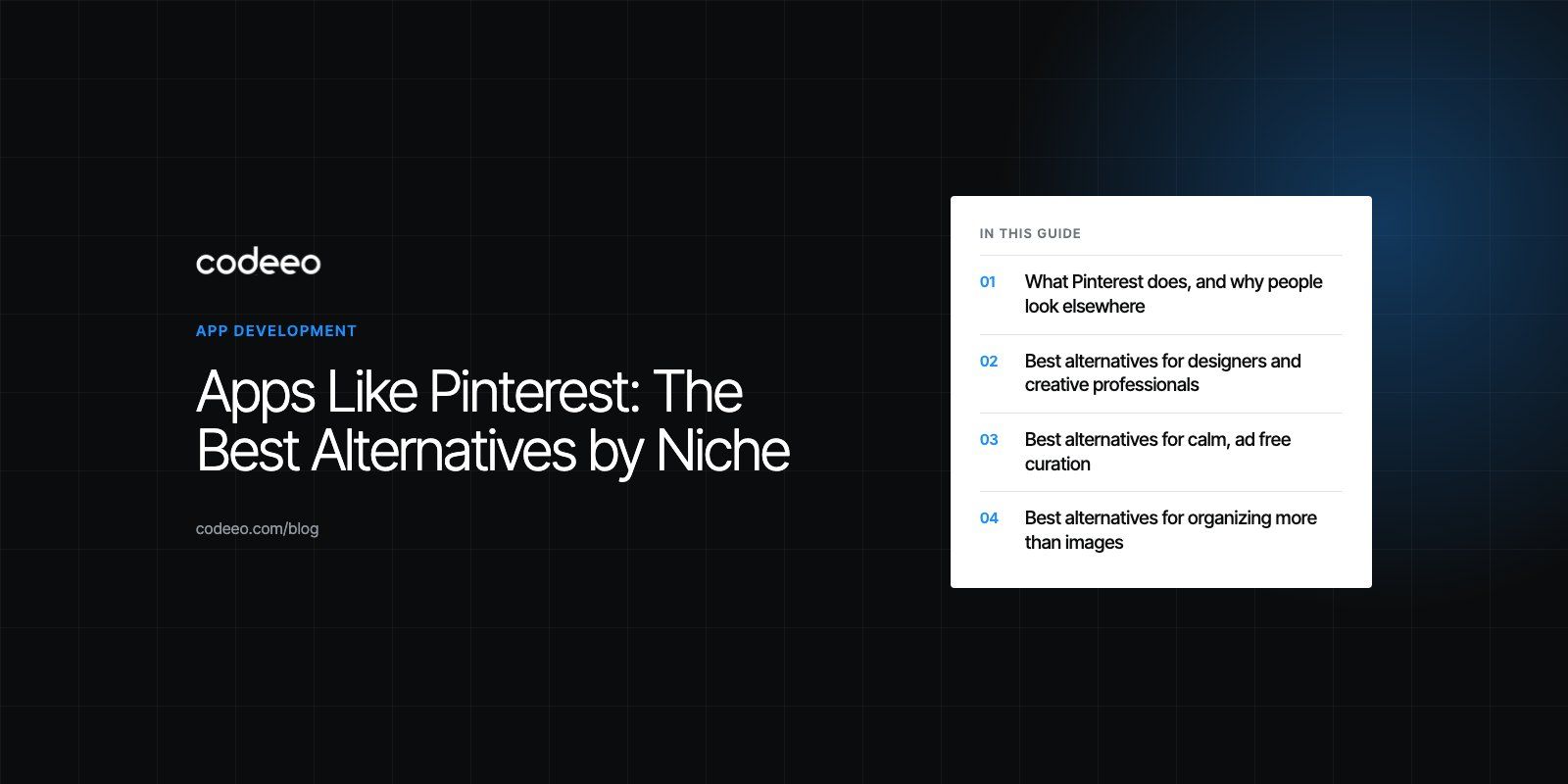
The best apps like Pinterest depend on what you use Pinterest for. Designers looking for professional work tend to prefer Dribbble and Behance. People who want calm, ad free mood boards often move to Are.na, Cosmos or Savee. Researchers who save links and notes as well as images do better with Pearltrees or Milanote, and readers who want curated articles rather than pictures use Flipboard. Each one trades Pinterest's huge general audience for a sharper focus.
Below, we compare the main alternatives by niche, explain what each does well and where it falls short, and then look at what it takes for a business to build its own visual discovery app.
What Pinterest does, and why people look elsewhere
Pinterest is a visual discovery engine. Users save images, videos and links as pins, organize them into boards, and browse feeds of ideas for home, fashion, food, travel and much more. Its strength is breadth: almost any interest has an active audience on it.
That breadth is also why some people look for alternatives. Feeds mix inspiration with shopping and promoted content, niche interests can get buried, and professionals often want work from verified creators rather than reposted images with no clear source. Each app below solves one of those problems.
Pinterest alternatives at a glance
| App | Best for | Main strength | Main limitation |
|---|---|---|---|
| Are.na | Research and creative thinking | Calm, connected collections of images, links and text | Less polished visual browsing |
| Cosmos | Visual mood boards | Clean, image focused curation | Younger product with a smaller community |
| Savee | Designers saving references | Fast visual bookmarking into boards | Design focused content |
| Dribbble | UI, branding and illustration | Work posted by the designers themselves | Mostly polished concept shots |
| Behance | Full creative portfolios | Detailed case studies, part of Adobe | Heavier to browse casually |
| Pearltrees | Organizing mixed content | Saves pages, files, notes and photos together | Less visual than Pinterest |
| Milanote | Project boards and planning | Freeform boards mixing notes, images and tasks | Not a discovery feed |
| Reading and news | Curated magazines on any topic | Articles first, images second | |
| Tumblr | Fandoms and creative communities | Reblogging culture and personal blogs | Mixed content quality |
Best alternatives for designers and creative professionals
Dribbble
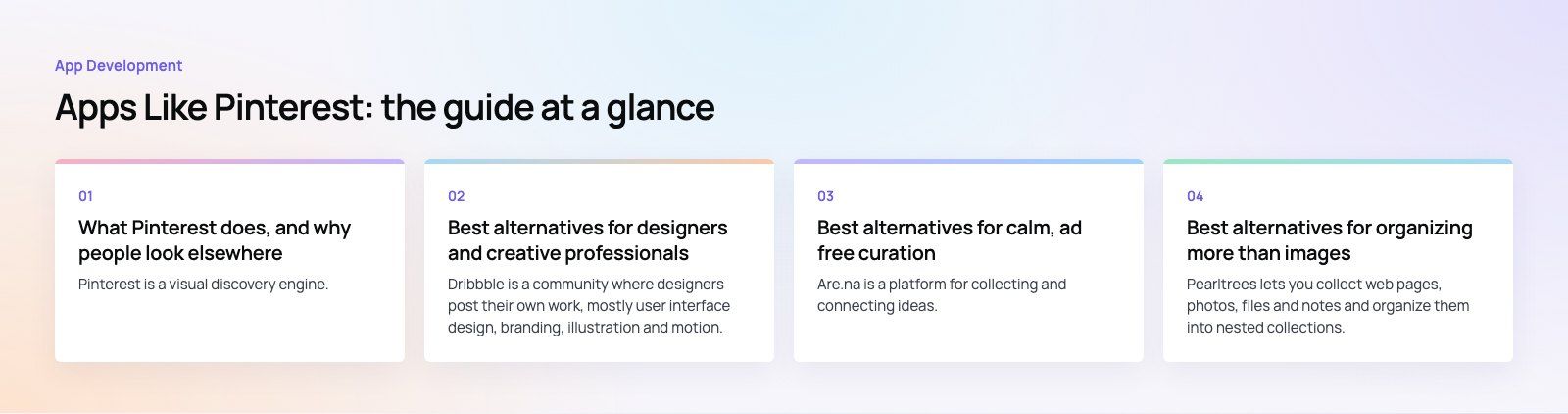
Dribbble is a community where designers post their own work, mostly user interface design, branding, illustration and motion. Because shots come from the people who made them, it is a reliable place to find current visual trends and to discover designers to hire. The trade off is that many shots are concept pieces rather than shipped products.
Behance
Behance, owned by Adobe, focuses on full projects rather than single images. Creatives publish case studies that show process, sketches and final work across graphic design, photography, architecture, fashion and more. It suits deeper research and hiring, though it is slower to browse than a Pinterest feed.
Savee
Savee is a visual bookmarking tool built for creatives. You save images from anywhere on the web or upload your own, then sort them into boards for projects or moods. Its feed leans heavily towards design, photography and art direction, which makes it popular with studios gathering references.
Best alternatives for calm, ad free curation
Are.na
Are.na is a platform for collecting and connecting ideas. Users build channels of images, links, text and files, and the same block can live in many channels, which creates connections between topics. It is deliberately quiet: no algorithmic feed pushing content at you. Writers, researchers, artists and students use it for long running projects.
Cosmos
Cosmos is a newer visual curation app focused on clean mood boards. It removes much of the clutter people dislike in larger platforms and puts the images first. It suits anyone who mainly wants to save and arrange visuals, though its community is smaller than the established players.
Best alternatives for organizing more than images
Pearltrees
Pearltrees lets you collect web pages, photos, files and notes and organize them into nested collections. It works well for teachers, students and researchers who want everything on a topic in one structured place. It is less visual and less social than Pinterest, and new users may need time to learn the interface.
Milanote
Milanote is a visual board tool for planning creative projects. You drag images, notes, links, to do lists and files onto freeform boards and share them with collaborators. It is not a discovery platform, but many people who used Pinterest boards to plan projects find it a better fit.
Best alternatives for reading and communities
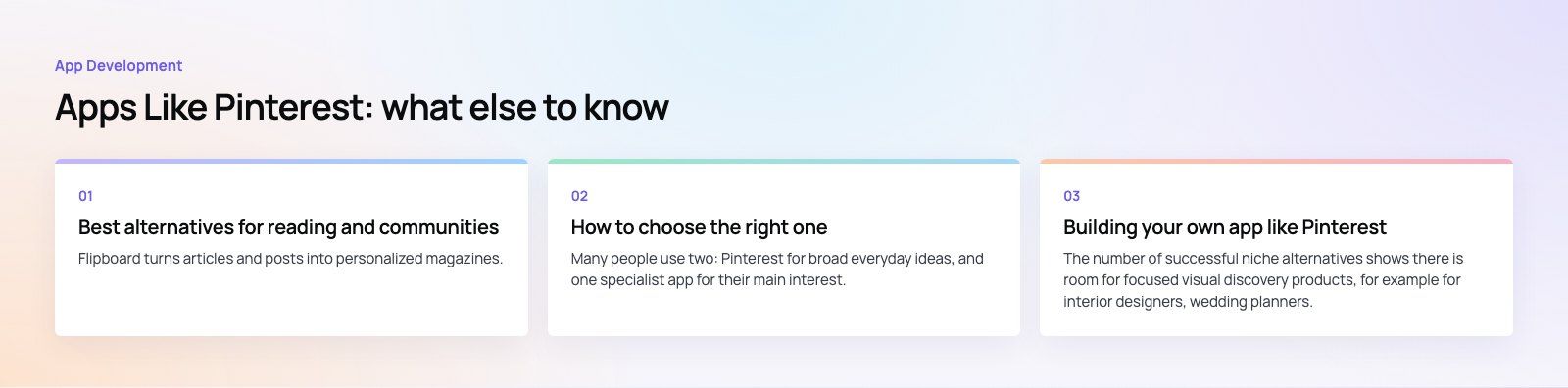
Flipboard turns articles and posts into personalized magazines. You follow topics and publications, then curate your own magazines to share. It suits people whose "inspiration" is mostly reading rather than images.
Tumblr
Tumblr combines personal blogs with reblogging, which spreads images, art and writing through communities. It is strong for fandoms, art and niche subcultures, though content quality varies more than on curated platforms.
How to choose the right one
- For professional design references, start with Dribbble, Behance or Savee.
- For quiet, long term collecting, try Are.na or Cosmos.
- For projects that mix files, notes and images, use Pearltrees or Milanote.
- For reading, use Flipboard.
- For community and fandom, Tumblr remains the obvious choice.
Many people use two: Pinterest for broad everyday ideas, and one specialist app for their main interest.
Building your own app like Pinterest
The number of successful niche alternatives shows there is room for focused visual discovery products, for example for interior designers, wedding planners, a retail brand's customers or a professional community. If you are considering one, these are the parts to plan.
Core features
- Accounts, profiles and follows.
- Saving content by upload, browser extension or share sheet.
- Boards or collections, with private and shared options.
- A feed that mixes followed content with discovery.
- Search by keyword, tag and, later, by visual similarity.
- Reporting, moderation and an admin panel.
Technical considerations
Image heavy apps need fast image processing and a content delivery network so thumbnails load instantly in a masonry grid. Search usually runs on a dedicated engine rather than the main database. Recommendations can start with simple rules such as related tags and popular in this board, and move to machine learning once you have enough engagement data. Copyright and attribution need a clear policy from day one, since users will save other people's work.
Start narrow
A niche app wins on relevance, not size. Pick one audience, make saving and finding ideas faster for them than on Pinterest, and add social features once people are actively curating.
Talk to Codeeo about your app
Codeeo has delivered 200+ projects across the UAE and the US. Our app work includes My Places, with groups, posts, friends, follows and chat, and Regive, a social app where members post items, join communities and chat. If you are planning a visual discovery or community app, our mobile app development team can help, starting with a short product scoping session.
Frequently asked questions
There is no single best alternative because each serves a different need.
Designers usually prefer Dribbble, Behance or Savee for professional references. Are.na and Cosmos suit people who want calmer, ad free curation. Pearltrees and Milanote are better for organizing mixed content, and Flipboard works best for reading. Choose based on what you actually save most often.
App DevelopmentCross Platform App Development: How It Saves Time and MoneyHow shared code across iOS and Android cuts build and maintenance effort, which frameworks to consider in 2026, and when native development is still the better call. App DevelopmentHow to Plan an App Development Project From Start to FinishA step by step plan for an app project: define users and goals, scope an MVP, choose platforms, design, build the team, phase the timeline, test and launch.
 App DevelopmentMust Have Features of an HR Management AppThe features an HR management app needs, from onboarding and self service to payroll, performance and analytics, plus when to buy or build.
Tell us what the business needs. We will tell you what to build first.
Schedule a free consultation and get a written recommendation, with costs, before you commit to anything.
Get in touchPROVEN RESULTS
4.7 / 5verified reviews on Google