 Digital TransformationHow Digital Transformation Is Reshaping BusinessesFive ways digital transformation is changing operations, customer experience, data, business models and work, plus the challenges and a practical roadmap.
CodeeoInsightsDigital Transformation
Best CRM for Small Businesses: 10 Options and How to Choose
Ten CRM platforms that suit startups and small teams, from HubSpot and Zoho to Kommo and NetHunt, with a comparison table and a practical way to choose.
The best CRM for a small business is the one your team will actually keep updated, that fits how you already sell, and that can grow with you without a painful migration. For most small teams that means starting with a simple, well integrated tool such as HubSpot, Zoho CRM, Capsule or Freshsales, or a channel specific option like Kommo for WhatsApp led sales or NetHunt for Gmail users. Choose by workflow first and feature list second.
Below are ten CRM platforms that suit startups and small businesses, how they differ, and a practical way to choose between them. We have left out prices on purpose: plans change often, so check each vendor's current pricing page before deciding.
Why a small business needs a CRM
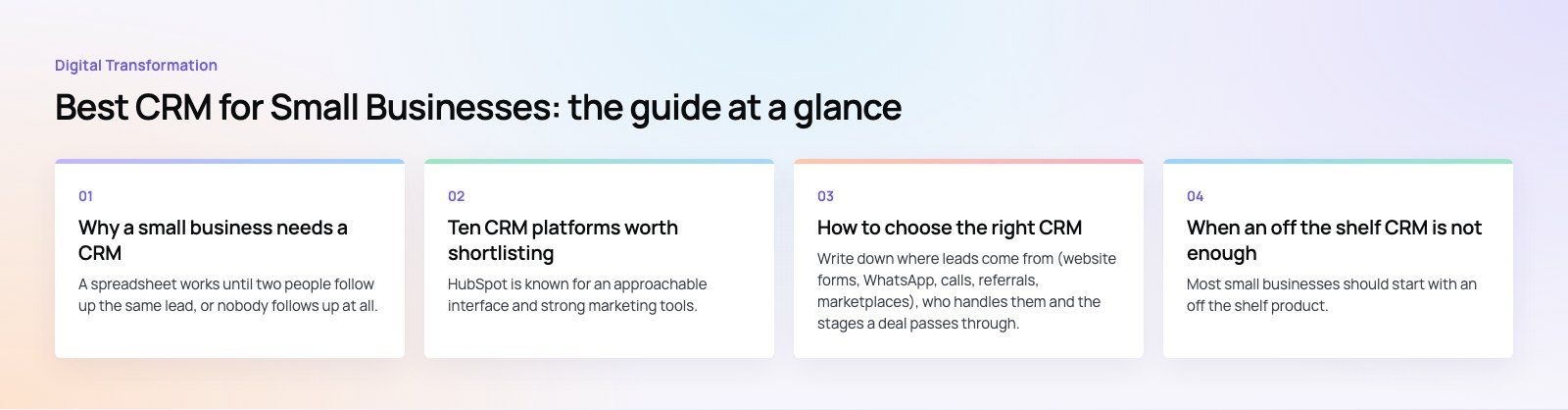
A spreadsheet works until two people follow up the same lead, or nobody follows up at all. A CRM fixes that by giving everyone one record per customer and one view of the pipeline.
- One source of customer data. Contacts, conversations, deals and notes live in one place instead of personal inboxes and phones.
- A visible pipeline. You can see what is likely to close this month and where deals stall.
- Fewer dropped follow ups. Tasks and reminders attach to the deal, so handovers do not lose context.
- Better service. Anyone answering a customer can see their history before replying.
- Simple automation. Welcome emails, lead assignment and deal stage updates can run without manual effort.
- Reporting that scales. As the team grows, you can measure conversion rates and sales activity instead of guessing.
Ten CRM platforms worth shortlisting
HubSpot CRM
HubSpot is known for an approachable interface and strong marketing tools. Its free CRM covers contacts, deals and basic pipeline management, and paid hubs add marketing automation, sales sequences and service desks. It suits teams that want marketing and sales in one system. The trade off is that advanced features sit in higher tiers, so costs can rise as you grow.
Zoho CRM
Zoho CRM is part of a wide suite that includes books, desk, campaigns and more. It offers a freemium edition, deep customization and workflow automation. It is a good fit if you expect to use several business apps from one vendor. Setup takes more thought than simpler tools, and the number of options can feel heavy for a very small team.
Freshsales
Freshsales, from Freshworks, focuses on sales teams with built in email, phone, pipeline views and AI assisted lead scoring. It is straightforward to adopt and connects well with Freshworks' support desk. Some integrations and automation features are limited to higher plans.
Capsule
Capsule is a deliberately simple CRM: contacts, pipelines, tasks and integrations with common accounting and email tools. It suits service businesses and small teams who want a tidy system without a long setup. Larger teams may outgrow its reporting and customization.
Vtiger
Vtiger combines sales, marketing and help desk features in one product. That all in one approach helps teams that want fewer separate tools. Expect a learning curve and some setup work to shape it around your process.
Flowlu
Flowlu pairs CRM with project management, invoicing and team collaboration. It works well for agencies and consultancies that sell projects and then deliver them, since the deal and the project live in one place. Its third party integration list is shorter than the larger platforms'.
Kommo
Kommo, formerly amoCRM, is built around messaging. It integrates with WhatsApp, Instagram and other messengers, so conversations become leads in a pipeline automatically. That makes it a natural fit for businesses that sell mainly through chat, which is common in the Gulf and many other markets. Setting up chat bots and automations takes some effort.
NetHunt
NetHunt is a CRM for Gmail and Google Workspace that runs inside your inbox. If your team already lives in Gmail, adoption is easy because nobody has to switch screens. It is less suitable for teams on Microsoft 365 or those needing heavy reporting.
Salesmate
Salesmate offers pipelines, built in calling and texting, sales sequences and automation. It suits small sales teams that make a lot of calls and want those activities logged automatically. Customization for complex processes is more limited.
folk
folk is a lightweight, flexible contact and relationship manager. It works well for founders, recruiters and partnership teams managing networks rather than formal sales pipelines. It lacks the depth of a full sales CRM, so fast growing sales teams may move on from it.
Side by side comparison
| CRM | Best for | Strength | Watch out for |
|---|---|---|---|
| HubSpot | Marketing led teams | Free CRM, easy interface | Costs rise with advanced tiers |
| Zoho CRM | Teams using several business apps | Customization and suite breadth | More setup effort |
| Freshsales | Sales focused teams | Built in phone and email, AI scoring | Some features in higher plans |
| Capsule | Small service businesses | Simplicity | Limited depth as you grow |
| Vtiger | Teams wanting one tool for sales and support | All in one modules | Learning curve |
| Flowlu | Agencies and project businesses | CRM plus projects and invoicing | Fewer integrations |
| Kommo | Chat led sales | WhatsApp and messenger pipelines | Automation setup takes time |
| NetHunt | Gmail and Workspace users | Works inside the inbox | Tied to Google |
| Salesmate | Call heavy sales teams | Calling, texting and sequences | Limited customization |
| folk | Founders and relationship managers | Flexible contact management | Light on sales features |
How to choose the right CRM
1. Map how you sell today
Write down where leads come from (website forms, WhatsApp, calls, referrals, marketplaces), who handles them and the stages a deal passes through. The right CRM matches that flow with minimal workarounds.
2. List the integrations you cannot live without
Email and calendar are the minimum. Most small businesses also need their website forms, accounting software, messaging channels and, for online sellers, their store platform. A CRM that does not connect to these will be bypassed.
3. Test with real users
Use a trial with two or three people who will live in the system daily. If they find it slow or confusing in the first week, adoption will fail no matter what the feature list says.
4. Think two years ahead
Consider team size, extra pipelines, new markets and languages. Moving CRMs later means exporting data, rebuilding automations and retraining staff, so a little headroom now is worth it.
5. Understand what drives cost
CRM costs depend on the number of users, the plan tier needed for automation and reporting, paid add ons such as calling or marketing contacts, and the time spent on setup, data import and training. A free plan is a good start, but budget for the tier you will need once the team grows.
6. Check data location and ownership
Make sure you can export all your data in a usable format, and check where it is hosted if your industry or customers have data residency expectations.
Mistakes to avoid
- Buying for features you will not use. Complex tools slow small teams down and lead to empty records.
- Importing messy data. Clean and deduplicate contacts before import, or the CRM inherits the spreadsheet's problems.
- Skipping the pipeline definition. Agree what each deal stage means, so reports reflect reality.
- No owner. Someone needs to own the CRM setup, fields and automations, even if it is a part time role.
- Leaving channels out. If WhatsApp or phone calls are where sales happen, they must be logged in the CRM too.
When an off the shelf CRM is not enough
Most small businesses should start with an off the shelf product. A custom build or heavy customization makes sense only when your process is genuinely unusual, for example a marketplace with providers and customers on both sides, or when the CRM must sit inside a larger platform you already run. In those cases, extending a mainstream CRM through its API is usually safer than building from scratch.
Get your CRM working for you
Codeeo has delivered 200+ projects across the UAE and the US. We help small and growing teams set up sales automation, move data cleanly through CRM migration, connect CRMs to websites and stores with custom software and integrations, and implement Microsoft Dynamics 365 when a business outgrows its first CRM.
Frequently asked questions
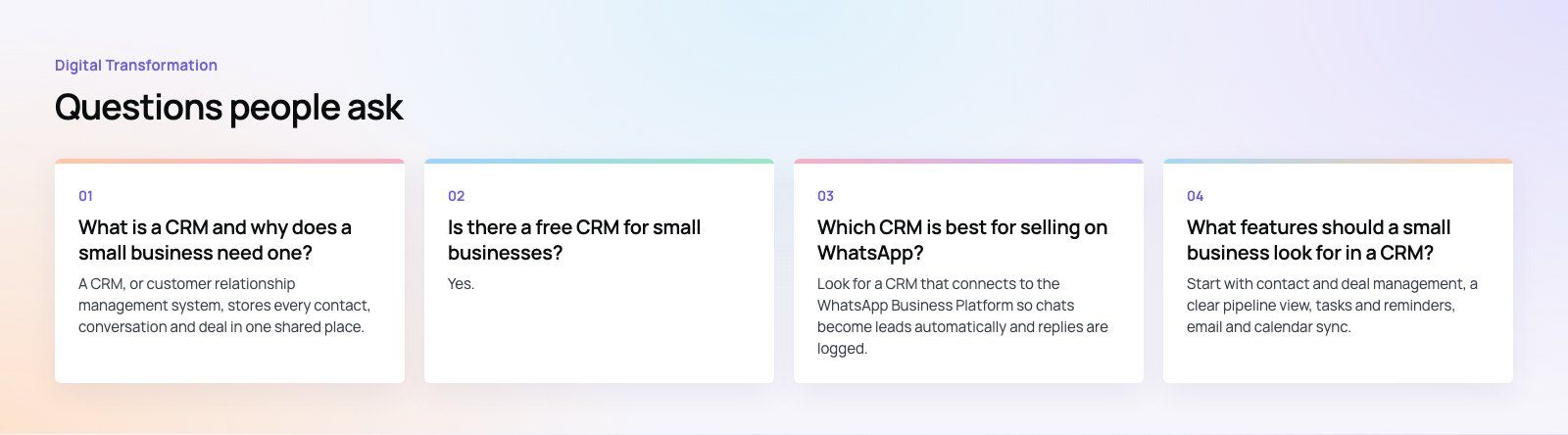
A CRM, or customer relationship management system, stores every contact, conversation and deal in one shared place.
For a small business it stops leads being forgotten, lets anyone see a customer's history before replying, and shows the sales pipeline clearly. It replaces scattered spreadsheets and inboxes with a single record the whole team can trust and update.
Digital TransformationHow Digital Transformation Is Reshaping BusinessesFive ways digital transformation is changing operations, customer experience, data, business models and work, plus the challenges and a practical roadmap. Digital TransformationStrategic Human Resource Management: Aligning HR With GoalsWhat strategic human resource management means, the components of a strategic HR model, and a six step process for aligning HR with business goals.
 Digital TransformationDigital First Strategy: What It Is and How to Build OneWhat a digital first strategy means, how it differs from a traditional model, the benefits, a step by step roadmap and the challenges to plan for.
Tell us what the business needs. We will tell you what to build first.
Schedule a free consultation and get a written recommendation, with costs, before you commit to anything.
Get in touchPROVEN RESULTS
4.7 / 5verified reviews on Google