 E-Commerce10 Features of a High-Converting Ecommerce WebsiteThe ten features that turn store visitors into buyers, from product pages and checkout to speed, mobile design, social proof and ongoing testing.
Best Ecommerce Website Builders for Beginners, No Coding Needed
Shopify, Wix, WooCommerce, BigCommerce and Squarespace compared for beginners: strengths, limits, a comparison table and a simple way to choose your builder.
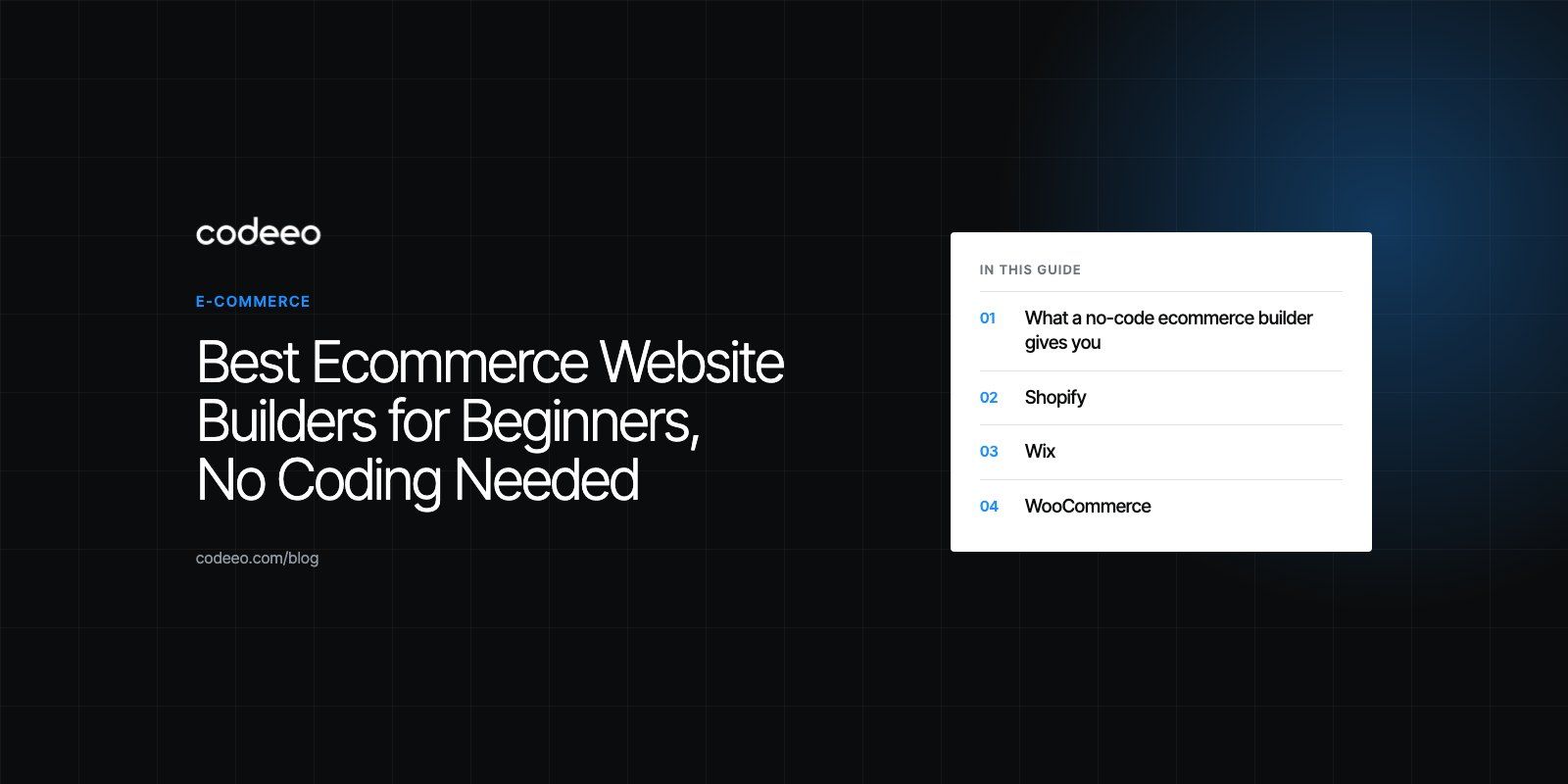
For most beginners, the best ecommerce website builder is Shopify if selling is the main goal, Wix or Squarespace if the store sits inside a broader brand or portfolio site, BigCommerce for catalogs that will grow quickly, and WooCommerce if you want full control and are comfortable managing WordPress. All five let you launch a working store without writing code. The right choice depends on how many products you sell, where you sell them and how much you expect to grow.
This guide compares the five, explains what each does well and where it falls short, and gives a simple way to decide.
What a no-code ecommerce builder gives you
A no-code builder bundles the pieces that used to need a developer: hosting, a design template, a product catalog, a cart and checkout, payment processing, shipping and tax settings, and basic marketing tools. You work in a visual editor, add products through forms and connect a payment provider in a few steps.
The main benefits for beginners are:
- Speed. A simple store can go live in days rather than months.
- Lower upfront cost. You pay a subscription instead of a full custom build.
- Mobile ready templates. Modern themes adapt to phones out of the box.
- Managed updates and security. Hosted platforms handle servers, security patches and uptime.
- Independence. You can edit products, prices and pages yourself without waiting on a developer.
The trade off is flexibility. Every builder has limits on design, checkout changes and data access, and you pay ongoing subscription and app fees. Knowing those limits before you start saves a painful migration later.
The five builders compared
| Builder | Best for | Hosting | Ease for beginners | Watch out for |
|---|---|---|---|---|
| Shopify | Stores where selling is the core business | Fully hosted | Easy | App costs add up; extra fee on third party payment gateways |
| Wix | Small stores inside a wider brand site | Fully hosted | Very easy | Less suited to large or complex catalogs |
| Squarespace | Design led brands and small product ranges | Fully hosted | Easy | Fewer integrations than ecommerce first platforms |
| BigCommerce | Growing catalogs and multi channel selling | Fully hosted | Moderate | Steeper learning curve, many premium themes |
| WooCommerce | Full control on WordPress | Self hosted | Moderate to hard | You manage hosting, updates, security and backups |
Shopify
Shopify is built for selling. It includes hosting, a large theme library, a built in checkout, point of sale for in person sales, and an app store that covers almost every ecommerce function, from reviews and subscriptions to shipping and accounting. Most features can be added without code.
Its own payment service, Shopify Payments, avoids the extra transaction fee Shopify charges when you use a third party gateway. It is only offered in certain countries, so check the list of supported countries before you plan around it.
Strengths
- Strong selling tools, analytics and SEO basics
- Easy multi channel selling across social, marketplaces and in person
- Fast, reliable hosted checkout
- Large ecosystem of apps, themes and developers
Weaknesses
- Monthly app subscriptions can add up quickly
- Checkout customization is limited on lower plans
- Extra transaction fee if you use a third party payment gateway
The EGO Sustainable case study shows Shopify at a larger scale: a bilingual store for a GCC athleisure label with Tabby and Tamara and five markets.
Wix
Wix is a general website builder with solid ecommerce features. Its drag and drop editor is one of the easiest to learn, so a beginner can have a basic store running quickly. It supports its own payment service and a range of third party providers, and includes SEO and marketing tools in the same dashboard.
Strengths
- Very easy editor with lots of design freedom
- Good value for small stores
- Store, blog, bookings and content in one place
Weaknesses
- Large catalogs and complex product options are harder to manage
- Pages can become heavy if you add many effects, which hurts speed
- Switching templates later usually means rebuilding pages
WooCommerce
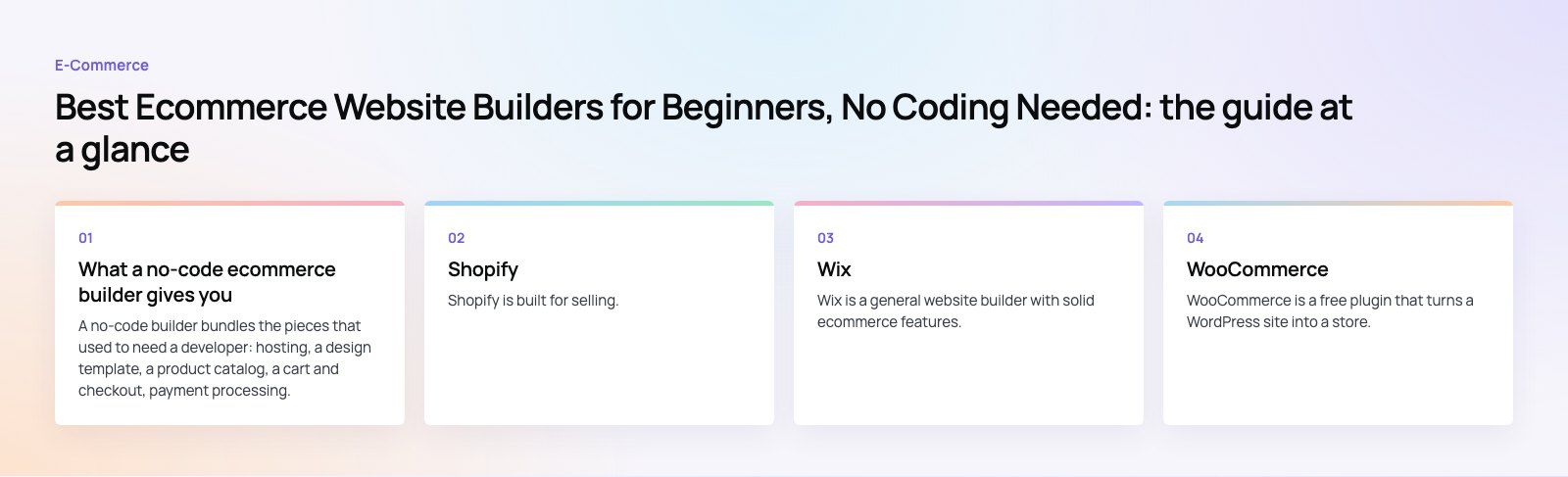
WooCommerce is a free plugin that turns a WordPress site into a store. It offers almost unlimited flexibility through themes and extensions, and you own the whole installation and your data. That flexibility comes with responsibility: you choose hosting, apply updates, manage security and keep backups.
Strengths
- Full control over design, features and data
- Strong content and SEO capabilities through WordPress
- Huge range of extensions and payment gateways
Weaknesses
- Not truly no-code once you need anything beyond the basics
- Ongoing maintenance of hosting, plugins and updates
- Support is spread across hosting, theme and plugin vendors
For an example, the Ghezlan case study covers a bilingual WooCommerce store for a UAE veterinary supplier, with products found by animal, product type or brand.
BigCommerce
BigCommerce is a hosted platform aimed at stores that expect to grow. It has many features built in that other platforms add through apps, including advanced product options, customer groups, multi currency selling and strong SEO controls.
Strengths
- Rich built in features with fewer paid apps needed
- Good tools for large catalogs and multi channel selling
- Advanced SEO options
Weaknesses
- Less beginner friendly than Wix or Shopify
- Many of the best themes are paid
Squarespace
Squarespace is known for polished templates and is a good fit for brands that want the store to look as good as the products. It handles inventory, orders, discounts and gift cards well for small and medium catalogs.
Strengths
- Attractive, consistent templates
- Good catalog and order management for smaller ranges
- Simple discounts, gift cards and checkout settings
Weaknesses
- Fewer integrations than ecommerce first platforms
- Lower plans may add platform fees on sales, so check the plan details
How to choose the right builder
- Count your products and options. A few dozen simple products suit any builder. Thousands of products with many variants favor Shopify, BigCommerce or WooCommerce.
- Check payments in your country. Confirm which gateways, wallets and buy now pay later services each platform supports where you sell.
- List the channels you need. Social shops, marketplaces and in person sales are easier on Shopify and BigCommerce.
- Decide how much control you want. Hosted builders trade control for convenience. WooCommerce trades convenience for control.
- Add up the real running cost. Include the plan, payment fees, apps, themes and any developer help, not only the headline subscription.
- Think about the next three years. Moving platforms later is possible but takes work, especially for SEO and customer data.
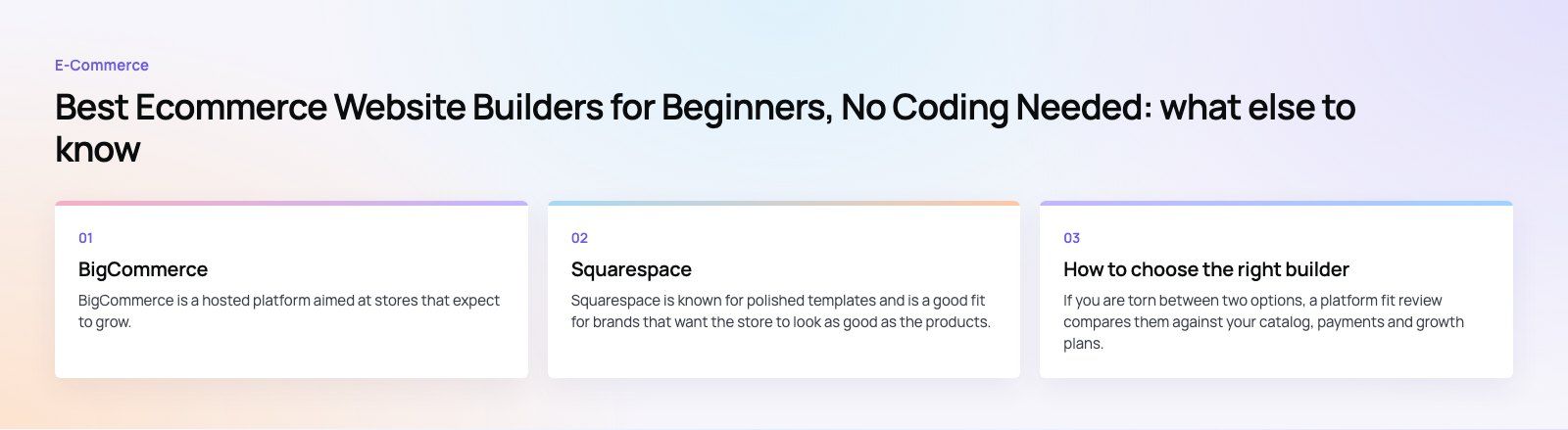
If you are torn between two options, a platform fit review compares them against your catalog, payments and growth plans.
Common beginner mistakes
- Choosing a template for looks before checking it suits your product types.
- Installing many apps at once, which slows the store and raises costs.
- Skipping product photography and descriptions, which matter more than the builder.
- Ignoring shipping, returns and tax settings until the first order arrives.
- Never testing checkout on a phone.
Codeeo has delivered 200+ projects across the UAE and the US, with a team of 80+ across Dubai, Riyadh and Karachi. When a store outgrows its starter setup, our Shopify developers and WooCommerce developers can extend it, or handle a site migration to a better fit.
Frequently asked questions
A no-code ecommerce builder is a platform that lets you create an online store without programming.
It provides templates, a visual editor, a product catalog, a cart and checkout, and payment and shipping settings. You build pages by dragging and dropping elements and add products through simple forms. Hosted builders also take care of servers, security and updates for you.
E-Commerce10 Features of a High-Converting Ecommerce WebsiteThe ten features that turn store visitors into buyers, from product pages and checkout to speed, mobile design, social proof and ongoing testing. E-CommerceBenefits of Using a CMS for Ecommerce WebsitesHow a CMS helps online stores manage products, SEO, growth and security, how it compares with a custom build, and how to choose between WooCommerce, Shopify and headless.
 E-CommerceEcommerce Website Development: 9 Elements Every Store NeedsThe nine parts every online store needs, from catalog data and search to checkout, security, operations and analytics, with what to decide before you build.
Tell us what the business needs. We will tell you what to build first.
Schedule a free consultation and get a written recommendation, with costs, before you commit to anything.
Get in touchPROVEN RESULTS
4.7 / 5verified reviews on Google