 E-Commerce10 Features of a High-Converting Ecommerce WebsiteThe ten features that turn store visitors into buyers, from product pages and checkout to speed, mobile design, social proof and ongoing testing.
Benefits of Using a CMS for Ecommerce Websites
How a CMS helps online stores manage products, SEO, growth and security, how it compares with a custom build, and how to choose between WooCommerce, Shopify and headless.
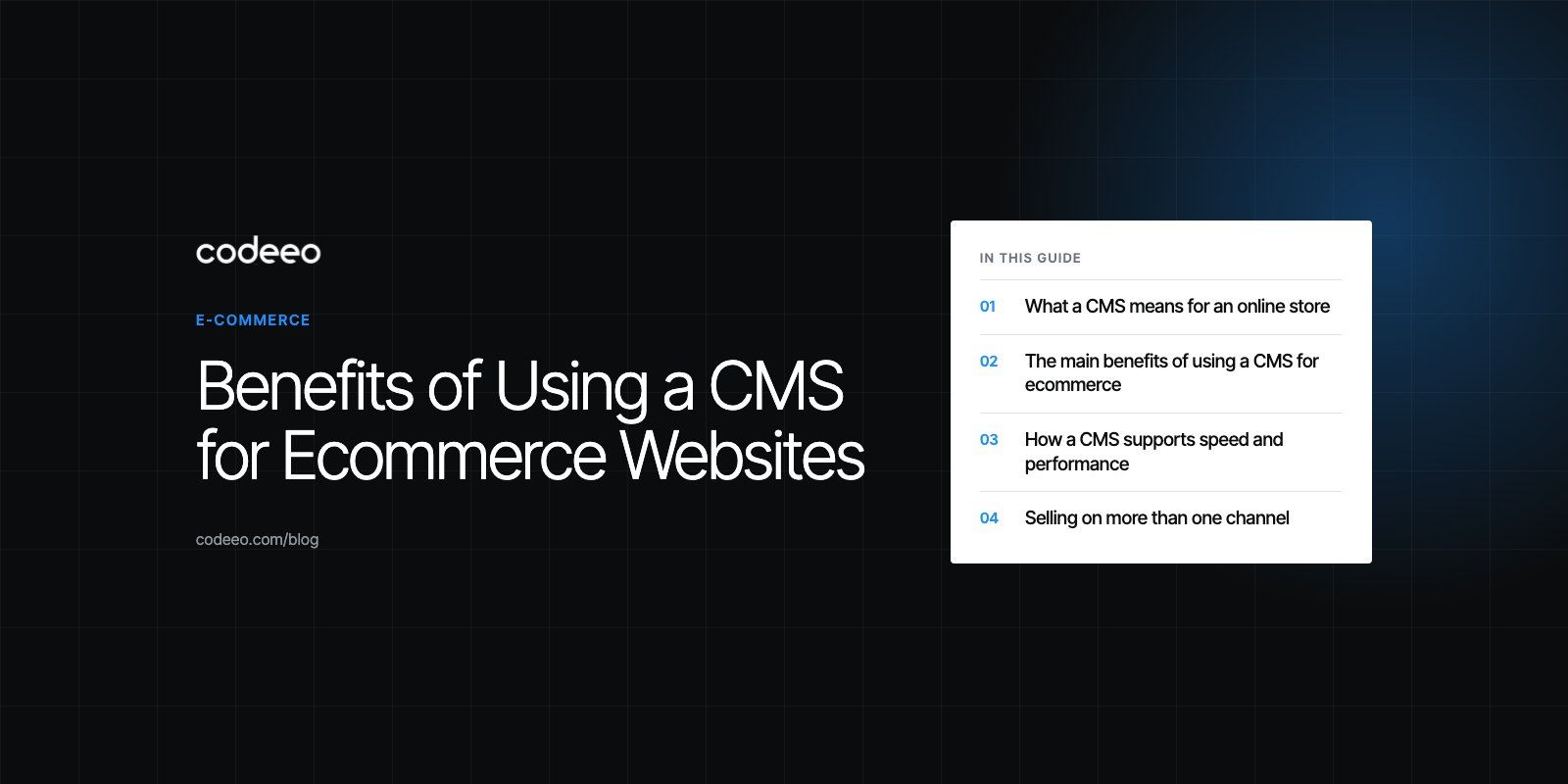
A content management system (CMS) lets an ecommerce team add products, update prices, publish content and change the storefront without writing code for every edit. The main benefits are faster day to day management, better control over SEO, room to grow, lower development effort for routine changes and a more secure, regularly updated platform. The right CMS turns the store into something the business runs itself, rather than something it waits on developers to change.
This guide covers what a CMS actually does for an online store, the benefits that matter most, the trade offs, and how to choose between the main approaches.
What a CMS means for an online store
In ecommerce, "CMS" covers a few different setups:
- A content CMS with a commerce plugin, such as WordPress with WooCommerce. The WooCommerce plugin page (2026) describes it as the open source ecommerce platform for WordPress, with a free core.
- A hosted commerce platform, such as Shopify, which bundles store management, themes and hosting in one subscription.
- A headless setup, where a commerce engine handles products and orders, a separate CMS handles content, and a custom front end displays both.
All three give non technical staff an admin area to manage the store. They differ in how much control, flexibility and maintenance responsibility you take on.
The main benefits of using a CMS for ecommerce
1. Faster product and content management
Adding a product, changing a description, updating stock or launching a seasonal banner should take minutes. A CMS gives merchandisers a structured form for each product, with fields for variations, images, categories and attributes, so the catalog stays consistent as it grows.
Good catalog structure is what makes large stores usable. On the Ghezlan WooCommerce store for a UAE veterinary supplier, products can be found by animal, product type or brand, which depends on the catalog being modeled properly in the CMS.
2. Better shopping experience
Themes, reusable blocks and navigation menus help you build clear category pages, filters and product layouts. Built in or plugin based search, faceted filtering and related products all help shoppers find what they need faster.
3. More control over SEO
A CMS lets you edit page titles, meta descriptions, URLs, headings and image alt text for every product and category. Most also generate XML sitemaps and support structured data through plugins or apps. Blog and guide content, which brings in visitors earlier in their research, lives in the same system as the products it links to.
4. Less reliance on developers for routine work
Once the store is built, marketing and operations teams can handle everyday changes themselves. Developers stay focused on new features, integrations and performance instead of text edits.
5. Room to scale
Mature CMS platforms support extensions for payments, shipping, subscriptions, loyalty points, multi currency and multilingual content. As the business grows, you add capabilities rather than rebuild. The Gorgeous Flower Co, for example, runs delivery dates and windows at checkout, loyalty points and subscriptions on WooCommerce.
6. Security and regular updates
Established platforms release security patches regularly. Hosted platforms apply them for you; self hosted platforms like WooCommerce need someone to apply core, theme and plugin updates promptly. Either way, you benefit from a large community finding and fixing problems.
How a CMS supports speed and performance
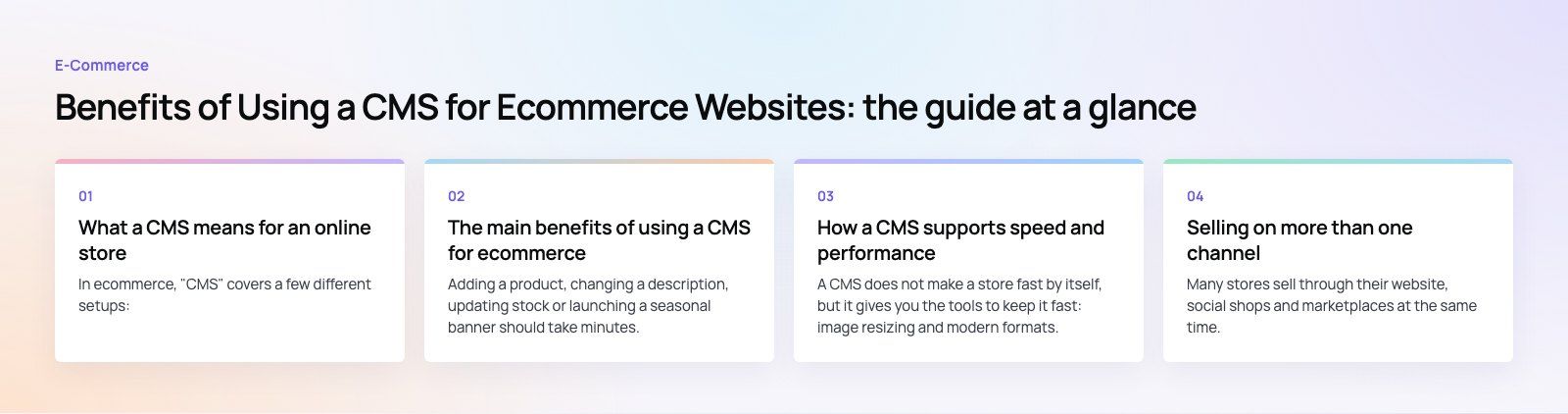
A CMS does not make a store fast by itself, but it gives you the tools to keep it fast: image resizing and modern formats, page and object caching, CDN integration and control over which scripts load where. The risk runs the other way too. Every extra plugin, app or tracking script can slow pages down, so performance needs regular review as the store grows.
Selling on more than one channel
Many stores sell through their website, social shops and marketplaces at the same time. A CMS connected to those channels keeps product data, stock levels and prices in one place, so a change made once appears everywhere. That reduces overselling and keeps branding and descriptions consistent across channels.
CMS based store vs fully custom build
| Factor | CMS based store | Fully custom build |
|---|---|---|
| Time to launch | Faster, using existing commerce features | Slower, everything is built from scratch |
| Day to day editing | Admin area for non technical staff | Depends on what is built |
| Flexibility | High, within the platform's model | Unlimited, at higher effort |
| Upfront development | Lower | Higher |
| Maintenance | Platform updates plus extensions | Your team owns all of it |
| Best for | Most retail and B2B stores | Unusual business models the platforms cannot support |
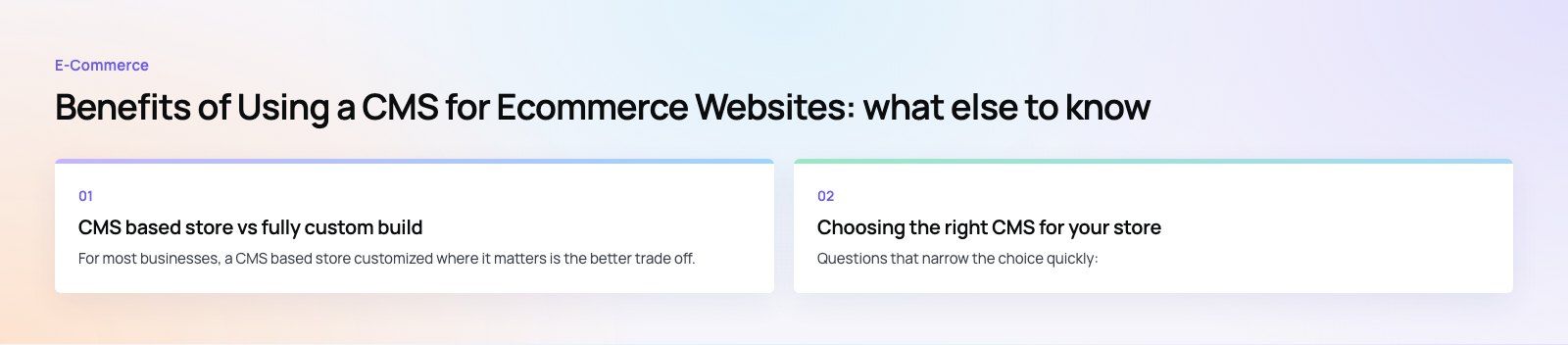
For most businesses, a CMS based store customized where it matters is the better trade off. Fully custom commerce makes sense when the business model genuinely does not fit any platform.
Choosing the right CMS for your store
| Approach | Strengths | Watch out for |
|---|---|---|
| WooCommerce | Full ownership, strong content features, large extension ecosystem | You manage hosting, updates and security |
| Shopify | Hosted, quick to launch, strong app ecosystem | Platform rules and app subscriptions shape what you can do |
| Headless | Complete front end freedom, fast custom experiences | More engineering and higher ongoing effort |
Questions that narrow the choice quickly:
- How large and complex is the catalog, and how often does it change?
- Which payment methods, delivery options and languages do you need?
- Which systems must the store connect to, such as ERP, CRM or accounting?
- Who will manage the store day to day, and what can they handle?
- How much content, such as guides and blog posts, will you publish?
If you are still unsure, a platform fit review compares your requirements against the options before you commit.
Common mistakes to avoid
- Installing too many plugins or apps. Each one adds maintenance, cost and potential slowdowns.
- Skipping catalog planning. Decide attributes, categories and filters before importing products.
- Ignoring local payments. In the GCC, buy now pay later and local gateways can matter as much as cards. Plan payment integration early.
- Leaving updates to chance. Assign responsibility for updates and backups from day one.
Building your store on the right CMS
Codeeo has delivered 200+ projects across the UAE and the US, including stores on WooCommerce, Shopify and headless commerce setups. If you are planning a new store or moving off a platform that no longer fits, we can help you choose and build on the right CMS.
Frequently asked questions
Established platforms such as Shopify and WooCommerce are secure when managed properly.
Hosted platforms handle server security and patches for you. Self hosted platforms depend on secure hosting, prompt updates to core software, themes and plugins, strong admin passwords and two factor sign in. Most breaches come from outdated extensions or weak credentials rather than the core platform itself.
E-Commerce10 Features of a High-Converting Ecommerce WebsiteThe ten features that turn store visitors into buyers, from product pages and checkout to speed, mobile design, social proof and ongoing testing. E-CommerceEcommerce Website Development: 9 Elements Every Store NeedsThe nine parts every online store needs, from catalog data and search to checkout, security, operations and analytics, with what to decide before you build.
 E-CommerceMobile Optimization for Ecommerce Websites: What to Fix FirstHow to optimize an ecommerce website for mobile shoppers: speed, navigation, product pages, checkout, payment options, testing and the mistakes that cost sales.
Tell us what the business needs. We will tell you what to build first.
Schedule a free consultation and get a written recommendation, with costs, before you commit to anything.
Get in touchPROVEN RESULTS
4.7 / 5verified reviews on Google