 E-Commerce10 Features of a High-Converting Ecommerce WebsiteThe ten features that turn store visitors into buyers, from product pages and checkout to speed, mobile design, social proof and ongoing testing.
Mobile Optimization for Ecommerce Websites: What to Fix First
How to optimize an ecommerce website for mobile shoppers: speed, navigation, product pages, checkout, payment options, testing and the mistakes that cost sales.
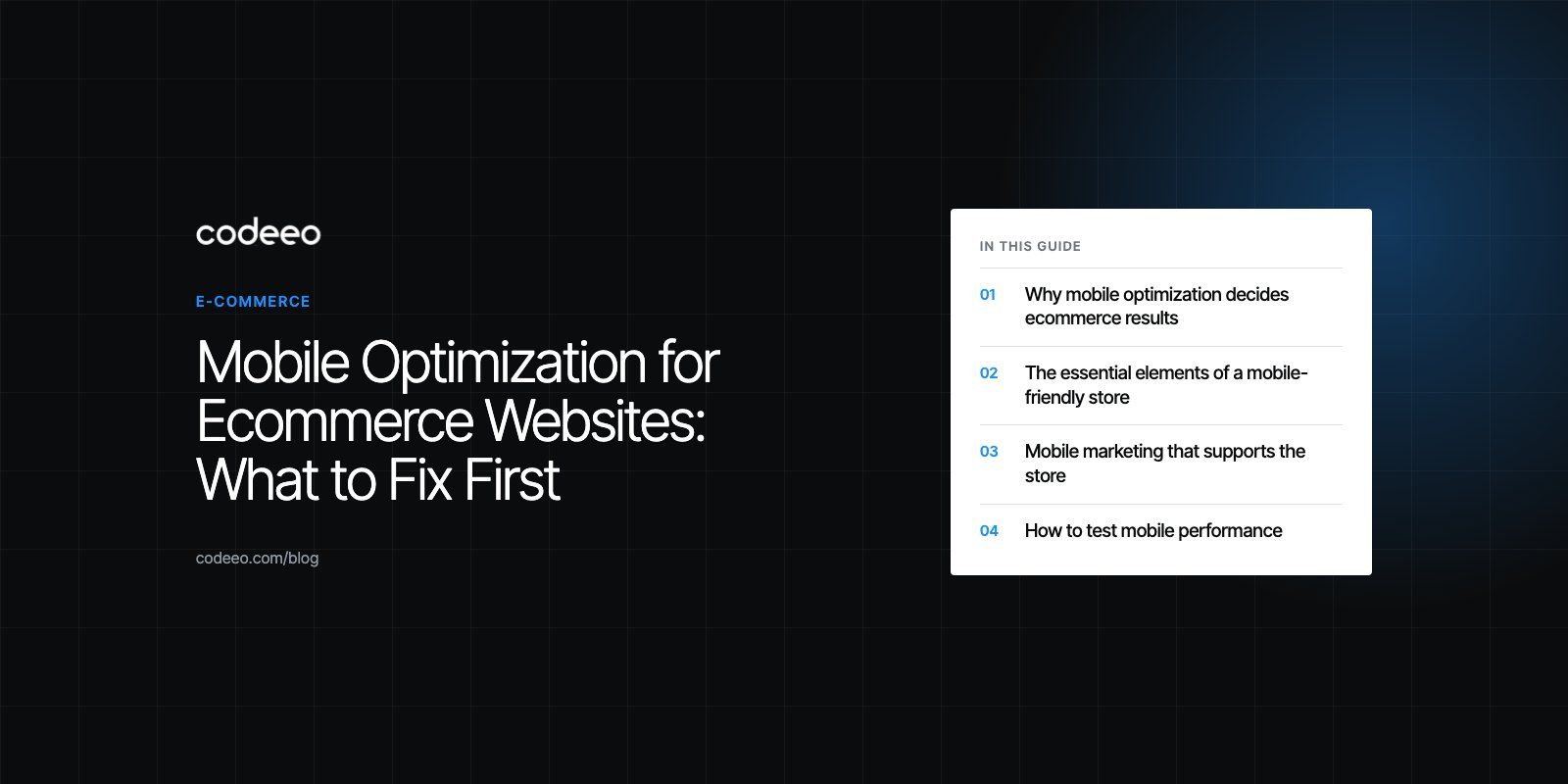
Mobile optimization for an ecommerce website means designing, building and testing the store for phones first, so shoppers can find a product, trust it and pay without zooming, waiting or retyping. The priorities are fast loading, simple navigation and search, product pages that work on a small screen, and a short checkout with mobile wallets and autofill. Most store traffic now arrives on phones, so this is where sales are won or lost.
This guide walks through each element, the marketing side of mobile, how to test, and the mistakes that most often cost mobile sales.
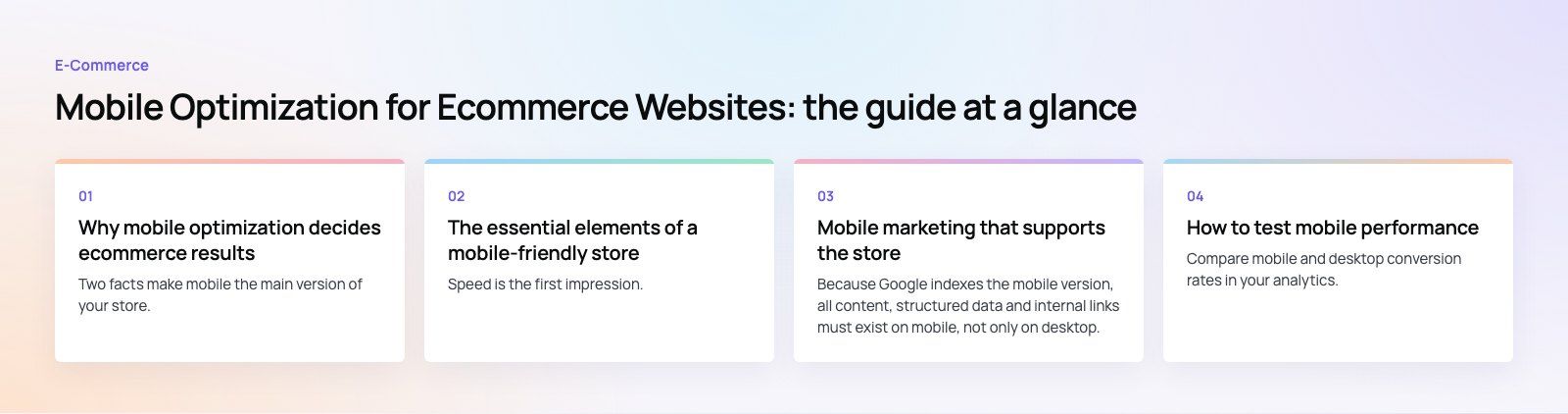
Why mobile optimization decides ecommerce results
Two facts make mobile the main version of your store. First, shoppers browse and increasingly buy on their phones, often in short sessions with patchy connections. Second, Google uses the mobile version of a site for indexing and ranking, as its mobile-first indexing documentation explains. A store that is merely acceptable on mobile is weaker in search and weaker at converting.
Responsive design, where one site adapts to every screen size, is the standard approach. But a responsive layout is only the starting point. A store can resize correctly and still be slow, awkward to filter and painful to pay on.
The essential elements of a mobile-friendly store
Fast page load speed
Speed is the first impression. Google's Core Web Vitals give clear targets: according to web.dev (2026), Largest Contentful Paint within 2.5 seconds, Interaction to Next Paint of 200 milliseconds or less, and Cumulative Layout Shift of 0.1 or less, measured at the 75th percentile of real visits.
On ecommerce sites the usual causes of slow mobile pages are:
- Large product images served at desktop size. Use responsive images, modern formats such as WebP or AVIF, and lazy load anything below the first screen.
- Too many apps and third party scripts: reviews, chat, upsells, trackers. Each one adds weight, and many load on every page.
- Heavy themes with features the store does not use.
- Slow hosting or no content delivery network for visitors in other regions.
Navigation and search built for thumbs
On a phone, menus with many levels are hard to use. Keep the main categories short, make tap targets large enough to hit with a thumb, and keep the cart and search visible. Search matters more on mobile than on desktop, because browsing is slower. Good mobile search tolerates typos, suggests products as the shopper types and shows images in the results.
Filters should open in a panel that is easy to apply and clear, with the number of results visible, and they should not reset when the shopper goes back.
Product pages that sell on a small screen
- Show the product image, name, price and main call to action in the first screen.
- Let shoppers swipe through images and pinch to zoom.
- Make size, color and variant selectors large and clearly labeled.
- Put delivery information, returns and stock status near the add to cart button rather than at the bottom of the page.
- Use collapsible sections for long descriptions and specifications.
- Keep a sticky add to cart bar once the shopper scrolls past the main button.
A short, forgiving checkout
Checkout is where mobile stores lose the most sales. The fixes are well known:
- Guest checkout. Do not force account creation before payment.
- Express wallets. Apple Pay, Google Pay and similar wallets remove card typing entirely.
- Correct input types. Numeric keyboards for phone and card fields, email keyboards for email, and autocomplete attributes so the browser can fill addresses.
- Address lookup where it is available for your market.
- Few steps with visible progress, and no surprise costs on the last screen.
- Clear errors next to the field that needs fixing, without clearing the rest of the form.
Payment options also depend on the market. Stores in the Gulf, for example, often add buy now pay later providers alongside cards and wallets. Our payment integration work covers gateways, wallets and these local methods.
Mobile-specific features
- Click to call and WhatsApp or chat buttons for stores where customers ask questions before buying.
- Saved carts and wishlists that persist between visits and devices.
- Store locators and maps for businesses with physical branches.
- Progressive web app features, such as an installable home screen icon, where they genuinely help repeat customers.
Mobile marketing that supports the store
Mobile SEO
Because Google indexes the mobile version, all content, structured data and internal links must exist on mobile, not only on desktop. Product schema, clear category pages and fast templates help product listings appear in search and shopping results.
Mobile advertising
Most social and search ad clicks happen on phones. Send them to fast, relevant landing pages, ideally the exact product or a focused collection, rather than the homepage. A slow landing page wastes ad spend before the shopper sees anything.
Email and messaging
Most marketing emails are opened on a phone. Use single column layouts, large buttons and short subject lines, and make sure every link opens a mobile-ready page. Abandoned cart emails and messages should take the shopper straight back to a filled cart.
How to test mobile performance
| What to test | How | What you learn |
|---|---|---|
| Real user speed | Search Console Core Web Vitals report, PageSpeed Insights field data | How fast the store is for actual visitors |
| Lab speed | Lighthouse in Chrome developer tools | Which images, scripts or code slow a page down |
| Usability | Shop on real iPhones and Android phones, on mobile data | Tap targets, keyboards, wallets and checkout friction |
| Behavior | Analytics funnels by device, session recordings | Where mobile shoppers drop out compared with desktop |
| Changes | A/B tests on one element at a time | Whether a change actually lifts conversion |
Compare mobile and desktop conversion rates in your analytics. A large gap usually points to a specific step, often shipping costs, account creation or payment, and that is where to start.
Platform choices and mobile performance
Your platform shapes what is easy. Hosted platforms such as Shopify handle hosting and checkout infrastructure, so the work focuses on theme speed and app choices. Self hosted platforms such as WooCommerce give more control but make hosting, caching and plugin discipline your responsibility. Headless builds separate the storefront from the back end and can be very fast on mobile, at the cost of more development work.
Our Shopify developers and WooCommerce developers build and tune stores on both. Published examples include The Gorgeous Flower Co, a WooCommerce florist with delivery dates and windows at checkout, and EGO Sustainable, a bilingual Shopify store with Tabby and Tamara across five markets.
Common mobile ecommerce mistakes
- Pop ups that cover the screen as soon as the page loads, especially on product pages.
- Tiny text and buttons copied from the desktop design.
- Forced account creation before checkout.
- Hidden costs that appear only on the final step.
- Testing only in a desktop browser resized to phone width, which misses real keyboards, wallets and network conditions.
- Adding apps without removing old ones, so scripts pile up over time.
If your mobile conversion rate trails desktop, start with a checkout teardown to find where shoppers drop out, then fix speed with our Core Web Vitals service. For a new store or a rebuild, our retail and ecommerce team designs for the phone first.
Frequently asked questions
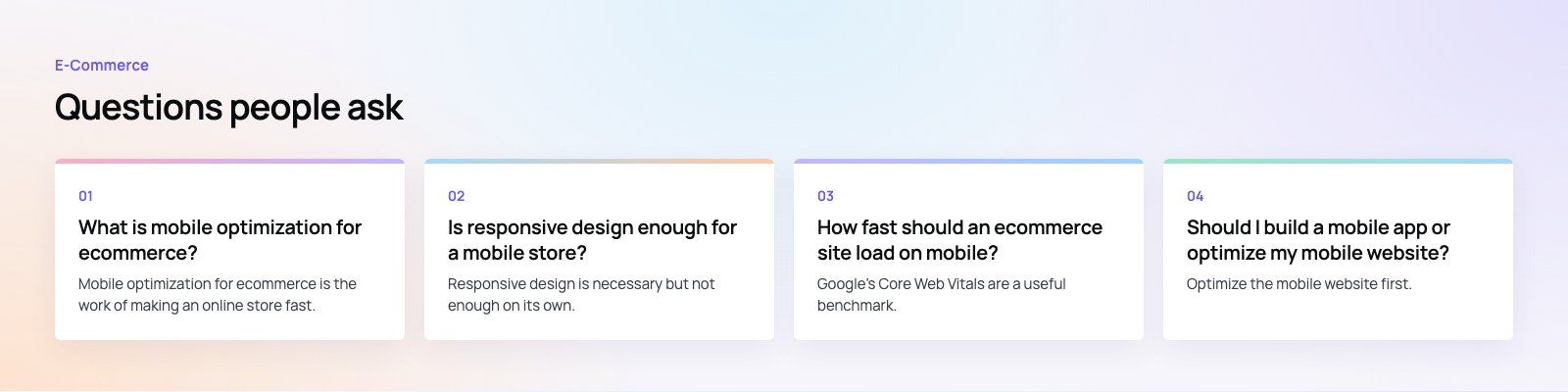
Mobile optimization for ecommerce is the work of making an online store fast, easy to browse and easy to buy from on a smartphone.
It covers responsive design, page speed, thumb friendly navigation and search, product pages that fit a small screen, and a short checkout with wallets and autofill. The aim is for mobile shoppers to convert as easily as desktop shoppers.
E-Commerce10 Features of a High-Converting Ecommerce WebsiteThe ten features that turn store visitors into buyers, from product pages and checkout to speed, mobile design, social proof and ongoing testing. E-CommerceBenefits of Using a CMS for Ecommerce WebsitesHow a CMS helps online stores manage products, SEO, growth and security, how it compares with a custom build, and how to choose between WooCommerce, Shopify and headless.
 E-CommerceEcommerce Website Development: 9 Elements Every Store NeedsThe nine parts every online store needs, from catalog data and search to checkout, security, operations and analytics, with what to decide before you build.
Tell us what the business needs. We will tell you what to build first.
Schedule a free consultation and get a written recommendation, with costs, before you commit to anything.
Get in touchPROVEN RESULTS
4.7 / 5verified reviews on Google