 App DevelopmentCross Platform App Development: How It Saves Time and MoneyHow shared code across iOS and Android cuts build and maintenance effort, which frameworks to consider in 2026, and when native development is still the better call.
How to Build a Social Chat App Like MeowChat
What it takes to build a stranger matching chat app like MeowChat: features, real time tech, moderation rules from the app stores and monetization.
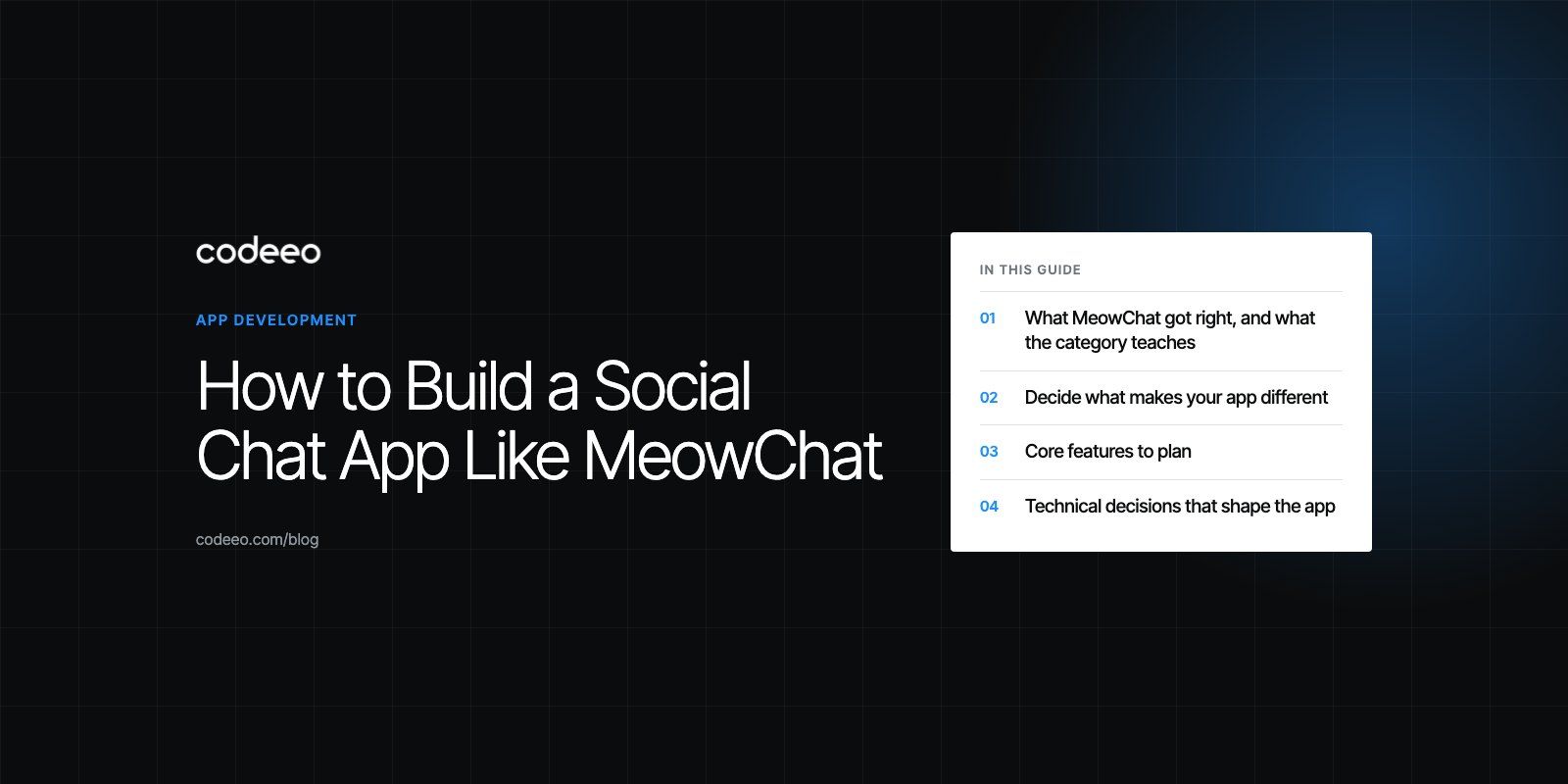
To build a social chat app like MeowChat, you need four things working together: a clear reason for strangers to start talking, a real time messaging backend that scales, matching logic that pairs people sensibly, and safety tools strong enough to keep users and app store reviewers happy. The chat itself is the easy part. Moderation, retention and a business model are what decide whether the app survives.
This guide looks at what made apps in this category popular, what went wrong for some of them, and how to plan, build and run your own version in 2026.
What MeowChat got right, and what the category teaches
MeowChat was a stranger matching chat app that became popular in the mid 2010s. It combined messaging with discovery: users built a short profile and the app suggested people to talk to based on shared details. Its current status is unclear, which is itself a lesson. Apps in this space can grow fast and fade just as quickly if they do not keep users safe and give them a reason to stay.
Omegle is the starkest example. The anonymous video and text chat site closed in November 2023, with its founder citing years of misuse and the cost of fighting it. Anyone building a random or stranger chat product should treat safety as a core feature from day one, not an add on.
Other apps in the category have lasted by narrowing their focus. Azar centers on one to one video chat with filters for region and language. Yalla focuses on group voice chat rooms with a strong regional audience. Both show that a specific promise to a specific audience beats a generic "talk to anyone" pitch.
Decide what makes your app different
Before writing any code, define who the app is for and why they would open it instead of the messaging apps they already use. Useful questions:
- Who is the audience? Students, expats new to a city, gamers, language learners and hobby groups all want different things.
- What is the first conversation about? Shared interests, a question prompt, a game or a live room all give strangers something to say.
- Text, voice or video? Video raises engagement and moderation cost together. Voice rooms and text are cheaper to run and easier to moderate.
- One to one or groups? Group rooms build community faster, while one to one matching needs a large active user base to feel alive.
- What brings people back tomorrow? Friends lists, ongoing communities and notifications about people they already know.
Talk to potential users and study app store reviews of competing apps. Complaints about fake profiles, spam and empty matching queues point to gaps you can fill.
Core features to plan
| Feature area | Minimum for launch | Add later |
|---|---|---|
| Accounts | Phone or email sign up, age gate, profile with interests | Identity or selfie verification, badges |
| Matching | Interest based suggestions, filters by language | Region filters, smarter ranking from past chats |
| Messaging | One to one text chat, read receipts, image sharing | Voice notes, voice and video calls, group rooms |
| Safety | Block, report, content filtering, admin review queue | Automated image and text moderation, trust scores |
| Engagement | Push notifications, friends list | Communities, events, games and icebreakers |
| Monetization | Optional subscription | Virtual gifts, boosts, ads |
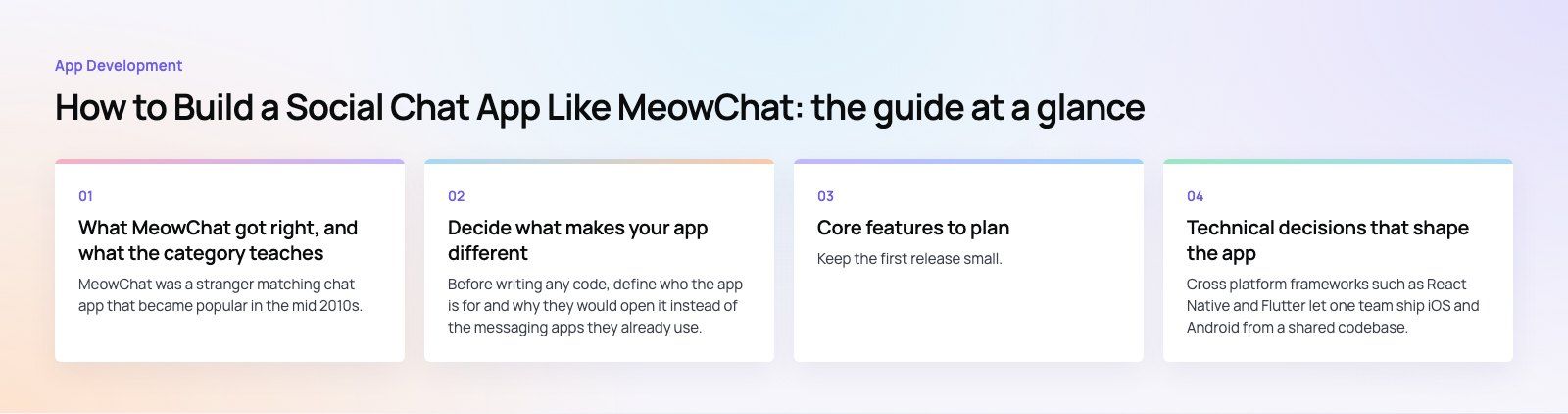
Keep the first release small. A focused app with dependable chat and solid moderation beats a crowded one where nothing works well.
Technical decisions that shape the app
Native or cross platform
Cross platform frameworks such as React Native and Flutter let one team ship iOS and Android from a shared codebase, which suits most social apps at launch. Native development makes sense when the product depends heavily on video processing, camera effects or low level performance. Many teams start cross platform and move individual screens to native code only where profiling shows a real need.
Real time messaging
Chat needs a persistent connection, usually WebSockets, so messages arrive instantly. You can build this yourself or use a managed chat or real time service. Building gives full control over data and cost at scale; a managed service gets you to launch faster. For voice and video, WebRTC is the standard approach, with media servers handling group calls.
Backend and data
Plan for these from the start:
- A message store that can grow quickly and be searched for moderation.
- A matching service that can run filters and rank candidates quickly.
- Push notification handling for both iOS and Android.
- An admin panel where moderators review reports, ban accounts and manage content.
- Logging and monitoring so you know when chat delivery slows down.
Security and privacy
Encrypt data in transit and at rest, store as little personal data as you can, and give users clear controls to delete their account and data. Use secure authentication with rate limits on sign up and messaging to slow down spam bots. Check the privacy laws that apply in every market you launch in, and write a privacy policy that matches what the app actually does.
Safety and moderation: the make or break feature
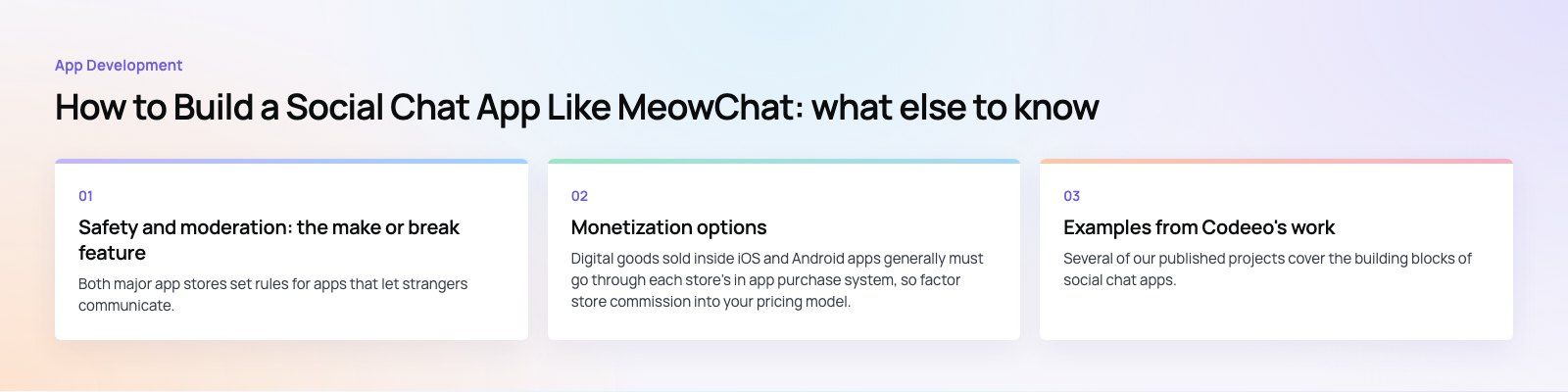
Both major app stores set rules for apps that let strangers communicate. Apple's App Store Review Guidelines require apps with user generated content to filter objectionable material, offer a way to report it, let users block abusive people and publish contact details. Google Play has a similar user generated content policy. An app that cannot show these tools can be rejected or removed.
A practical moderation setup includes:
- Age gating and clear terms that state who the app is for.
- Report and block on every profile, message and room.
- Automated filtering for text and images, with human review of anything flagged.
- Rate limits on new accounts so one person cannot message hundreds of strangers in minutes.
- An admin queue where moderators see the reported content and the account history together.
- Clear enforcement, from warnings to permanent bans, applied consistently.
Budget for moderation as an ongoing operating cost, not a one off build task. It grows with your user base.
Monetization options
- Subscriptions for extra filters, more daily matches or an ad free experience.
- Virtual gifts and coins, common in live voice and video rooms.
- Boosts that show a profile to more people for a short time.
- Advertising, which works only at large scale and can hurt the experience if overused.
Digital goods sold inside iOS and Android apps generally must go through each store's in app purchase system, so factor store commission into your pricing model. Test pricing with real users and avoid paywalls that block basic safety or core chat, which drives people away.
Build stages from idea to launch
- Discovery. Define the audience, the core promise and the feature list for version one. A short product scoping exercise turns this into a buildable plan.
- Design. Map the onboarding, matching and chat flows, then test clickable prototypes with target users. Good product design keeps first time users from getting lost.
- Development. Build the app, the backend, the real time layer and the admin panel in parallel.
- Testing. Load test chat delivery, test moderation tools with real scenarios and run a closed beta.
- Launch and iterate. Release to one market first, watch retention and reports closely, then expand.
Examples from Codeeo's work
Several of our published projects cover the building blocks of social chat apps. My Places combines groups, posts, friends, follows and chat with requests, plus subscriptions and coupons, with moderation and payments in the API. Regive is a social app where members post items, join communities, chat, call and report, with moderation from an admin. Stumble is a matching app built on avatars, questions and preferences, with discovery toggles, chat and a full admin.
Common mistakes to avoid
- Launching to everyone at once. Matching apps feel empty without density. Start with one city, campus or community.
- Leaving moderation for later. Abuse arrives with the first users, and app store reviewers check for safety tools.
- Copying a feature list. Users already have messaging apps. Give them a specific reason to choose yours.
- Ignoring retention data. Downloads mean little if users do not return in the first week.
Planning your social app
A successful social chat app is a product, a platform and a community operation at once. Codeeo's team of 80+ across Dubai, Riyadh and Karachi handles mobile app development from scoping through launch, including the backend, real time chat and the admin tools moderators rely on.
Frequently asked questions
MeowChat was a popular stranger matching chat app in the mid 2010s, but its current status is unclear and there is little recent information about it.
That does not change the value of studying it. The core idea of interest based matching plus chat still works, and the category's history shows that safety, retention and a focused audience decide which apps last.
App DevelopmentCross Platform App Development: How It Saves Time and MoneyHow shared code across iOS and Android cuts build and maintenance effort, which frameworks to consider in 2026, and when native development is still the better call. App DevelopmentHow to Plan an App Development Project From Start to FinishA step by step plan for an app project: define users and goals, scope an MVP, choose platforms, design, build the team, phase the timeline, test and launch.
 App DevelopmentMust Have Features of an HR Management AppThe features an HR management app needs, from onboarding and self service to payroll, performance and analytics, plus when to buy or build.
Tell us what the business needs. We will tell you what to build first.
Schedule a free consultation and get a written recommendation, with costs, before you commit to anything.
Get in touchPROVEN RESULTS
4.7 / 5verified reviews on Google