 Web DevelopmentWordPress vs Drupal: Which CMS Is Right for Your Business?WordPress vs Drupal compared on ease of use, content modeling, security, performance, ecommerce and cost drivers, with five questions to help you choose.
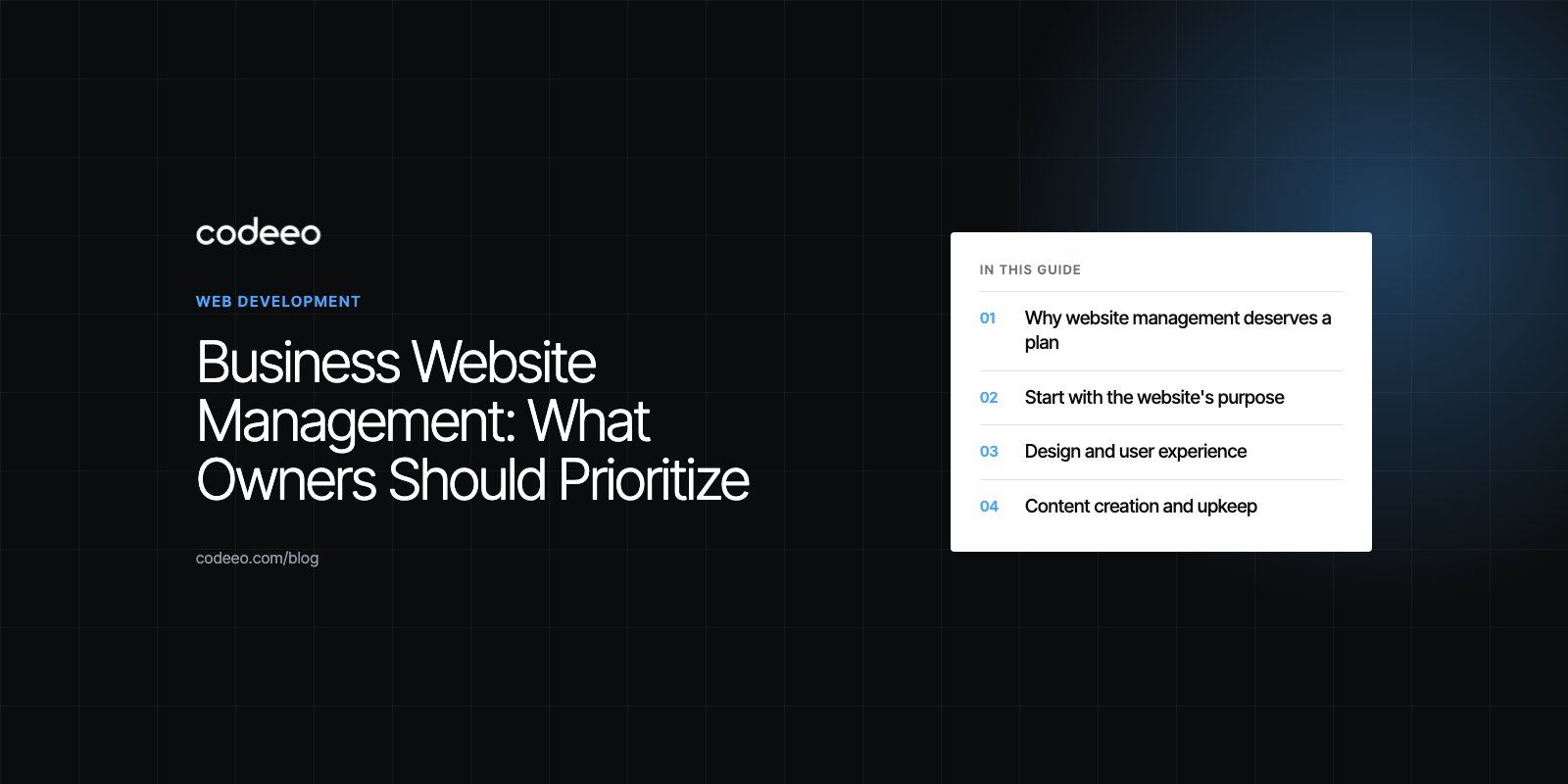
Business Website Management: What Owners Should Prioritize
The priorities for managing a business website: purpose, content, speed, security, store upkeep, analytics and a simple routine to follow.
Business website management is the ongoing work of keeping a company website secure, fast, accurate and useful to customers. The priorities, in order, are: protect the site with updates, backups and monitoring; keep content and contact details correct; make sure it loads quickly and works on mobile; and use analytics to improve what brings enquiries or sales. A website that is launched and left alone slowly becomes a liability.
This guide sets out what to prioritize, who should own each task, and a simple routine that keeps a business website in good shape without taking over your week.
Why website management deserves a plan
Most business owners put real effort into launching a website, then treat it as finished. The problems arrive quietly: an outdated plugin opens a security hole, a contact form stops sending, prices or team members go out of date, and pages slow down as content piles up. Each issue costs trust or leads, and few people notice until a customer complains.
| Problem | What it costs the business |
|---|---|
| Poor user experience | Visitors leave quickly and fewer of them enquire or buy |
| Security breach | Downtime, data exposure, clean-up work and damaged reputation |
| Outdated content | Lower credibility and weaker search visibility |
| Slow or broken pages | Lost customers and wasted advertising spend |
Start with the website's purpose
Good management begins with knowing what the site is for, because that decides what to measure and what to fix first.
Define clear objectives
Is the site meant to generate leads, sell products, support existing customers, recruit staff or publish information for investors? Most sites do several of these, but one should come first. Write it down and use it to judge every change.
Know the audience
List the main visitor types, what they need from the site, and the questions they arrive with. A clinic's patients want treatments, locations and booking. A supplier's trade buyers want specifications and a quick way to order. The content and navigation should follow those needs, not your internal structure.
Align design and content with those goals
Every page should help a visitor take a step toward the main objective. If a page does not serve a visitor type or a business goal, merge it, rewrite it or remove it.
Design and user experience
First impressions form fast. A clean layout, clear navigation and readable text make the business look established and competent.
- Responsive design. The site must work well on phones, tablets and desktops. Test the key pages on real devices regularly.
- Clear navigation. Visitors should reach any important page in two or three clicks, with labels that use their words.
- Consistent branding. Colors, fonts, imagery and tone should match the rest of your business materials.
- Accessibility. Readable contrast, alt text, keyboard navigation and clear headings help every visitor. The W3C accessibility guidelines are the reference standard.

Content creation and upkeep
Content is what visitors come for and what search engines index. Managing it well is a steady habit rather than an occasional project.
- Keep facts current. Services, team members, opening hours, addresses and phone numbers must be accurate. Wrong details lose customers instantly.
- Refresh important pages. Review your top service and product pages at least twice a year and improve them with new questions, examples or images.
- Organize for findability. Use clear categories, internal links and a search function on larger sites.
- Write for real searches. Use the words customers type into search engines, following Google's SEO starter guide rather than stuffing keywords.
- Use customer voices. Reviews, testimonials and questions from customers make content more credible and often suggest new pages.
For some businesses content is also a compliance matter. A listed company's website, for example, is a disclosure surface where governance documents, board changes and financial reports must publish on time. Our Modon Holding case study shows how that need shaped the site's structure and publishing workflow.
Performance and optimization
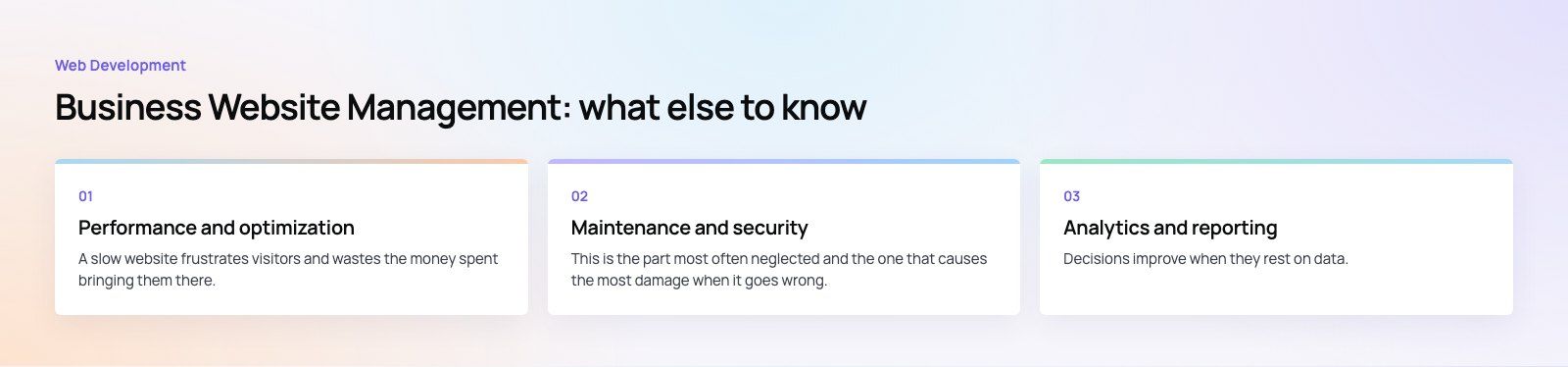
A slow website frustrates visitors and wastes the money spent bringing them there.
- Speed. Compress images, limit heavy scripts, use caching and choose good hosting. Measure key pages every month.
- Mobile performance. Many visitors arrive on phones over mobile networks, so test there, not only on office broadband.
- Search optimization. Keep page titles, descriptions, headings and internal links tidy, and fix broken links and redirect chains.
- Conversion optimization. Test headlines, calls to action and form length to see what increases enquiries.
If you are not sure where to start, a website audit gives a prioritized list of fixes, and our Core Web Vitals service focuses on speed specifically.
Maintenance and security
This is the part most often neglected and the one that causes the most damage when it goes wrong.
- Update software regularly. Apply CMS, theme and plugin updates on a schedule, testing major updates on a staging copy first.
- Back up automatically. Keep daily backups stored away from the web server, and test restoring one at least a few times a year.
- Monitor uptime and errors. Use a monitoring service that alerts you when the site goes down or forms stop working.
- Protect access. Use strong unique passwords, two-factor authentication for admin accounts, and remove old user accounts.
- Use a firewall and HTTPS. A web application firewall blocks common attacks, and HTTPS should be active on every page.
- Plan maintenance windows. If work will interrupt the site, schedule it for quiet hours and tell affected customers in advance.
Extra priorities for online stores
- Checkout. Test the full purchase path regularly, on mobile and desktop, with every payment method you offer.
- Payments and data. Use reputable payment gateways, keep them updated and never store card details on your own server.
- Orders and shipping. Make delivery times, costs and returns clear before checkout, and keep stock levels accurate.
- Customer support. Show how to get help, answer quickly, and make returns straightforward.
Analytics and reporting
Decisions improve when they rest on data. Set up analytics with goals that match your objectives, such as form submissions, calls, bookings or sales. Review a short monthly report covering traffic sources, top pages, conversion rate and any technical errors, then pick one or two improvements to make before the next review.
Who should manage the website?
| Option | Works well when | Watch for |
|---|---|---|
| In-house staff member | The site is simple and someone has time and basic skills | Updates and security slip when that person is busy |
| Freelancer | You need occasional help on a small site | Availability and continuity if they move on |
| Agency or development partner | The site drives revenue or has integrations | Clear scope, response times and reporting |
| Mixed model | Your team edits content and a partner handles technical work | Agreeing who owns which task |
A simple management routine
- Weekly: check forms, uptime alerts and any security warnings.
- Monthly: apply updates, review analytics, test speed on key pages and confirm backups ran.
- Quarterly: review top pages for accuracy, fix broken links, and test a backup restore.
- Yearly: revisit objectives, audience and structure, and decide whether a redesign or replatform is due.
Good business website management protects the investment you made in the site and keeps it working for sales. Codeeo's web development team and WordPress developers support businesses with maintenance, improvements and rebuilds, and our digital marketing team can help turn the traffic into enquiries.
Frequently asked questions
It includes software updates, security, backups and uptime monitoring, plus keeping content accurate, improving speed and mobile performance, maintaining search optimization and reviewing analytics.
For online stores it also covers checkout, payments, stock and order flow. The aim is a site that stays safe, current and effective at bringing in enquiries or sales.
Web DevelopmentWordPress vs Drupal: Which CMS Is Right for Your Business?WordPress vs Drupal compared on ease of use, content modeling, security, performance, ecommerce and cost drivers, with five questions to help you choose. Web DevelopmentCustom Website Development vs Website Builders: Pros and ConsAn honest comparison of custom website development and website builders: control, cost over time, SEO, integrations, and how to decide which fits your business.
 Web DevelopmentWeb Development Consultant: What They Do and When to Hire OneWhat a web development consultant does, how the role differs from a developer or agency, when hiring one pays off and how to choose the right one.
Tell us what the business needs. We will tell you what to build first.
Schedule a free consultation and get a written recommendation, with costs, before you commit to anything.
Get in touchPROVEN RESULTS
4.7 / 5verified reviews on Google