 App DevelopmentCross Platform App Development: How It Saves Time and MoneyHow shared code across iOS and Android cuts build and maintenance effort, which frameworks to consider in 2026, and when native development is still the better call.
Can You Develop an App by Yourself? What It Really Takes
Can you develop an app by yourself? The skills, time and tools solo builders need, which development route to pick, and when to bring in outside help.
Yes, you can develop an app by yourself, especially a focused first version with a small set of features. Cross platform frameworks, no code builders and AI coding assistants have made solo development more realistic than ever. What stops most solo builders is not code but scope, time and the work around the app: design, testing, store approval, marketing and support.
This guide helps you judge whether going solo fits your skills and idea, which route to take, and how to plan the build so you actually ship.
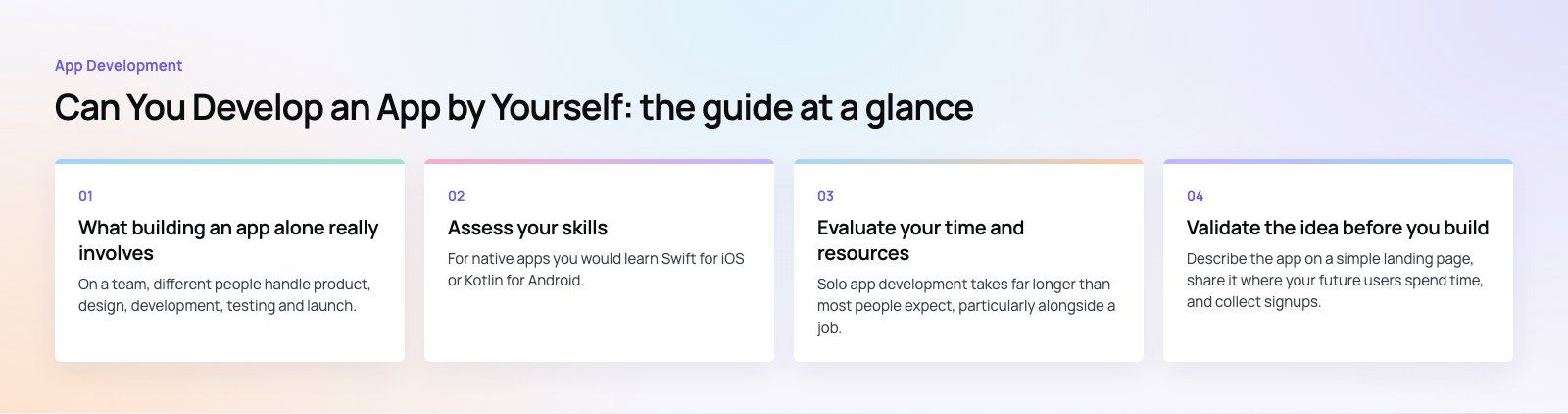
What building an app alone really involves
On a team, different people handle product, design, development, testing and launch. On your own, you do all of it. Before you start, be honest about each area:
| Area | What it covers | How to cover it solo |
|---|---|---|
| Product | Deciding what to build and what to leave out | Write a one page spec with a single core use case |
| Design | Screens, flows and visual style | Start from platform guidelines and a UI kit |
| Development | App code, backend, data and integrations | Use a framework and managed backend services |
| Testing | Finding bugs on real devices | Recruit a small group of beta testers |
| Launch | Store listings, review rules and privacy details | Read store guidelines before you build |
| Growth and support | Getting users and answering them | Plan this from the start, not after launch |
Assess your skills
Technical skills
For native apps you would learn Swift for iOS or Kotlin for Android. For one codebase that runs on both, frameworks such as Flutter (Dart) and React Native (JavaScript or TypeScript) are popular choices with large communities. You also need some understanding of APIs, data storage and authentication, even if a managed backend handles most of it.
Design skills
A clear, consistent interface matters more than an original one. Apple's Human Interface Guidelines and Google's Material Design guidance show the patterns users already expect, which saves you from reinventing navigation, forms and buttons.
Business skills
You need to understand who the app is for, how it will make money, and the legal basics such as privacy policies and data handling. If this is new to you, talk to founders and developers in online communities who have shipped apps. Be specific about your situation and most people are generous with advice.
Evaluate your time and resources
Solo app development takes far longer than most people expect, particularly alongside a job. Plan for regular, protected hours each week rather than occasional long weekends. Consistency beats bursts of effort.
Budget for the costs that do not depend on your time: developer accounts for the app stores, test devices, hosting and backend services, design assets, and any paid tools or APIs. None are large on their own, but they add up, and they continue after launch. You will also need both an Apple device for iOS builds and access to Android phones for testing.
Validate the idea before you build
Test demand
Describe the app on a simple landing page, share it where your future users spend time, and collect signups. Interview a handful of potential users about how they solve the problem today. If nobody cares enough to leave an email, a finished app will not change that.
Define your audience and core feature
Write down exactly who the first user is and the one job the app does for them. Everything else goes on a "later" list. A narrow first version is the single biggest factor in whether solo projects ship.
Choose your development route
| Route | Strengths | Limits | Good for |
|---|---|---|---|
| No code builder | Fastest to a working prototype; little coding | Harder to customize and scale; platform lock in | Validating an idea or simple internal tools |
| Cross platform framework | One codebase for iOS and Android; large ecosystems | Some device features need native code | Most solo developers building a real product |
| Native development | Best performance and full access to device features | Two codebases if you want both platforms | Apps for one platform or heavy device use |
| Progressive web app | Runs in the browser; no store review | Fewer device features and less store visibility | Content and tool style apps |
Build your skills efficiently
Self learning
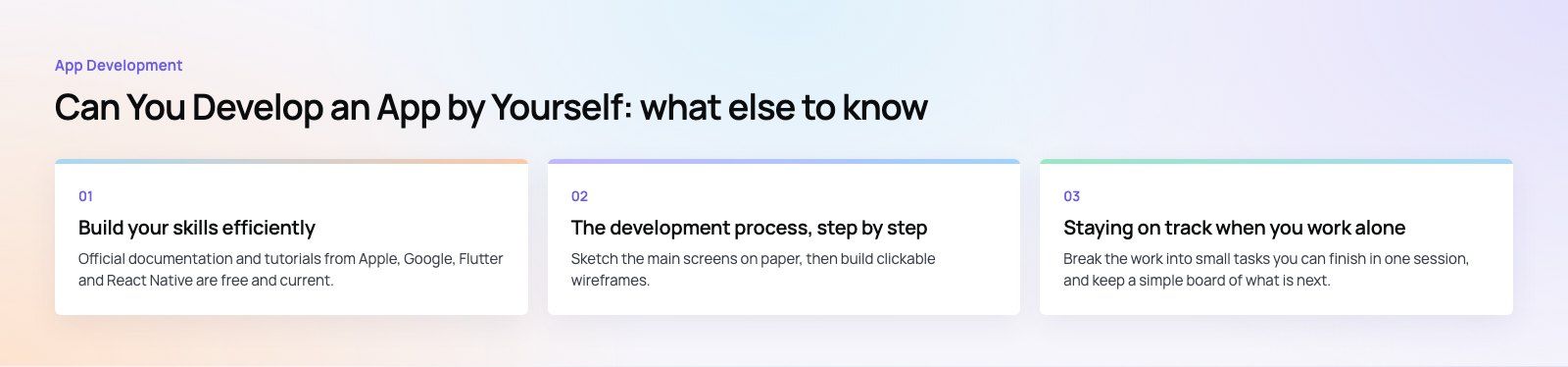
Official documentation and tutorials from Apple, Google, Flutter and React Native are free and current. Follow one structured course from start to finish rather than jumping between many. Build small practice apps that copy features you need, such as login, a list from an API or push notifications.
Use AI assistants carefully
AI coding tools can speed up boilerplate, explain errors and suggest fixes. Treat their output as a draft: read it, test it and make sure you understand it, especially anything touching security, payments or user data.
Get support
Developer forums, open source communities and local meetups are good places to ask questions. A mentor who has shipped an app can save you weeks by pointing out problems early.
The development process, step by step
1. Plan and design
Sketch the main screens on paper, then build clickable wireframes. Test the flow with two or three people before writing code. Changing a wireframe takes minutes; changing a built screen takes days.
2. Build the minimum viable product
Set up version control from day one. Use managed services for authentication, databases, file storage and push notifications so you are not building infrastructure. Build the core feature first and make it work well before adding anything else.
3. Test on real devices
Emulators miss real world problems. Test on older phones, small screens and slow connections. Use the beta testing tools Apple and Google provide to get the app into real users' hands before launch.
4. Prepare for the stores
Enroll in the Apple Developer Program and set up a Google Play Console account. Read the review guidelines early, write a privacy policy, prepare screenshots and a clear description, and allow time for review and possible rejection.
5. Launch, measure and improve
Add basic analytics and crash reporting before launch. Watch where users drop off, read every review, and ship small updates often. Iteration after launch is where most good apps are really made.
Staying on track when you work alone
Manage your time
Break the work into small tasks you can finish in one session, and keep a simple board of what is next. Finishing something every session builds momentum.
Handle the learning curve
You will get stuck. Search the error, read the docs, write down the problem clearly and ask for help when an issue has blocked you for too long. Writing the question often reveals the answer.
Keep motivated
Share progress publicly, set small milestones and get real users testing early. Feedback from one person who needs your app is more motivating than any plan.
When to bring in help
Going solo makes sense for a focused first version. It gets harder when the app needs payments, real time features, complex backend logic, strict security or both platforms at a polished standard. At that point, help with a specific part, such as design, backend or a codebase review, can be cheaper than months of trial and error.
If you want a second opinion on scope before you build, our product scoping session helps define a realistic first version. Codeeo's mobile app development team, part of a team of 80+ across Dubai, Riyadh and Karachi, can also pick up the parts you would rather not build alone. See the Remin Diary app for an example of a focused personal app with reminders and a calendar.
Frequently asked questions
Yes, a beginner can build a simple app with a no code builder, and that is a good way to test an idea.
For a product that needs custom features, good performance or room to grow, you will eventually need to learn a framework or work with a developer. Many people start with no code, prove demand, then rebuild properly.
App DevelopmentCross Platform App Development: How It Saves Time and MoneyHow shared code across iOS and Android cuts build and maintenance effort, which frameworks to consider in 2026, and when native development is still the better call. App DevelopmentHow to Plan an App Development Project From Start to FinishA step by step plan for an app project: define users and goals, scope an MVP, choose platforms, design, build the team, phase the timeline, test and launch.
 App DevelopmentMust Have Features of an HR Management AppThe features an HR management app needs, from onboarding and self service to payroll, performance and analytics, plus when to buy or build.
Tell us what the business needs. We will tell you what to build first.
Schedule a free consultation and get a written recommendation, with costs, before you commit to anything.
Get in touchPROVEN RESULTS
4.7 / 5verified reviews on Google