 DevOpsPlatform Engineering vs DevOps: Differences and How They FitPlatform engineering vs DevOps explained: what each one is, where they overlap, the tools involved, and how to tell which one your organization needs next.
Client-Side DevOps Techniques for Faster, More Reliable Front Ends
Client-side DevOps brings CI, performance budgets, preview deployments, feature flags and real user monitoring to front-end code. Here is how each technique works.
Client-side DevOps applies DevOps habits, such as automation, continuous integration, fast feedback and monitoring, to the code that runs in the user's browser. The techniques that matter most are automated build and test pipelines, performance budgets checked on every change, preview deployments, CDN based delivery, feature flags and real user monitoring.
Front ends used to be treated as the last step before launch. Today they carry much of an application's logic, and they are where users feel every slow script and broken release. This guide covers the techniques that make front-end delivery faster and more reliable, and how they fit together.
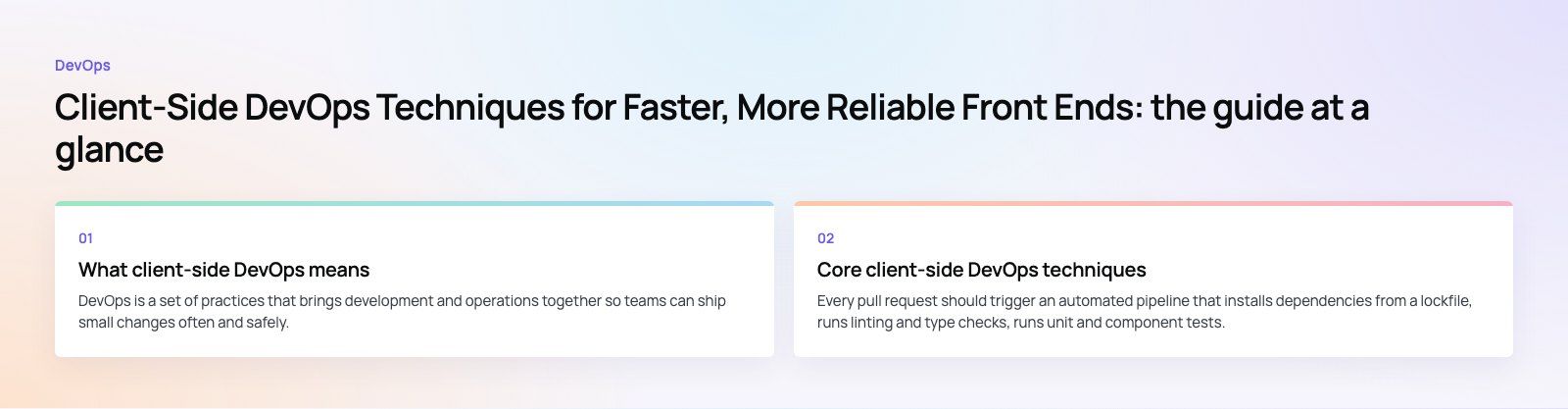
What client-side DevOps means
DevOps is a set of practices that brings development and operations together so teams can ship small changes often and safely. On the server side that usually means infrastructure as code, containers and deployment automation. On the client side, the same principles apply to a different set of problems:
- JavaScript bundles that grow quietly until pages slow down.
- Code that works in one browser and fails in another.
- Releases that cannot be rolled back quickly because assets are cached across the world.
- Errors that happen only on users' devices, where your server logs cannot see them.
Client-side DevOps is the discipline of catching these problems automatically, before and after release.
Core client-side DevOps techniques
1. Continuous integration for front-end code
Every pull request should trigger an automated pipeline that installs dependencies from a lockfile, runs linting and type checks, runs unit and component tests, and produces a production build. If any step fails, the change does not merge. This catches broken imports, type errors and failing tests within minutes rather than after deployment.
Keep the pipeline fast. Cache dependencies between runs, run independent checks in parallel, and split slow browser tests into a separate stage so developers get quick feedback on the basics.
2. Performance budgets in the pipeline
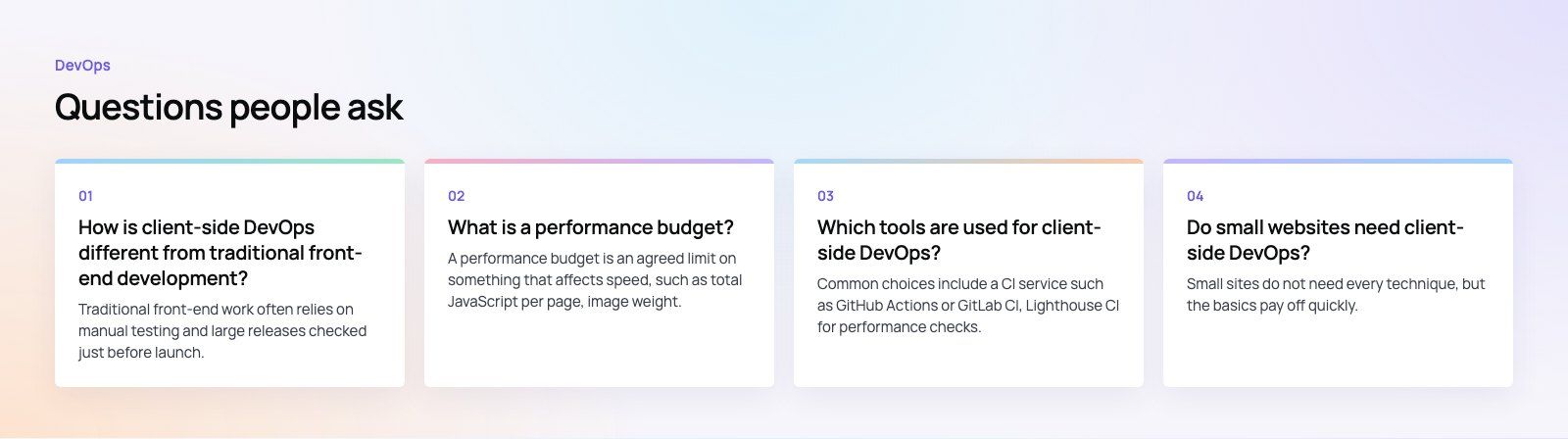
A performance budget is a limit the team agrees on, such as maximum JavaScript size per route or a minimum Lighthouse score. The pipeline measures each change against it and fails or warns when a change goes over. Tools such as Lighthouse CI and bundle size checkers make this routine.
Budgets work because performance rarely collapses in one change. It erodes through many small additions, and a budget makes each one visible at review time. Tie budgets to Google's Core Web Vitals, which measure loading, responsiveness and visual stability, since those are the metrics users feel and search engines report on.
3. Preview deployments
Preview deployments build every pull request into its own temporary URL. Designers, product owners and testers can review the real change in a real browser before it merges. This removes the "works on my machine" problem and shortens review cycles, because feedback arrives on the actual build rather than on screenshots.
4. Automated cross-browser and visual testing
Browser automation tools such as Playwright and Cypress run key user flows, like sign in, search and checkout, across several browser engines on every change. Visual regression testing takes screenshots of important pages and flags pixel differences, which catches layout breaks that functional tests miss.
5. Immutable builds and CDN delivery
Build assets once, give each file a content hash in its name, and serve it from a CDN with long cache lifetimes. Because a changed file gets a new name, users never receive a stale mix of old and new assets. The HTML entry point is cached briefly so it can point to new assets right away.
This also makes rollback simple. The previous build's files still exist, so rolling back means pointing the entry point at the last good version rather than rebuilding under pressure.
6. Feature flags
Feature flags separate deploying code from releasing a feature. New code ships switched off, then turns on for internal users, then a small share of real users, then everyone. If something goes wrong, the flag turns off in seconds without a new deployment. Remove flags once a feature is fully released, or they become technical debt.
7. Real user monitoring and error tracking
Lab tests run on fast machines and clean networks. Real users do not. Real user monitoring (RUM) collects performance metrics from actual visits, broken down by page, device and connection. Client-side error tracking captures JavaScript exceptions with stack traces mapped back to source code. Together they tell you what users actually experience, and they should feed alerts just like server metrics do.
8. Dependency management and security checks
Front-end projects pull in hundreds of packages. Automated dependency updates, vulnerability scanning in the pipeline and a lockfile committed to version control keep that supply chain under control. This is the client-side part of DevSecOps, and it is one of the cheapest security wins available.
9. Infrastructure as code for front-end hosting
CDN rules, redirects, headers, cache settings and environment variables should live in version control, not in a dashboard someone edits by hand. Defining them as code makes every environment reproducible and every change reviewable.
Traditional front-end delivery vs client-side DevOps
| Aspect | Traditional delivery | Client-side DevOps |
|---|---|---|
| Release rhythm | Large, infrequent releases | Small changes shipped often |
| Testing | Manual checks before launch | Automated checks on every change |
| Performance | Measured after complaints | Budgets enforced in the pipeline |
| Review | Screenshots and staging servers | Preview URL per change |
| Rollback | Rebuild and redeploy | Switch to the previous immutable build or turn off a flag |
| Visibility | Server logs only | Real user metrics and client error tracking |
| Setup effort | Low at first | Higher at first, lower over time |
How to introduce client-side DevOps step by step
- Measure first. Add real user monitoring and error tracking so you know your current performance and error rate.
- Automate the basics. Set up a pipeline with linting, type checks, unit tests and a production build on every pull request.
- Add preview deployments. Give every change its own URL for review.
- Set a performance budget. Start with your current numbers so the pipeline stops further regressions, then tighten over time.
- Automate key flows. Cover the few user flows that make money, such as sign up and checkout, with browser tests.
- Move hosting config into code. Put CDN, header and redirect rules under version control.
- Adopt feature flags for risky changes, with a clear rule for removing them.
Common mistakes
- Slow pipelines. If checks take too long, developers find ways around them. Keep the main path short.
- Budgets nobody owns. A budget that only warns and is never enforced becomes noise.
- Flaky browser tests. Tests that fail at random destroy trust in the pipeline. Fix or remove them quickly.
- Monitoring without alerts. Dashboards nobody watches will not catch a broken release at night.
- Treating the front end as an afterthought. Server automation without client checks still lets slow, broken pages reach users.
Getting help with front-end delivery
Codeeo has delivered 200+ projects across the UAE and the US, and our web development and Next.js teams build these practices into front ends from the first commit. If your site already feels slow, our Core Web Vitals service and speed optimization quick start are practical places to begin, and a codebase review will show where automation would help most.
Frequently asked questions
Traditional front-end work often relies on manual testing and large releases checked just before launch.
Client-side DevOps automates those checks so every change is linted, tested, built and measured against performance budgets before it merges. It also adds monitoring on real users' devices after release. The result is smaller, safer releases and faster detection of problems that only appear in production browsers.
DevOpsPlatform Engineering vs DevOps: Differences and How They FitPlatform engineering vs DevOps explained: what each one is, where they overlap, the tools involved, and how to tell which one your organization needs next. DevOpsGitLab vs Jenkins: Which CI/CD Tool Fits Your Team?GitLab vs Jenkins compared on setup, features, scaling, security, integrations and total cost, with a simple checklist for choosing the right CI/CD tool.
 DevOpsConfiguration Management Tools in DevOps: How the Leaders CompareAnsible, Puppet, OpenVox, Chef, Salt, Terraform and OpenTofu compared: what configuration management does in DevOps and how to choose a tool.
Tell us what the business needs. We will tell you what to build first.
Schedule a free consultation and get a written recommendation, with costs, before you commit to anything.
Get in touchPROVEN RESULTS
4.7 / 5verified reviews on Google