 E-Commerce10 Features of a High-Converting Ecommerce WebsiteThe ten features that turn store visitors into buyers, from product pages and checkout to speed, mobile design, social proof and ongoing testing.
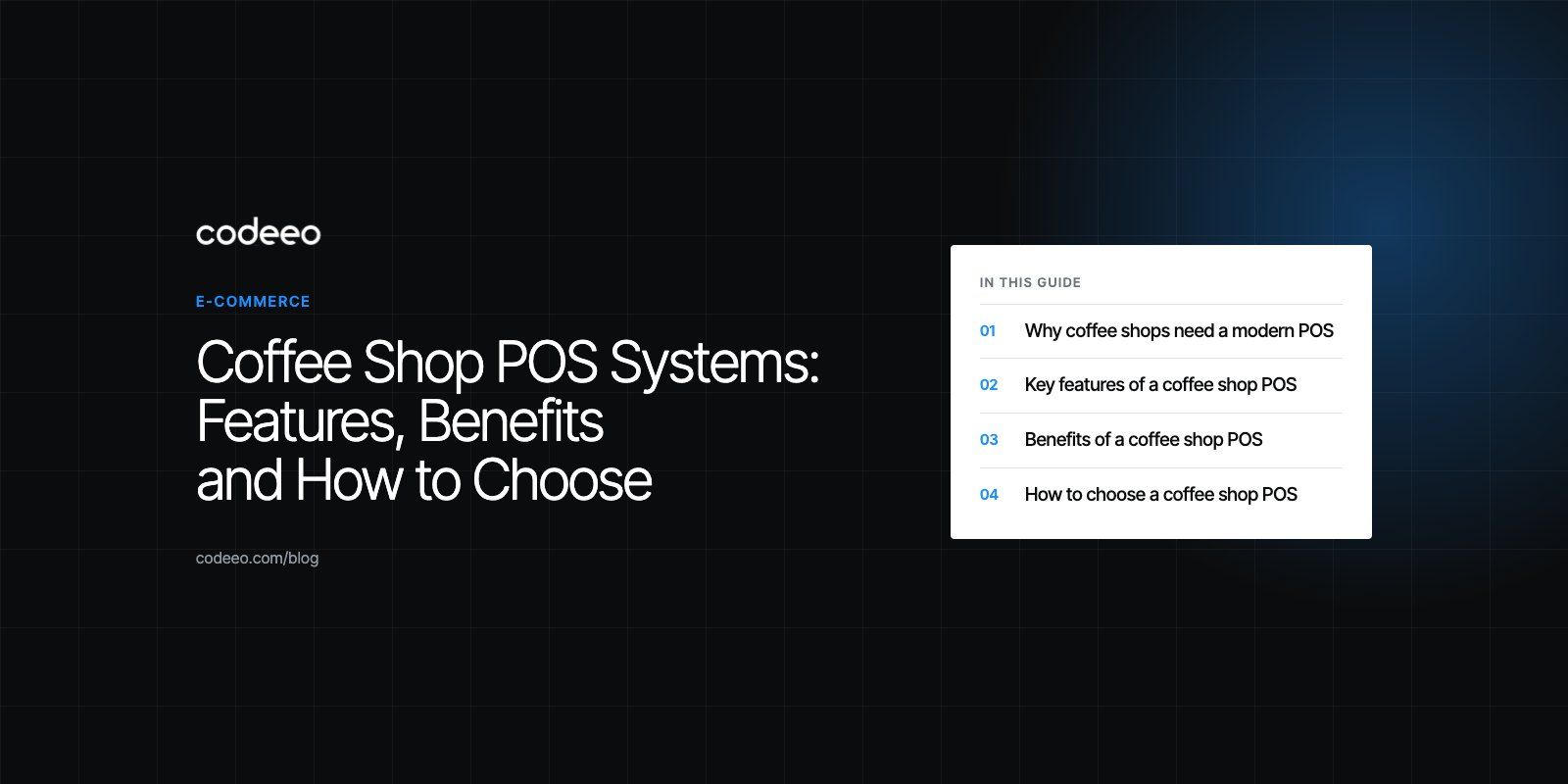
Coffee Shop POS Systems: Features, Benefits and How to Choose
What a coffee shop POS should do, from fast order entry and mobile ordering to recipe inventory and loyalty, plus how to choose and roll one out.
A coffee shop point of sale system takes orders, processes payments, tracks ingredients and stock, runs loyalty programs and reports on sales, all from one place. The right POS shortens the queue during the morning rush, reduces order mistakes and waste, and shows the owner which drinks and hours actually make money. For a cafe, the features that matter most are fast order entry with modifiers, mobile ordering, recipe level inventory and simple staff management.
This guide explains the features to look for, the benefits to expect, how to choose a system and how to roll it out without disrupting service.
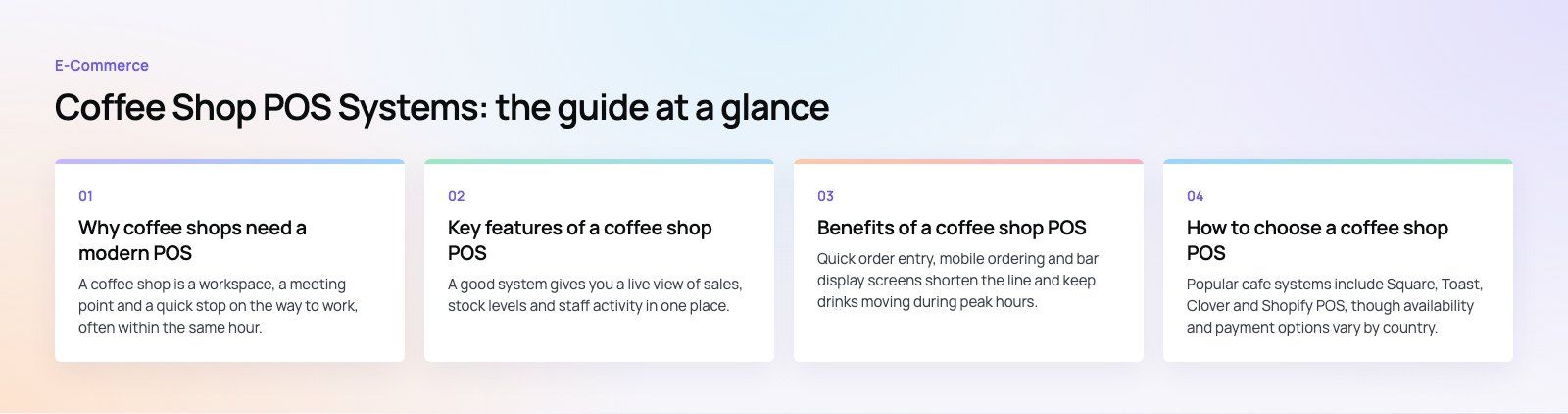
Why coffee shops need a modern POS
A coffee shop is a workspace, a meeting point and a quick stop on the way to work, often within the same hour. Orders are small, frequent and heavily customized: oat milk, an extra shot, less ice, a different cup size. A basic cash register cannot keep up with that volume of variation, and it tells you nothing about which items earn their place on the menu.
A modern POS for a coffee shop sits at the center of the operation. Every order updates stock, feeds sales reports and builds a picture of each regular customer. That turns daily transactions into information you can act on.
Key features of a coffee shop POS
A central dashboard
A good system gives you a live view of sales, stock levels and staff activity in one place, on a tablet or phone as well as the back office computer. Owners with more than one location should be able to compare sites side by side.
Fast order taking with modifiers
Baristas need an interface built for speed: large buttons, the most popular drinks on the first screen and modifiers for milk, size, shots, syrups and temperature that take one tap each. Orders should print or display at the bar automatically, ideally on a kitchen or bar display screen that shows what to make next.
Mobile and online ordering
Letting customers order ahead from their phones shortens the queue and moves pickups out of the line. Orders from the app, the website and delivery platforms should land in the same queue as counter orders, so the bar sees one list rather than several tablets.
Group orders and split bills
Groups often want to split a bill by item or evenly. The POS should handle this in a few taps, without manual arithmetic, and support separate payments on one order.
Inventory and recipe management
Coffee shops sell drinks but buy ingredients. The most useful systems let you define a recipe for each item, so selling a latte deducts the right amount of coffee, milk and cups from stock. That gives you:
- Real time stock levels and low stock alerts for beans, milk, syrups and packaging.
- Automated reorder suggestions or purchase orders based on usage.
- Accurate cost per drink, which shows the true margin on each menu item.
- Waste tracking for spoiled milk, failed shots and unsold pastries.
Loyalty, gift cards and customer profiles
Built-in loyalty programs reward regulars without paper stamp cards. Customer profiles store favorite orders, so staff can offer the usual and the app can suggest it. Digital and physical gift cards bring in revenue up front and attract new customers. Collect customer data only with consent and follow the privacy rules where you trade.
Reporting and analytics
Look for reports on sales by item, category, hour and staff member, plus margins by product once recipes are set up. Hourly sales are especially useful for planning shifts around the morning and lunch peaks.
Payments
Support for chip cards, contactless and mobile wallets is expected. Choose a processor that meets the PCI Security Standards for card data, and check that tips, refunds and end of day reconciliation are simple.
Staff management
Clock in and out, role based permissions, shift scheduling and tip tracking keep payroll accurate and limit who can issue refunds or discounts.
Marketing integrations
Connections to email, SMS and social tools let you send offers to customer segments, such as a new seasonal drink to everyone who bought iced coffee last summer.
Benefits of a coffee shop POS
Faster service
Quick order entry, mobile ordering and bar display screens shorten the line and keep drinks moving during peak hours.
Fewer errors
Orders go straight from the screen to the bar, so there are fewer misheard modifiers and fewer remakes. Automatic totals and integrated payments remove manual calculation and reduce cash handling mistakes.
Easier staff training
A clear, visual interface helps new baristas get up to speed quickly, which matters in a business where staff turnover can be high.
Less waste and better stock control
Recipe level tracking shows exactly how much of each ingredient you use. Combined with sales history, it helps you order the right amount, spot slow moving items and avoid running out of popular products.
Lower costs
Accurate usage data strengthens your position with suppliers and highlights items whose margins do not justify their place on the menu.
Stronger customer loyalty
Rewards, saved favorites and relevant offers give customers a reason to choose you over the cafe next door.
Decisions based on data
Instead of guessing, you can see which products, times and promotions perform and adjust the menu, prices and staffing accordingly.
How to choose a coffee shop POS
| Factor | What to check |
|---|---|
| Speed at the counter | How many taps a typical customized drink takes; whether the interface works on the tablets you plan to use |
| Modifiers and recipes | Support for unlimited modifiers and recipe level stock deduction |
| Ordering channels | Built-in mobile and online ordering, and integrations with the delivery platforms in your area |
| Offline mode | Whether the POS keeps taking orders and card payments if the internet drops |
| Integrations | Accounting, payroll, loyalty and marketing tools you already use |
| Scalability | Multi location reporting, central menu management and stock transfers |
| Total cost | Hardware, subscription, payment processing terms and support, compared over the full contract |
Popular cafe systems include Square, Toast, Clover and Shopify POS, though availability and payment options vary by country. Compare at least two with a trial using your own menu before deciding.
Off the shelf or a custom ordering app?
Most independent cafes are well served by an established POS. A custom solution makes sense for chains that want their own branded ordering app, a loyalty program that works across many sites, or links to an ERP and central kitchen. A common approach is to keep a standard POS for the counter and build a custom app and integrations around it.
Tips for a smooth rollout
- Involve your staff early. Baristas know where the current process slows down. Ask them what the new system must do.
- Build the menu carefully. Set up items, modifiers and recipes before go live, and test the most complex orders.
- Migrate data cleanly. Bring over customer and loyalty balances and gift cards if you can, and check them after import.
- Train before launch. Run practice shifts with test orders so the first real rush is not the first time staff see the system.
- Use the trial period. Most providers offer a demo or trial; test in your busiest hours, not just quiet afternoons.
- Review after a month. Check reports, adjust reorder levels and remove menu items that are not selling.
If you want a branded ordering app or a POS connected to your website, loyalty program or back office, Codeeo's mobile app development and payment integration teams can build it. Our Teachers Lunch food ordering platform, with a customer app, rider app and admin, shows the kind of ordering flow involved, and we work across hospitality and retail with a team of 80+ in Dubai, Riyadh and Karachi.
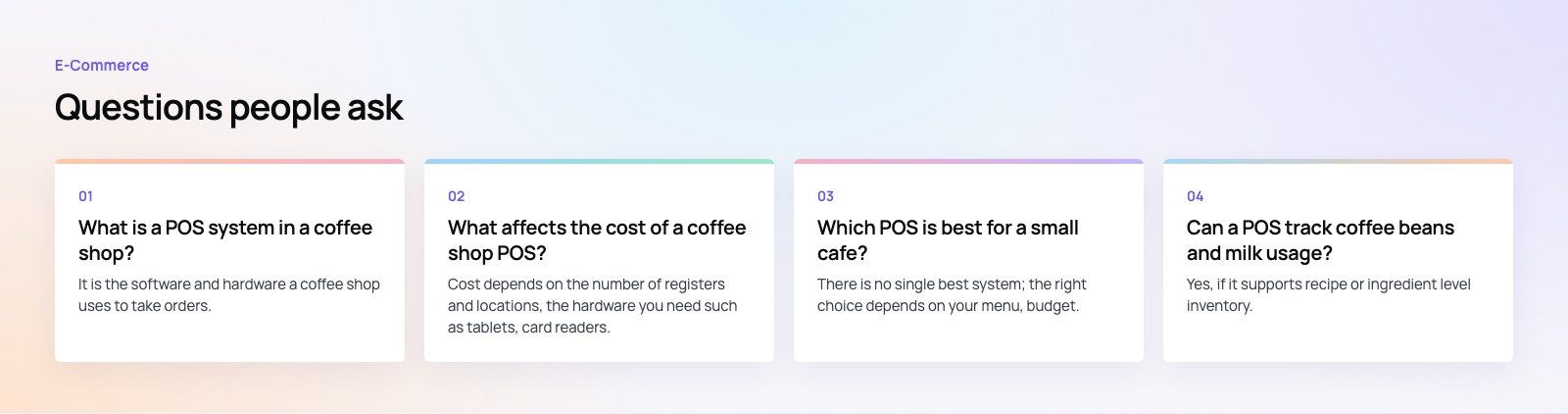
Frequently asked questions
It is the software and hardware a coffee shop uses to take orders, accept payments and manage the business behind the counter.
Beyond replacing the cash register, it sends orders to the bar, tracks ingredients and stock, runs loyalty programs, manages staff shifts and produces sales reports. Most modern systems run in the cloud on tablets, so owners can check performance from anywhere.
E-Commerce10 Features of a High-Converting Ecommerce WebsiteThe ten features that turn store visitors into buyers, from product pages and checkout to speed, mobile design, social proof and ongoing testing. E-CommerceBenefits of Using a CMS for Ecommerce WebsitesHow a CMS helps online stores manage products, SEO, growth and security, how it compares with a custom build, and how to choose between WooCommerce, Shopify and headless.
 E-CommerceEcommerce Website Development: 9 Elements Every Store NeedsThe nine parts every online store needs, from catalog data and search to checkout, security, operations and analytics, with what to decide before you build.
Tell us what the business needs. We will tell you what to build first.
Schedule a free consultation and get a written recommendation, with costs, before you commit to anything.
Get in touchPROVEN RESULTS
4.7 / 5verified reviews on Google