 Digital TransformationHow Digital Transformation Is Reshaping BusinessesFive ways digital transformation is changing operations, customer experience, data, business models and work, plus the challenges and a practical roadmap.
CodeeoInsightsDigital Transformation
CRM vs ERP: Key Differences and How They Work Together
CRM runs customer facing work, ERP runs operations and finance. Compare the two, see which to implement first, and learn how to integrate them well.
The key difference between CRM and ERP is focus: a CRM manages everything that happens with customers before and after a sale, while an ERP runs the operations behind the sale, such as finance, inventory, purchasing, production and HR. CRM serves sales, marketing and service teams; ERP serves finance and operations. Most growing businesses end up needing both, connected so customer and operational data stay in sync.
This guide compares the two systems, shows where each one fits, explains what changes when you integrate them, and covers how to decide which to implement first.
What a CRM does
Customer relationship management software records every interaction with leads and customers. Its job is to help you win more business and keep customers happy.
- Contact and account management: one record per person and company, with history.
- Sales pipeline: leads, opportunities, stages, forecasts and quotes.
- Marketing automation: segments, campaigns, email sequences and lead scoring.
- Customer service: cases, tickets, service levels and knowledge articles.
- Activity tracking: calls, emails, meetings and messages logged against the right record.
Common examples include Salesforce, HubSpot, Zoho CRM and Dynamics 365 Sales.
What an ERP does
Enterprise resource planning software brings core business processes into one system with one database. Its job is to run the business accurately and efficiently.
- Finance and accounting: general ledger, payables, receivables, tax and reporting.
- Inventory and warehousing: stock levels, locations, transfers and counts.
- Purchasing: suppliers, purchase orders and receipts.
- Sales orders and fulfillment: order processing, shipping and invoicing.
- Manufacturing: bills of materials, production orders and capacity.
- HR and payroll in many ERP suites.
Common examples include SAP, Oracle, Odoo, Microsoft Dynamics 365 Business Central and Dynamics 365 Finance and Operations.
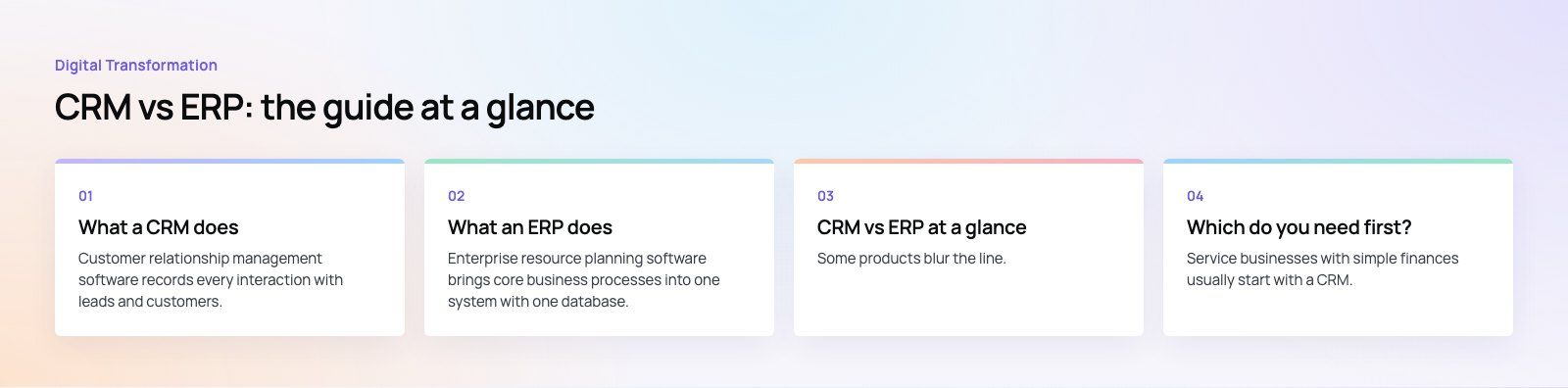
CRM vs ERP at a glance
| Aspect | CRM | ERP |
|---|---|---|
| Primary focus | Customers, sales and service | Internal operations and finance |
| Main users | Sales, marketing, customer service | Finance, operations, procurement, warehouse, HR |
| Core data | Contacts, leads, opportunities, cases, campaigns | Ledgers, items, stock, orders, suppliers, employees |
| Main goal | Win and keep customers | Run the business accurately and efficiently |
| Typical integrations | Email, website forms, messaging, marketing tools | Banks, tax systems, ecommerce, logistics, payroll |
| Implementation effort | Usually shorter, narrower scope | Usually longer, touches many departments |
| Where revenue shows | Forecast and pipeline | Invoices and the general ledger |
Some products blur the line. Odoo and the Dynamics 365 family offer CRM and ERP modules on a shared platform, and many ERPs include basic customer records. The distinction is still useful when deciding what problem you are solving first.
Which do you need first?
Start with a CRM if
- Leads come from many channels and some are never followed up.
- Sales forecasts are guesses built from spreadsheets.
- Customer service cannot see what sales promised.
- Your accounting package still copes with invoicing and stock.
Start with an ERP if
- Finance closes the month by stitching together spreadsheets.
- Stock levels are unreliable, causing overselling or overstocking.
- Orders are re entered between systems for fulfillment and invoicing.
- You have outgrown entry level accounting software or added entities, warehouses or currencies.
Service businesses with simple finances usually start with a CRM. Distributors, retailers and manufacturers often feel the ERP pain first, because inventory and fulfillment errors cost money every day.
Using CRM and ERP together
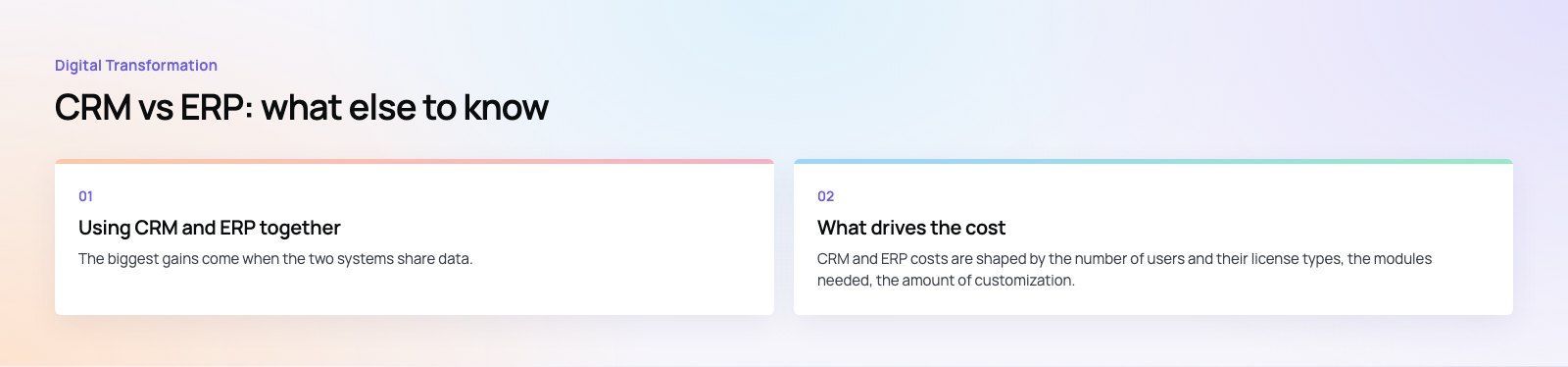
The biggest gains come when the two systems share data. Without integration, staff re type orders, customers get conflicting answers and reports disagree.
One view of the customer
Sales and service see order history, open invoices, credit limits and delivery status from the ERP inside the CRM record. They can answer customer questions without chasing finance or the warehouse.
Quote to cash without re typing
A won opportunity in the CRM creates a sales order in the ERP automatically. The ERP handles fulfillment and invoicing, and the invoice and payment status flow back to the CRM.
Accurate promises
Sales reps see live stock and lead times before they quote, so they set realistic delivery dates instead of promising what the warehouse cannot ship.
Better forecasting
CRM pipeline data combined with ERP stock, purchasing and production capacity gives operations a realistic picture of demand, so they can plan purchasing and staffing ahead of time.
Reporting everyone trusts
When both systems use the same customer and product identifiers, sales, finance and operations report from consistent numbers. Tools such as Power BI can then combine pipeline, revenue and margin in one dashboard.
How to integrate CRM and ERP
- Decide the system of record for each data type. Typically the CRM owns leads, contacts and opportunities, while the ERP owns items, prices, stock, orders and invoices.
- Agree shared identifiers. Customer and product IDs must match across both systems before anything syncs.
- Choose the integration method. Options include native connectors between products from the same vendor, an integration platform, or custom APIs. Native connectors are quickest; custom integration gives the most control.
- Map the key flows. Customer creation, quote to order, order status, invoice and payment status are the usual starting set.
- Clean data before syncing. Deduplicate customers and products, or the integration spreads errors into both systems.
- Handle errors visibly. Failed syncs need alerts and a queue someone checks, not silent failures.
- Test with real scenarios. Run full quote to cash cycles, including returns, credit notes and partial deliveries.
What drives the cost
CRM and ERP costs are shaped by the number of users and their license types, the modules needed, the amount of customization, data migration from old systems, integrations, training and ongoing support. ERP projects usually cost more and take longer because they touch accounting, stock and operations across the business. A narrow first phase with a clear scope keeps both under control.
Common mistakes
- Buying one system to do both jobs badly. A CRM is not an accounting system, and an ERP's customer screens rarely suit a sales team.
- Integrating too late. Plan the data flows when selecting systems, not after both are live.
- Customizing everything. Heavy customization makes upgrades painful. Change processes where the standard way is reasonable.
- Skipping training. Users who do not trust the system go back to spreadsheets.
Plan your CRM and ERP the right way
Codeeo has delivered 200+ projects across the UAE and the US, with a team of 80+ across Dubai, Riyadh and Karachi. We implement Microsoft Dynamics 365, Business Central and Odoo, handle CRM migration, connect systems through Azure integration, and build shared reporting with Power BI developers.
Frequently asked questions
A CRM manages customer facing work: leads, sales pipelines, marketing and customer service.
An ERP manages back office operations: finance, inventory, purchasing, order fulfillment, manufacturing and often HR. Put simply, CRM helps you win and keep customers, while ERP helps you deliver to them and account for it accurately. Many businesses use both, connected.
Digital TransformationHow Digital Transformation Is Reshaping BusinessesFive ways digital transformation is changing operations, customer experience, data, business models and work, plus the challenges and a practical roadmap. Digital TransformationStrategic Human Resource Management: Aligning HR With GoalsWhat strategic human resource management means, the components of a strategic HR model, and a six step process for aligning HR with business goals.
 Digital TransformationBest CRM for Small Businesses: 10 Options and How to ChooseTen CRM platforms that suit startups and small teams, from HubSpot and Zoho to Kommo and NetHunt, with a comparison table and a practical way to choose.
Tell us what the business needs. We will tell you what to build first.
Schedule a free consultation and get a written recommendation, with costs, before you commit to anything.
Get in touchPROVEN RESULTS
4.7 / 5verified reviews on Google