 DevOpsPlatform Engineering vs DevOps: Differences and How They FitPlatform engineering vs DevOps explained: what each one is, where they overlap, the tools involved, and how to tell which one your organization needs next.
DevOps Techniques for Scalable Web App Development
CI/CD, infrastructure as code, containers, orchestration, autoscaling and monitoring: the DevOps techniques that help web apps grow, and the order to adopt them.
The DevOps techniques that matter most for scalable web apps are continuous integration and delivery, infrastructure as code, containers with orchestration, automated scaling, and monitoring with clear alerts. Together they let a team release small changes often, reproduce any environment on demand, and add capacity when traffic grows without rebuilding the system.
Scalability is not only about handling more users. It is also about handling more developers, more features and more releases without the app becoming fragile. This guide explains each technique, how they fit together, and how to introduce them in a sensible order.
What DevOps is and why web apps need it
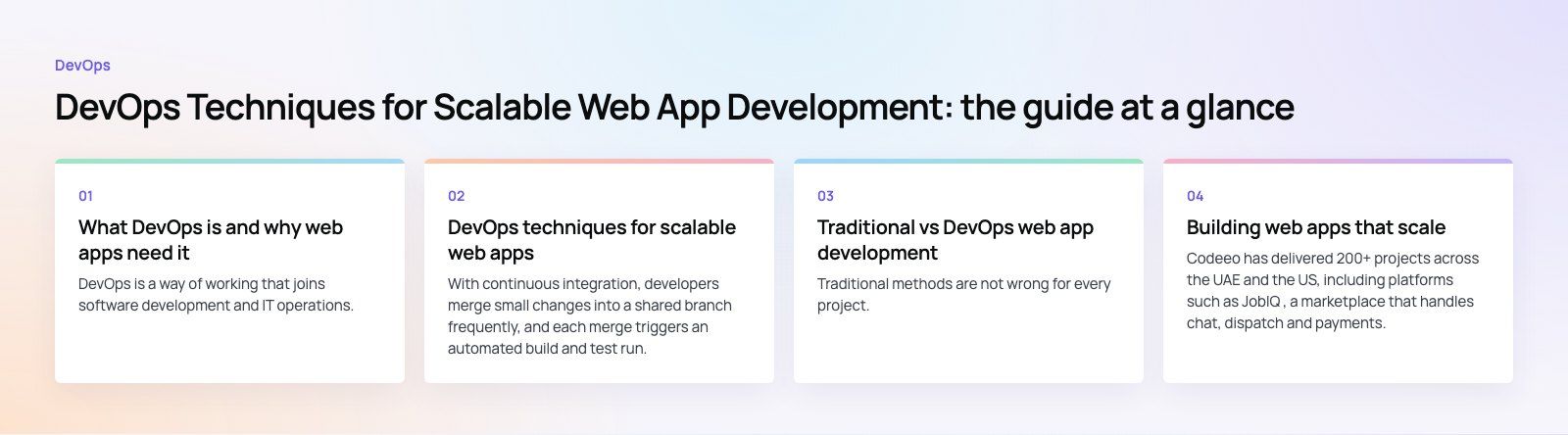
DevOps is a way of working that joins software development and IT operations. Instead of developers handing finished code to a separate team to deploy and run, one team owns the whole lifecycle: building, testing, releasing and operating. Automation replaces manual steps wherever possible, and feedback from production flows straight back to the people writing code.
For web apps, this pays off in several ways:
- Faster releases. Automated pipelines turn a release from an event into a routine, so fixes and features reach users sooner.
- Fewer production incidents. Tests and checks run on every change, so problems surface before deployment.
- Quicker recovery. When something does break, automated rollbacks and good monitoring shorten the outage.
- Room to grow. Infrastructure defined in code can be copied, resized and moved without guesswork.
- Better use of people. Engineers spend less time on repetitive deployment work and more on the product.
The DORA research program, run by Google Cloud, tracks four measures that are widely used to judge delivery performance: deployment frequency, lead time for changes, change failure rate and time to restore service. They are a useful scorecard for any team adopting the techniques below.
DevOps techniques for scalable web apps
Continuous integration (CI)
With continuous integration, developers merge small changes into a shared branch frequently, and each merge triggers an automated build and test run. Integration problems show up within minutes, while the change is still fresh in the developer's mind. CI is the foundation for everything else: without a reliable automated build, nothing downstream can be trusted.
Continuous delivery and deployment (CD)
Continuous delivery takes every build that passes CI and prepares it for release, deploying it automatically to staging environments. Continuous deployment goes one step further and releases to production automatically when all checks pass. Many teams use delivery with a manual approval for production, then move to full deployment as confidence grows.
Safe release strategies make this practical at scale:
- Blue green deployment: run the new version alongside the old one and switch traffic over in one step, with instant switch back.
- Canary releases: send a small share of traffic to the new version, watch error rates, then expand.
- Feature flags: deploy code switched off and turn features on separately from deployment.
Infrastructure as code (IaC)
Infrastructure as code defines servers, networks, databases, load balancers and permissions in version controlled files rather than in a cloud console. Tools such as Terraform, OpenTofu, Pulumi and the cloud providers' own template languages read those files and create matching infrastructure. The benefits for scale are direct: you can create an identical staging environment in minutes, add a region by reusing the same code, and review infrastructure changes like any other pull request.
Configuration management
Configuration management keeps software settings consistent across every server and environment. Tools such as Ansible handle this for traditional servers. In containerized setups, configuration usually lives in environment variables and secrets managers, injected at deploy time. The goal is the same either way: no hand edited servers, and no drift between environments.
Containerization
Containers package an application with its runtime and dependencies into a single image that runs the same way on a laptop, a test server and production. Docker made the approach mainstream. For scalability, containers start quickly and use resources efficiently, which makes it practical to run many copies of a service and add more when load rises.
Orchestration
Once you run many containers, you need something to schedule them, restart failed ones, balance traffic and roll out new versions. That is orchestration. Kubernetes is the most widely used orchestrator and is offered as a managed service by the major cloud providers. Simpler managed container platforms suit smaller apps that do not need Kubernetes' full flexibility.
Automatic scaling
Autoscaling adds or removes capacity based on demand. Horizontal scaling adds more instances of a service, which is usually the better approach for web apps because it also improves resilience. It only works if the app is designed for it: keep application servers stateless, store sessions in a shared cache or database, and put files in object storage rather than on local disks.
Monitoring, logging and alerting
You cannot scale what you cannot see. Collect metrics such as request rate, error rate and response time for every service, centralize logs so they can be searched across instances, and add tracing to follow a request through multiple services. Alerts should fire on symptoms users would notice, like rising errors or slow responses, rather than on every minor fluctuation.
Security in the pipeline
Scaling a web app also scales its attack surface. Add dependency scanning, secret detection and static analysis to the CI pipeline, and scan container images before deployment. This approach, often called DevSecOps, catches common vulnerabilities while they are cheap to fix.
Traditional vs DevOps web app development
| Aspect | Traditional approach | DevOps approach |
|---|---|---|
| Team structure | Separate development and operations teams | Shared ownership across the lifecycle |
| Releases | Large, infrequent, often manual | Small, frequent, automated |
| Environments | Configured by hand, prone to drift | Defined in code and reproducible |
| Scaling | Buy or resize servers in advance | Add capacity automatically with demand |
| Failure recovery | Manual investigation and fixes | Automated rollback and clear monitoring |
| Strengths | Familiar, predictable, simple tooling | Speed, consistency, scalability |
| Challenges | Slow releases, siloed knowledge | Learning curve, tooling complexity, culture change |
Traditional methods are not wrong for every project. A small internal site that changes twice a year may not justify a full pipeline. But any web app expected to grow in users, features or team size benefits from DevOps practices early, because retrofitting them later is harder.
A practical order for adopting DevOps
- Put everything in version control, including configuration and deployment scripts.
- Set up CI with automated builds and tests on every change.
- Automate deployment to staging, then to production with an approval step.
- Add monitoring and alerts before you need them.
- Move infrastructure into code, starting with new environments.
- Containerize services and adopt orchestration when the number of services justifies it.
- Make the app stateless so it can scale horizontally.
- Track the DORA measures and improve the weakest one first.
Mistakes to avoid
- Buying tools before changing habits. A pipeline nobody trusts or maintains adds work instead of removing it.
- Adopting Kubernetes too early. It solves real problems at scale, but it adds operational weight a small app may not need.
- Skipping tests to keep pipelines fast. Speed without checks just ships bugs faster.
- Keeping state on app servers. Local sessions and files block horizontal scaling.
- Alerting on everything. Too many alerts teach people to ignore them.
Building web apps that scale
Codeeo has delivered 200+ projects across the UAE and the US, including platforms such as JobIQ, a marketplace that handles chat, dispatch and payments. Our web development and custom software teams build delivery pipelines and scalable infrastructure into projects from the start, and our Azure integration specialists can help when your app runs on Microsoft's cloud. For an existing product, a codebase review is a quick way to see where automation and scaling work would help most.
Frequently asked questions
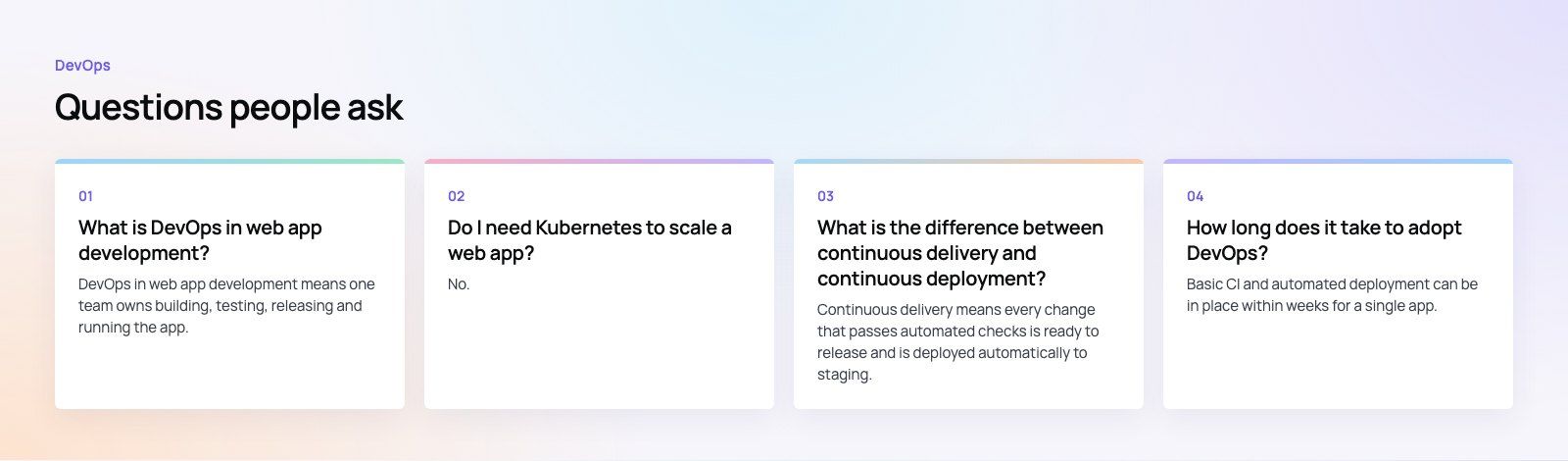
DevOps in web app development means one team owns building, testing, releasing and running the app, with automation handling repetitive steps.
Code changes pass through automated pipelines that build, test and deploy them, infrastructure is defined in code, and monitoring feeds production data back to developers. The result is faster, safer releases and an app that can grow without becoming fragile.
DevOpsPlatform Engineering vs DevOps: Differences and How They FitPlatform engineering vs DevOps explained: what each one is, where they overlap, the tools involved, and how to tell which one your organization needs next. DevOpsGitLab vs Jenkins: Which CI/CD Tool Fits Your Team?GitLab vs Jenkins compared on setup, features, scaling, security, integrations and total cost, with a simple checklist for choosing the right CI/CD tool.
 DevOpsConfiguration Management Tools in DevOps: How the Leaders CompareAnsible, Puppet, OpenVox, Chef, Salt, Terraform and OpenTofu compared: what configuration management does in DevOps and how to choose a tool.
Tell us what the business needs. We will tell you what to build first.
Schedule a free consultation and get a written recommendation, with costs, before you commit to anything.
Get in touchPROVEN RESULTS
4.7 / 5verified reviews on Google