 DevOpsPlatform Engineering vs DevOps: Differences and How They FitPlatform engineering vs DevOps explained: what each one is, where they overlap, the tools involved, and how to tell which one your organization needs next.
DevOps vs DevSecOps: Differences, Uses and How to Choose
DevOps speeds up delivery; DevSecOps builds security into every stage of it. Compare practices, tooling and use cases, and see how to move from one to the other.
DevOps joins development and operations so teams can ship software faster through collaboration and automation. DevSecOps is DevOps with security built into every stage, so code is scanned, tested and reviewed for vulnerabilities as it moves through the pipeline rather than checked once before launch. The difference is not speed against safety: done well, DevSecOps keeps DevOps speed while catching security problems early, when they are cheapest to fix.
This guide explains both approaches, compares them side by side, and shows how to decide how far to go with security automation for your own product.
What is DevOps?
DevOps is a way of building and running software where development and operations work as one team with shared responsibility. Instead of developers handing code over a wall to a separate operations group, the same team plans, builds, tests, releases and runs the product. Automation handles repetitive steps such as builds, tests and deployments.
Core DevOps practices
- Continuous integration: small code changes are merged often and built and tested automatically.
- Continuous delivery: every passing build is ready to release, often deployed automatically to staging.
- Infrastructure as code: servers and cloud resources are defined in version controlled files.
- Monitoring and feedback: production metrics flow back to the team that wrote the code.
Benefits of DevOps
- Faster, more frequent releases.
- Earlier detection of bugs through automated testing.
- Better collaboration and fewer handover delays.
- Quicker recovery when something breaks.
The weakness of DevOps as often practiced is that security sits outside the loop. A separate security team reviews the product near release, finds issues, and sends work back. In a pipeline that ships daily, that late review either slows everything down or gets skipped.
What is DevSecOps?
DevSecOps adds security as a shared responsibility inside the DevOps loop. Security checks become automated pipeline steps, developers get security feedback while they code, and security specialists help design guardrails rather than acting as a final gate. The idea is often called shifting security left: moving it earlier in the lifecycle.
Core DevSecOps practices
- Threat modeling during design, to identify how a feature could be attacked before it is built.
- Static application security testing (SAST) that scans source code for unsafe patterns on every change.
- Software composition analysis (SCA) that checks open source dependencies for known vulnerabilities.
- Secret scanning that blocks API keys and passwords from being committed.
- Container and infrastructure scanning that checks images and infrastructure code for misconfigurations.
- Dynamic application security testing (DAST) that probes a running app in staging for common attacks.
- Runtime monitoring that watches production for suspicious behavior.
Common reference points include the OWASP Top 10, a widely used list of the most critical web application security risks, and NIST's Secure Software Development Framework, which sets out practices for building security into the development process.
Benefits of DevSecOps
- Vulnerabilities are found while code is fresh and cheap to change.
- Fewer last minute security blockers before releases.
- Evidence for audits and compliance is produced automatically by the pipeline.
- Developers build security knowledge through everyday feedback.
DevOps vs DevSecOps: key differences
| Aspect | DevOps | DevSecOps |
|---|---|---|
| Main goal | Fast, reliable delivery | Fast, reliable and secure delivery |
| Who owns security | Often a separate team, late in the cycle | Shared by developers, operations and security |
| When security happens | Mostly before release or after incidents | At every stage, from design to production |
| Pipeline steps | Build, test, deploy | Build, test, security scans, deploy, runtime checks |
| Teams involved | Development and operations | Development, operations and security |
| Compliance evidence | Gathered manually | Generated by automated checks |
| Upfront effort | Lower | Higher, with tuning to reduce false positives |
How each handles security
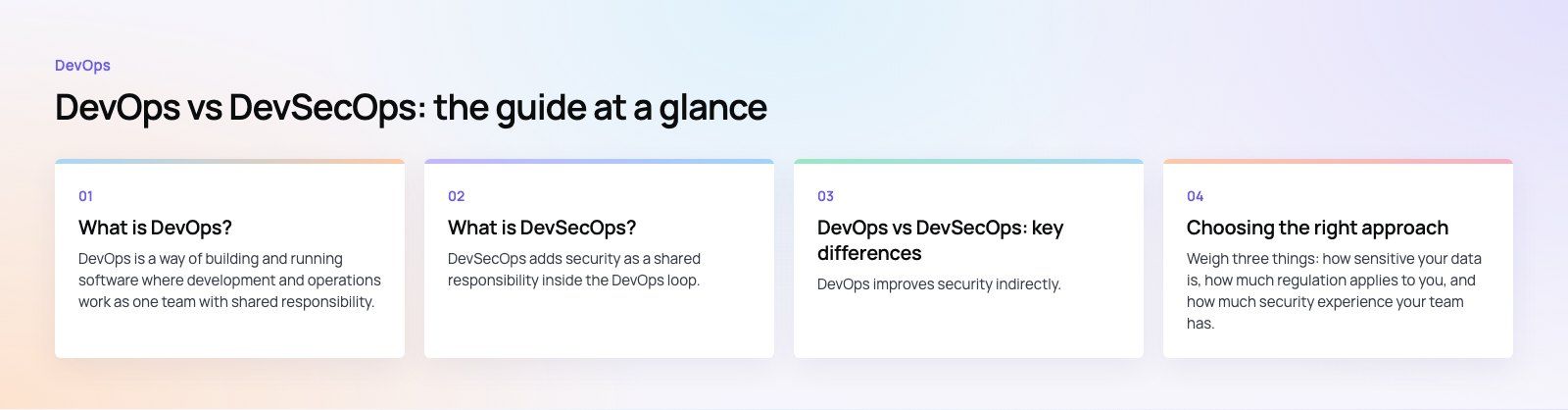
DevOps improves security indirectly. Automated tests catch some defects early, and frequent releases mean patches reach production quickly. But nothing in a basic DevOps pipeline specifically looks for an injection flaw, a leaked key or a vulnerable library.
DevSecOps addresses those risks directly. Each pipeline stage has a security job: dependency scanning when packages change, code scanning on every pull request, image scanning before deployment, and dynamic tests against staging. Findings are triaged by severity, so only serious issues block a release.
Containers and microservices
Both approaches use containers and microservices, but DevSecOps adds specific controls: minimal base images, signed images, scanning container registries, least privilege permissions for each service, and encrypted, authenticated traffic between services. More services means more connections to protect, so these controls matter more as an architecture grows.
When DevOps alone may be enough
- Internal tools with limited users and no sensitive data, such as a team dashboard.
- Early prototypes built to test an idea, where speed of learning matters most.
- Small marketing sites with no user accounts or payments.
Even here, basic hygiene costs little: dependency scanning, secret scanning and automatic updates are often free in modern code hosting platforms and are worth switching on from day one.
When DevSecOps is the right choice
- Apps that handle payments, health records or other personal data.
- Products in regulated sectors such as finance, healthcare or government.
- Public APIs and platforms with many users and integrations.
- Connected devices and IoT systems, where flaws are hard to patch after shipping.
- Any product where a breach would seriously damage customer trust.
How to move from DevOps to DevSecOps
- Start with the cheap wins. Turn on dependency and secret scanning in your code host and pipeline.
- Add code scanning to pull requests, tuned so it flags high severity issues first.
- Scan containers and infrastructure code before deployment.
- Run dynamic tests against staging on a schedule or before major releases.
- Introduce threat modeling for new features that touch authentication, payments or personal data.
- Agree severity rules so only serious findings block releases and the rest join the backlog.
- Train and pair. Name security champions in each team who help colleagues act on findings.
Mistakes to avoid
- Turning on every scanner at once. A flood of low value findings teaches developers to ignore alerts.
- Treating tools as the whole answer. Scanners miss design flaws that threat modeling would catch.
- Blocking on everything. If every warning stops a release, teams will find ways around the pipeline.
- Leaving security out of planning. Security requirements belong in user stories, not just in scans.
Choosing the right approach
Weigh three things: how sensitive your data is, how much regulation applies to you, and how much security experience your team has. If the first two are high and the third is low, bring in help to set up the pipeline and train the team rather than delaying security work.
Codeeo's team of 80+ across Dubai, Riyadh and Karachi builds security checks into delivery on custom software and mobile app projects, including payment products such as Purpose Payment. If you work in a regulated sector, see how we approach fintech and healthcare builds, or start with a codebase review of your current product.
Frequently asked questions
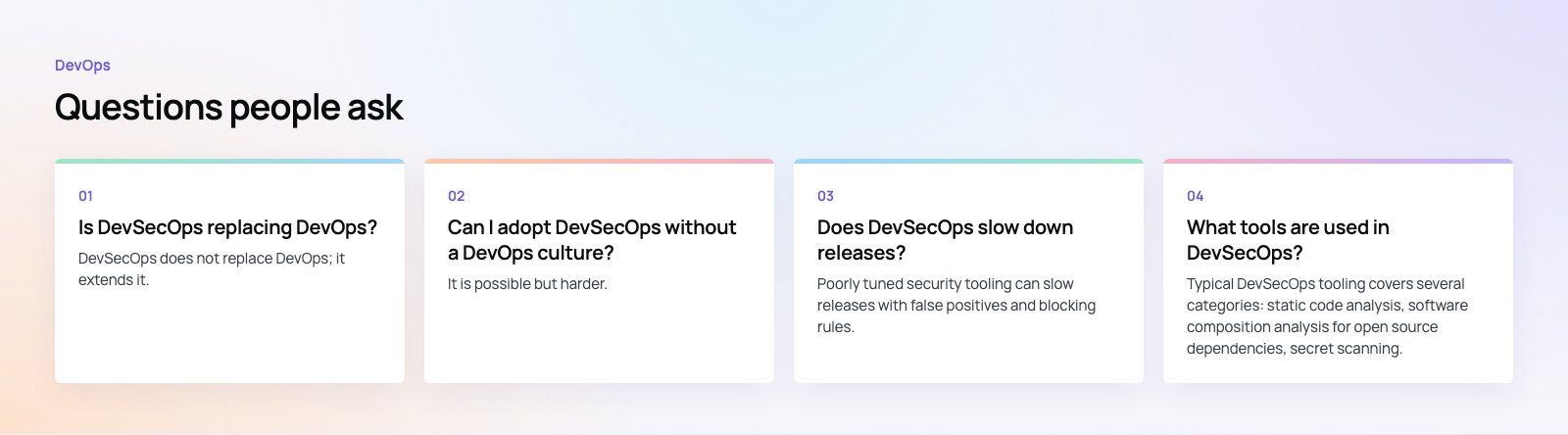
DevSecOps does not replace DevOps; it extends it.
All the DevOps practices, such as continuous integration, continuous delivery, infrastructure as code and monitoring, stay in place. DevSecOps adds security activities to each of those stages and makes security a shared responsibility. Many teams now treat security checks as a normal part of DevOps, and the two terms increasingly describe the same mature practice.
DevOpsPlatform Engineering vs DevOps: Differences and How They FitPlatform engineering vs DevOps explained: what each one is, where they overlap, the tools involved, and how to tell which one your organization needs next. DevOpsGitLab vs Jenkins: Which CI/CD Tool Fits Your Team?GitLab vs Jenkins compared on setup, features, scaling, security, integrations and total cost, with a simple checklist for choosing the right CI/CD tool.
 DevOpsConfiguration Management Tools in DevOps: How the Leaders CompareAnsible, Puppet, OpenVox, Chef, Salt, Terraform and OpenTofu compared: what configuration management does in DevOps and how to choose a tool.
Tell us what the business needs. We will tell you what to build first.
Schedule a free consultation and get a written recommendation, with costs, before you commit to anything.
Get in touchPROVEN RESULTS
4.7 / 5verified reviews on Google