 App DevelopmentCross Platform App Development: How It Saves Time and MoneyHow shared code across iOS and Android cuts build and maintenance effort, which frameworks to consider in 2026, and when native development is still the better call.
E-commerce App Development Cost: What Drives the Budget
What decides the cost of an e-commerce app: features, platforms, backend, design and team, with build options compared and practical ways to spend less.
The cost of developing an e-commerce app is set by four things: the features you need, the platforms you target, how the app connects to your existing store and systems, and the team you hire. A store app built on top of an existing Shopify or WooCommerce backend with standard features costs far less than a custom marketplace with live bidding, multiple vendors and its own backend. The right budget starts with a clear feature list, not a price tag.
This guide explains what drives e-commerce app cost, how the main build options compare, which features matter most, and practical ways to spend less without launching something weak.
The main cost drivers
Features and complexity
Every screen, integration and rule adds design, development and testing time. A catalog, cart and checkout are the baseline. Loyalty programs, subscriptions, live chat, augmented reality previews, multi vendor support and personalized recommendations each add a meaningful amount of work.
Platforms
You can build for iOS, Android, both, or the web as a progressive web app. Two native apps mean two codebases. Cross platform frameworks share most of the code, and a PWA avoids app stores entirely.
Backend and integrations
If you already run an online store, the app can often use its APIs for products, orders and customers. If not, you need a backend for catalog, inventory, orders, payments and admin. Connections to ERP, warehouse, shipping, CRM and marketing tools add further work.
Design
Custom product pages, smooth navigation and a fast checkout take research, prototyping and iteration. Design quality has a direct effect on conversion, so it is not the place to save the most.
Team and location
Rates vary widely between regions and between freelancers, agencies and in house teams. Experience with commerce matters: a team that has built checkouts and payment flows before will avoid costly mistakes.
Ongoing costs
Hosting, third party services, app store developer accounts, operating system updates, security patches and new features continue after launch. Budget for them from the start.
Comparing the build options
| Option | Relative cost | Strengths | Trade offs |
|---|---|---|---|
| Progressive web app (PWA) | Lowest | One codebase, works in the browser, no app store review | Limited device features and weaker presence on iOS |
| Cross platform app | Moderate | One codebase for iOS and Android, near native feel | Some native work for advanced device features |
| Native Android app | Moderate | Full access to Android features and performance | Android only |
| Native iOS app | Moderate | Full access to iOS features and performance | iOS only |
| Native apps for both | Highest | Best performance and platform fit | Two codebases to build and maintain |
Google's progressive web app guidance explains what PWAs can and cannot do. For many retailers, a cross platform app connected to an existing store is the best balance of cost and reach.
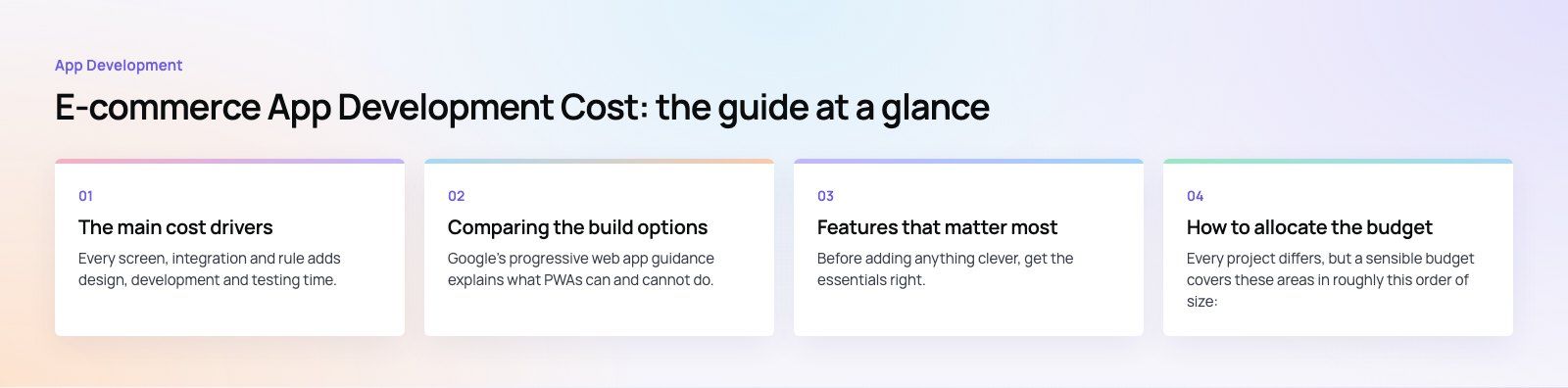
Features that matter most
Before adding anything clever, get the essentials right. These features carry most of the value in any shopping app.
Product browsing and search
Fast search with filters, sorting and typo tolerance helps people find what they want. For large catalogs, search quality often matters more than any other feature.
Detailed product pages
Clear photos, variants, stock status, delivery estimates, reviews and size guides answer questions before they become reasons to leave.
Cart and checkout
A short checkout with saved addresses, guest checkout where appropriate, and familiar payment methods such as cards, wallets and buy now pay later options reduces abandonment. Payment integration needs careful testing for refunds, failed payments and partial captures.
User accounts
Order history, saved items, addresses and preferences make repeat purchases easier and power personalization.
Order tracking
Real time status from your warehouse or courier cuts support questions and builds trust.
Push notifications
Back in stock alerts, price drops and order updates bring people back. Keep them relevant, or users will switch them off.
How to allocate the budget
Every project differs, but a sensible budget covers these areas in roughly this order of size:
- Development: app screens, backend or API work, and integrations.
- Design: research, wireframes, prototypes and the final interface.
- Testing: devices, payment flows, edge cases and performance.
- Project management: planning, communication and release management.
- Launch: app store listings, analytics setup and marketing assets.
- Maintenance: a yearly allowance for updates, fixes and improvements.
To publish, you also need developer accounts with each store. Apple's Apple Developer Program and the Google Play Console explain their current requirements, and apps must meet the App Store Review Guidelines before release.
Ways to spend less without cutting quality
Launch a minimum viable product
Ship the features customers need to browse, buy and track orders. Add loyalty, subscriptions or AR once you know how people actually use the app.
Reuse your existing store
If you run Shopify, WooCommerce or another platform with good APIs, connect the app to it rather than building a new backend. A headless commerce setup lets the website and app share one catalog and checkout logic.
Choose cross platform
One codebase for iOS and Android usually lowers both the build and the long term maintenance.
Use proven services
Established payment gateways, search services, analytics and notification tools are cheaper and safer than building your own.
Keep the interface simple
Simple, consistent screens are faster to build, easier to test and usually convert better than heavily animated ones.
Plan maintenance from day one
Apps break when iOS and Android update. A planned maintenance budget avoids emergency fixes at higher cost.
Choosing a development partner
- Define your needs. Write down the platforms, must have features and systems the app must connect to.
- Review relevant work. Look for commerce apps and stores the team has shipped, not just attractive designs.
- Check how they communicate. Regular demos, clear owners and written scope reduce surprises.
- Ask about technology choices. A good partner explains why native, cross platform or PWA suits you.
- Expect a transparent estimate. The quote should break down design, development, testing and maintenance, with assumptions stated.
Our work in commerce includes Pioneer Auctions, an auction app and website with live bidding, wishlists and PayTabs payments, and EGO Sustainable, a bilingual Shopify store with Tabby and Tamara across five markets. If you are planning a shopping app, our mobile app development team can help, and a product scoping session will turn your feature list into a realistic estimate.
Frequently asked questions
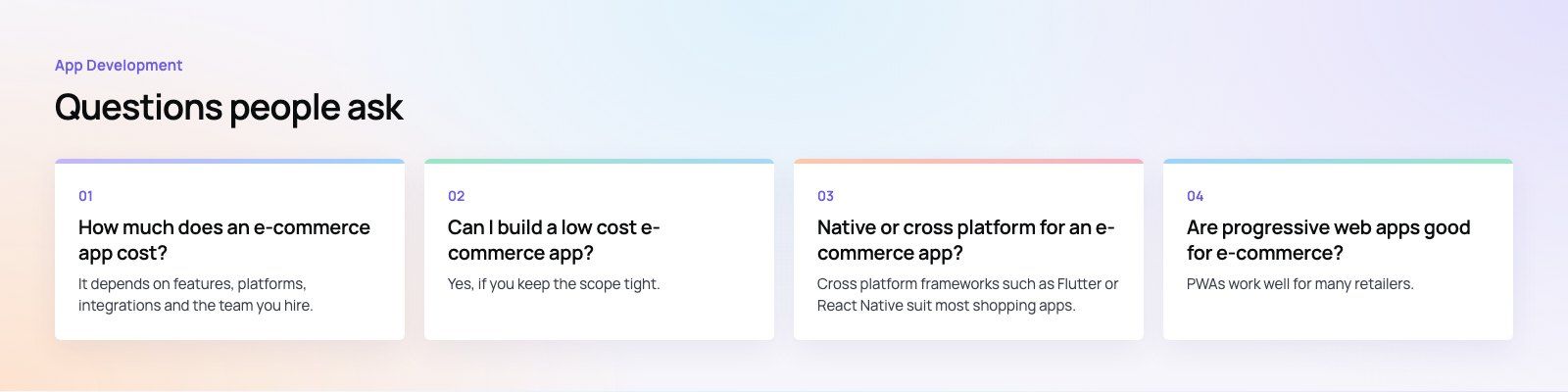
It depends on features, platforms, integrations and the team you hire.
An app built on an existing store backend with standard browsing, cart, checkout and tracking costs far less than a custom marketplace with its own backend, multiple vendors and advanced features. The most accurate way to find your figure is to list the features you need and ask for an itemized estimate.
App DevelopmentCross Platform App Development: How It Saves Time and MoneyHow shared code across iOS and Android cuts build and maintenance effort, which frameworks to consider in 2026, and when native development is still the better call. App DevelopmentHow to Plan an App Development Project From Start to FinishA step by step plan for an app project: define users and goals, scope an MVP, choose platforms, design, build the team, phase the timeline, test and launch.
 App DevelopmentMust Have Features of an HR Management AppThe features an HR management app needs, from onboarding and self service to payroll, performance and analytics, plus when to buy or build.
Tell us what the business needs. We will tell you what to build first.
Schedule a free consultation and get a written recommendation, with costs, before you commit to anything.
Get in touchPROVEN RESULTS
4.7 / 5verified reviews on Google