 Web DevelopmentWordPress vs Drupal: Which CMS Is Right for Your Business?WordPress vs Drupal compared on ease of use, content modeling, security, performance, ecommerce and cost drivers, with five questions to help you choose.
Enterprise CMS: Features, Platforms and How to Choose
What an enterprise CMS adds over a basic one, how AEM, Sitecore, Contentful, Drupal and WordPress VIP compare, and how to choose the right platform.
An enterprise CMS is a content management system built for organizations that run many sites, many editors and many content types at once. It adds what a basic CMS lacks: granular permissions, approval workflows, multi-site and multilingual control, audit trails and clean integration with systems like ERP and CRM. The right choice depends less on brand names and more on how your teams publish, who approves what, and where the content needs to go.
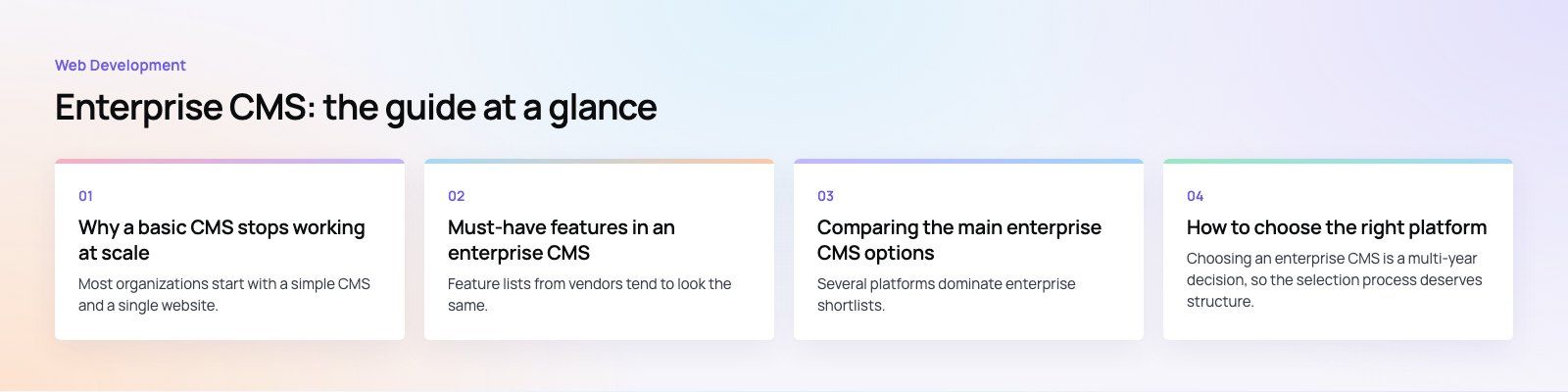
Why a basic CMS stops working at scale
Most organizations start with a simple CMS and a single website. That works until the content grows in three directions at once: more pages, more people editing them and more places the content has to appear.
At that point the cracks show quickly. Product descriptions live in one system, press releases in another and policy documents in a shared drive. Two regional teams publish slightly different versions of the same page. Nobody can say for certain who changed a price disclaimer last month, or why. Brand voice drifts because there is no shared template or review step.
An enterprise CMS solves this by giving every team one place to create, review, approve and publish, with rules that apply the same way to everyone. The goal is not more features. It is fewer surprises.
Signs you have outgrown your current CMS
- You run several websites or country sites and update each one by hand.
- Legal or compliance teams need to sign off on content, and that happens over email.
- Editors need different permissions, but the system only offers "admin" or "editor".
- The same content is needed on the website, the app and in-store screens, and it is copied manually.
- Publishing a simple change requires a developer.
Must-have features in an enterprise CMS
Feature lists from vendors tend to look the same. These are the capabilities that actually separate an enterprise platform from a standard one, and the questions worth asking about each.
Scalability and performance
The platform should handle growth in pages, traffic and editors without slowing down the authoring screens or the public site. Ask how it caches content, how it behaves under traffic spikes, and whether content delivery is separated from the editing environment.
Multi-site and multilingual management
Large organizations rarely run one website. A good enterprise CMS lets you share components, templates and content across sites while allowing local teams to adapt what they need. For multilingual sites, look for translation workflows, language fallbacks and proper support for right to left scripts if you publish in Arabic or Hebrew.
Roles, permissions and security
Role based access control should go deeper than a handful of preset roles. You want to define who can draft, who can approve, who can publish and on which sections or sites. Single sign on, audit logs, encryption and a clear patching process matter just as much as the editing experience.
Workflow and approvals
Content workflow is where enterprise platforms earn their keep. Drafts move through review, legal and brand checks before going live, with comments and version history attached. Scheduled publishing and expiry dates stop outdated offers and notices from lingering.
Integration capabilities
Your CMS should exchange data cleanly with your ERP, CRM, product information system, search and marketing automation tools. A well documented API is the baseline. Prebuilt connectors help, but check whether they are maintained or abandoned.
Accessibility and mobile delivery
Templates should help editors meet the W3C Web Content Accessibility Guidelines (WCAG 2.2) by enforcing alt text, heading order and color contrast. Responsive output for phones and tablets is a given, but test how editors preview content on each device before it goes live.
Analytics and reporting
Built in reporting, or tight integration with your analytics stack, lets content teams see what performs and what gets ignored. That evidence is what turns a content calendar into a content strategy.
Comparing the main enterprise CMS options
Several platforms dominate enterprise shortlists. Each suits a different kind of organization, and the table below summarizes the trade offs rather than ranking them.
| Platform | Model | Strengths | Watch out for |
|---|---|---|---|
| Adobe Experience Manager | Commercial, hosted or cloud service | Deep ties to Adobe's marketing and analytics tools, strong asset management | Complex setup, needs specialist skills and a sizable license commitment |
| Sitecore | Commercial, moving toward composable SaaS | Personalization and multi-site control for international brands | Steep learning curve, upgrades can be heavy |
| Contentful | Commercial headless SaaS | API first content that feeds websites, apps and other channels | Few built in presentation features, so you build the front end |
| Drupal | Open source | Flexible content modeling, granular permissions, large module library | Needs experienced developers to run and maintain well |
| WordPress VIP | Managed enterprise WordPress | Familiar editor, large plugin ecosystem, managed hosting and security reviews | Less suited to very complex, deeply customized content models |
There is no universally best option. A media group with dozens of editors and familiar WordPress habits may thrive on enterprise WordPress. A retailer feeding a website, an app and kiosk screens may prefer a headless platform. A brand already invested in Adobe's stack may get the most from AEM.
How to choose the right platform
Choosing an enterprise CMS is a multi-year decision, so the selection process deserves structure. These steps keep it grounded.
- Map how content is created today. List every content type, who writes it, who approves it and where it is published. This exposes the real workflow requirements.
- Define the channels. If content must reach apps, screens or partner sites as well as the website, a headless or hybrid architecture moves up the list.
- List the integrations. ERP, CRM, product data, search, analytics and identity providers all shape the shortlist.
- Test with real editors. Ask vendors for a sandbox and have your own team build a real page. Editor frustration is the most common reason enterprise CMS projects disappoint.
- Look at the total cost drivers. Licenses are only one part. Implementation, hosting, specialist staff, upgrades and training usually matter more over the life of the platform.
- Plan the migration early. Moving thousands of pages, redirects and assets is a project of its own. A careful site migration protects search rankings and avoids broken links.
Common mistakes to avoid
- Choosing on brand recognition rather than on your own workflows.
- Over customizing the platform so that every upgrade becomes a rebuild.
- Ignoring governance: a powerful CMS without clear ownership still produces messy content.
- Treating performance as an afterthought. Slow templates hurt users and search visibility, which is why Core Web Vitals should be part of acceptance testing.
Trends shaping enterprise content management
Headless and composable architecture
Headless platforms separate content storage from presentation, so the same content can feed a website, a mobile app and other channels through APIs. Composable approaches extend the idea: instead of one suite, organizations combine a CMS, search, commerce and personalization tools that each do one job well. Many teams build the front end with frameworks such as Next.js on top of a headless CMS.
AI assisted authoring and tagging
Most major platforms now include AI features for drafting, summarizing, translating, tagging and suggesting alt text. These save time on routine work, but they still need human review, clear brand guidelines and controls over what data is sent to AI services.
Cloud delivery
Vendors increasingly offer their platforms as managed cloud services. This reduces the maintenance burden and speeds up upgrades, at the cost of some control over hosting and release timing.
Privacy and compliance
Data protection rules continue to tighten in many markets. Consent management, data residency options and audit logs are now standard questions in enterprise CMS procurement, not extras.
Where content governance fits
A platform alone does not fix content chaos. The organizations that get the most from an enterprise CMS also agree on ownership, naming conventions, review cycles and archiving rules. A good example is a listed company website, which acts as a disclosure surface rather than a brochure: governance documents, board changes and financial reports have to publish reliably. That is the challenge described in our Modon Holding case study.
If you are weighing an enterprise CMS, Codeeo can help you compare platforms, plan the migration and build the front end. Our team of 80+ across Dubai, Riyadh and Karachi has delivered 200+ projects across the UAE and the US. Explore our web development services or start with a platform fit review.
Frequently asked questions
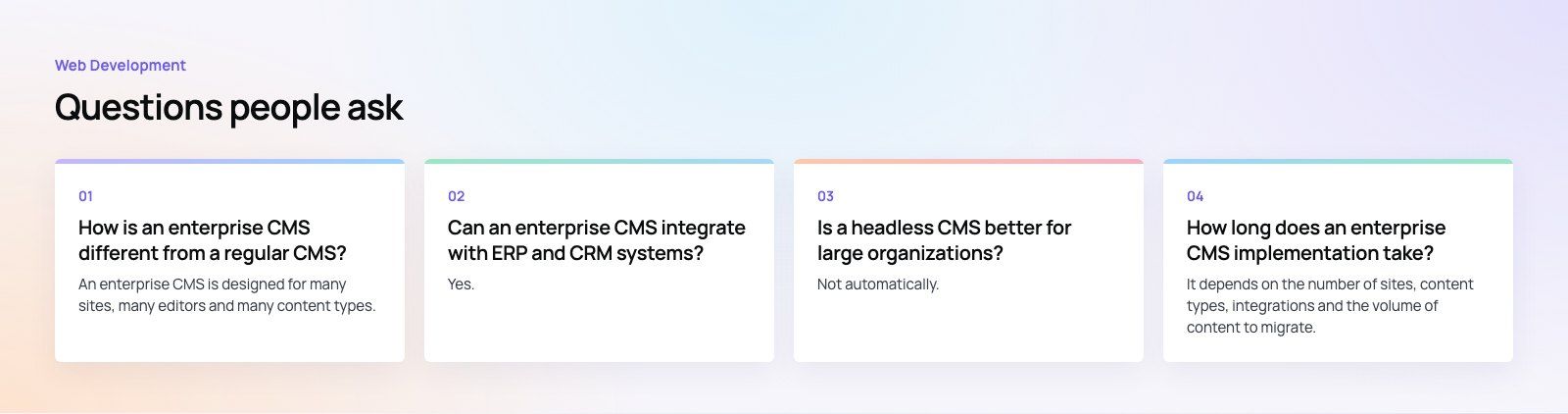
An enterprise CMS is designed for many sites, many editors and many content types.
It adds granular roles and permissions, approval workflows, multi-site and multilingual management, audit trails and deeper integrations with ERP, CRM and identity systems. A regular CMS usually covers one site with a small team and simpler publishing rules, which is fine until governance and scale become real concerns.
Web DevelopmentWordPress vs Drupal: Which CMS Is Right for Your Business?WordPress vs Drupal compared on ease of use, content modeling, security, performance, ecommerce and cost drivers, with five questions to help you choose. Web DevelopmentCustom Website Development vs Website Builders: Pros and ConsAn honest comparison of custom website development and website builders: control, cost over time, SEO, integrations, and how to decide which fits your business.
 Web DevelopmentWeb Development Consultant: What They Do and When to Hire OneWhat a web development consultant does, how the role differs from a developer or agency, when hiring one pays off and how to choose the right one.
Tell us what the business needs. We will tell you what to build first.
Schedule a free consultation and get a written recommendation, with costs, before you commit to anything.
Get in touchPROVEN RESULTS
4.7 / 5verified reviews on Google