 Digital TransformationHow Digital Transformation Is Reshaping BusinessesFive ways digital transformation is changing operations, customer experience, data, business models and work, plus the challenges and a practical roadmap.
CodeeoInsightsDigital Transformation
Enterprise Content Management Systems: What They Do and Why
How an enterprise content management system captures, controls and retains business documents, what it does for compliance, and how to roll one out.
An enterprise content management (ECM) system is the central place where an organization captures, stores, controls and eventually disposes of its documents and records. It replaces scattered shared drives, email attachments and filing cabinets with one governed repository, complete with version control, permissions, workflows and audit trails. The payoff is faster access to the right document, fewer compliance gaps and processes that no longer stall waiting for paperwork.
What an ECM system actually does
ECM is often confused with a website CMS. A web CMS manages pages that the public reads. An ECM system manages the working documents behind the business: contracts, invoices, HR files, policies, technical drawings, patient forms, case files and correspondence. Most of that content is never published, but much of it has to be retained, protected and found again on demand.
A typical ECM platform covers five jobs:
- Capture: bringing content in from scanners, email, forms, other systems and file uploads, often with automatic text recognition and classification.
- Manage: storing documents with metadata, folders or tags, versions and check in and check out controls.
- Collaborate: letting people review, comment on and approve documents without emailing copies around.
- Automate: routing documents through workflows such as invoice approval or contract review.
- Preserve and dispose: applying retention schedules, legal holds and secure deletion when records reach the end of their life.
Why organizations invest in ECM
Content volumes keep climbing as more work moves online, and the cost of disorder rises with them. These are the benefits that usually justify an ECM project.
Faster access and less duplicated work
When every document has one home, metadata and full text search, staff stop hunting through inboxes and drives. They also stop recreating documents that already exist somewhere they could not find.
Version control and collaboration
Version history means everyone works from the current file while earlier versions stay available. Co-editing, comments and check out locks prevent two people from overwriting each other's changes.
Compliance and audit readiness
Audit trails show who viewed, changed, approved or deleted a document and when. Retention policies keep records for the required period and no longer. For many regulated organizations, this is the main reason to buy an ECM system at all.
Security and access control
Granular permissions, encryption, single sign on and data loss prevention rules keep sensitive files limited to the people who need them. Controlled external sharing lets vendors and partners see specific documents without access to the whole repository.
Information governance
ECM gives you a structured way to manage the information lifecycle from creation through archiving and disposal. Records management principles, such as those set out in ISO 15489, translate into practical rules the system can enforce.
Business continuity
Central storage with backups and disaster recovery is far safer than files spread across laptops and local servers. If a device is lost or a system fails, the records can be restored.
Remote and hybrid work
Cloud based ECM lets people find and work on documents from anywhere, with the same permissions and audit trail as in the office.
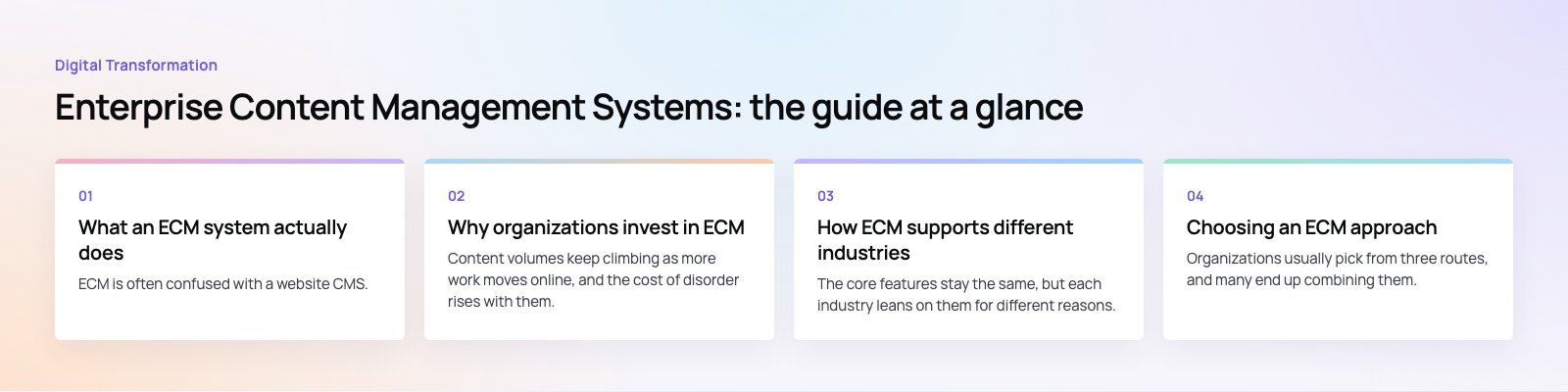
How ECM supports different industries
The core features stay the same, but each industry leans on them for different reasons.
| Industry | Typical content | What ECM helps with |
|---|---|---|
| Healthcare | Patient forms, referrals, consent records | Secure access, retention rules and privacy compliance such as HIPAA in the US |
| Finance and banking | Loan files, KYC documents, statements | Workflow for applications, audit trails, regulatory reporting |
| Legal | Case files, contracts, correspondence | Matter based organization, legal holds, version history |
| Manufacturing | Specifications, quality records, supplier contracts | Document control for production and quality audits |
| Education | Student records, admissions files, policies | Digital admissions and controlled access to records |
| Government | Public records, permits, correspondence | Transparency, retention schedules, public service delivery |
| Construction and energy | Drawings, permits, inspection reports, manuals | Revision control on drawings, field access, compliance records |
| Retail | Supplier agreements, product documents | Supplier onboarding and accurate product information |
Healthcare, education and retail are areas where we see document workflows overlap heavily with customer facing systems. You can read more about our work in healthcare and other sectors on our industry pages.
Choosing an ECM approach
Organizations usually pick from three routes, and many end up combining them.
Platform suites
Established ECM suites and collaboration platforms offer document libraries, records management and workflow out of the box. Many companies already own one through their productivity subscription. For example, Microsoft's SharePoint and Purview tools are often the starting point for organizations on Microsoft 365.
Specialist ECM products
Some vendors focus on heavy document capture, case management or industry specific compliance. They suit organizations with very high volumes or strict regulatory requirements.
Custom or extended solutions
When documents are tightly bound to a unique business process, a custom layer on top of a platform, or a purpose built system, can fit better than forcing the process into generic folders. This is where custom software development and integration work come in.
Questions to settle before you buy
- Which document types matter most, and which are records that must be retained?
- What retention periods and regulations apply in each country you operate in?
- Which systems must the ECM talk to: ERP, CRM, HR, accounting or line of business apps?
- Do you need cloud hosting, a specific data residency or on premises storage?
- Who will own information governance after launch?
Integration is where ECM pays off
An ECM system that stands alone becomes another silo. The real gains appear when documents attach automatically to the records they belong to: an invoice to its supplier in the ERP, a contract to its account in the CRM, a signed form to an employee profile in the HR system. Integration platforms such as Azure integration services can move documents and metadata between systems without manual uploads.
Implementation steps that reduce risk
- Audit existing content. Find out what you have, where it lives and how much of it is duplicate, outdated or trivial.
- Design the information architecture. Agree on content types, metadata, naming conventions and permission groups.
- Define retention rules. Work with legal and compliance to map each record type to a retention period and disposal method.
- Pilot with one department. Choose a team with a clear pain point, such as accounts payable, and prove the workflow before scaling.
- Migrate in stages. Move active content first, archive the rest and clean up as you go rather than copying the mess across.
- Train and support users. Adoption fails when people find the new system slower than the old shared drive.
Mistakes we often see
- Recreating the old folder structure exactly, which carries over the old problems.
- Skipping metadata because it feels like extra work, then finding search is no better than before.
- Treating ECM as an IT project with no business owner.
- Leaving retention rules until after launch, when large volumes have already been migrated without them.
If you are planning an ECM rollout or need documents to flow between your existing systems, Codeeo can help with scoping, integration and custom workflow. Start with a product scoping session or talk to us about custom software built around your processes.
Frequently asked questions
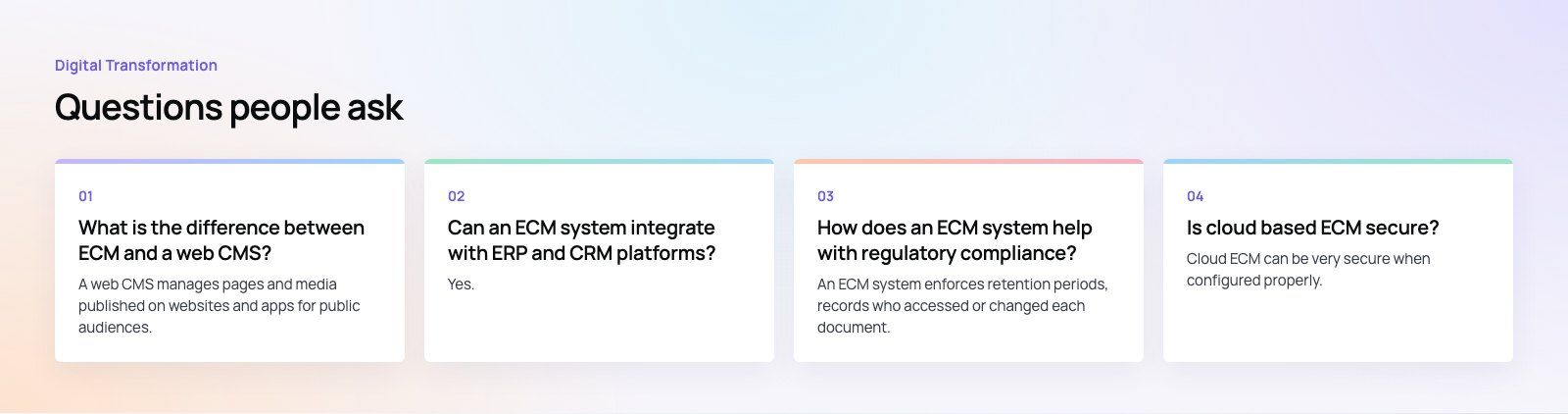
A web CMS manages pages and media published on websites and apps for public audiences.
An ECM system manages internal documents and records such as contracts, invoices, HR files and policies, with a focus on version control, permissions, workflow, retention and audit trails. Some organizations use both, with the ECM holding source documents and the web CMS publishing approved content.
Digital TransformationHow Digital Transformation Is Reshaping BusinessesFive ways digital transformation is changing operations, customer experience, data, business models and work, plus the challenges and a practical roadmap. Digital TransformationStrategic Human Resource Management: Aligning HR With GoalsWhat strategic human resource management means, the components of a strategic HR model, and a six step process for aligning HR with business goals.
 Digital TransformationBest CRM for Small Businesses: 10 Options and How to ChooseTen CRM platforms that suit startups and small teams, from HubSpot and Zoho to Kommo and NetHunt, with a comparison table and a practical way to choose.
Tell us what the business needs. We will tell you what to build first.
Schedule a free consultation and get a written recommendation, with costs, before you commit to anything.
Get in touchPROVEN RESULTS
4.7 / 5verified reviews on Google