 Digital TransformationHow Digital Transformation Is Reshaping BusinessesFive ways digital transformation is changing operations, customer experience, data, business models and work, plus the challenges and a practical roadmap.
CodeeoInsightsDigital Transformation
ERP Cost-Benefit Analysis for Small Businesses
How to weigh the full cost of an ERP against its real benefits: hidden costs, valuing time saved and errors avoided, and a five step analysis.
An ERP system pays off for a small business when the time, errors and missed opportunities caused by disconnected tools cost more than the system's full cost of ownership over three to five years. That cost includes licenses, implementation, data migration, training and ongoing support, not just the subscription. The way to find out is a structured cost-benefit analysis: list every cost, put a realistic value on each benefit, and compare them over the same period.
This guide breaks down what an ERP costs, what it returns, and how to run the numbers for your own business without guesswork.
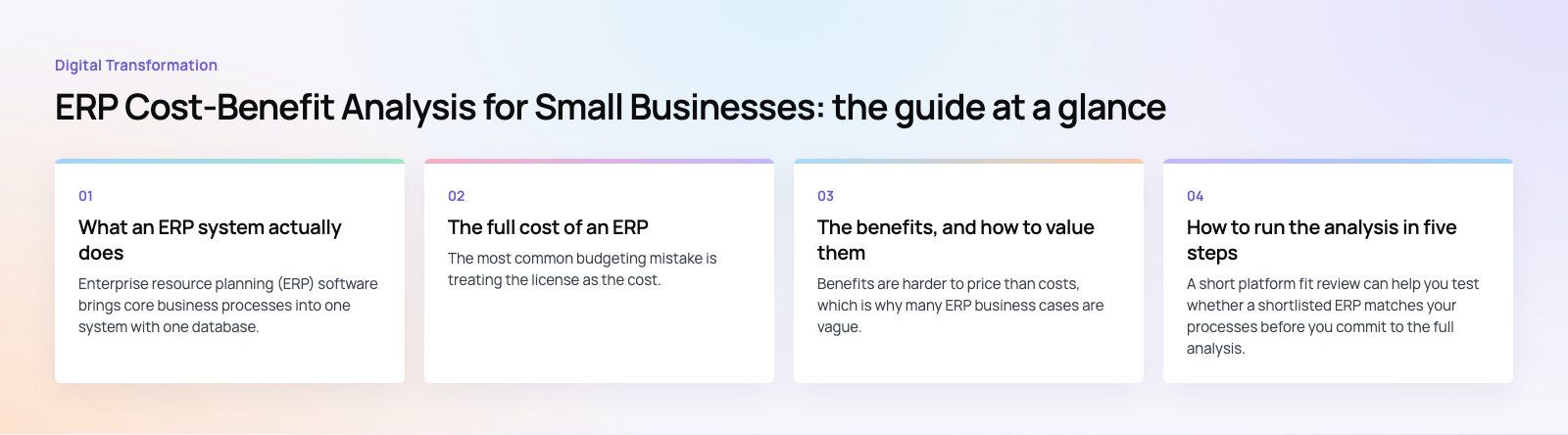
What an ERP system actually does
Enterprise resource planning (ERP) software brings core business processes into one system with one database. Instead of separate tools for accounting, inventory, purchasing, sales and HR that need to be reconciled by hand, every transaction updates a shared record. When a sale is entered, stock, invoicing and the general ledger all change together.
Typical modules include finance and accounting, inventory and warehousing, purchasing, sales and order management, manufacturing, projects, HR and payroll, and reporting. Small businesses usually start with finance, inventory and sales, then add modules as they grow.
Platforms commonly used by smaller companies include Microsoft Dynamics 365 Business Central, Odoo, SAP Business One and Oracle NetSuite. Each has a different licensing model, partner network and strength, so the analysis below should be run for each shortlisted option.
The full cost of an ERP
The most common budgeting mistake is treating the license as the cost. In practice, the license is often a minority of the total. Group your costs into four buckets.
1. Software and infrastructure
- Licenses or subscriptions. Cloud ERP is normally billed per user per month or year. On premises systems may involve a larger upfront license plus an annual maintenance fee.
- Hosting and hardware. Cloud systems remove most server costs. On premises systems need servers, backups, networking and security.
- Add ons. Industry modules, connectors and third party apps often carry their own fees.
2. Implementation
- Process design and configuration. Mapping how your business works and setting up the system to match.
- Customization. Any feature the standard product does not cover. Every customization also adds to future upgrade effort.
- Integrations. Connecting the ERP to your ecommerce store, CRM, banks, payroll or logistics providers.
- Data migration. Extracting, cleaning, mapping and loading customers, suppliers, items, opening balances and open transactions.
3. People and training
- Training for every role that will use the system.
- Internal time. Staff who join workshops, test the system and validate data are not doing their normal work. This hidden cost is often the largest one.
- Temporary productivity dip in the first weeks after go live while people adjust.
4. Ongoing costs
- Support and maintenance from a partner or in house team.
- Updates and upgrades, including retesting customizations.
- Additional users and modules as the business grows.
The benefits, and how to value them
Benefits are harder to price than costs, which is why many ERP business cases are vague. The trick is to tie each benefit to something you can measure today.
Time saved on manual work
Count the hours spent each month re-keying orders, reconciling spreadsheets, chasing stock figures and preparing reports. Multiply by the loaded cost of that staff time. Automation rarely removes all of it, so assume a realistic share.
Fewer errors
Wrong shipments, duplicate invoices, pricing mistakes and stock mismatches all have a cost in refunds, write offs and lost goodwill. Estimate how often they happen now and what each one costs to fix.
Better inventory control
Real time stock visibility reduces both overstock, which ties up cash, and stockouts, which lose sales. Look at your current carrying costs and lost orders to put a figure on this.
Faster month end and better decisions
When finance closes the books in days instead of weeks, managers see the numbers while they can still act on them. This benefit is real but hard to price, so many businesses list it as a qualitative gain rather than forcing a number.
Customer service
Staff who can see order status, stock and account history in one place answer customers faster and make fewer promises they cannot keep. This shows up in repeat orders and fewer complaints.
Compliance and control
Audit trails, approval workflows, user permissions and tax reporting reduce the risk of fraud, errors and penalties. For businesses subject to VAT or industry regulation, this alone can justify the investment.
Room to grow
A business that can add a warehouse, a sales channel or a new company entity without adding headcount at the same rate is getting value from its ERP, even if it is hard to show in year one.
Cost and benefit side by side
| Area | Cost | Benefit |
|---|---|---|
| Software | Subscriptions or licenses, add ons | One system replaces several tools and their upkeep |
| Implementation | Configuration, process design, project management | Processes documented and standardized |
| Customization | Development and higher upgrade effort | System fits steps that give you an advantage |
| Data migration | Cleaning and loading old records | One accurate source of truth |
| Integration | Connectors to store, CRM, banks | No re-keying, fewer errors, faster orders |
| Training | Sessions and staff time | Consistent use and better data quality |
| Ongoing support | Support, updates, new users | Security fixes, new features, stable operations |
| Transition | Short productivity dip | Long term efficiency gains |
How to run the analysis in five steps
- Measure your baseline. Record current hours on manual tasks, error rates, stock levels, days to close the month and order processing time. Without a baseline, benefits cannot be proven later.
- Collect full quotes. Ask each shortlisted vendor or partner for licenses, implementation, migration, training and first year support, all in writing.
- Add internal costs. Estimate the staff time the project will consume and any temporary help you will need.
- Value the benefits conservatively. Use the lower end of each estimate and phase them in, since most benefits build gradually after go live.
- Compare over three to five years. Total the costs and benefits for each year, find the payback point, and test what happens if benefits arrive slower or costs run higher than planned.
A short platform fit review can help you test whether a shortlisted ERP matches your processes before you commit to the full analysis.
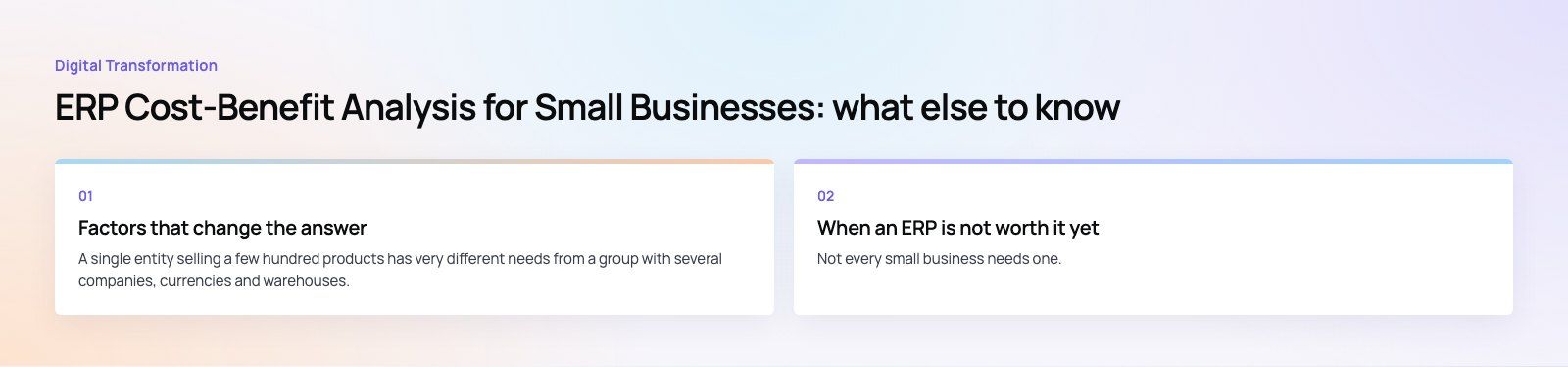
Factors that change the answer
Business size and complexity
A single entity selling a few hundred products has very different needs from a group with several companies, currencies and warehouses. More complexity means more configuration, but also more manual work for the ERP to remove.
Industry needs
Manufacturers need bills of materials and production planning. Distributors need warehouse management and landed costs. Service firms need projects and timesheets. Choosing a platform with strong standard features for your industry reduces customization.
In house skills versus partners
Few small businesses have ERP specialists on staff. A partner adds cost but usually shortens the project and avoids configuration mistakes that are expensive to undo. Decide early who will own the system internally after go live.
Cloud or on premises
Cloud ERP shifts spending from upfront to ongoing and removes server management. On premises gives more control but needs IT capacity. For most small businesses, cloud is the simpler choice.
When an ERP is not worth it yet
Not every small business needs one. If you have a handful of staff, simple stock and an accounting package that handles your volume, a full ERP may add cost without enough benefit. Signs it is time include constant spreadsheet reconciliation, stock figures nobody trusts, slow month end closes, and growth that is held back by admin rather than demand.
Making the decision
An ERP is a business change project with software attached. Get the numbers right, keep customization to what genuinely sets you apart, and plan for adoption as carefully as configuration. Codeeo's team of 80+ across Dubai, Riyadh and Karachi works on Business Central, Odoo and wider Dynamics 365 projects, and can help you build the business case before you choose a platform.
Frequently asked questions
It is a structured comparison of everything an ERP will cost against the value it will deliver over the same period, usually three to five years.
Costs include software, implementation, migration, training, internal time and support. Benefits include time saved, fewer errors, better inventory control and faster reporting. The result shows whether and when the system pays for itself.
Digital TransformationHow Digital Transformation Is Reshaping BusinessesFive ways digital transformation is changing operations, customer experience, data, business models and work, plus the challenges and a practical roadmap. Digital TransformationStrategic Human Resource Management: Aligning HR With GoalsWhat strategic human resource management means, the components of a strategic HR model, and a six step process for aligning HR with business goals.
 Digital TransformationBest CRM for Small Businesses: 10 Options and How to ChooseTen CRM platforms that suit startups and small teams, from HubSpot and Zoho to Kommo and NetHunt, with a comparison table and a practical way to choose.
Tell us what the business needs. We will tell you what to build first.
Schedule a free consultation and get a written recommendation, with costs, before you commit to anything.
Get in touchPROVEN RESULTS
4.7 / 5verified reviews on Google