 App DevelopmentCross Platform App Development: How It Saves Time and MoneyHow shared code across iOS and Android cuts build and maintenance effort, which frameworks to consider in 2026, and when native development is still the better call.
Flutter API Setup: Step by Step Guide and Best Practices
How to set up API calls in a Flutter app: the HTTP client, a service class, typed models, error handling, token storage, caching and testing.
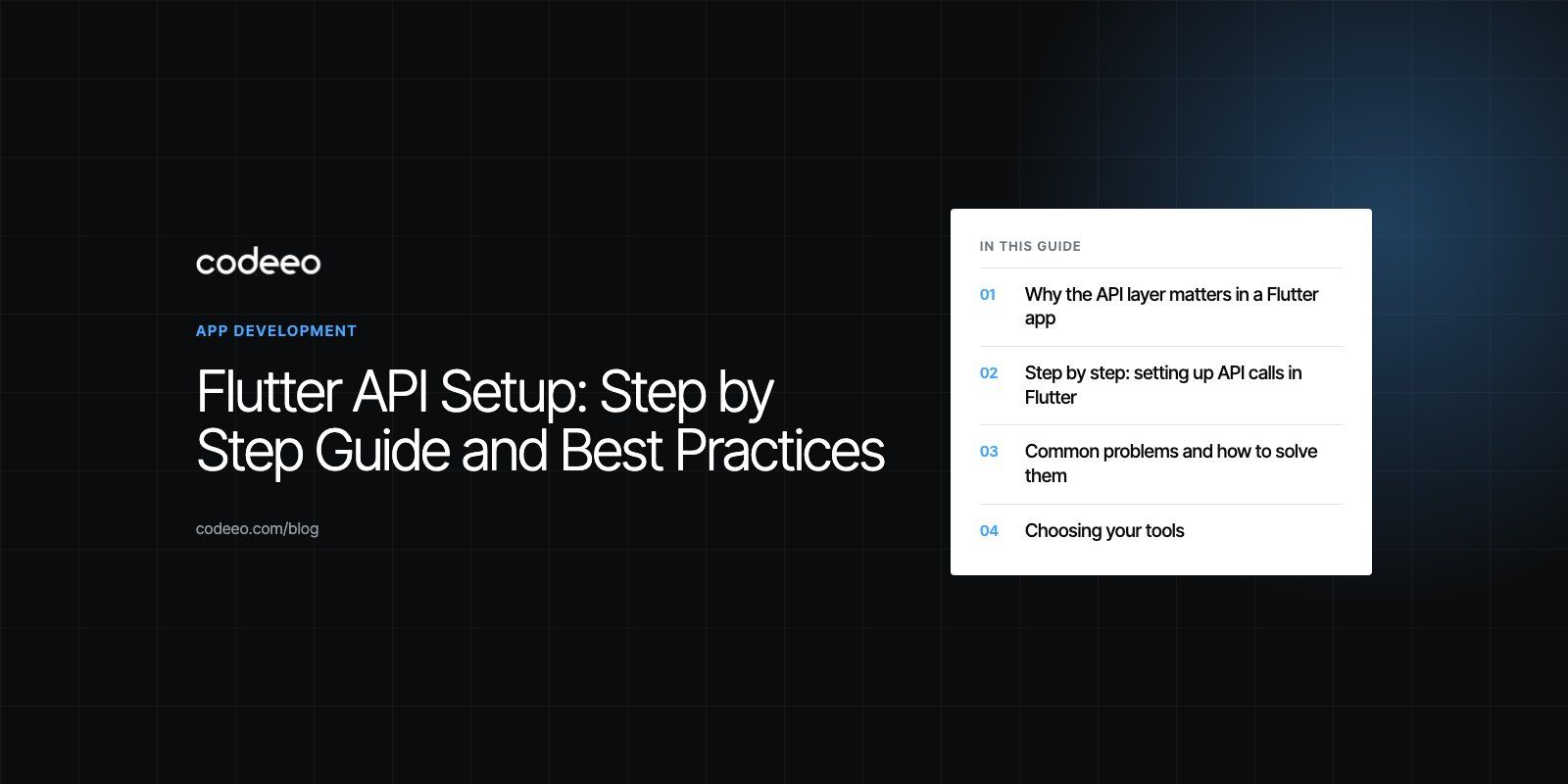
A good Flutter API setup comes down to five things: add an HTTP client, put every call in one service class, turn JSON into typed models, handle errors and slow networks on purpose, and test the whole thing before release. Get those right and your app stays fast and predictable. Skip them and you get frozen screens, silent failures and bugs that only show up on a user's phone.
This guide walks through each step in plain terms, then covers the problems teams hit most often and the habits that keep an API layer healthy as the app grows.
Why the API layer matters in a Flutter app
Almost every real app talks to a server. A shopping app loads products and sends orders. A booking app checks availability and confirms seats. A fitness app syncs workouts. The screens your users see are only as good as the data behind them, and the API layer is the pipe that carries that data.
When the pipe is badly built, problems spread. A slow request can block a screen. An unhandled error can crash the app or show an empty list with no explanation. A token stored in plain text can leak an account. None of these are Flutter problems as such; they are structure problems, and they are much cheaper to prevent than to fix after launch.
Flutter gives you good tools for this work. Dart has built in support for asynchronous code, JSON decoding is part of the standard library, and the package ecosystem covers storage, connectivity and serialization. The job is to use them in a consistent way.
Step by step: setting up API calls in Flutter
1. Add an HTTP client
The simplest starting point is the official http package. Add it with flutter pub add http, which writes the dependency into your pubspec.yaml at the current version. The Flutter team's own fetch data cookbook uses this package and is worth reading alongside this guide.
Larger apps often move to a richer client such as dio, which adds interceptors, request cancellation and easier timeouts. Either works. What matters more is that the rest of your app never imports the client directly.
2. Put every call in one service class
Create an ApiService (or one service per area, such as ProductsApi and AuthApi) that owns the base URL, the shared headers and the methods for GET, POST, PUT and DELETE. Screens and state classes call methods like fetchProducts() and never build URLs themselves.
This one decision pays off for the life of the app. When the base URL changes between staging and production, you change one line. When you add an auth header, every request gets it. When you write tests, you swap the service for a fake without touching the UI.
3. Parse responses into typed models
Servers return JSON. Dart's jsonDecode turns it into maps and lists, but passing raw maps around the app invites typos and null errors. Instead, write a model class for each resource, such as Product or Order, with a fromJson factory that reads each field once.
For small apps, hand written models are fine. Once you have dozens of resources or deeply nested responses, generate them with json_serializable so the parsing code stays in step with the model fields.
4. Handle errors on purpose
Every request can fail in at least three ways: the network is down, the server returns an error status, or the response body is not what you expected. Check the status code before parsing, wrap calls in try and catch, and convert low level exceptions into a small set of app level errors such as NoConnection, Unauthorized, NotFound and ServerError.
The screen then decides what to show for each one: a retry button, a sign in prompt, or a friendly empty state. Users forgive errors far more readily than they forgive a blank screen.
5. Test before you ship
Unit test your models with real sample responses saved from the server. Test the service class against a mocked client so you can simulate timeouts and error codes. Then run the app against a staging API on real devices, including a slow connection, before release.
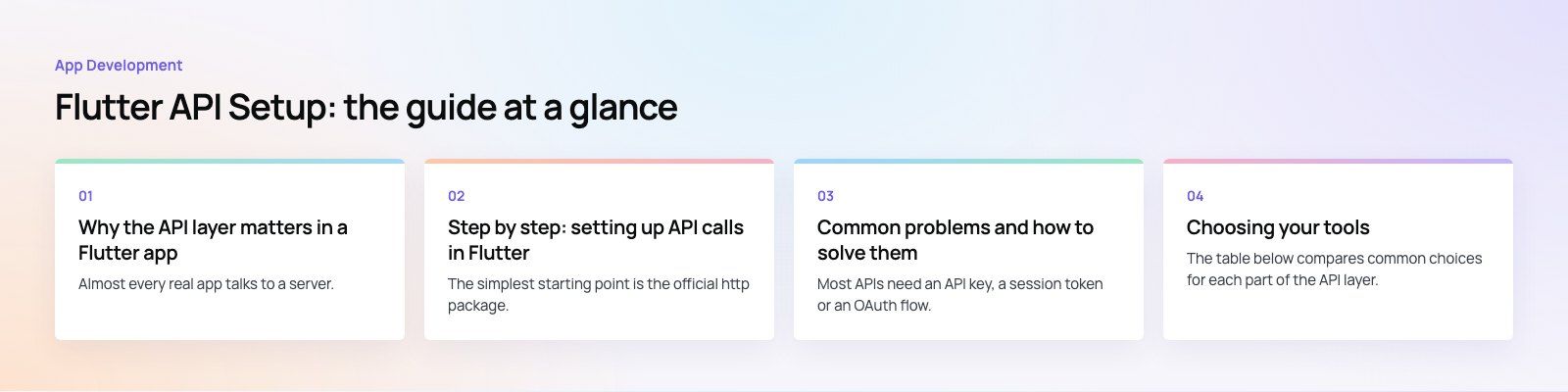
Common problems and how to solve them
Authentication and token storage
Most APIs need an API key, a session token or an OAuth flow. Never hard code secrets into the app, because anything in the binary can be extracted. Store user tokens with flutter_secure_storage, which uses the Keychain on iOS and encrypted storage on Android.
Plan for expiry from the start. When a request returns 401, the service should try a token refresh once, retry the original call, and only send the user back to sign in if the refresh fails. Doing this in one place, often an interceptor, keeps it out of your screens.
Slow and unreliable networks
Users open apps in lifts, on trains and on weak mobile data. Set a timeout on every request so nothing hangs forever. Add a limited retry for safe calls like GET, with a short delay between attempts. Use connectivity_plus to tell users when they are offline, but remember it only reports the connection type; a phone can show Wi-Fi and still have no internet, so your error handling still matters.
Several calls at once
A dashboard might need a profile, a list of orders and a set of notifications. Running them one after another wastes time. Use Future.wait to run independent calls in parallel, and only chain calls when one genuinely depends on another.
On the UI side, FutureBuilder and StreamBuilder work for simple screens. As the app grows, a state management approach such as Riverpod or Bloc keeps loading, data and error states tidy and testable.
Complex or changing JSON
Nested objects, optional fields and inconsistent types (a number that is sometimes a string) cause most parsing bugs. Treat every field as possibly missing until the API contract says otherwise, give models sensible defaults, and log the raw response when parsing fails so you can see what the server actually sent.
Choosing your tools
The table below compares common choices for each part of the API layer. None of them is the single right answer; pick the simplest option that fits the size of your app.
| Need | Simple option | When to step up |
|---|---|---|
| HTTP client | http package | dio, when you need interceptors, cancellation or upload progress |
| JSON models | Hand written fromJson | json_serializable or freezed, once models multiply |
| Token storage | flutter_secure_storage | Platform specific secure enclaves for high risk apps |
| Local cache | shared_preferences for small values | A local database such as sqflite or drift for lists and offline use |
| Screen state | FutureBuilder | Riverpod or Bloc when several screens share data |
Tips for a faster, safer API layer
Keep the UI thread free
Use async and await for every network call so the UI keeps drawing while data loads. If you decode very large responses, move the parsing into a background isolate with compute so scrolling stays smooth.
Ask for less data
Request only the fields and pages you need. If a screen makes five calls to show one view, talk to the backend team about a single endpoint that returns what the screen needs. Fewer round trips matter more on mobile than almost any code optimization.
Cache what rarely changes
Categories, settings and reference data rarely change between sessions. Cache them locally with a timestamp and refresh in the background. The app opens faster, works partly offline and puts less load on your server.
Use HTTPS and keep secrets on the server
Send every request over HTTPS. Keep third party keys, such as payment or mapping secrets, on your own backend and let the app call your server instead. Anything shipped inside the app should be treated as public.
Measure in production
Firebase Performance Monitoring and similar tools record how long real network requests take on real devices. Watch the slowest endpoints and the error rates after each release. This tells you where to spend effort far better than guessing.
Mistakes we often see in Flutter API code
- Calling the HTTP client from widgets. It works for a demo and becomes painful by the tenth screen.
- Using localhost on a device. A phone or emulator cannot reach your laptop at localhost. Use your machine's network IP, or 10.0.2.2 on the Android emulator.
- Ignoring status codes. Parsing an error page as if it were data leads to confusing crashes.
- No loading or empty states. Every screen that waits on data needs something to show while it waits and when nothing comes back.
- One giant model file. Split models by feature so each part of the app is easy to find and change.
A clean API layer is not complicated. It is a handful of decisions made early and kept consistently. If you are planning a new Flutter app or want a second pair of eyes on an existing one, our mobile app development team has delivered work such as the Purpose Payment app, portals and API, and can start with a codebase review or help you scope the product before you build. You can also bring in dedicated developers to work inside your own team.
Frequently asked questions
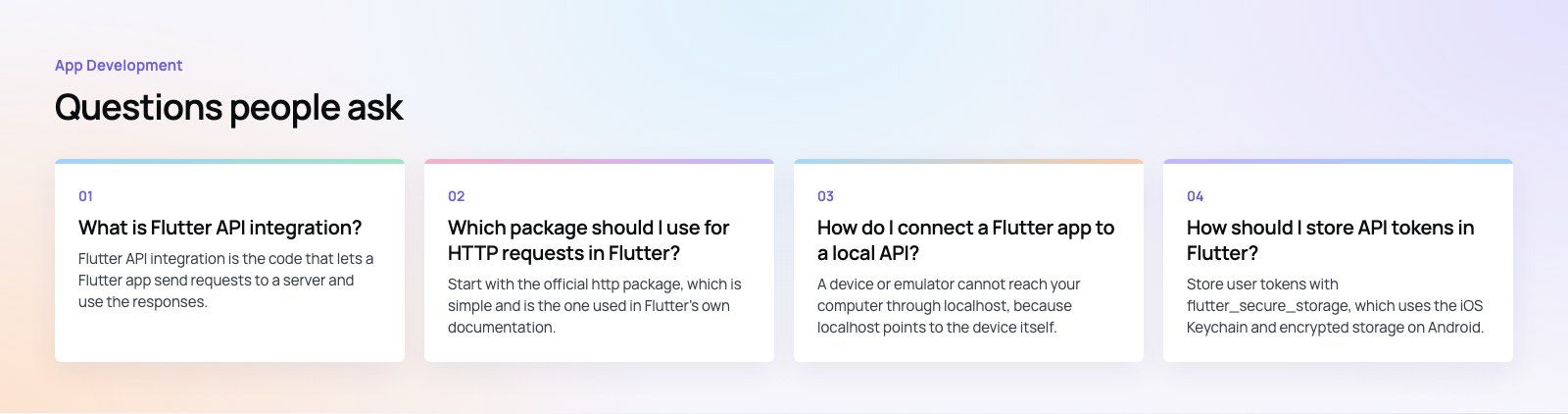
Flutter API integration is the code that lets a Flutter app send requests to a server and use the responses.
It usually includes an HTTP client, a service class that holds every call, model classes that turn JSON into typed Dart objects, and error handling. Together these let screens load data, submit forms and stay in sync with your backend without each screen managing network details itself.
App DevelopmentCross Platform App Development: How It Saves Time and MoneyHow shared code across iOS and Android cuts build and maintenance effort, which frameworks to consider in 2026, and when native development is still the better call. App DevelopmentHow to Plan an App Development Project From Start to FinishA step by step plan for an app project: define users and goals, scope an MVP, choose platforms, design, build the team, phase the timeline, test and launch.
 App DevelopmentMust Have Features of an HR Management AppThe features an HR management app needs, from onboarding and self service to payroll, performance and analytics, plus when to buy or build.
Tell us what the business needs. We will tell you what to build first.
Schedule a free consultation and get a written recommendation, with costs, before you commit to anything.
Get in touchPROVEN RESULTS
4.7 / 5verified reviews on Google