 AIPredictive HR Analytics: How to Forecast Workforce TrendsHow predictive HR analytics forecasts hiring, turnover and skills needs, how to start with your own data, and when to build a custom tool or buy one.
How ERP AI Chatbots Are Changing Business Operations
How ERP AI chatbots work, where they save time across sales, finance and operations, the risks to manage, and a practical way to roll one out.
An ERP AI chatbot is a conversational assistant connected to your enterprise resource planning system, so staff, and sometimes customers, can ask questions and trigger tasks in plain language instead of clicking through screens and reports. It changes operations by cutting the time spent looking up orders, stock, invoices and approvals, and by making ERP data usable for people who never learned the system. The value depends on clean data, tight permissions and a clear list of jobs the assistant is allowed to do.
This guide covers how these assistants work, where they help most, the risks to manage and a practical way to roll one out.
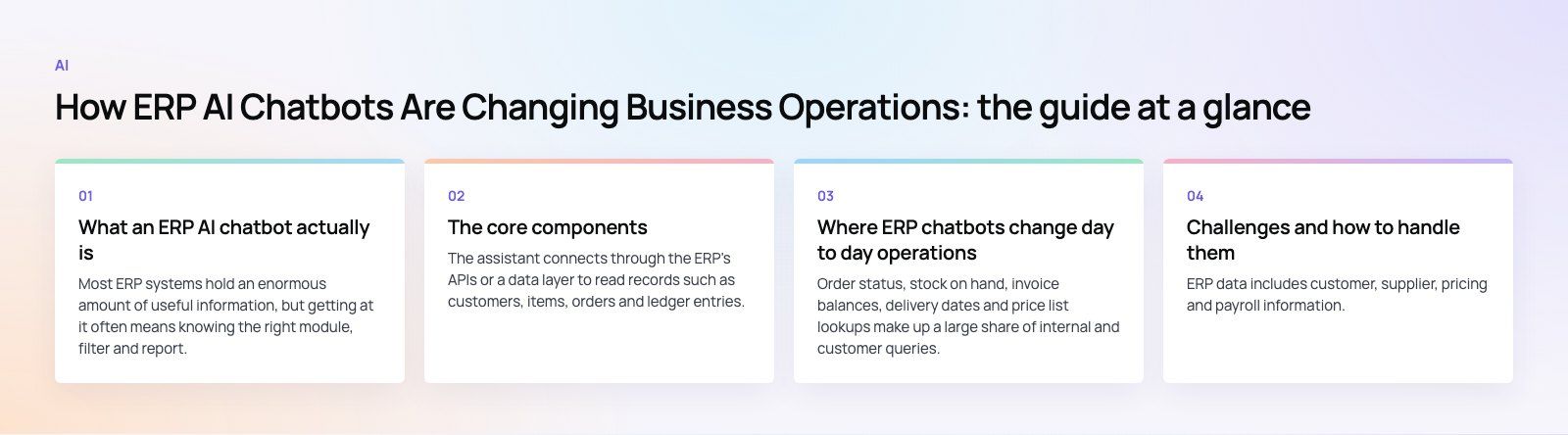
What an ERP AI chatbot actually is
Most ERP systems hold an enormous amount of useful information, but getting at it often means knowing the right module, filter and report. An ERP chatbot sits between people and that complexity. A sales manager types "Which orders for our top five customers are late this week?" and gets a short answer with links to the records, rather than building a report.
Modern assistants are usually built on large language models, which understand natural phrasing well. On their own, though, those models know nothing about your business. The useful part is the connection to live ERP data and the rules about what the assistant may read and change.
The core components
Integration with the ERP
The assistant connects through the ERP's APIs or a data layer to read records such as customers, items, orders and ledger entries. For actions like creating a purchase request, it calls the same business logic a user would trigger, so validations and approvals still apply.
Language understanding
Natural language processing turns a question into an intent and a set of parameters: which customer, which period, which warehouse. Large language models have made this far more forgiving of typos, synonyms and mixed languages.
Retrieval and grounding
Good assistants fetch real records and documents first, then write the answer from them. This grounding is what stops the model from inventing figures. Policies, SOPs and product manuals can be indexed alongside ERP data so the assistant can explain the "how" as well as the "what".
Permissions and audit
The assistant must respect the same role based access as the ERP itself. A warehouse user should not see payroll because they asked politely. Every query and action should be logged for review.
Learning from use
Feedback on answers, unanswered questions and frequent requests show where to add data sources, improve prompts or build new actions. This is ongoing tuning rather than a model magically teaching itself.
Where ERP chatbots change day to day operations
Faster answers to routine questions
Order status, stock on hand, invoice balances, delivery dates and price list lookups make up a large share of internal and customer queries. An assistant answers these in seconds, which frees sales, finance and support staff for work that needs judgment.
Less manual data entry
Staff can say "Create a purchase request for 40 units of item A from our usual supplier" and review a draft rather than filling in a form. Expense entries, timesheets and leave requests work the same way. Fewer manual keystrokes means fewer errors, as long as a human confirms anything that changes records.
Better customer service
A customer facing assistant on a portal or messaging channel can give order updates, share documents and log support cases at any hour, drawing on live ERP data. It hands over to a person when the request is unusual or the customer is unhappy.
Decision support
Managers can ask for comparisons and trends without waiting for an analyst: "How did returns for this product line change against last quarter?" The assistant can summarize the numbers and point to the underlying report. For deeper analysis, it works best alongside proper dashboards, such as those built in Power BI.
Inventory and supply chain
Asking about slow moving items, reorder points or late supplier deliveries becomes a quick conversation. Some teams set the assistant to send alerts when stock drops below a threshold or when a supplier repeatedly misses dates.
Early warning on risk
An assistant monitoring patterns can flag a sudden rise in returns, complaints or credit notes for a customer, or an unusual payment change request, so the right person checks it before it becomes a loss.
Common use cases by department
| Department | Typical requests | Main benefit |
|---|---|---|
| Sales | Order status, quotes, customer history, available stock | Faster replies to customers |
| Finance | Invoice balances, overdue accounts, expense queries | Fewer interruptions for the finance team |
| Operations | Stock levels, reorder alerts, supplier delays | Quicker action on shortages |
| Manufacturing | Production schedules, work order status, maintenance history | Clearer view of the shop floor |
| HR | Leave balances, policy questions, onboarding steps | Consistent answers for new staff |
| Customer service | Delivery updates, returns, document requests | Support outside working hours |
Challenges and how to handle them
Data privacy and security
ERP data includes customer, supplier, pricing and payroll information. Keep the assistant inside your security boundary, apply the user's own permissions to every request, mask sensitive fields, and check where any third party model processes data. Review the provider's data retention terms before connecting production systems.
Wrong or invented answers
Language models can sound confident when they are wrong. Ground answers in retrieved records, show the source, and refuse to answer when data is missing. Require human confirmation before the assistant posts transactions.
Bias and fairness
Where an assistant supports decisions about people, such as hiring, credit or performance, test its outputs for unfair patterns and keep a person accountable for the decision. The NIST AI Risk Management Framework is a useful public reference for structuring this work.
Integration effort
Older or heavily customized ERPs may lack clean APIs. You may need an integration layer, data cleanup and careful mapping of business rules. Our Azure integration work often starts here.
Measuring return
Benefits like time saved are real but easy to lose track of. Set baseline measures before launch, such as average time to answer an order query or the number of finance interruptions per week, and track them afterward.
How to roll out an ERP chatbot
- Pick a narrow first use case. Choose one high volume, low risk job, such as order status for the sales team.
- Clean the data it depends on. Fix duplicate customers, stale items and missing fields before users see answers built on them.
- Choose the platform. Many ERP vendors now include assistants. Microsoft's ecosystem, for example, lets teams extend Business Central and Dynamics 365 with low code tools from the Power Platform. Other teams build a custom assistant on an open source ERP such as Odoo.
- Set permissions and logging. Mirror ERP roles and record every query and action.
- Pilot with real users. Run with a small group, collect unanswered questions and fix gaps.
- Expand carefully. Add read access to new areas before allowing write actions, and keep human approval on anything financial.
Where ERP assistants are heading
Assistants are moving from answering questions to carrying out multi step tasks, such as checking stock, drafting a purchase order and routing it for approval in one request. Expect more agent style workflows, better handling of documents and images such as delivery notes, and tighter links with process automation tools. The fundamentals will not change: clean data, clear permissions and human oversight on decisions that matter.
If you want to add an AI assistant to your ERP or connect one to the systems you already run, our custom software team can help you scope a safe first use case and build from there.
Frequently asked questions
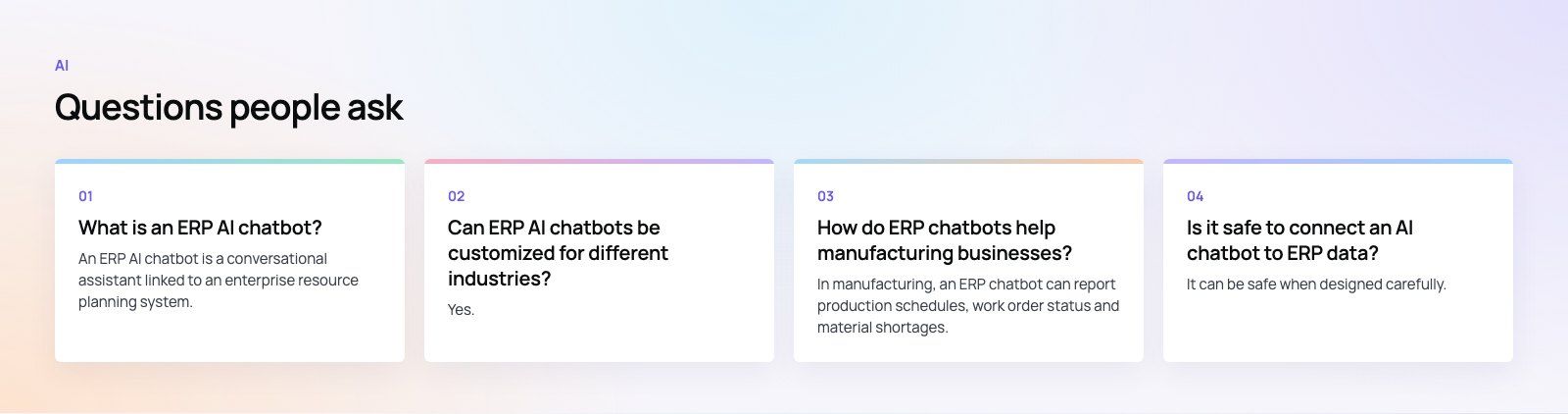
An ERP AI chatbot is a conversational assistant linked to an enterprise resource planning system.
Users ask questions or give instructions in everyday language, and the assistant reads live ERP data or triggers approved actions, such as checking an order or drafting a purchase request. It respects the same permissions as the ERP and helps people who do not know the system's menus get answers quickly.
AIPredictive HR Analytics: How to Forecast Workforce TrendsHow predictive HR analytics forecasts hiring, turnover and skills needs, how to start with your own data, and when to build a custom tool or buy one. AIHow Dubai Police Uses AI to Improve Public ServicesHow Dubai Police uses AI for minor accident reports, vehicle history checks and the Amna virtual officer, and what UAE businesses can learn from it.
 AIHow to Add a Chatbot to Your Website in 5 StepsAdd a chatbot to your website in five steps: choose its job, set KPIs, map users and flows, build and install the script, then target and improve it.
Tell us what the business needs. We will tell you what to build first.
Schedule a free consultation and get a written recommendation, with costs, before you commit to anything.
Get in touchPROVEN RESULTS
4.7 / 5verified reviews on Google