 E-Commerce10 Features of a High-Converting Ecommerce WebsiteThe ten features that turn store visitors into buyers, from product pages and checkout to speed, mobile design, social proof and ongoing testing.
How Shopify Uses AI: Sidekick, Magic and What Merchants Get
How Shopify uses AI across content, images, store admin, fraud checks and inventory, what Sidekick and Shopify Magic do, and where human review still matters.
Shopify uses AI in two main ways: inside the admin, to help merchants run their stores faster, and across the platform, to protect transactions and improve how customers find products. The center of this is Sidekick, an AI assistant inside the Shopify admin, supported by AI tools for writing product content, creating images and analyzing store data. Fraud analysis, search and a large app ecosystem add AI to the customer side of the store.
This guide explains what these tools do, where they genuinely save time, where you still need human judgment, and how to decide what to use in your own store.
Shopify Magic and Sidekick: the basics
Shopify introduced its AI features under the name Shopify Magic, an umbrella for tools that generate text, images and suggestions inside the admin. Sidekick is the conversational assistant built on top of them.
According to Shopify's Sidekick help page, merchants can chat with Sidekick to get guidance, analyze data, manage orders, edit products and complete other store tasks. It works within the context of your store, shows proposed changes for review before applying them, and can continue longer tasks in the background. The same page describes content generation for blog posts, product descriptions and images, and the ability to generate small custom apps to help manage a store.
| Area | What Shopify's AI helps with | Where you stay in charge |
|---|---|---|
| Product content | Draft descriptions, headings and blog posts | Accuracy, tone, sizing and claims |
| Images | Generate and adjust product and marketing images | Whether the image truthfully shows the product |
| Store admin | Answer questions, edit products, manage orders by chat | Approving each change |
| Data and reports | Explain sales trends and build reports on request | The decisions you take from them |
| Automation | Suggest workflows and generate simple apps | Testing before they run on live orders |
AI for content creation
Product descriptions at scale
Writing unique descriptions for hundreds or thousands of products is one of the slowest parts of launching a store. Shopify's AI text tools draft a description from a few keywords or product details, which you then edit. For stores with large catalogs, this turns a blank page into a review task.
The draft is a starting point, not a finished page. Check every fact (materials, dimensions, care instructions, compatibility), add the details only you know, and keep the voice consistent with your brand. Duplicate or generic copy across many products also does little for search rankings, so give your most important products the most attention.
Marketing copy and email
The same tools help with headlines, email subject lines and campaign text. Shopify's email and marketing features, together with apps from the Shopify App Store, can segment customers by behavior and purchase history so that each group receives relevant products and offers. Typical examples:
- A reminder with free delivery for a shopper who abandoned the cart at the shipping step.
- A back in stock message when a customer's preferred size returns.
- Recommendations based on what similar customers bought next.
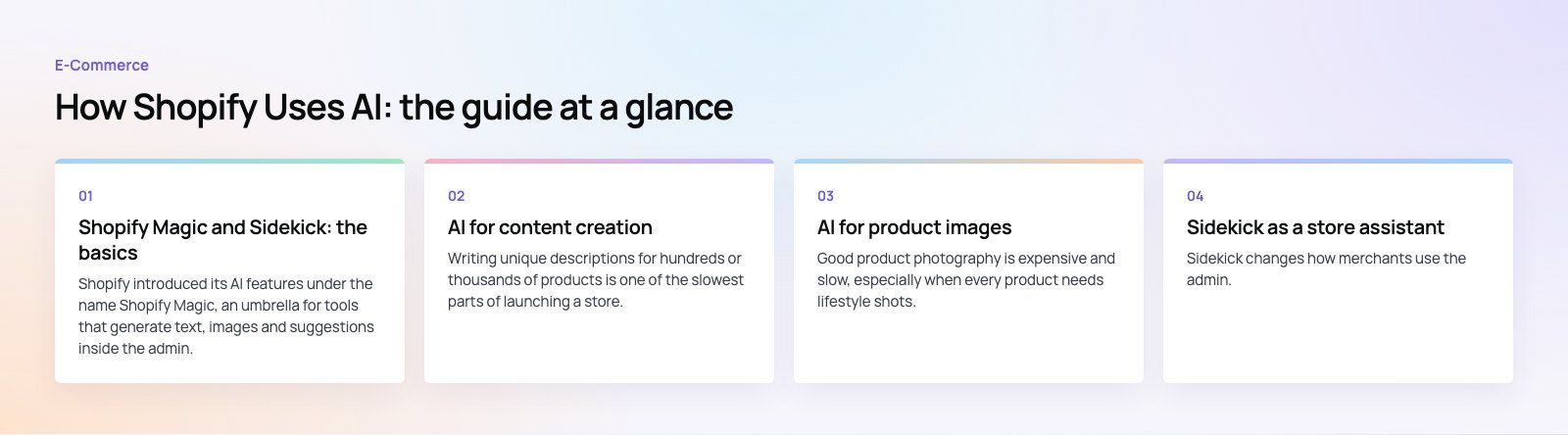
AI for product images
Good product photography is expensive and slow, especially when every product needs lifestyle shots. Shopify's AI tools can generate and adjust images, for example placing a product on a new background or creating variations for a campaign. This lets small teams test visual ideas before paying for a full shoot.
Use these images carefully. A generated scene must still show the real product accurately, including color, texture and scale. Customers who receive something that looks different from the photo return it, and that costs more than the photo shoot would have.
Sidekick as a store assistant
Sidekick changes how merchants use the admin. Instead of clicking through menus, you ask in plain language: which products sold best last month, which discount codes are still active, or how to set up shipping for a new region. Sidekick answers using your store's data and can carry out the change after you approve it.
This is most useful for small teams without a dedicated store manager, and for merchants who are new to Shopify and still learning where settings live. Larger operations benefit too, mainly from faster reporting and from turning repetitive admin tasks into simple automations.
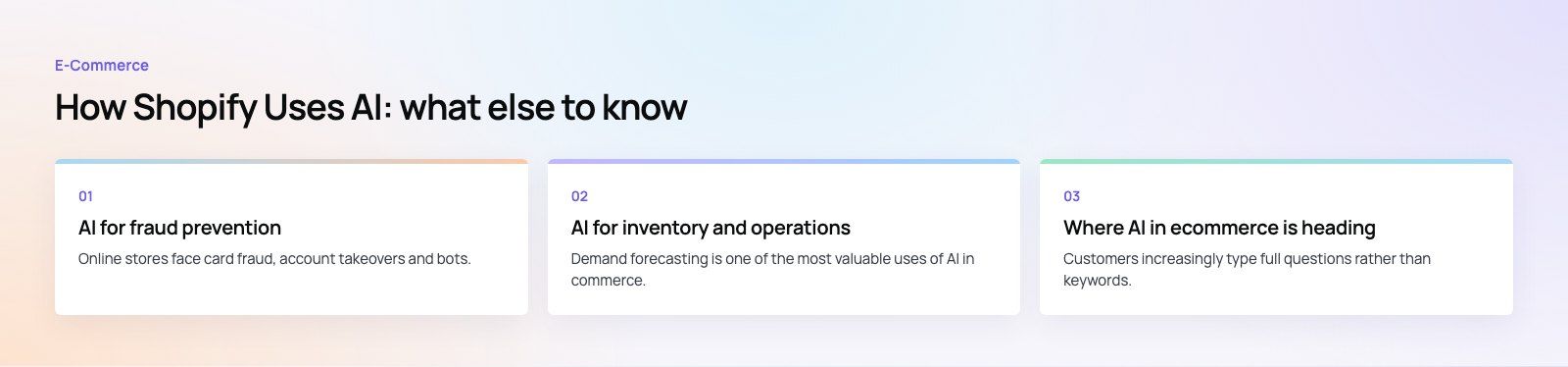
AI for fraud prevention
Online stores face card fraud, account takeovers and bots. Shopify analyzes orders for signs of risk, such as mismatched billing and shipping details or unusual purchase patterns, and flags risky orders so merchants can review them before fulfilling. Models trained across very large volumes of transactions can spot patterns no single store could see in its own data.
Fraud tools reduce risk; they do not remove it. Set a clear process for reviewing flagged orders, especially high value ones, and check which protections apply to the payment methods you use.
AI for inventory and operations
Demand forecasting is one of the most valuable uses of AI in commerce. By analyzing sales history, seasonality and trends, forecasting tools suggest how much stock to reorder and when, reducing both stockouts and cash tied up in slow moving products.
In the Shopify world, much of this comes from apps and from connecting Shopify to an ERP or inventory system rather than from the core admin alone. Sidekick can help you read your sales data, while specialist tools handle purchase planning and automatic reorder points. If your stock is managed elsewhere, accurate inventory sync between systems matters more than any forecast.
Where AI in ecommerce is heading
Smarter on site search
Customers increasingly type full questions rather than keywords. Search that understands intent ("waterproof running shoes for wide feet") and learns from what people click helps them find products faster. Shopify's own search tools and third party search apps continue to move in this direction.
Conversational shopping
Chat assistants on the storefront can answer product questions, compare options and guide customers to the right item. The best ones are grounded in your real product data and policies, and they hand over to a person when the question is about an order problem or a complaint.
Shopping through AI assistants
More product discovery now starts inside general AI assistants rather than on a search engine or the store itself. Clean product data, accurate titles and attributes, and clear policies make your catalog easier for these systems to understand and recommend.
Stronger fraud detection
As fraud techniques evolve, detection models are trained on wider data and react faster. Expect more automated decisions about risky orders, with merchants focusing on the edge cases.
How to start using AI in your Shopify store
- Pick one bottleneck. Product content, customer emails or reporting are common starting points.
- Clean your data. AI works on product attributes, customer records and order history. Gaps and errors there limit every tool.
- Set review rules. Decide who approves AI written content and AI suggested changes before they go live.
- Measure the result. Track time saved, conversion rates and return rates, not just output volume.
- Connect your systems. Integrations with your ERP, CRM and payment providers give AI tools the full picture.
Getting more from Shopify
Shopify's AI tools save real time on content, admin and reporting, but they work best on a well structured store with clean data and connected systems. Codeeo has delivered 200+ projects across the UAE and the US, including Shopify builds such as EGO Sustainable, a bilingual store with Tabby and Tamara across five markets. Our Shopify developers can set up and extend your store, our payment integration team connects checkout options, and a platform fit review helps if you are deciding whether Shopify is right for you.
Frequently asked questions
Shopify Magic is the name Shopify gave to its set of AI features inside the admin.
It covers tools that draft product descriptions, blog posts and email copy, generate and edit images, and offer suggestions as you work. Sidekick, Shopify's conversational AI assistant, is built on the same technology and lets merchants ask questions and carry out store tasks in plain language.
E-Commerce10 Features of a High-Converting Ecommerce WebsiteThe ten features that turn store visitors into buyers, from product pages and checkout to speed, mobile design, social proof and ongoing testing. E-CommerceBenefits of Using a CMS for Ecommerce WebsitesHow a CMS helps online stores manage products, SEO, growth and security, how it compares with a custom build, and how to choose between WooCommerce, Shopify and headless.
 E-CommerceEcommerce Website Development: 9 Elements Every Store NeedsThe nine parts every online store needs, from catalog data and search to checkout, security, operations and analytics, with what to decide before you build.
Tell us what the business needs. We will tell you what to build first.
Schedule a free consultation and get a written recommendation, with costs, before you commit to anything.
Get in touchPROVEN RESULTS
4.7 / 5verified reviews on Google