 E-Commerce10 Features of a High-Converting Ecommerce WebsiteThe ten features that turn store visitors into buyers, from product pages and checkout to speed, mobile design, social proof and ongoing testing.
How to Build a Website Like eBay: Steps, Features and Cost
A step by step guide to building an eBay style marketplace: niche, core features, tech choices, what drives cost, monetization, legal and security basics.
To build a website like eBay, you define a niche, design the buyer and seller flows, build the core marketplace features (listings, search, bidding or fixed price checkout, payments, ratings and disputes), then launch a minimum viable version and grow it. The cost depends mainly on how many of those features you build at launch, whether you start from a marketplace platform or custom code, and how much you invest in trust, security and marketing afterwards.
This guide covers each step, the features that matter most, technology choices, what drives cost, how marketplaces make money and the legal and security work that is easy to underestimate.
Why build your own marketplace?
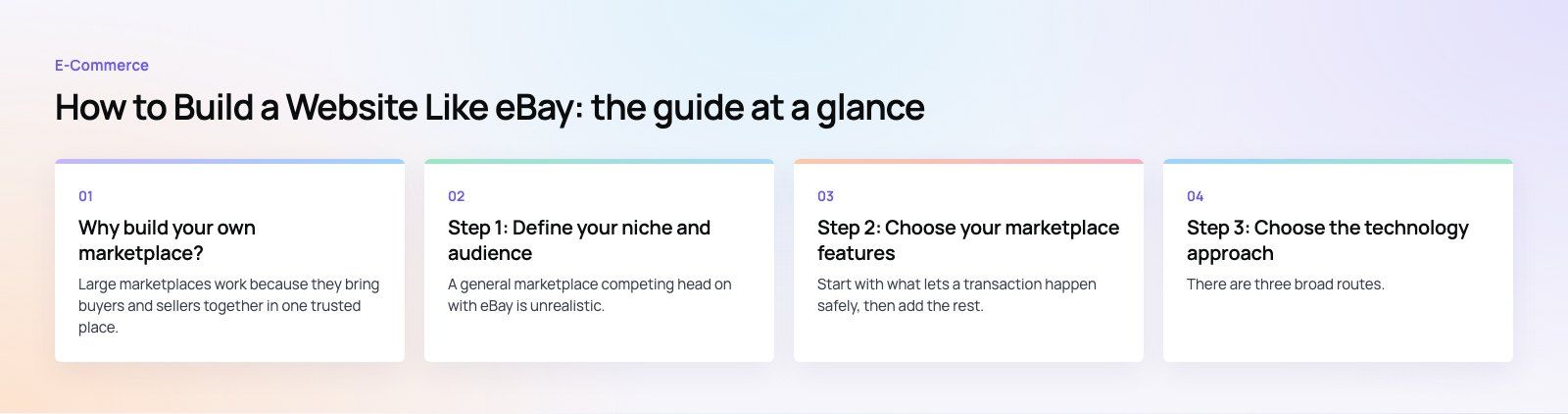
Large marketplaces work because they bring buyers and sellers together in one trusted place. A smaller marketplace can do the same for a specific niche: used equipment, collectibles, local services, vehicles or charity auctions. Owning the platform gives you control over the experience, the rules, the fees and the customer data, instead of competing for attention inside someone else's marketplace.
The hard part is not the software. It is getting enough buyers and sellers at the same time, often called the chicken and egg problem. Every decision below should support that.
Step 1: Define your niche and audience
A general marketplace competing head on with eBay is unrealistic. A focused one is not. Decide:
- What is traded: physical goods, services, rentals or a mix.
- Who sells: businesses (multi vendor marketplace), individuals (peer to peer) or both.
- How price is set: auctions, fixed price, offers, or a combination.
- Where you operate: one city or country first, or cross border from the start.
Talk to potential sellers before building anything. If they will not list on day one, buyers will find an empty site and leave.
Step 2: Choose your marketplace features
Start with what lets a transaction happen safely, then add the rest.
| Feature | Launch or later | Why it matters |
|---|---|---|
| Registration and profiles | Launch | Buyers and sellers need accounts, verification and a history |
| Listings with photos and details | Launch | Good listings sell; structured fields make search work |
| Search, categories and filters | Launch | Buyers must find items quickly or they leave |
| Fixed price checkout | Launch | The simplest transaction to support |
| Auctions and bidding | Launch if core to the model | Needs real time updates, timers and bid rules |
| Payments and payouts | Launch | Split payments between seller and platform, with refunds |
| Ratings and reviews | Launch | The main trust signal between strangers |
| Messaging | Launch or soon after | Questions before purchase, issues after |
| Dispute and returns handling | Launch | Protects buyers and your reputation |
| Seller dashboard and analytics | Later | Helps sellers grow, which grows the platform |
| Promoted listings | Later | A revenue stream once traffic exists |
| Mobile apps | Later | A responsive website usually comes first |
You also need an admin panel from day one: moderating listings, handling reports, managing categories, issuing refunds and suspending bad actors.
Step 3: Choose the technology approach
There are three broad routes.
Marketplace software or plugins
Ready made marketplace platforms and multi vendor plugins for WooCommerce or Shopify get you live fastest. They suit testing an idea, but auctions, custom fees and unusual workflows can be hard to add later.
Custom build
A custom marketplace gives full control over the experience, fees and data. Common choices are React or Next.js on the front end; Node.js, Laravel, Django or Ruby on Rails on the back end; PostgreSQL or MySQL for transactional data; a search engine such as Elasticsearch or OpenSearch for listings; and cloud hosting on AWS, Google Cloud or Azure.
Headless hybrid
A commerce engine handles products, carts and orders, while a custom front end and services handle bidding, payouts and marketplace rules. This can balance speed to market with flexibility.
Whichever route you take, judge it on scalability, page speed, security, the availability of developers who know the stack, and the running cost of hosting and licenses.
Step 4: Design the buyer and seller experience
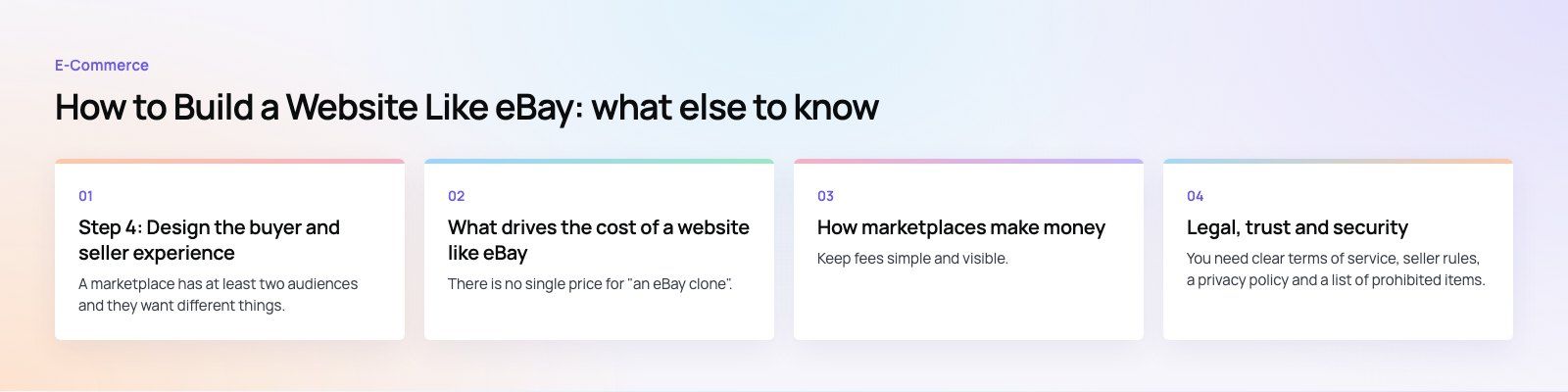
A marketplace has at least two audiences and they want different things. Buyers want fast search, clear photos, honest condition details, visible seller ratings and a short checkout. Sellers want quick listing creation, clear fees, simple shipping and fast payouts.
- Make listing an item possible in a few minutes on a phone.
- Show total price including shipping before checkout.
- Put trust signals (ratings, verification, return policy) next to the buy button.
- Design empty states carefully, because early on many categories will have few items.
- Test with real buyers and sellers before launch, not just your own team.
Step 5: Integrate payments, shipping and other services
- Payments: marketplaces need split payments, holding funds until delivery, seller payouts and refunds. Payment providers offer marketplace products designed for this. Handling card data directly brings you under the PCI Security Standards Council requirements, which is why most marketplaces use a provider's hosted checkout.
- Shipping: carrier rates, labels and tracking, or clear rules if sellers ship themselves.
- Tax: sales tax or VAT rules differ by country and sometimes by region.
- Identity checks: seller verification reduces fraud.
- Notifications: email, SMS and push for bids, sales, shipping and disputes.
What drives the cost of a website like eBay
There is no single price for "an eBay clone". The budget moves with these factors:
- Scope at launch: fixed price only is far simpler than live auctions with real time bidding.
- Build route: marketplace software is cheaper to start than a custom platform but can cost more to bend later.
- Design depth: research, prototyping and testing for two audiences takes longer than a single sided store.
- Integrations: each payment, shipping, tax or identity provider adds work.
- Apps: native iOS and Android apps add significant scope compared with a responsive website.
- Team location and model: in-house, freelance, agency or dedicated team.
- Running costs: hosting that grows with traffic, search infrastructure, monitoring, security, moderation and customer support.
- Marketing: often the largest ongoing spend, because a marketplace without users has no value.
The practical advice is to launch a minimum viable marketplace in one niche, prove that transactions happen, and fund the next features from real demand.
How marketplaces make money
- Commission on each sale: the most common model, and it aligns your income with seller success.
- Listing fees: charged per listing, often with a free allowance.
- Promoted listings: sellers pay for better placement in search and categories.
- Subscriptions: seller plans with lower fees, more listings or better tools.
- Advertising and affiliate income: useful once traffic is substantial.
Keep fees simple and visible. Sellers leave platforms when they feel surprised by charges.
Legal, trust and security
Terms, privacy and prohibited items
You need clear terms of service, seller rules, a privacy policy and a list of prohibited items. Build a reporting tool so users can flag counterfeit or illegal listings, and a process to remove them quickly.
Data protection
If you serve users in the EU, the General Data Protection Regulation applies: lawful basis for processing, consent where needed, and the right to access and delete data. Other countries have their own data protection laws, so check every market you serve.
Security
- HTTPS everywhere and secure session handling.
- Two factor authentication, especially for sellers and admins.
- Fraud checks on new accounts, unusual payouts and suspicious listings.
- Regular updates, dependency patching and penetration testing.
- Logging and monitoring so you can investigate disputes and incidents.
Launching and growing the marketplace
- Recruit a group of sellers before launch so buyers see real inventory.
- Pick one category or location and dominate it before expanding.
- Invest in SEO for category and listing pages, which can bring buyers for free over time.
- Use paid ads carefully to fill gaps on the side of the market that is short.
- Encourage reviews early, because trust compounds.
- Track conversion from search to purchase, time to first sale for new sellers, and repeat purchase rate.
Building your marketplace with Codeeo
Codeeo has built marketplace and auction products such as Pioneer Auctions, with live bidding and PayTabs payments, and Gloss and Hammer, a two sided jobs marketplace. Our team covers custom software, payment integration and mobile app development, and you can read more in our marketplaces and on demand work. A product scoping session is the quickest way to turn your idea into a costed first version.
Frequently asked questions
Start by choosing a narrow niche and confirming that sellers will list with you.
Then define the launch features: profiles, listings, search, checkout or bidding, payments, reviews and dispute handling. Choose between marketplace software and a custom build, design for both buyers and sellers, and launch a minimum viable version you can improve based on real transactions.
E-Commerce10 Features of a High-Converting Ecommerce WebsiteThe ten features that turn store visitors into buyers, from product pages and checkout to speed, mobile design, social proof and ongoing testing. E-CommerceBenefits of Using a CMS for Ecommerce WebsitesHow a CMS helps online stores manage products, SEO, growth and security, how it compares with a custom build, and how to choose between WooCommerce, Shopify and headless.
 E-CommerceEcommerce Website Development: 9 Elements Every Store NeedsThe nine parts every online store needs, from catalog data and search to checkout, security, operations and analytics, with what to decide before you build.
Tell us what the business needs. We will tell you what to build first.
Schedule a free consultation and get a written recommendation, with costs, before you commit to anything.
Get in touchPROVEN RESULTS
4.7 / 5verified reviews on Google