 App DevelopmentCross Platform App Development: How It Saves Time and MoneyHow shared code across iOS and Android cuts build and maintenance effort, which frameworks to consider in 2026, and when native development is still the better call.
How to Build an App Like Uber: A Step by Step Guide
Plan, build and launch an app like Uber: the rider, driver and admin apps, core features, team, tech stack, cost drivers and mistakes to avoid.
To build an app like Uber, you need three connected products, not one: a rider app, a driver app and an admin panel, all talking to a backend that matches trips, tracks location live and takes payment. Start by choosing a niche Uber does not serve well, launch a focused first version in one city, and grow from real trip data. The steps below cover planning, features, team, build and launch.
Why the Uber model works
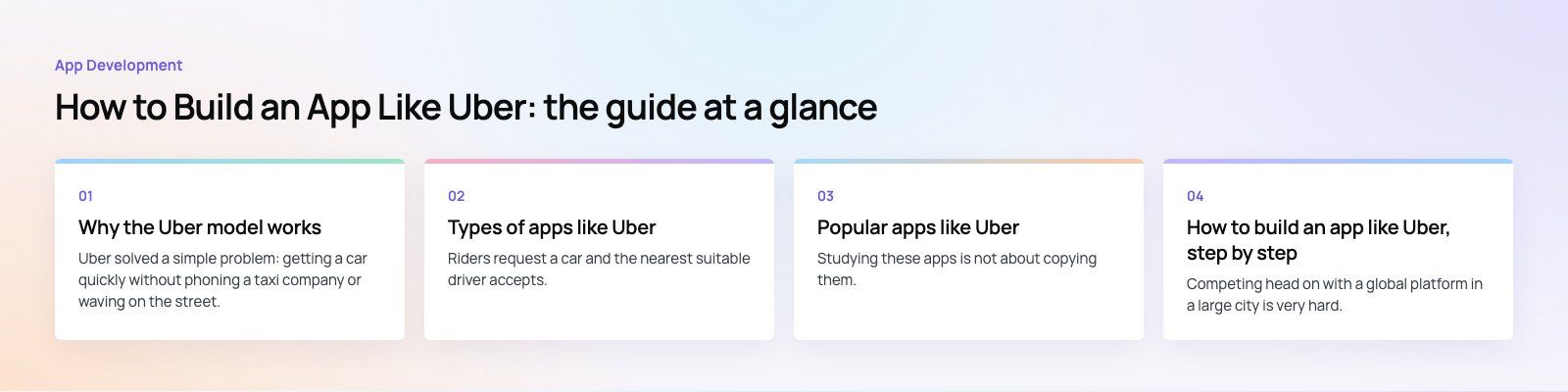
Uber solved a simple problem: getting a car quickly without phoning a taxi company or waving on the street. Three things made it stick:
- Certainty. You see the car on a map and know when it will arrive.
- No cash at the end. Payment happens in the app.
- Trust on both sides. Ratings and trip records make riders and drivers accountable.
The same pattern now powers food delivery, home services, courier work and equipment rental. When people say they want "Uber for X", they usually mean on demand booking, live tracking and in app payment for a service that still runs on phone calls.
Types of apps like Uber
Classic ride hailing
Riders request a car and the nearest suitable driver accepts. Pricing is set by the platform, often with options from economy to premium.
Negotiated fares
Some apps let riders propose a fare and drivers accept or counter. This suits markets where people are used to agreeing a price before the trip.
Carpooling and shared rides
People traveling the same way share a car and split the cost. Matching is harder, because routes have to overlap.
Premium and corporate
Chauffeur services for executives, airport transfers and company accounts, with invoicing and trip policies.
Micromobility
Bike and scooter rental, released from the app and paid by the minute. The tech adds hardware integration with the vehicles.
Niche services
Women only rides, school transport with parent tracking, medical transport and accessible vehicles. These are often the best openings for a new entrant, because large platforms underserve them.
Popular apps like Uber
| App | Main markets | What sets it apart |
|---|---|---|
| Lyft | United States and Canada | Ride hailing plus bike and scooter sharing |
| Careem | Middle East | Started in Dubai, now runs rides alongside other everyday services |
| Bolt | Europe and Africa | Rides, scooters and food delivery |
| Grab | Southeast Asia | A super app with rides, food and payments |
| Gojek | Indonesia | Rides, delivery and many on demand services |
| Ola | India | Wide range of vehicle types, from auto rickshaws to premium cars |
| inDrive | Many emerging markets | Riders and drivers agree the fare |
| Cabify | Spain and Latin America | Strong focus on corporate travel |
Studying these apps is not about copying them. Look at where they are weak in your market, such as poor coverage outside city centers, no option for a specific group of riders, or a booking flow that ignores local habits. That gap is your product.
How to build an app like Uber, step by step
Step 1: Define the niche and the goal
Competing head on with a global platform in a large city is very hard. A clear niche gives you a reason to exist: a region, a vehicle type, a customer group or a service that is not rides at all. Set measurable goals for the first version, such as completed trips per week in one area, and agree what success looks like before you write any code.
Step 2: Research riders, drivers and rules
Interview both sides of the market. Riders tell you what frustrates them today. Drivers or service providers tell you what would make them sign up and stay. Then check local regulation: licensing for drivers and vehicles, insurance, data protection and rules on how fares can be set. Regulation varies a lot by city and has shut down services that ignored it.
Step 3: Choose the features for version one
Rider app
- Sign up with phone number verification
- Pickup and drop off with address search and map pin
- Fare estimate before booking, and scheduled rides
- Live driver location and arrival time
- In app payment with cards and wallets, plus cash where the market expects it
- Trip history, receipts, ratings and support chat
- Cancel with clear rules, and safety tools such as trip sharing
Driver app
- Onboarding with document upload and approval
- Online and offline switch
- Trip requests with accept or decline
- Turn by turn navigation
- Earnings, payout history and ratings
Admin panel
- Driver approval and document checks
- Live map of trips and drivers
- Pricing rules, service areas and promotions
- Refunds, disputes and support tickets
- Reports on trips, revenue and cancellations
Step 4: Assemble the team
An on demand platform needs a product manager, a UI and UX designer, mobile developers for iOS and Android or a cross platform framework such as Flutter or React Native, backend developers, a QA engineer and someone responsible for cloud infrastructure. Look for a team that has shipped live tracking, dispatch and payments before, and ask to see the admin panels they built, not only the customer screens.
Step 5: Design and build
Design. Map the rider flow and the driver flow separately, then prototype and test them with real users. Small details decide whether people stay: how fast the map loads, how clear the arrival time is, how easy it is to call the driver.
Backend. The core services are user accounts, trip matching, pricing, payments, notifications and live location. Location updates arrive every few seconds from every active driver, so this part has to be designed for heavy write traffic, typically with WebSockets and a fast in memory store.
Maps and routing. Most apps use a provider such as Google Maps Platform or Mapbox for maps, address search, routing and arrival estimates. Map API usage is one of the costs that grows with every trip, so plan for it.
Payments. Use a payment provider that supports cards, local wallets and payouts to drivers in your market. Hold funds, split commission and handle refunds through the provider rather than building money movement yourself.
Testing. Test with many simulated drivers moving at once, weak mobile signal, cancelled trips, failed payments and drivers going offline mid trip.
Step 6: Launch in one place
Recruit and train drivers before you market to riders, so the first riders do not face empty maps. Launch in one city or area, optimize your app store listings, and track the numbers that matter: time to match, cancellation rate, completed trips and repeat riders.
Step 7: Improve continuously
Use trip data and feedback to fix the biggest problems first. Then add features that deepen the niche, such as corporate accounts, scheduled school runs or multiple stops, before expanding to new areas.
What drives the cost of an Uber-like app
The cost depends far more on scope than on the idea. The main drivers are:
- How many apps you need (rider, driver, admin, and sometimes a business portal)
- Native apps for each platform versus one cross platform codebase
- The complexity of matching and pricing rules
- Payment methods, payouts and local regulations
- Languages, including right to left layouts for Arabic
- Ongoing map, hosting, messaging and support costs after launch
Mistakes to avoid
- Building every feature before testing demand in one area
- Neglecting the driver app, which decides whether supply stays
- Treating the admin panel as an afterthought
- Ignoring local transport rules until after launch
- Underestimating map and messaging costs as trips grow
Codeeo has delivered 200+ projects across the UAE and the US, including on demand platforms such as JobiQ, Teachers Lunch and Book My Trip. If you are planning a ride hailing or on demand app, our mobile app development team can help, with payment integration and experience across marketplaces and on demand services. Start with a product scoping session.
Frequently asked questions
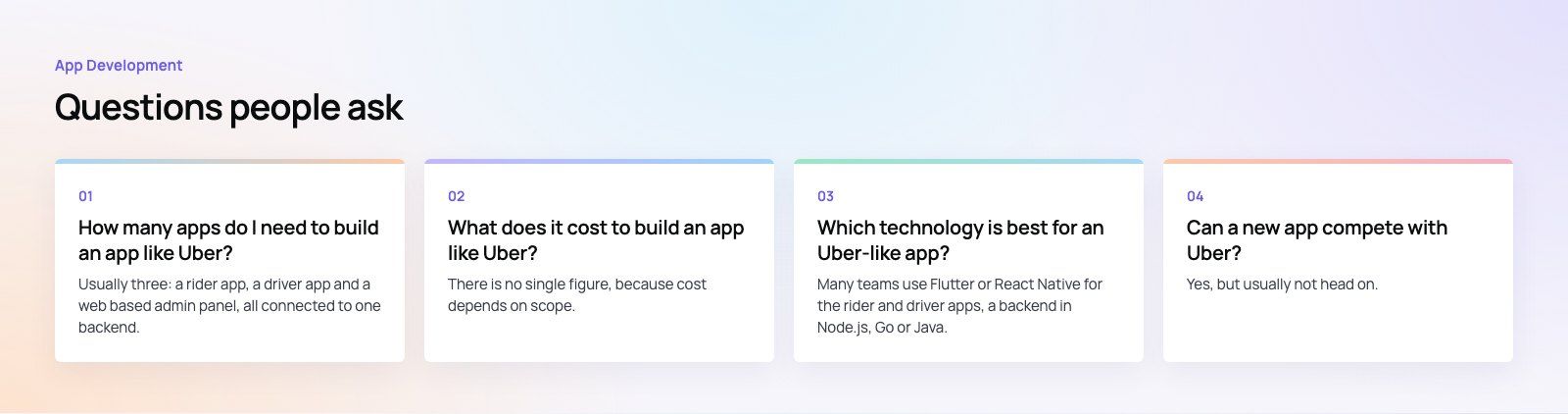
Usually three: a rider app, a driver app and a web based admin panel, all connected to one backend.
Some platforms add a fourth, such as a business portal for corporate accounts or a dashboard for fleet owners. Each has different users and screens, which is why ride hailing projects are larger than they first appear.
App DevelopmentCross Platform App Development: How It Saves Time and MoneyHow shared code across iOS and Android cuts build and maintenance effort, which frameworks to consider in 2026, and when native development is still the better call. App DevelopmentHow to Plan an App Development Project From Start to FinishA step by step plan for an app project: define users and goals, scope an MVP, choose platforms, design, build the team, phase the timeline, test and launch.
 App DevelopmentMust Have Features of an HR Management AppThe features an HR management app needs, from onboarding and self service to payroll, performance and analytics, plus when to buy or build.
Tell us what the business needs. We will tell you what to build first.
Schedule a free consultation and get a written recommendation, with costs, before you commit to anything.
Get in touchPROVEN RESULTS
4.7 / 5verified reviews on Google