 App DevelopmentCross Platform App Development: How It Saves Time and MoneyHow shared code across iOS and Android cuts build and maintenance effort, which frameworks to consider in 2026, and when native development is still the better call.
How to Build an App Like YouTube: A Step by Step Guide
A practical guide to building a video sharing app like YouTube: choosing a niche, MVP features, the video pipeline, moderation, testing and launch.
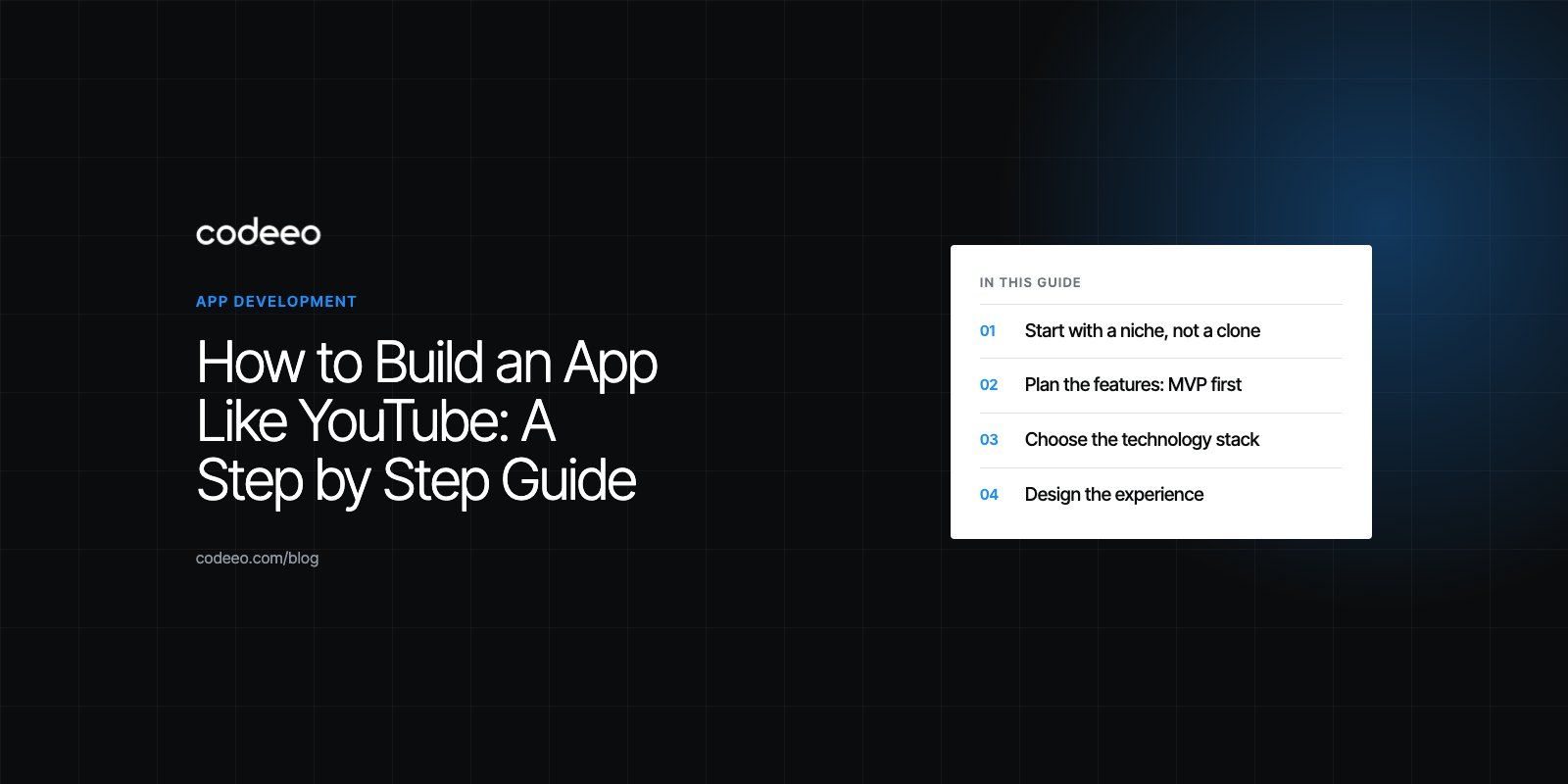
To build an app like YouTube, you need four things working together: an upload pipeline that transcodes every video into several sizes, a player that streams adaptively over a content delivery network, a discovery layer of search and recommendations, and the community tools (comments, subscriptions, moderation) that keep people coming back. Start with a narrow niche and a small feature set, prove people watch, then scale the infrastructure. Trying to copy all of YouTube on day one is the most common way these projects fail.
This guide walks through the build in the order a real team would tackle it: research, scope, architecture, design, development, testing, launch and growth.
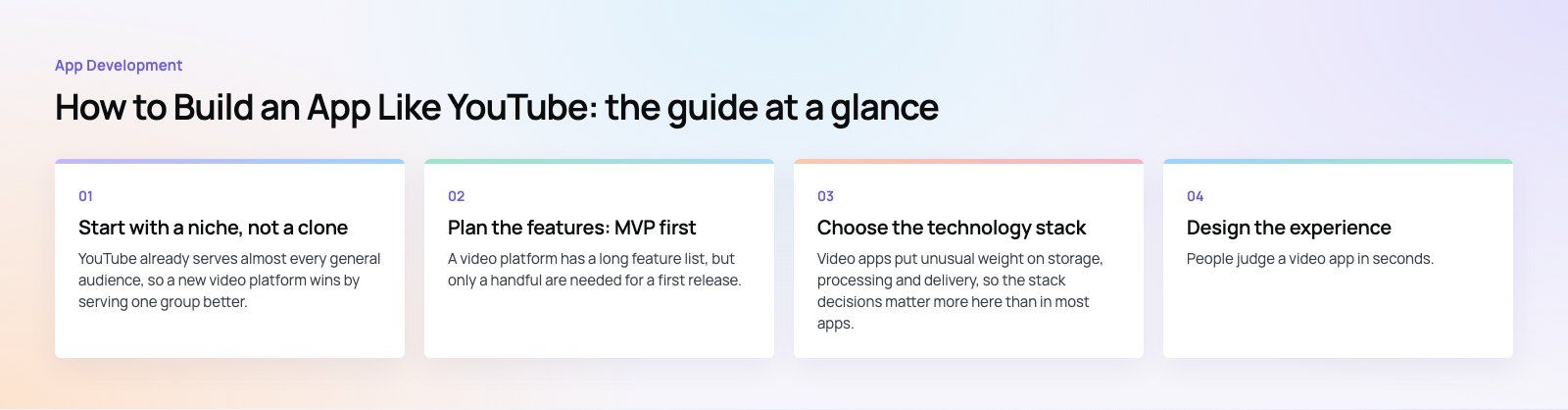
Start with a niche, not a clone
YouTube already serves almost every general audience, so a new video platform wins by serving one group better. That might be courses for a profession, recorded sermons for a faith community, match footage for a sports league, or internal training for a large company. The niche shapes everything else: what metadata videos need, who can upload, whether content is free, and how you make money.
Research your audience and competitors
Talk to the people you want to serve before writing code. Ask what they watch today, where it frustrates them, and what they would pay for. Then study the platforms they already use, such as YouTube, Vimeo, Dailymotion and TikTok. Note what each does well and where it leaves gaps. A gap might be poor search for long technical videos, no private sharing for teams, or weak tools for creators who sell content.
Define what makes you different
Write one sentence that explains why someone would install your app instead of opening YouTube. Common answers include an ad free experience, exclusive content, chaptered lessons with quizzes, live events with ticketing, or private libraries for organizations. If you cannot write that sentence, the product is not ready to build.
Plan the features: MVP first
A video platform has a long feature list, but only a handful are needed for a first release. Split the list into what launches and what waits.
| Feature | Launch (MVP) | Later |
|---|---|---|
| Sign up and login | Email and social sign in | Single sign on for organizations |
| Upload | Upload with title, description and thumbnail | Scheduled publishing, bulk upload |
| Playback | Adaptive streaming, quality picker, resume | Offline downloads, picture in picture |
| Discovery | Search, categories, simple trending list | Personalized recommendations |
| Community | Likes, comments, subscriptions | Live chat, community posts |
| Creator tools | Basic view counts | Full analytics, revenue reports |
| Safety | Reporting and an admin queue | Automated content screening |
| Notifications | New upload alerts | Digest emails, smart timing |
If you want help drawing this line for your own idea, a short product scoping exercise turns a long wishlist into a buildable first release.
Choose the technology stack
Video apps put unusual weight on storage, processing and delivery, so the stack decisions matter more here than in most apps.
Frontend and mobile
For the web, React or Next.js gives you fast, indexable pages, which matters because video pages can rank in search. For mobile, a cross platform framework such as React Native or Flutter lets one team ship iOS and Android together. Native Swift and Kotlin make sense when playback performance, background audio or offline downloads are central to the product.
Backend and database
Node.js, Python with Django, or Laravel all handle the API side well. The backend manages users, video records, comments, subscriptions and permissions. PostgreSQL suits the relational parts of the data. A search engine such as Elasticsearch or OpenSearch handles full text search across titles, descriptions and transcripts, and a cache like Redis keeps view counts and trending lists fast.
Video pipeline and delivery
This is where a video app differs from everything else. When a creator uploads a file, it goes to object storage (Amazon S3, Azure Blob Storage or Google Cloud Storage). A transcoding job, using a managed service or FFmpeg workers, converts it into several resolutions and bitrates. The output is packaged for adaptive streaming, usually HLS, which is defined in IETF RFC 8216, and served through a content delivery network so viewers far from your servers still get smooth playback. The player then switches between quality levels as the viewer's connection changes.
Budget attention for this layer early. Storage and bandwidth grow with every upload and every view, so the architecture should make it easy to move old or rarely watched videos to cheaper storage tiers.
Design the experience
People judge a video app in seconds. The home screen must show something worth watching immediately, the player must start fast, and search must forgive typos. Keep navigation shallow: home, search, subscriptions, library and profile cover most needs.
Design the upload flow as carefully as the viewing flow. Creators who struggle to publish will stop publishing, and a video platform without fresh content dies quickly. Show upload progress, let creators edit details while the file processes, and tell them clearly when the video is live.
A good UI and UX design process tests these flows with real users on prototypes before development begins, which is far cheaper than redesigning after launch.
Develop in stages
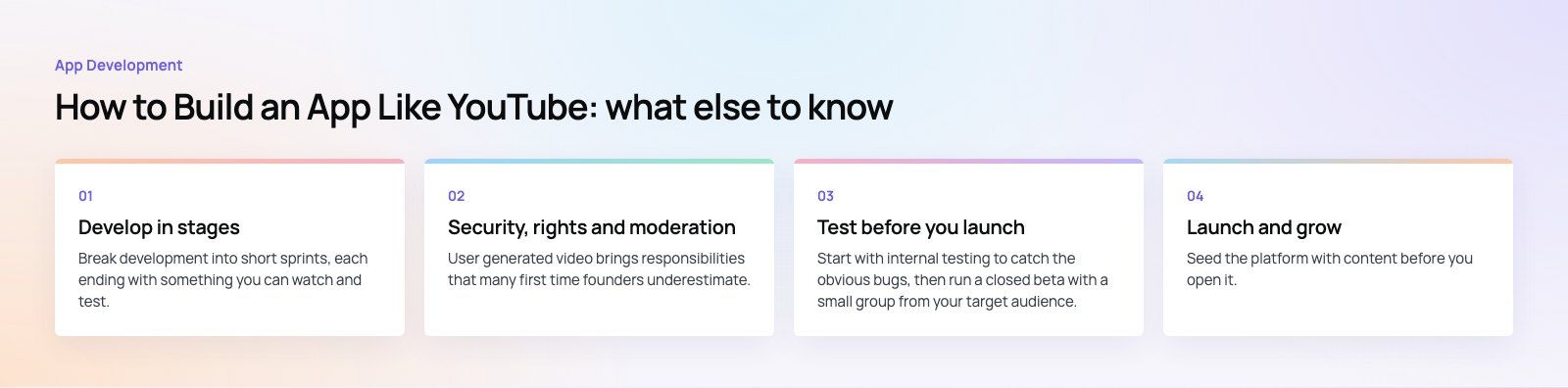
Break development into short sprints, each ending with something you can watch and test. A sensible order is:
- Accounts and profiles. Secure sign up and login using OAuth for social providers and token based sessions.
- Upload and processing. Direct uploads to storage, transcoding jobs, thumbnails and status updates.
- Playback. An adaptive player on web and mobile, with resume position and quality controls.
- Discovery. Search, categories and a simple trending list based on recent views.
- Community. Likes, comments, subscriptions and notifications.
- Moderation and admin. Reporting, review queues, takedowns and user management.
Recommendations come later. A simple rules based approach (more from this channel, popular in this category, continue watching) works well until you have enough viewing data to train anything smarter. Building a machine learning recommender before you have users is wasted effort.
For a broader view of how a mobile build runs from scoping to store release, see our mobile app development service.
Security, rights and moderation
User generated video brings responsibilities that many first time founders underestimate.
- Data protection. Encrypt data in transit and at rest, store passwords properly hashed, and follow the privacy laws of every market you serve.
- Content protection. If you host paid or exclusive content, use signed URLs and, where needed, DRM so files cannot be copied freely.
- Copyright. Have a clear takedown process and terms of service that make uploaders responsible for the rights to their content.
- Moderation. Give users a report button, give moderators a queue, and decide your content rules before launch, not after the first incident.
- App store rules. Both Apple and Google have policies on user generated content, including reporting and blocking features, so plan for them from the start.
Test before you launch
Start with internal testing to catch the obvious bugs, then run a closed beta with a small group from your target audience. Watch how they use the app as well as what they say. Hesitation on a screen usually means the design needs simplifying.
Video apps need specific tests beyond the usual:
- Playback on slow and unstable mobile networks, not just office broadband.
- Uploads of large files, unusual formats and interrupted connections.
- Load tests that simulate many viewers starting the same video at once.
- Behavior on older phones and smaller screens.
Launch and grow
Seed the platform with content before you open it. A video app with empty shelves gives visitors no reason to stay, so recruit a first group of creators during the beta and help them publish their first videos. Build interest through the communities your niche already gathers in, and use early access invitations to create a launch audience.
On launch day, monitor server load, transcoding queues and error rates closely, and have someone ready to answer user support messages. After launch, use analytics to see where viewers drop off, which videos hold attention, and which features go unused.
Ways to make money
- Advertising. Works at scale but needs a large audience and careful placement so it does not drive viewers away.
- Subscriptions. An ad free tier, exclusive content or extra features for paying members.
- Pay per view or rentals. Suits courses, events and premium films.
- Creator monetization. Tips, channel memberships and a revenue share that keeps good creators on your platform.
Remember that in app purchases of digital content on iOS and Android generally go through the store billing systems, which affects your pricing and margins. Check the current store rules for your model before you commit to it.
Common mistakes to avoid
- Copying every YouTube feature instead of solving one audience's problem well.
- Underestimating storage and bandwidth growth as uploads and views rise.
- Building a complex recommendation engine before there is data to feed it.
- Launching without moderation tools and content rules.
- Neglecting creators, who are the supply side of the whole platform.
Building your video platform with Codeeo
Codeeo has delivered 200+ projects across the UAE and the US, with a team of 80+ across Dubai, Riyadh and Karachi. Our work includes Ourcast Live, an assistive listening product that streams a venue's audio to attendees' phones in real time, with native iOS and Android apps and an admin. If you are planning a video or streaming app, our custom software team can help you scope it, build it and scale it.
Frequently asked questions
A focused first version with accounts, upload, adaptive playback, search, comments and an admin panel usually takes several months for an experienced team.
The timeline depends on the platforms you target, how much custom design you need and whether you include live streaming. Recommendations, creator analytics and monetization features are normally added in later releases once real viewers are using the product.
App DevelopmentCross Platform App Development: How It Saves Time and MoneyHow shared code across iOS and Android cuts build and maintenance effort, which frameworks to consider in 2026, and when native development is still the better call. App DevelopmentHow to Plan an App Development Project From Start to FinishA step by step plan for an app project: define users and goals, scope an MVP, choose platforms, design, build the team, phase the timeline, test and launch.
 App DevelopmentMust Have Features of an HR Management AppThe features an HR management app needs, from onboarding and self service to payroll, performance and analytics, plus when to buy or build.
Tell us what the business needs. We will tell you what to build first.
Schedule a free consultation and get a written recommendation, with costs, before you commit to anything.
Get in touchPROVEN RESULTS
4.7 / 5verified reviews on Google