 App DevelopmentCross Platform App Development: How It Saves Time and MoneyHow shared code across iOS and Android cuts build and maintenance effort, which frameworks to consider in 2026, and when native development is still the better call.
How to Choose a Reliable App Development Vendor
A practical guide to choosing an app development vendor: requirements, shortlisting, technical fit, contracts, support and the mistakes to avoid.
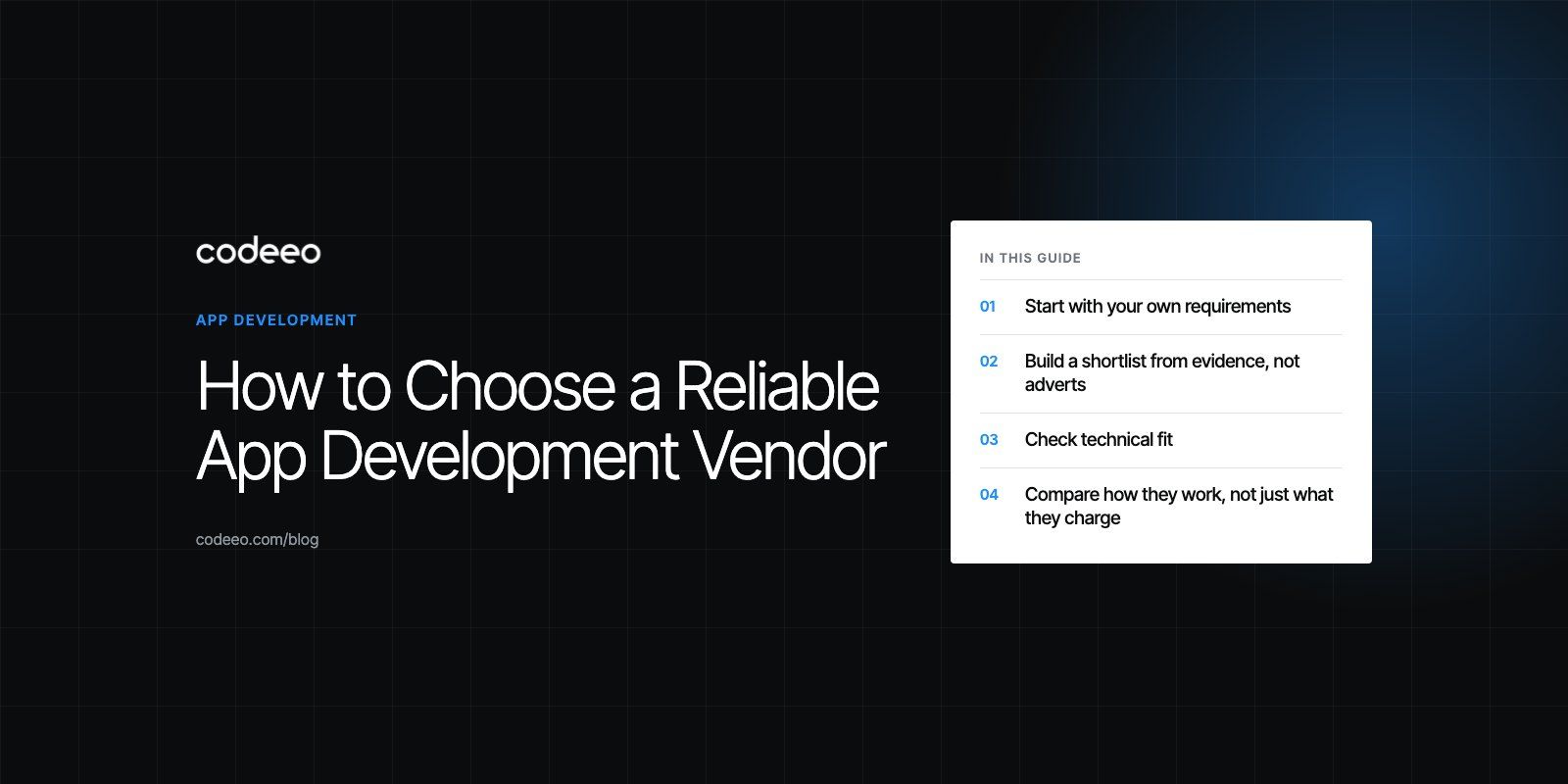
To choose a reliable app development vendor, write down what the app must do first, then shortlist teams that have shipped similar products, test how they communicate and plan, and confirm who owns the code and who supports the app after launch. A short paid discovery phase or pilot is the safest way to find out before you commit to a full build.
The rest of this guide walks through each step, the questions worth asking, and the warning signs that tend to show up early when a partnership is going to go wrong.
Start with your own requirements
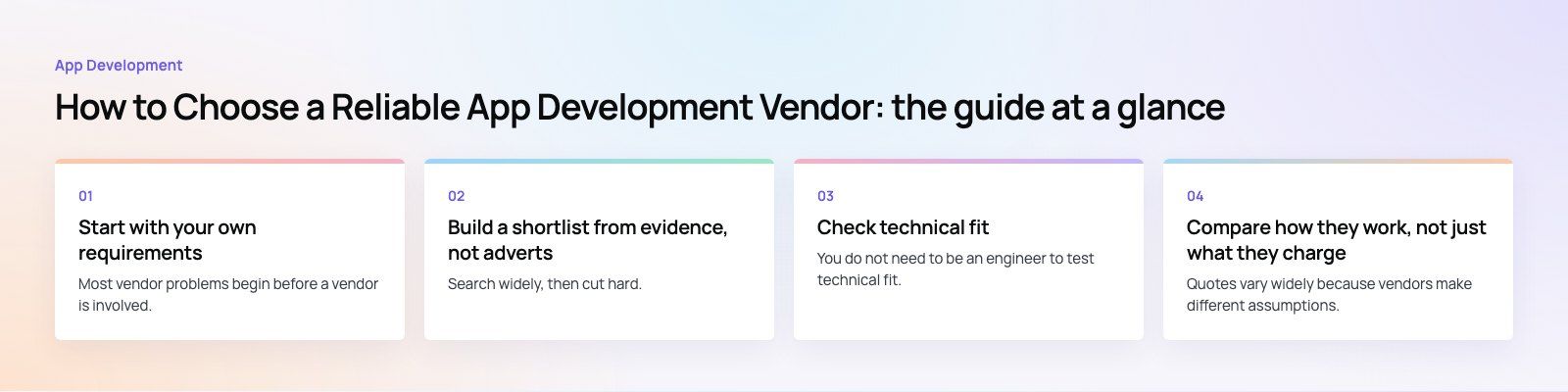
Most vendor problems begin before a vendor is involved. If you cannot describe what the app is for, every quote you receive will be a guess, and the cheapest guess usually wins for the wrong reasons.
Before you contact anyone, write a one or two page brief that covers:
- The problem: what users cannot do today, and what changes when the app exists.
- The users: who they are, what devices they carry, and whether they need offline use or more than one language.
- Platforms: iOS, Android, web, or a combination. This drives the choice between native and cross platform development.
- Core features for version one: the smallest set that delivers real value. Mark everything else as later.
- Integrations: payment gateways, CRM, ERP, maps, identity providers or anything the app must talk to.
- Constraints: deadlines, compliance needs, data residency and budget range.
If this is hard to write, that is useful information. It means you need a discovery or product scoping phase before a build, and you should look for vendors who offer one as a separate step.
Build a shortlist from evidence, not adverts
Search widely, then cut hard. Three to five vendors is enough for a serious comparison. When you review each one, look for evidence that they have built something close to what you need.
Portfolio and case studies
A strong portfolio shows live products, not just screen designs. Download the apps they list and use them. Check that the apps still work, still receive updates and still feel quick on an ordinary phone. Case studies should explain the problem, the features delivered and the technical approach. Vague stories with no detail are a weak signal.
References
Ask for two or three clients you can speak to directly. Ask those clients what went wrong during the project and how the vendor handled it. Every project has problems, so the answer tells you more than praise does.
Reviews
Public reviews on Google and independent directories are worth reading for patterns. One bad review means little. Several reviews describing missed deadlines or disappearing developers after launch deserve attention.
Check technical fit
You do not need to be an engineer to test technical fit. Ask each vendor to explain how they would build your app and why. Good teams give clear reasons for their choices and are honest about trade offs.
Native or cross platform
Native apps use Swift for iOS and Kotlin for Android. Cross platform frameworks such as Flutter and React Native share most of the code across both stores. Neither is always right. Native suits apps that depend heavily on device hardware or platform specific features. Cross platform suits most business apps where speed to market and one codebase matter more. A vendor who recommends only the stack they happen to know, without asking about your needs, is selling rather than advising.
Backend and integrations
The app on the phone is often the smaller half of the work. Ask who builds the API, the admin panel and the integrations, and how they will be hosted. If you already run systems such as a CRM or ERP, ask for examples of similar integrations they have delivered.
Security and data handling
Ask how they store secrets, encrypt data in transit and at rest, handle authentication and manage access to production systems. If you collect personal data, ask how they support the privacy laws that apply to your users, such as GDPR in Europe or the UAE and Saudi data protection laws in the Gulf. A team that has never thought about this will struggle when an app store reviewer or an auditor asks.
Compare how they work, not just what they charge
Quotes vary widely because vendors make different assumptions. Lay the proposals side by side and check what each one actually includes.
| What to compare | Good sign | Warning sign |
|---|---|---|
| Scope | Features listed with acceptance criteria | A single line item for "app development" |
| Process | Defined sprints, demos and a named project manager | No clear process or point of contact |
| Testing | QA on real devices included in the plan | Testing left to you after delivery |
| Ownership | You own the code, accounts and store listings | Vendor keeps the repository or developer accounts |
| Support | Written maintenance terms and response times | Support described only as "available" |
| Price | Broken down by phase with stated assumptions | Far below every other quote with no explanation |
A quote far below the rest usually means something is missing: testing, backend work, design, or the time needed to handle store review. It can also mean the vendor expects to recover the difference through change requests.
Project management
Ask how work is planned and reported. Most app teams run in short sprints with a demo at the end of each one. You should see working software early and often, not a big reveal at the end. Ask what tools they use for tickets and how you will see progress between meetings.
Communication
Pay attention to how quickly and clearly they reply during the sales process. It rarely improves after the contract is signed. Agree on meeting frequency, time zone overlap and who attends. If the person selling to you will disappear once the project starts, meet the people who will actually do the work.
Agree ownership and support before you sign
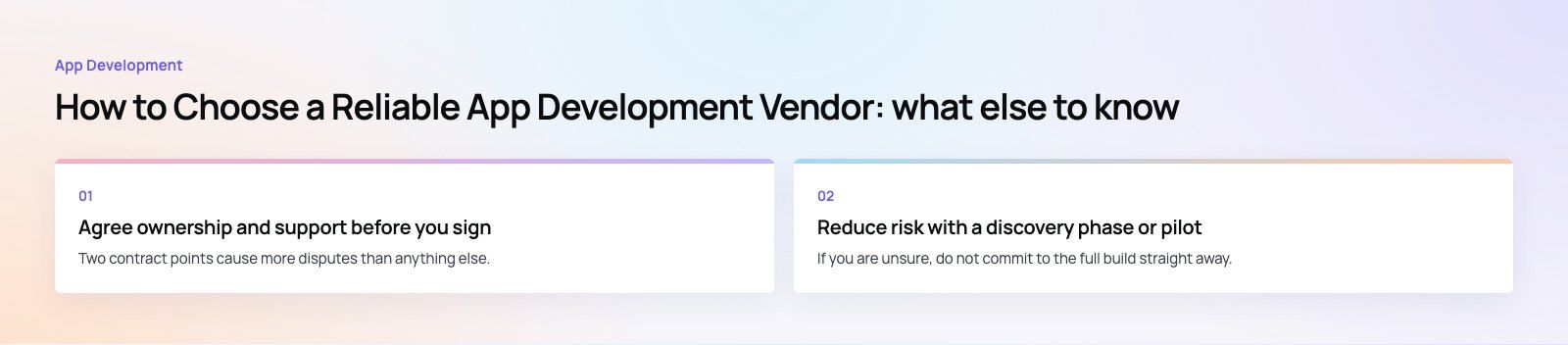
Two contract points cause more disputes than anything else.
Intellectual property and access. The contract should state that you own the source code and designs once paid for. Your company should own the Apple and Google developer accounts, the domain, the cloud hosting account and the code repository, with the vendor given access rather than the other way round. If the relationship ends, you should be able to hand everything to another team.
Post launch support. Apps need updates. Apple and Google change their requirements regularly, as the App Store Review Guidelines show, operating systems change, and libraries need security patches. Agree in writing what support includes, how bugs are prioritized, how quickly the vendor responds, and how new features are quoted. A vendor that offers dedicated developers or a retainer gives you continuity after launch.
Reduce risk with a discovery phase or pilot
If you are unsure, do not commit to the full build straight away. A paid discovery phase of a few weeks usually produces user flows, wireframes, a technical plan and a more accurate estimate. Even if you then choose another vendor, you keep the output.
A small pilot works too: one feature, one integration or a clickable prototype. It shows you how the team writes code, how they handle feedback and whether their estimates hold. A codebase review of an existing app is another low risk way to see how a vendor thinks.
Common mistakes when choosing a vendor
- Choosing on price alone. The cheapest build often becomes the most expensive once rework and delays are counted.
- Skipping references. A ten minute call with a past client can save months.
- Fixing every feature up front. Requirements change once users see the app. Leave room in the plan and the contract for that.
- Letting the vendor own your accounts. This makes switching teams painful or impossible.
- Ignoring the backend and admin. Many apps fail not on the phone but because staff cannot manage content, orders or users behind the scenes.
- No plan for launch. Store listings, review time, analytics and marketing all need time before release day.
What the right vendor gives you
When the fit is right, the benefits are practical. You get an app that works well on real devices, a team that warns you about problems before they become expensive, and code that another developer could pick up later. You also get honest advice about what to build first, which often matters more than any single technical choice.
For a sense of what this looks like in practice, the JobIQ case study shows a marketplace where customers book technicians, vendors run their teams, and the platform handles chat, dispatch and payment across apps and an admin.
Codeeo has delivered 200+ projects across the UAE and the US with a team of 80+ across Dubai, Riyadh and Karachi. If you are comparing partners for a new app, see how we approach mobile app development or get in touch to talk through your brief.
Frequently asked questions
Look for live apps similar to yours that you can download and test, clients willing to speak with you, a clear development process with regular demos, and in house testing on real devices.
Check that the contract gives you ownership of the code and accounts, and that post launch support is defined in writing. How well they listen to your brief during the first calls is also a strong signal.
App DevelopmentCross Platform App Development: How It Saves Time and MoneyHow shared code across iOS and Android cuts build and maintenance effort, which frameworks to consider in 2026, and when native development is still the better call. App DevelopmentHow to Plan an App Development Project From Start to FinishA step by step plan for an app project: define users and goals, scope an MVP, choose platforms, design, build the team, phase the timeline, test and launch.
 App DevelopmentMust Have Features of an HR Management AppThe features an HR management app needs, from onboarding and self service to payroll, performance and analytics, plus when to buy or build.
Tell us what the business needs. We will tell you what to build first.
Schedule a free consultation and get a written recommendation, with costs, before you commit to anything.
Get in touchPROVEN RESULTS
4.7 / 5verified reviews on Google