 Digital TransformationHow Digital Transformation Is Reshaping BusinessesFive ways digital transformation is changing operations, customer experience, data, business models and work, plus the challenges and a practical roadmap.
CodeeoInsightsDigital Transformation
How to Choose ERP Accounting Software for Your Finance Team
How to choose ERP accounting software: the requirements, integration and cost factors that matter, and how custom and off the shelf ERP systems compare.
The right ERP accounting software is the one that fits your actual finance processes, connects to the systems you already run, and can grow with you without constant workarounds. To choose well, document your requirements first, involve the people who will use it every day, compare total cost of ownership rather than licence price, and decide early whether an off the shelf system with configuration will do or whether you need custom development.
This guide explains what ERP accounting software does, the factors that matter when choosing one, how off the shelf and custom systems compare, and the mistakes that most often derail a finance system project.
What ERP accounting software is
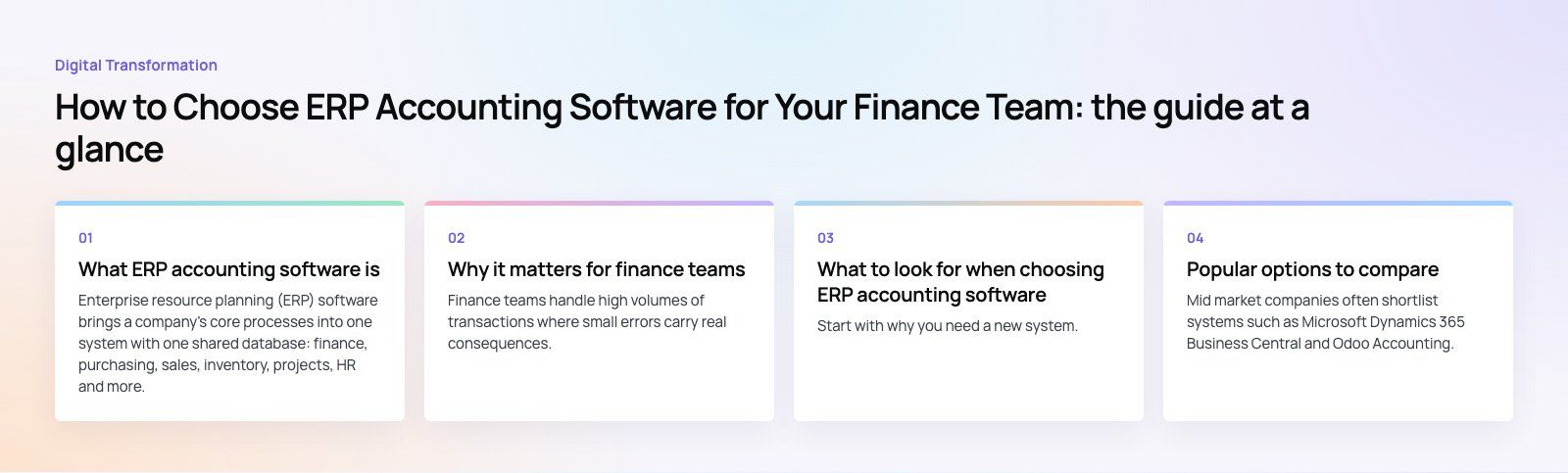
Enterprise resource planning (ERP) software brings a company's core processes into one system with one shared database: finance, purchasing, sales, inventory, projects, HR and more. ERP accounting refers to the finance modules at the center of it, typically the general ledger, accounts payable and receivable, bank reconciliation, fixed assets, tax, budgeting and financial reporting.
The difference from standalone accounting software is integration. In an ERP, a sales order, a stock movement and an invoice all post to the same ledger automatically, so finance works from the same live numbers as operations instead of importing spreadsheets at month end.
Why it matters for finance teams
Finance teams handle high volumes of transactions where small errors carry real consequences. An ERP reduces manual entry and gives a clear audit trail. The main benefits are:
- Faster month end close and reporting, because data is already in one place.
- Better accuracy, with fewer manual journal entries and rekeyed figures.
- Simpler consolidation across several companies, branches or currencies.
- Real time visibility of cash, receivables and payables.
- Stronger controls through approval workflows, user permissions and audit logs.
- Easier compliance with tax and reporting rules that change over time.
What to look for when choosing ERP accounting software
Clear business requirements
Start with why you need a new system. Talk to each department that touches finance, list the processes the system must support and write them down as requirements, separating must haves from nice to haves. A short requirements template, organized by process, makes vendor comparisons far easier and stops demos from steering your decision.
Leadership commitment
An ERP changes how people work across the company. Without visible support from senior management, the project stalls when it competes with daily priorities or when teams resist dropping their old spreadsheets. Agree on an executive sponsor before choosing a system.
User buy in and training
The accountants, buyers and managers who use the system daily decide whether it succeeds. Involve them in demos, let them test real scenarios and plan proper training before go live, not after.
Functional fit
Large ERPs come with many modules you may never use. Check that the system handles your core needs well, such as multi currency, multi entity consolidation, project accounting, inventory costing or subscription billing, rather than counting features.
Tax and local compliance
Your system must support the tax rules, invoice formats and reporting standards in every country you operate in. Electronic invoicing and digital tax reporting requirements are spreading in many markets, so check what the vendor supports now and what is on its roadmap.
Integration with existing systems
Finance data lives in many places: your online store, CRM, payroll, banks and payment providers. Check what connectors exist, how good the API is and how historical data will be migrated. Poor integration is one of the main reasons ERP projects overrun.
Scalability
Think about where the business will be in a few years: more entities, more countries, more users, more transactions. Moving to another ERP is expensive and disruptive, so the system should comfortably handle your expected growth.
Total cost of ownership
The licence or subscription is only one part of the cost. Budget for implementation, data migration, integrations, customization, training, internal staff time, infrastructure and ongoing support. Compare options on total cost over several years, not on the first invoice.
Customization needs
No packaged ERP will match your processes perfectly. Decide which gaps you will close by changing your process, which by configuration and which by custom development. Heavy customization of a packaged system makes upgrades harder, so keep it to what genuinely sets your business apart.
Vendor and implementation partner
Check the vendor's product direction, support model and user community, and talk to existing customers of a similar size. The implementation partner matters as much as the software: ask who will configure the system, migrate your data and support you after go live.
Popular options to compare
Mid market companies often shortlist systems such as Microsoft Dynamics 365 Business Central and Odoo Accounting, while larger enterprises often look at broader suites such as Dynamics 365 Finance. Each has strengths in different areas, so judge them against your requirements list rather than general reputation.
Off the shelf or custom ERP accounting system
Most companies are best served by a packaged ERP, configured and extended where needed. A custom system can make sense when your processes are unusual and central to your competitive advantage, or when no packaged product covers your industry well.
| Aspect | Custom ERP accounting system | Off the shelf ERP accounting system |
|---|---|---|
| Fit to processes | Built around your exact workflows | Standard processes with configuration |
| Time to go live | Longer, as it is built from scratch | Shorter, as the core is ready |
| Upfront investment | Higher, covering design and development | Lower, with subscription or licence fees |
| Maintenance | Your team or development partner | Vendor maintains the core product |
| Scalability | Designed for your growth plans | Depends on the product and its tiers |
| Integration | Built for your existing systems | Standard connectors plus extra work for gaps |
| Compliance updates | You must implement rule changes | Vendor usually ships tax and reporting updates |
| Upgrades | On your schedule | Managed by the vendor |
| Vendor dependence | None, you own the system | Tied to the vendor's roadmap and pricing |
A common middle path is a packaged ERP for the ledger and core finance, with custom apps or integrations around it for the processes that make your business different.
Steps to a smoother selection
- Map your current finance processes and the pain points in each.
- Write prioritized requirements with input from every department involved.
- Shortlist a few systems that match your size, industry and countries.
- Run scripted demos using your own data and scenarios, not the vendor's.
- Compare total cost of ownership over several years.
- Check references from companies similar to yours.
- Plan data migration, integrations and training before signing.
Mistakes to avoid
- Choosing from a demo before requirements are written down.
- Migrating years of messy data without cleaning it first.
- Recreating every old spreadsheet process inside the new system.
- Underestimating the internal time finance staff will need to give the project.
- Leaving reporting until the end, then discovering the numbers leadership needs are hard to produce.
Getting help with ERP accounting
Codeeo's team of 80+ across Dubai, Riyadh and Karachi works on Business Central, Odoo and Dynamics 365 projects, as well as custom software where packaged systems fall short. We can also connect your ERP to reporting through Power BI. A platform fit review is a good place to start if you are still comparing options.
Frequently asked questions
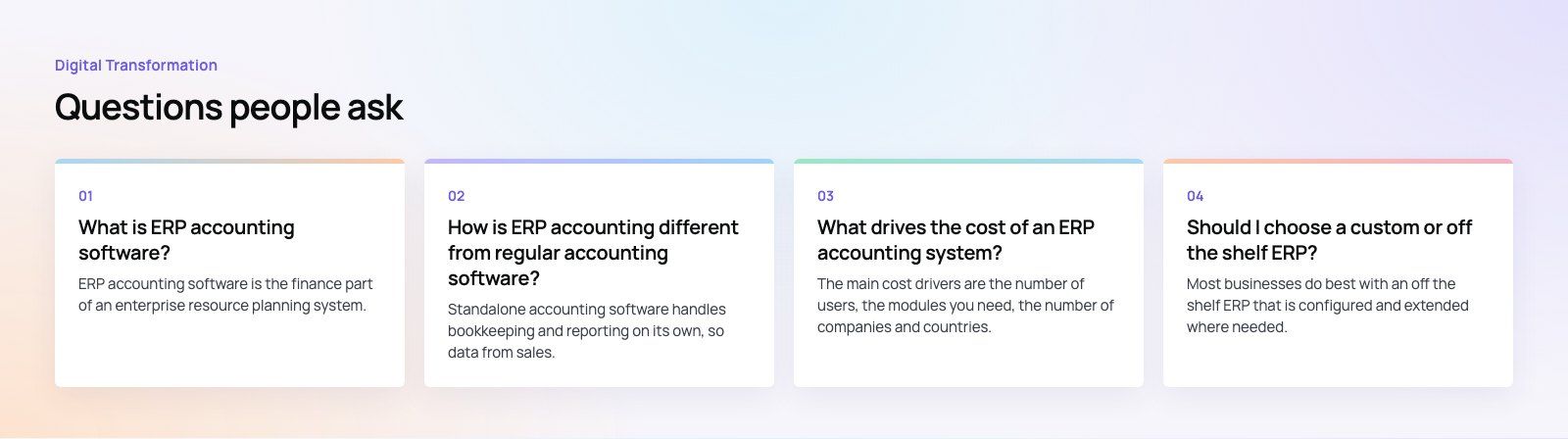
ERP accounting software is the finance part of an enterprise resource planning system.
It covers the general ledger, accounts payable and receivable, bank reconciliation, fixed assets, tax and financial reporting, and it shares one database with other modules such as sales, purchasing and inventory. Transactions from across the business post to the ledger automatically, giving finance live, consistent figures.
Digital TransformationHow Digital Transformation Is Reshaping BusinessesFive ways digital transformation is changing operations, customer experience, data, business models and work, plus the challenges and a practical roadmap. Digital TransformationStrategic Human Resource Management: Aligning HR With GoalsWhat strategic human resource management means, the components of a strategic HR model, and a six step process for aligning HR with business goals.
 Digital TransformationBest CRM for Small Businesses: 10 Options and How to ChooseTen CRM platforms that suit startups and small teams, from HubSpot and Zoho to Kommo and NetHunt, with a comparison table and a practical way to choose.
Tell us what the business needs. We will tell you what to build first.
Schedule a free consultation and get a written recommendation, with costs, before you commit to anything.
Get in touchPROVEN RESULTS
4.7 / 5verified reviews on Google