 Digital TransformationHow Digital Transformation Is Reshaping BusinessesFive ways digital transformation is changing operations, customer experience, data, business models and work, plus the challenges and a practical roadmap.
CodeeoInsightsDigital Transformation
How to Implement a Manufacturing ERP System Without Common Pitfalls
What a manufacturing ERP does, the features worth having, how implementation runs step by step, and how to avoid the mistakes that stall most projects.
A manufacturing ERP system puts inventory, production planning, purchasing, quality, sales orders and finance on one shared record, so every department works from the same numbers instead of separate spreadsheets. Implementing one well means choosing the modules your plant actually needs, cleaning your data before migration, and rolling out in phases with the people who will use it every day.
This guide covers what a manufacturing ERP does, the features worth paying for, how implementation usually runs, and the mistakes that stall most projects.
What a manufacturing ERP system actually does
Most factories start with a patchwork: an accounting package, a stock spreadsheet, a production whiteboard and email threads with suppliers. Each one is accurate for the person who maintains it and wrong for everyone else. An ERP replaces that patchwork with a single database where a sales order, the materials it needs, the work order that builds it and the invoice that bills it all point at the same records.
That shared record is the whole point. When a planner reschedules a job, purchasing sees the new material date. When a batch fails inspection, the stock level and the customer promise date both change. Nobody has to retype anything or ask another team for the latest file.
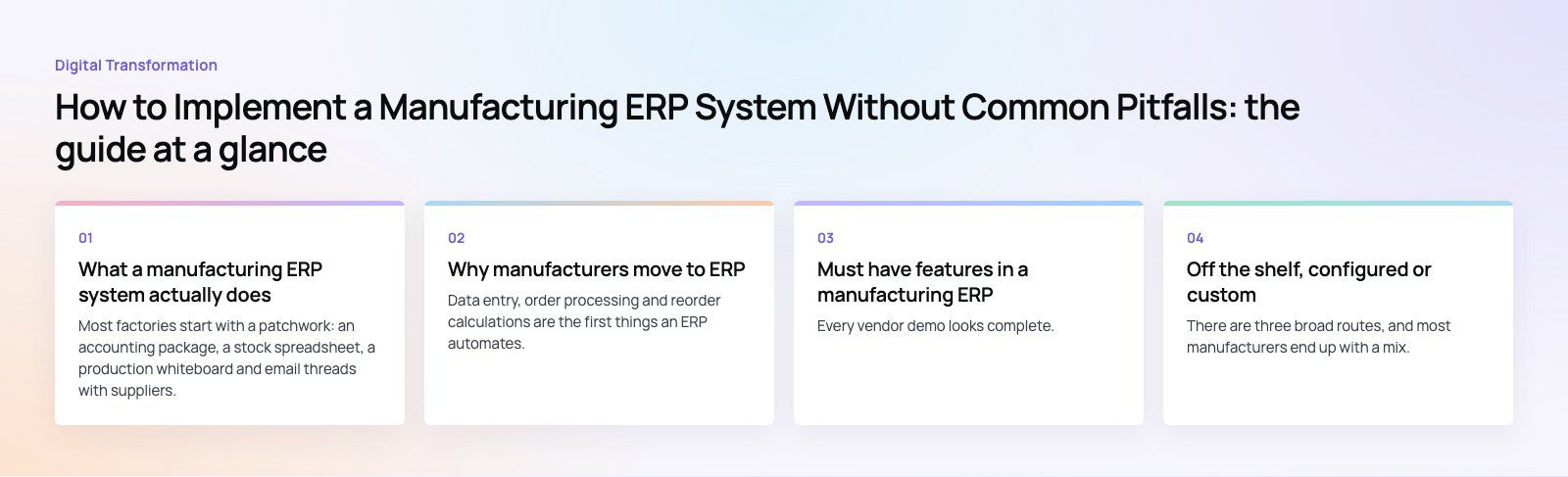
Why manufacturers move to ERP
Fewer manual steps
Data entry, order processing and reorder calculations are the first things an ERP automates. The hours saved go back into planning and problem solving rather than copying numbers between systems.
Better schedules and delivery dates
With real stock levels and machine capacity in one place, planners can build schedules that hold. Bottlenecks show up before the job starts, not when the line stops, which makes the dates you give customers more reliable.
Lower inventory waste
Accurate on hand quantities and automated reorder points reduce both shortages and surplus stock. Material requirements planning (MRP) works out what to buy and when based on open orders and bills of materials, so you stop buying on gut feel.
Cleaner data for decisions
When every transaction lands in the same system, reports reflect what actually happened. Margins by product, scrap by line and supplier lead times become questions you can answer in minutes.
Room to grow
A cloud ERP lets you add a second site, a new warehouse or remote staff without a new server project. Adding modules later is far easier than replacing a system that cannot stretch.
Must have features in a manufacturing ERP
Every vendor demo looks complete. Use this list to check whether the core manufacturing functions are real or just a menu item.
| Module | What it should do | Question to ask in the demo |
|---|---|---|
| Inventory | Track raw materials, work in progress and finished goods by location, lot or serial number | Can you show stock moving through a work order in real time? |
| Bills of materials | Hold multi level BOMs, versions and substitutes | How do engineering changes flow into open orders? |
| Production planning | Create work orders, routings and capacity plans | What happens to the schedule when a machine goes down? |
| MRP and purchasing | Suggest purchase and production orders from demand | Can planners review suggestions before they are released? |
| Quality control | Record inspections, holds, nonconformances and traceability | Can you trace a finished batch back to its supplier lots? |
| Sales orders | Run quotes, orders, delivery and invoicing tied to production | Does the promise date reflect real capacity? |
| Finance | Post costs, valuations and margins automatically | How is actual cost compared with standard cost? |
| Reporting | Dashboards and exports without a developer for every change | Can a plant manager build a report on their own? |
Two further points matter as much as any module. The interface needs to work on the shop floor, often on a tablet or a shared terminal, or operators will go back to paper. And the system needs proper integration options so it can talk to your ecommerce store, CRM, shipping carriers and machines.
Off the shelf, configured or custom
There are three broad routes, and most manufacturers end up with a mix.
- Packaged ERP such as Microsoft Dynamics 365 Business Central or Odoo covers standard manufacturing flows out of the box. Microsoft documents its manufacturing capabilities openly, as does Odoo with its manufacturing app documentation, so you can check fit before a single call.
- Configured ERP adds your own fields, workflows, approvals and reports on top of a packaged base. This is where most of the value of an implementation sits.
- Custom modules fill the gaps a package cannot, such as a specialist costing method or a shop floor app built around your process. Custom software works best as an extension of a standard core, not a replacement for it.
What drives cost is mostly scope: the number of modules and sites, how many users need licenses, how much data has to be migrated and cleaned, how many systems need integrating, and how much the standard process has to change to fit yours. The more you bend the software, the more it costs to build and to upgrade later.
How a manufacturing ERP implementation runs
- Map your current process. Walk the floor and document how an order really moves from quote to dispatch, including the workarounds.
- Define scope and success measures. Decide which modules go live first and what improvement you expect, such as fewer stock outs or faster month end.
- Choose the platform and partner. Run scripted demos using your own products and BOMs, not the vendor's sample data.
- Clean and migrate data. Item masters, BOMs, routings, open orders and opening stock all need checking before they move.
- Configure and integrate. Set up workflows, approvals, reports and connections to the systems you keep.
- Test with real scenarios. Run a full month of transactions in a test environment, including returns, scrap and rework.
- Train and go live in phases. Start with one site or one product family, stabilize, then extend.
Common implementation challenges and how to handle them
Resistance from the team
People who have run the plant on spreadsheets for years will not trust a new screen by default. Involve supervisors and key operators from the mapping stage, let them shape the workflows, and name a champion in each department who gets trained first.
Scope creep and slipping timelines
Every department will ask for its wish list. Keep a written scope with clear milestones, park nice to have requests for a second phase, and review progress weekly against the plan.
Dirty data
One issue we often see is duplicate item codes and outdated BOMs being migrated as they are. Bad data in a new system is still bad data, and it undermines trust in week one. Budget real time for cleansing and validation before migration.
Too much customization
Customizing every screen to match the old way of working makes upgrades painful. Change the process where the standard flow is reasonable, and reserve custom work for what genuinely sets your operation apart.
Training that stops at go live
Most questions surface in the first three months of real use. Plan refresher sessions, short how to guides and a clear support route so small problems do not turn into workarounds.
Can ERP support lean manufacturing?
Yes, when it is configured for it. Pull based replenishment, kanban signals, accurate cycle times and visible work in progress all depend on reliable data, which is exactly what an ERP provides. The risk is using an ERP to push large batches because the MRP suggests them. Set planning parameters to match your lean rules rather than the defaults.
Pairing the ERP with a reporting layer such as Power BI also helps teams see flow, scrap and on time delivery without exporting data by hand.
Codeeo has delivered 200+ projects across the UAE and the US, and our team configures and extends ERP platforms for manufacturers, including Microsoft Dynamics 365, Business Central and Odoo. If you are weighing up a new system, a product scoping session is a practical first step.
Frequently asked questions
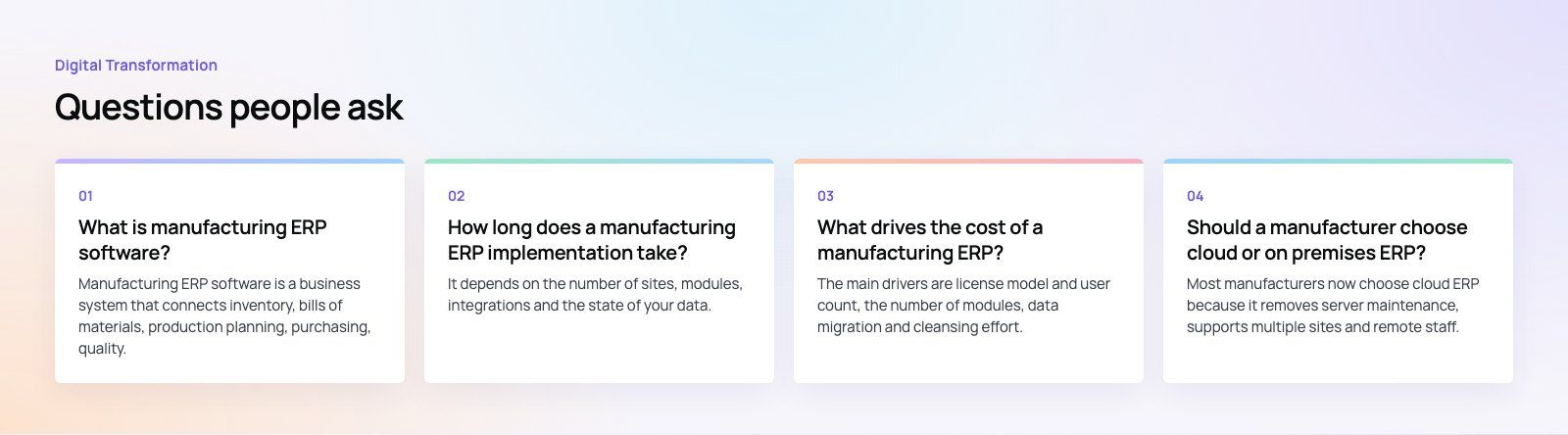
Manufacturing ERP software is a business system that connects inventory, bills of materials, production planning, purchasing, quality, sales and finance in one database.
Instead of each team keeping its own records, every transaction updates the same data, so stock levels, schedules, costs and customer dates stay consistent. It gives managers a reliable view of what is happening on the floor and in the books.
Digital TransformationHow Digital Transformation Is Reshaping BusinessesFive ways digital transformation is changing operations, customer experience, data, business models and work, plus the challenges and a practical roadmap. Digital TransformationStrategic Human Resource Management: Aligning HR With GoalsWhat strategic human resource management means, the components of a strategic HR model, and a six step process for aligning HR with business goals.
 Digital TransformationBest CRM for Small Businesses: 10 Options and How to ChooseTen CRM platforms that suit startups and small teams, from HubSpot and Zoho to Kommo and NetHunt, with a comparison table and a practical way to choose.
Tell us what the business needs. We will tell you what to build first.
Schedule a free consultation and get a written recommendation, with costs, before you commit to anything.
Get in touchPROVEN RESULTS
4.7 / 5verified reviews on Google