 E-Commerce10 Features of a High-Converting Ecommerce WebsiteThe ten features that turn store visitors into buyers, from product pages and checkout to speed, mobile design, social proof and ongoing testing.
How to Link eBay to Your Shopify Store: Setup, Apps and Fixes
Connect eBay and Shopify with a marketplace app, map categories and stock, and avoid the sync problems that cause oversells and duplicate listings.
To link eBay to a Shopify store, you install a marketplace connector app from the Shopify App Store, sign in to your eBay seller account through it, then map your products, policies and inventory so both channels share one catalog. Shopify no longer runs a built in eBay sales channel, so an app is the bridge. The setup takes an afternoon; getting the mapping right is what decides whether it runs quietly or causes oversells.
This guide covers why sellers connect the two, the steps in order, the kinds of apps available, the problems that come up most often, and how to decide if the integration is worth it for your store.
Why connect eBay and Shopify at all
Shopify is where you own the brand, the customer data and the checkout. eBay is where a large pool of buyers already searches for products, including people who would never find your store on their own. Running both separately means two catalogs, two stock counts and two order queues. Connecting them turns that into one system.
One stock count instead of two
When a unit sells on eBay, the connector lowers the quantity in Shopify, and the reverse. Without that, a popular item can sell twice before anyone notices, and on eBay a cancelled order counts against your seller performance.
Orders in one place
Most connectors pull eBay orders into the Shopify admin. Your team fulfills from one queue, prints labels from one tool and sends tracking back to eBay automatically.
A second sales channel without a second catalog
You write the product title, description and images once in Shopify, then publish to eBay with marketplace specific tweaks. New products reach both channels from the same record.
A cleaner view of what sells where
With orders flowing into one place, you can see which products move on the marketplace and which sell better on your own site, and price or promote accordingly.
How to link eBay to your Shopify store, step by step
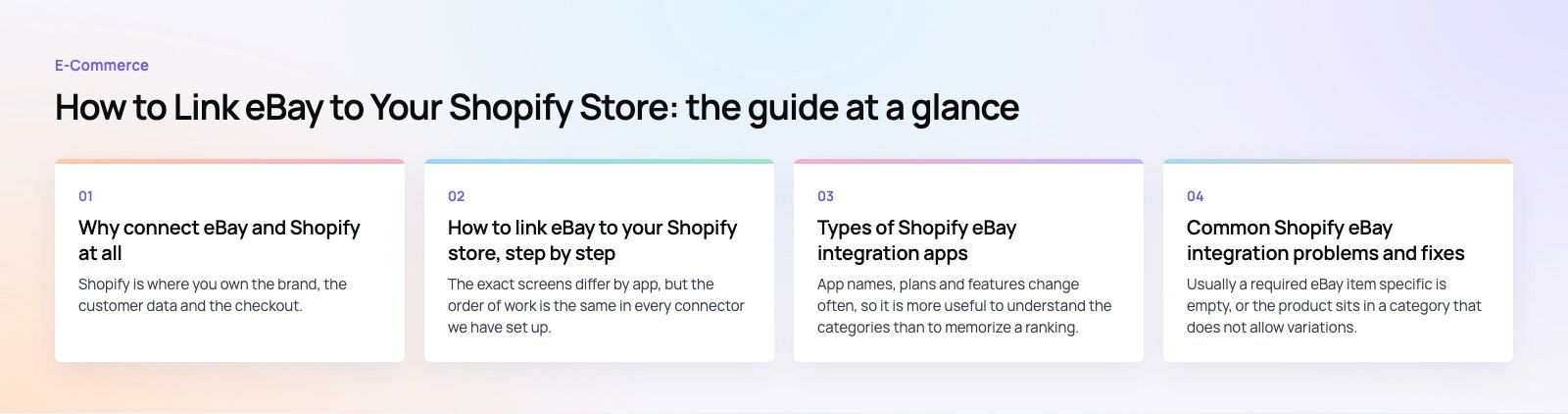
The exact screens differ by app, but the order of work is the same in every connector we have set up.
1. Prepare both accounts first
Make sure your eBay seller account is in good standing and has business policies switched on for payment, shipping and returns. In Shopify, clean up the catalog before you connect anything: consistent variant names, a SKU on every variant, real product weights and good images. A connector copies whatever it finds, including mistakes.
2. Choose and install a connector app
Search the Shopify App Store for eBay integrations and compare a short list against the criteria in the table further down. Shopify's own option is Marketplace Connect, formerly Codisto, which covers eBay alongside Amazon, Walmart and Target Plus. Read recent reviews, not just the overall rating, because sync quality changes with app updates.
3. Authorize your eBay account
Inside the app, choose to connect eBay. You are sent to eBay to sign in and approve access. Pick the right eBay site for your market, since listings, categories and policies differ between eBay regions.
4. Decide the direction of the first import
If your catalog lives in Shopify, publish from Shopify to eBay. If you started on eBay and are building a Shopify store, most apps can import eBay listings into Shopify, including images, descriptions and item specifics. Choose one source of truth and stick to it. Importing in both directions at once is the most common cause of duplicate products.
5. Map categories, item specifics and variants
eBay requires a leaf category and often a set of item specifics such as brand, size, color or part number. Shopify does not enforce these, so the connector asks you to map product types or tags to eBay categories and fill the required specifics. Variants need the same attention: eBay supports multi variation listings, but not in every category, and the option names must line up.
6. Set pricing, shipping and policy rules
Most apps let you apply a rule to marketplace prices, for example a percentage uplift to cover eBay's selling fees, without touching your Shopify price. Assign your eBay business policies to the listings, and confirm that shipping services and handling times match what your warehouse can actually do.
7. Turn on syncing and test with a few products
Publish a small batch first. Place a test order on eBay, check it lands in Shopify, fulfill it and confirm tracking reaches eBay. Then change stock on one item in Shopify and watch eBay update. Only after that should you publish the full catalog.
Types of Shopify eBay integration apps
App names, plans and features change often, so it is more useful to understand the categories than to memorize a ranking. Check the current App Store listing for any tool before committing.
| Type of app | Best for | Watch out for |
|---|---|---|
| Shopify's own Marketplace Connect | Smaller sellers who want eBay and other marketplaces inside the Shopify admin | Read recent reviews on eBay sync reliability before relying on it for high volume |
| Dedicated eBay listing tools | Sellers who list heavily on eBay and need fine control over item specifics and templates | May be eBay only, so you add another app if you expand to Amazon later |
| Multichannel listing and inventory platforms such as SellerChamp or StoreFeeder | Growing sellers on several marketplaces who want one inventory engine | More setup, and the platform rather than Shopify becomes the hub |
| Enterprise commerce platforms such as Rithum (formerly ChannelAdvisor) | Large catalogs, many channels and teams that need advanced reporting | Implementation effort and a learning curve; overkill for a small store |
| Custom integration through the eBay and Shopify APIs | Unusual catalogs, warehouse systems or ERP led stock | You own the maintenance when either API changes |
How to choose between them
- Sync speed: ask how often inventory updates. Near real time matters if you sell fast moving stock in small quantities.
- Variant and category support: test your most complicated product, not your simplest one.
- Order handling: confirm eBay orders arrive in Shopify with the buyer's details, taxes and shipping method intact.
- Other channels: if Amazon or Walmart is on your plan, pick a tool that covers them now.
- Support: marketplace sync breaks at awkward moments. Check how the vendor handles tickets.
- Cost model: some apps charge per order, some per listing, some a flat plan. Model it against your real order volume.
Common Shopify eBay integration problems and fixes
Products will not publish or fields are missing
Usually a required eBay item specific is empty, or the product sits in a category that does not allow variations. Read the error in the app, fill the missing specific, or split the variants into separate listings. Missing SKUs also block matching, so check those first.
Stock is out of step and items oversell
Confirm inventory sync is switched on in the app and that Shopify is tracking quantity for every variant. If you also sell in a physical shop or through another app, make sure only one tool writes stock to eBay. A small buffer, listing slightly fewer units on eBay than you hold, protects you during sync delays.
Orders are missing or fulfilled twice
Check the order import settings and the fulfillment location the app assigns. If you use a third party logistics provider, decide whether eBay orders route through Shopify or straight to the warehouse, not both.
Prices do not match
Look for a marketplace price rule that overrides your Shopify price, or a currency conversion if you sell on a different eBay site. Set the rule once at app level instead of editing listings by hand.
Listings end or go inactive
Review the listing duration settings and eBay's current policies for your category. Some categories restrict certain products or require extra information, and eBay can end listings that break those rules.
Who should integrate Shopify and eBay
The integration suits three kinds of seller in particular.
- Small and mid sized brands that want more reach without hiring someone to retype listings and reconcile stock.
- Sellers who started on eBay and now want a branded site, keeping their marketplace sales while they grow direct traffic.
- Stores with wide or long tail catalogs, such as parts, collectibles or refurbished goods, where marketplace search brings buyers who are looking for an exact item.
It is a weaker fit if your margins cannot absorb marketplace fees, if your products are restricted on eBay, or if the brand depends on a controlled presentation that a marketplace listing cannot give. In those cases, spend the effort on your own store first.
Mistakes we often see
- Connecting before cleaning the catalog, then fixing hundreds of listings one at a time.
- Letting two apps write inventory to eBay at once.
- Forgetting that eBay returns and handling times are promises with consequences for your seller rating.
- Skipping the test order and discovering the order mapping problem with a real customer.
- Pricing eBay listings the same as Shopify and losing money once fees are counted.
If you would rather have the catalog, mapping and sync handled properly from the start, our Shopify developers set up marketplace connections, clean product data and build payment and fulfillment flows that hold up at volume. You can see a multi market Shopify build in the EGO Sustainable case study, read more about our retail and ecommerce work, or start with a platform fit review if you are unsure Shopify is the right hub. Codeeo has delivered 200+ projects across the UAE and the US.
Frequently asked questions
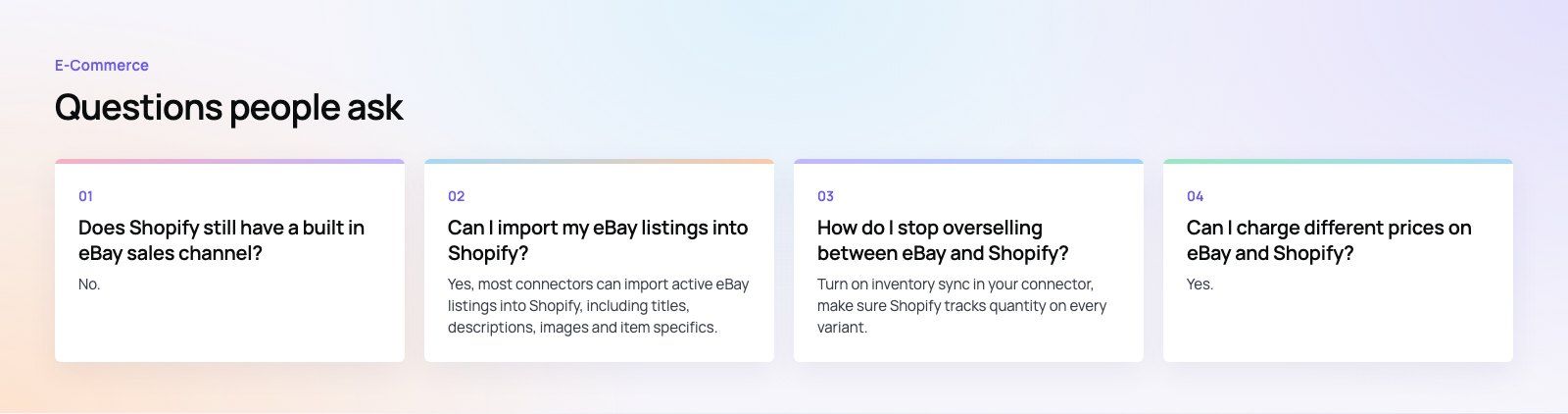
No.
Shopify retired its original eBay sales channel, so you now connect the two with an app from the Shopify App Store. Shopify's own Marketplace Connect app supports eBay along with other marketplaces, and there are third party listing and multichannel tools as well. Pick one based on your catalog size, how fast your stock moves and which other marketplaces you plan to sell on.
E-Commerce10 Features of a High-Converting Ecommerce WebsiteThe ten features that turn store visitors into buyers, from product pages and checkout to speed, mobile design, social proof and ongoing testing. E-CommerceBenefits of Using a CMS for Ecommerce WebsitesHow a CMS helps online stores manage products, SEO, growth and security, how it compares with a custom build, and how to choose between WooCommerce, Shopify and headless.
 E-CommerceEcommerce Website Development: 9 Elements Every Store NeedsThe nine parts every online store needs, from catalog data and search to checkout, security, operations and analytics, with what to decide before you build.
Tell us what the business needs. We will tell you what to build first.
Schedule a free consultation and get a written recommendation, with costs, before you commit to anything.
Get in touchPROVEN RESULTS
4.7 / 5verified reviews on Google