 E-Commerce10 Features of a High-Converting Ecommerce WebsiteThe ten features that turn store visitors into buyers, from product pages and checkout to speed, mobile design, social proof and ongoing testing.
How to Transfer a Domain from Wix to Shopify
Move your domain from Wix to Shopify without downtime: connect first, get the EPP code, start the transfer, then rebuild email and DNS records.
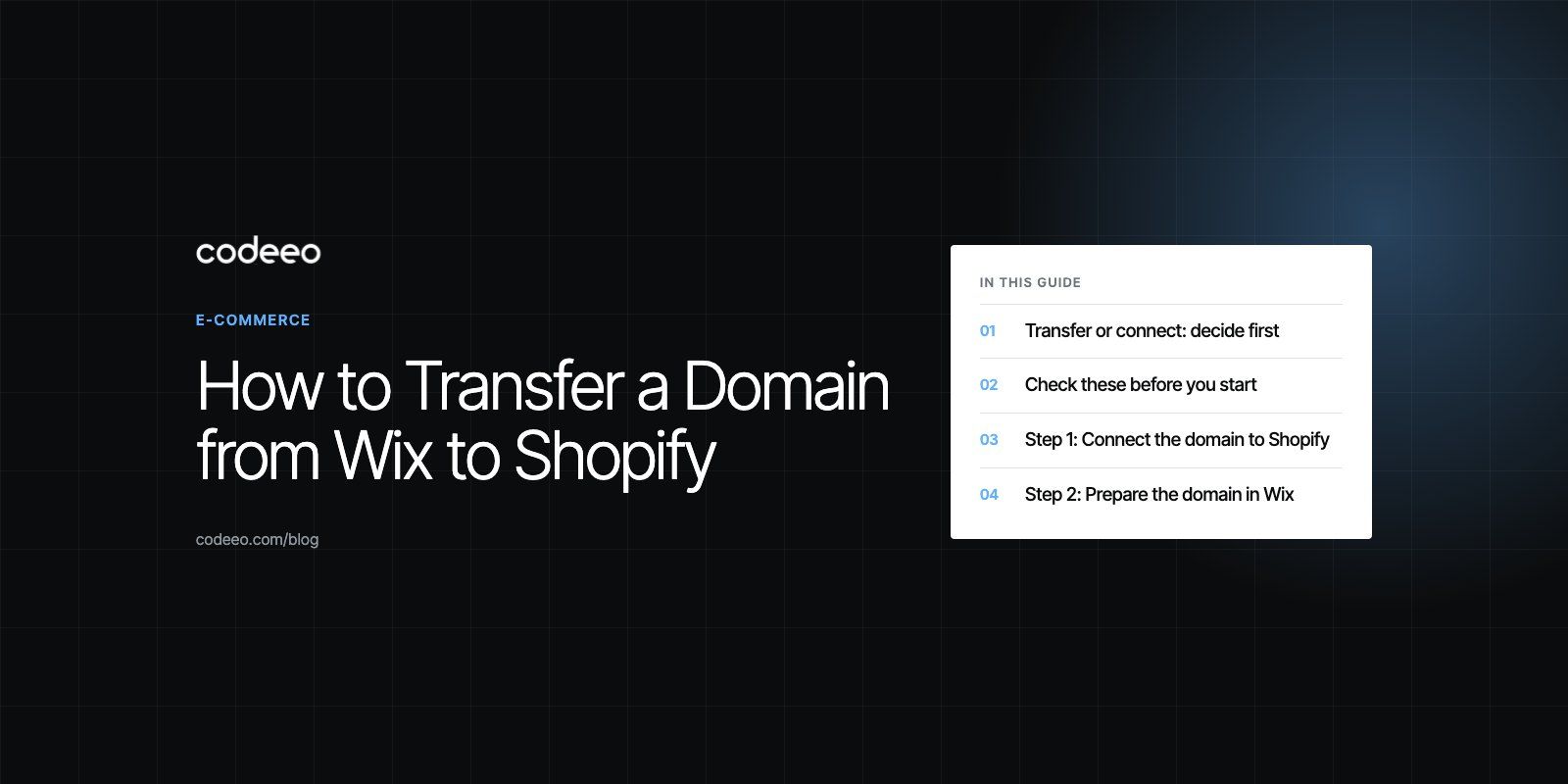
To transfer a domain from Wix to Shopify, first connect the domain to your Shopify store so it keeps working, then release the transfer lock in Wix, turn off private registration and request the authorization (EPP) code. Next, in Shopify go to Settings, then Domains, start a transfer, paste the code and approve the charge, and finally confirm the transfer from the email sent to the domain's contact address. Most transfers finish within a few days, but Shopify allows up to 20 days.
This guide walks through each step, explains the 60 day rule and email records that trip people up, and covers what to check once the domain has moved.
Transfer or connect: decide first
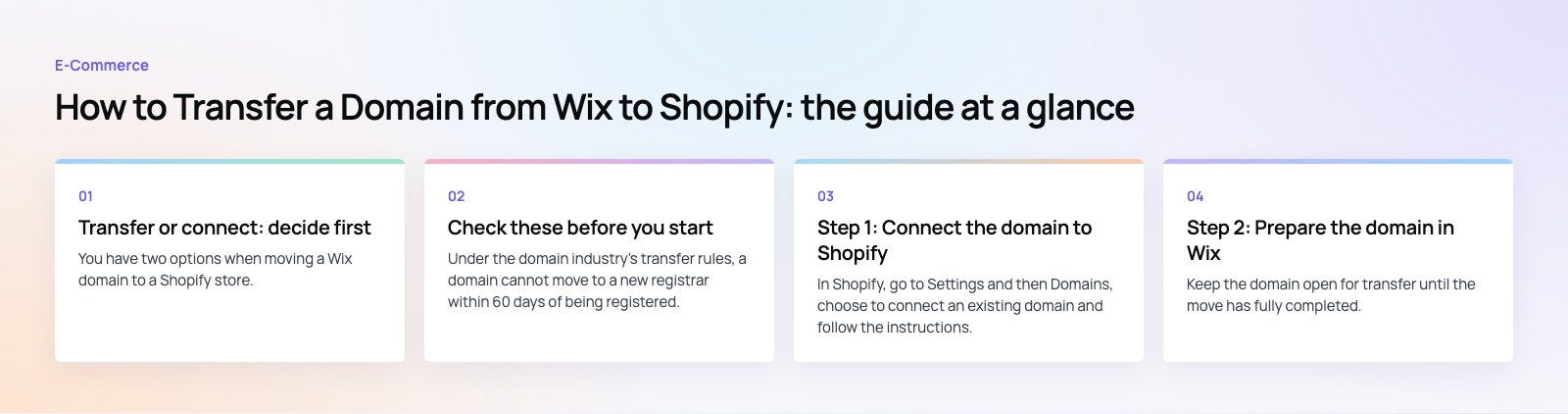
You have two options when moving a Wix domain to a Shopify store.
| Connect the domain | Transfer the domain | |
|---|---|---|
| Where the domain is registered | Stays with Wix | Moves to Shopify |
| Where you renew it | In Wix | In Shopify |
| Where DNS is managed | In Wix | In Shopify |
| Time to go live | Usually hours, up to 48 hours for DNS | Up to 20 days for the transfer itself |
| Best for | Quick launches, or domain endings Shopify cannot hold | Keeping store and domain billing in one place |
Many store owners connect first and transfer later. In fact, Shopify's transfer guide recommends connecting the domain before you transfer it, so visitors never hit an error while the registration moves.
Check these before you start
The 60 day rule
Under the domain industry's transfer rules, a domain cannot move to a new registrar within 60 days of being registered, transferred or having its registrant contact details changed. If you bought the domain recently or edited the owner details, wait until that period ends. Wix cannot override this lock, and its guide to transferring a domain away from Wix explains the same requirement.
Your domain ending
Shopify cannot take transfers for some country endings, including .co.uk, .de, .jp and several others listed in its help center. Those domains can still be connected to a Shopify store. A .uk domain moves by changing its IPS tag rather than using an EPP code.
A safe contact email
The transfer approval and the authorization code go to the domain's registrant email. Make sure it is an address you can read and that it is not on the domain you are moving, because mail on that domain may stop working during the transfer.
Your DNS records
Write down or export every DNS record in Wix, especially MX records for email and TXT records used for email security or site verification. Shopify does not copy custom records across.
Step 1: Connect the domain to Shopify
In Shopify, go to Settings and then Domains, choose to connect an existing domain and follow the instructions. Shopify gives you the A record and CNAME values to set in Wix's DNS settings. DNS changes usually take effect within 48 hours. Once your store loads on the domain, move on.
Step 2: Prepare the domain in Wix
- Log in to Wix and open the Domains page.
- Turn off private registration for the domain. Wix recommends this before a transfer so the request can reach you.
- Release the transfer lock so the domain is free to move.
- Open the Domain Actions menu beside the domain and choose the option to transfer it away from Wix.
- Confirm. Wix emails the authorization code, also called an EPP code, to the registrant contact address.
Keep the domain open for transfer until the move has fully completed. Locking it again too early can make the transfer fail.
Step 3: Start the transfer in Shopify
- In Shopify admin, go to Settings and then Domains.
- Click Transfer domain. If no other domain is connected, choose Connect existing first and then the option to transfer it to Shopify.
- Enter the domain without "www" and click Next.
- Paste the code into the Authorization code field and click Verify domain.
- Choose whether to auto renew, check the contact details, read the agreements and approve the charge.
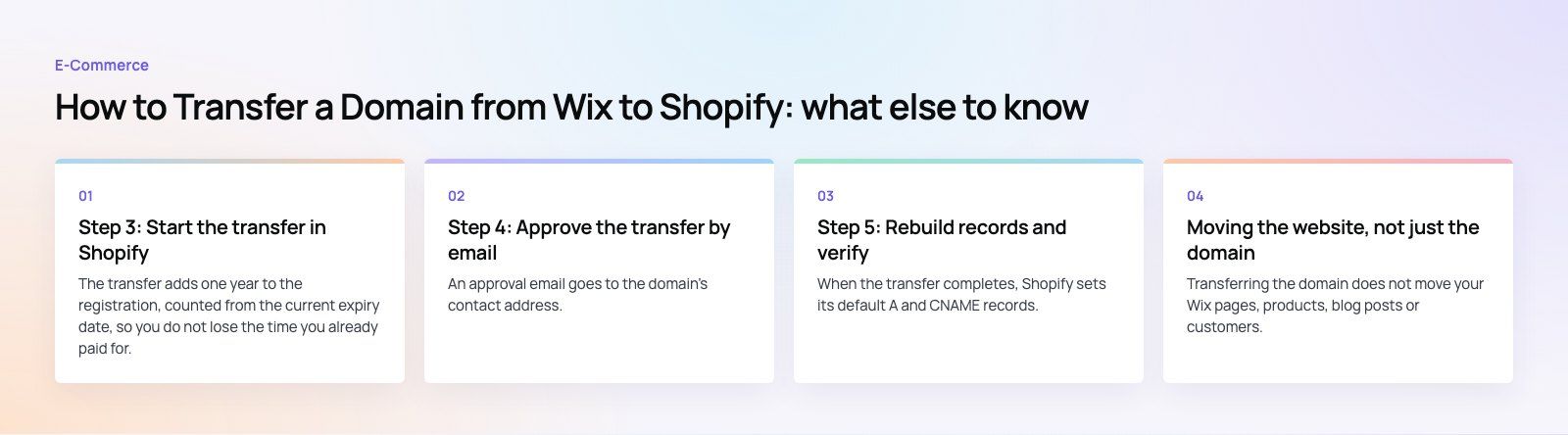
The transfer adds one year to the registration, counted from the current expiry date, so you do not lose the time you already paid for. If the transfer fails, Shopify refunds that renewal.
Step 4: Approve the transfer by email
An approval email goes to the domain's contact address. Follow its instructions, because the transfer will not process without it. Check spam and junk folders if it does not arrive.
Step 5: Rebuild records and verify
When the transfer completes, Shopify sets its default A and CNAME records. Other records do not come across, so add your MX and TXT records again in the Domains section. Then check:
- The store loads on both the bare domain and the www version.
- The correct domain is set as primary in Shopify.
- Email sends and receives normally.
- SSL shows as active for the domain.
Shopify offers email forwarding, but it does not host mailboxes. If you had mailboxes through Wix, keep them running with the same email provider by re-adding its MX records, or move them to a new provider before you switch.
Moving the website, not just the domain
Transferring the domain does not move your Wix pages, products, blog posts or customers. If you are switching platforms entirely, plan the site move too.
Content and products
Export what Wix allows, such as products and contacts, and rebuild pages in Shopify. Check product images, variants and descriptions after import.
Redirects
Wix and Shopify use different URL patterns. Map every important old URL to its new address and add the redirects in Shopify's URL redirect settings. Without them, links from search results, ads and other sites break.
Search visibility
Rankings can wobble for a few weeks after a platform change. Clean redirects, matching page titles and an updated sitemap submitted in Google Search Console keep that dip short.
Timing
Schedule the switch for a quiet trading period and avoid launch days and sales. Connecting before transferring keeps actual downtime close to zero.
Troubleshooting
- Code rejected. Copy it again without spaces, or request a fresh code from Wix.
- Transfer refused. The domain may still be locked or inside the 60 day period.
- No approval email. Check the registrant address in Wix and your spam folder.
- Email stopped after the move. Re-add the MX records from your email provider in Shopify.
- Still pending after 20 days. Contact Shopify Support with the domain name and transfer date.
Codeeo has delivered more than 200 projects across the UAE and the US, including Shopify stores like the EGO Sustainable build. If you are moving from Wix to Shopify and want the domain, content, redirects and search setup handled together, see our site migration service and Shopify development, or start with a technical SEO review before the switch.
Frequently asked questions
Most transfers complete within a few days.
Shopify says a transfer can take up to 20 days, and the maximum depends on the domain ending; for a .com it is five days. After it completes, DNS changes can take up to 48 hours to spread. Connecting the domain to Shopify first keeps your store online during the whole process.
E-Commerce10 Features of a High-Converting Ecommerce WebsiteThe ten features that turn store visitors into buyers, from product pages and checkout to speed, mobile design, social proof and ongoing testing. E-CommerceBenefits of Using a CMS for Ecommerce WebsitesHow a CMS helps online stores manage products, SEO, growth and security, how it compares with a custom build, and how to choose between WooCommerce, Shopify and headless.
 E-CommerceEcommerce Website Development: 9 Elements Every Store NeedsThe nine parts every online store needs, from catalog data and search to checkout, security, operations and analytics, with what to decide before you build.
Tell us what the business needs. We will tell you what to build first.
Schedule a free consultation and get a written recommendation, with costs, before you commit to anything.
Get in touchPROVEN RESULTS
4.7 / 5verified reviews on Google