 App DevelopmentCross Platform App Development: How It Saves Time and MoneyHow shared code across iOS and Android cuts build and maintenance effort, which frameworks to consider in 2026, and when native development is still the better call.
How to Turn Your Code Into an App: 8 Steps From Prototype to Launch
Eight practical steps to turn working code into an app people can install: planning, stack choice, testing, design, store release and monetization.
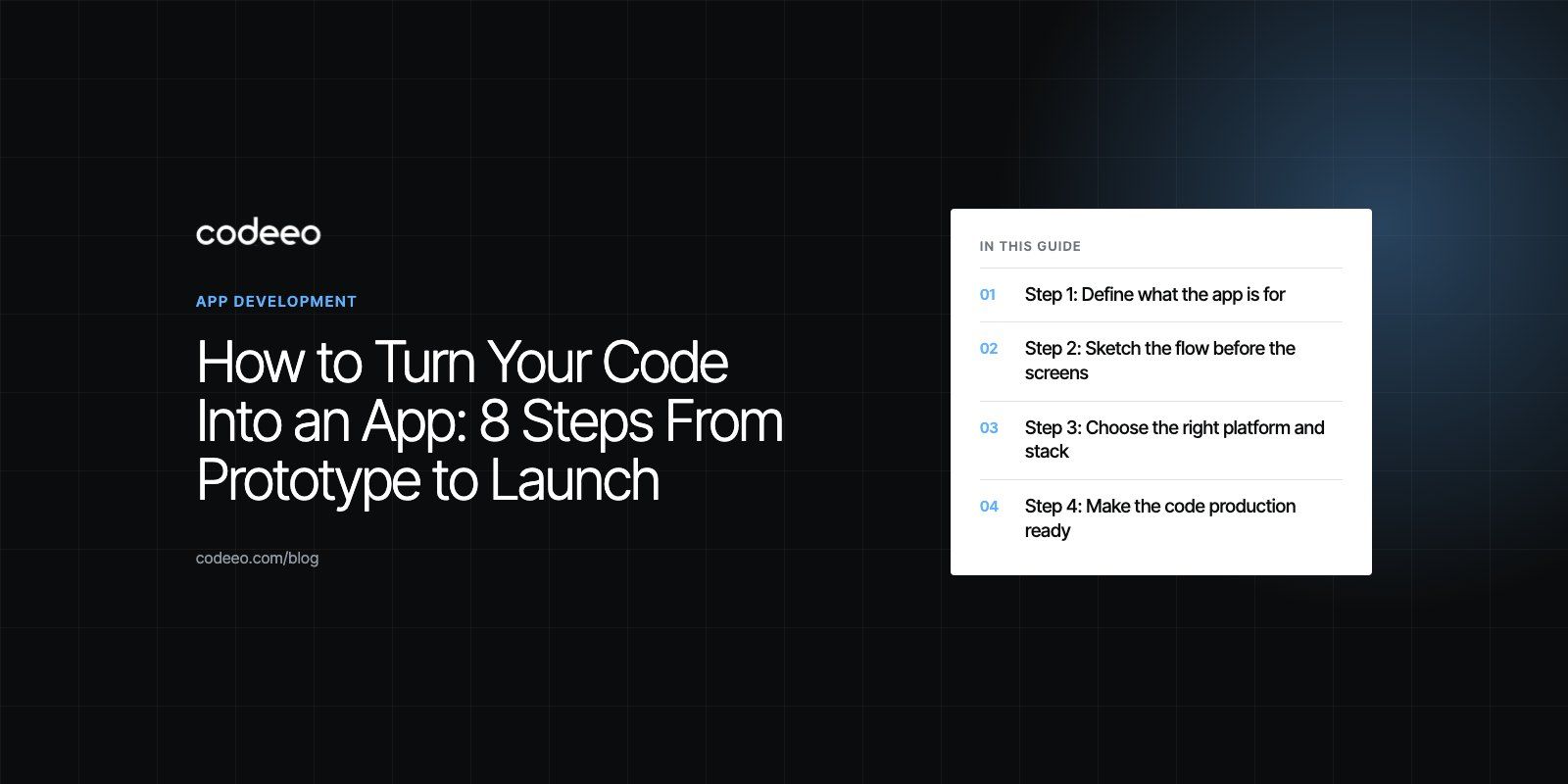
To turn code into a working app, you need to wrap it in a clear plan, a usable interface, automated tests and a release process, then publish it through an app store or the web and keep improving it from real usage. Code that runs on your laptop is a starting point, not a product. The steps below take you from a working prototype to an app people can install, trust and pay for.
Step 1: Define what the app is for
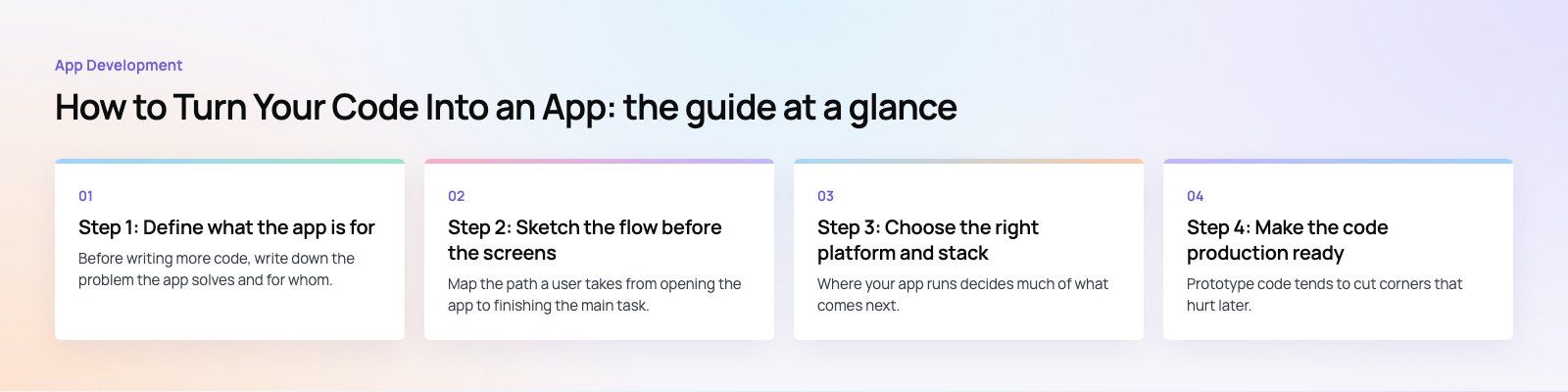
Before writing more code, write down the problem the app solves and for whom. A one page brief is enough. It should answer:
- Who is the main user, and what are they trying to get done?
- What is the single most important task the app must handle well?
- What will you deliberately leave out of the first release?
- How will you know it is working: sign ups, completed tasks, revenue, retention?
This brief protects you from the most common failure, which is an app that does many things adequately and nothing well. Look at competing apps and their reviews too. Complaints in competitors' reviews are a free list of features people want done better.
Step 2: Sketch the flow before the screens
Map the path a user takes from opening the app to finishing the main task. Then turn that path into low fidelity wireframes, either on paper or in a tool such as Figma. Clickable prototypes let you put the flow in front of five or six target users and watch where they hesitate. Fixing a confusing step at this stage takes minutes; fixing it after launch takes a release cycle.
If your code already exists, this step often reveals that the logic is fine but the order of screens is not. That is normal and much cheaper to fix now. A product scoping session is a structured way to do this with outside eyes.
Step 3: Choose the right platform and stack
Where your app runs decides much of what comes next.
| Option | Typical languages | Good fit when | Trade off |
|---|---|---|---|
| Native Android | Kotlin | Your audience is mostly on Android, or you need deep hardware access | Separate codebase for iOS |
| Native iOS | Swift | Your audience is mostly on iPhone, or you need the newest Apple features | Separate codebase for Android |
| Cross-platform | Dart with Flutter, TypeScript with React Native | You need both platforms quickly from one team | Extra layer for unusual native features |
| Web app or PWA | TypeScript with React or similar | Users work on desktops, or install friction must be low | Fewer device features, no store discovery |
If your existing code is a script or backend logic, it usually becomes an API that the app calls rather than living inside the app itself. That separation makes it easier to support web and mobile from the same core. Teams building that kind of backend often start with custom software and add the app layer on top.
Step 4: Make the code production ready
Prototype code tends to cut corners that hurt later. Before you build more features, tidy the foundation.
Structure and readability
Organize code by feature, use clear names, and keep functions small enough to understand at a glance. Follow the conventions of your language and framework so new developers can find their way. A linter and formatter in the build pipeline settle style debates automatically.
Configuration and secrets
Move API keys, database credentials and environment settings out of the code and into secure configuration. Never ship secrets inside a mobile app bundle, because app packages can be unpacked.
Error handling and logging
Decide what the user sees when the network drops or a server returns an error. Add crash reporting, such as Firebase Crashlytics or Sentry, so you hear about failures from data rather than from one star reviews.
Testing
Write unit tests for business rules, integration tests for the API and a small set of automated UI tests that walk through the main user flow. Then run everything automatically on every change with a continuous integration service. Testing on real devices still matters: start with the phones your audience uses most, then cover older and lower powered models.
Step 5: Design an interface people understand
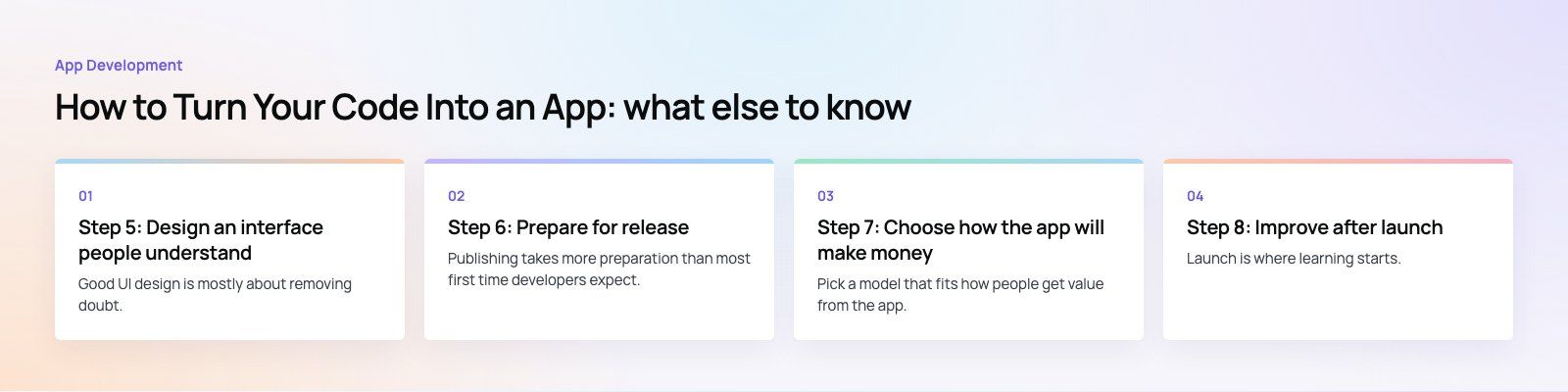
Good UI design is mostly about removing doubt. Use consistent labels, keep one primary action per screen, and follow platform conventions so the app feels familiar. Android and iOS users expect different navigation patterns, and ignoring them makes an app feel foreign.
Then test with real users. Give them a task, watch silently, and note where they pause or tap the wrong thing. Not every comment needs acting on; look for problems that several people hit. Accessibility belongs here too: readable text sizes, enough contrast, labels for screen readers and touch targets that are easy to hit. If design is not your strength, our design team works on exactly this stage.
Step 6: Prepare for release
Publishing takes more preparation than most first time developers expect.
- Developer accounts. Register with the Google Play Console and the Apple Developer Program. Other stores, such as Huawei AppGallery, matter in some markets.
- Policy review. Read the App Store Review Guidelines and the Google Play Developer Policy Center before you submit. Rules on payments, privacy and user generated content cause most rejections.
- Privacy details. Write a privacy policy and complete the data disclosure forms both stores require. Make sure they match what your code and third party SDKs actually collect.
- Store listing. Prepare a clear name, description, screenshots for each required device size and, ideally, a short preview video.
- Beta testing. Use TestFlight and Play internal or closed testing to catch problems with a small group before the public sees them.
- Staged rollout. Release to a percentage of users first, watch crash and review data, then expand.
Step 7: Choose how the app will make money
Pick a model that fits how people get value from the app.
- Subscriptions: suit apps used regularly that keep adding value, such as productivity, fitness or content apps.
- Freemium: a useful free version with paid features for heavier users. The free tier must be good enough to keep people.
- In-app purchases: one off upgrades, credits or digital goods, common in games and creative tools.
- Advertising: works for apps with large audiences and frequent use, at the cost of some user experience.
- Paid apps or transaction fees: marketplaces and booking apps often earn from each transaction rather than from users directly.
Check store rules before you choose. Apple and Google both have specific requirements for selling digital goods inside apps, and they change from time to time.
Step 8: Improve after launch
Launch is where learning starts. Track a small set of numbers, such as activation, retention after a week and a month, crash free sessions and conversion to paid. Read reviews weekly and reply to them. Ship small updates often rather than large ones rarely, and keep the libraries and SDKs you depend on current so store requirements do not force a rushed update.
Mistakes that stall apps
- Building every feature before anyone has used the core one.
- Skipping analytics, so nobody knows which screens lose people.
- Testing only on the developer's own phone.
- Leaving store policy and privacy work until the week of launch.
- Treating version one as finished rather than as the first of many releases.
Codeeo's team of 80+ across Dubai, Riyadh and Karachi has delivered 200+ projects across the UAE and the US, including apps such as Teachers Lunch, a food ordering platform with customer and rider apps. If you have code and want it turned into a product, see how our mobile app development team works.
Frequently asked questions
The main stages are defining the purpose and users, mapping the flow and wireframes, choosing the platform and stack, making the code production ready with tests, designing the interface, preparing the store release and deciding how the app earns money. After launch comes continuous improvement based on analytics, reviews and crash data. Skipping early stages usually means repeating work later.
App DevelopmentCross Platform App Development: How It Saves Time and MoneyHow shared code across iOS and Android cuts build and maintenance effort, which frameworks to consider in 2026, and when native development is still the better call. App DevelopmentHow to Plan an App Development Project From Start to FinishA step by step plan for an app project: define users and goals, scope an MVP, choose platforms, design, build the team, phase the timeline, test and launch.
 App DevelopmentMust Have Features of an HR Management AppThe features an HR management app needs, from onboarding and self service to payroll, performance and analytics, plus when to buy or build.
Tell us what the business needs. We will tell you what to build first.
Schedule a free consultation and get a written recommendation, with costs, before you commit to anything.
Get in touchPROVEN RESULTS
4.7 / 5verified reviews on Google