 E-Commerce10 Features of a High-Converting Ecommerce WebsiteThe ten features that turn store visitors into buyers, from product pages and checkout to speed, mobile design, social proof and ongoing testing.
How to Import Products from AliExpress to Shopify
Three ways to import AliExpress products to Shopify: a dropshipping app, manual entry or CSV upload, plus how to pick products and the mistakes to avoid.
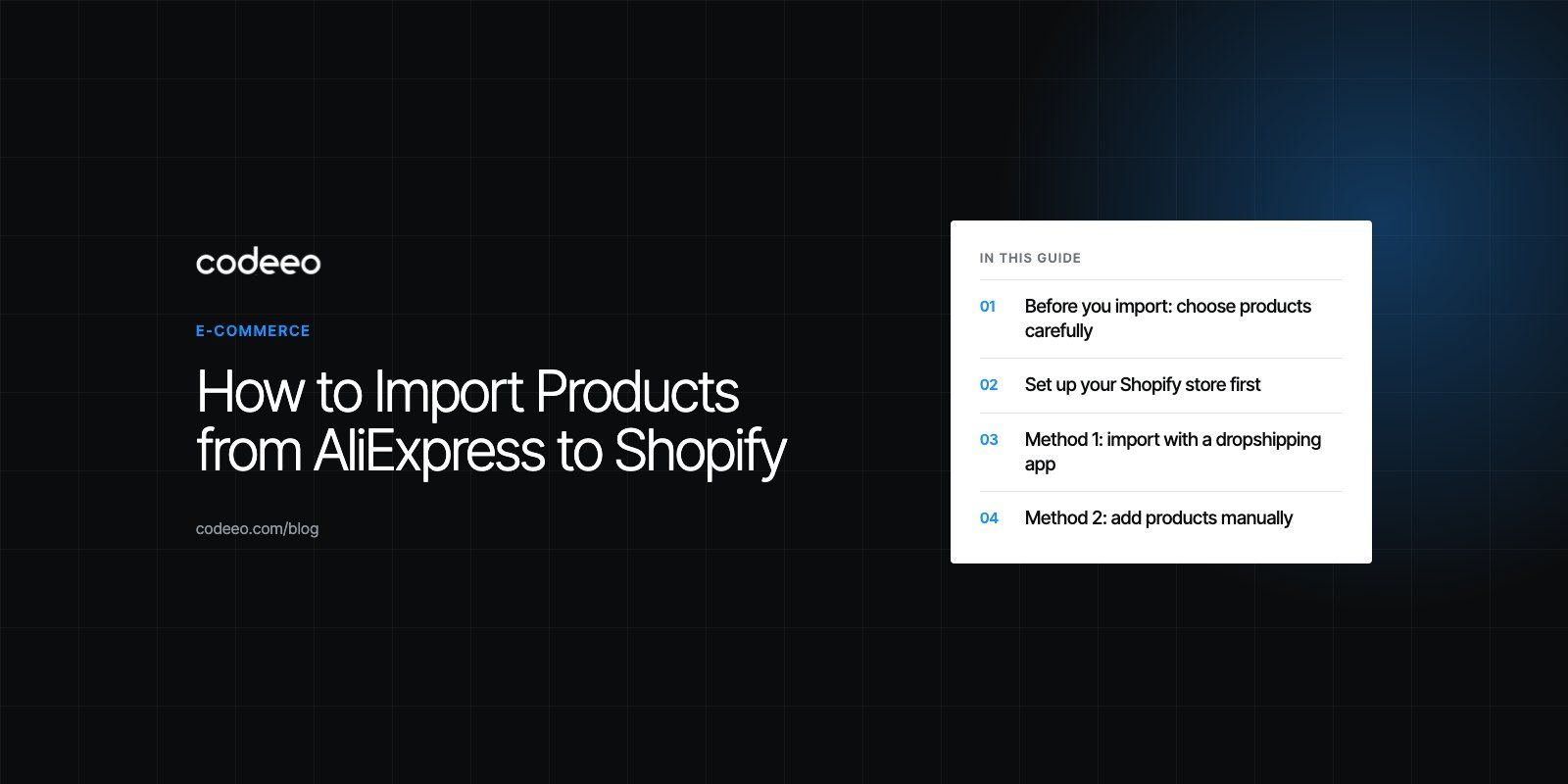
The easiest way to import products from AliExpress to Shopify is to install a dropshipping app such as DSers from the Shopify App Store, connect it to your AliExpress account, add products to the app's import list and push them to your store. You can also add products by hand in the Shopify admin, or bulk upload them with Shopify's product CSV file. Whichever method you choose, rewrite the titles, descriptions, images and prices before you publish.
This guide walks through choosing products, preparing your store, and each import method step by step, along with the mistakes that most often cost new dropshipping stores their first customers.
Before you import: choose products carefully
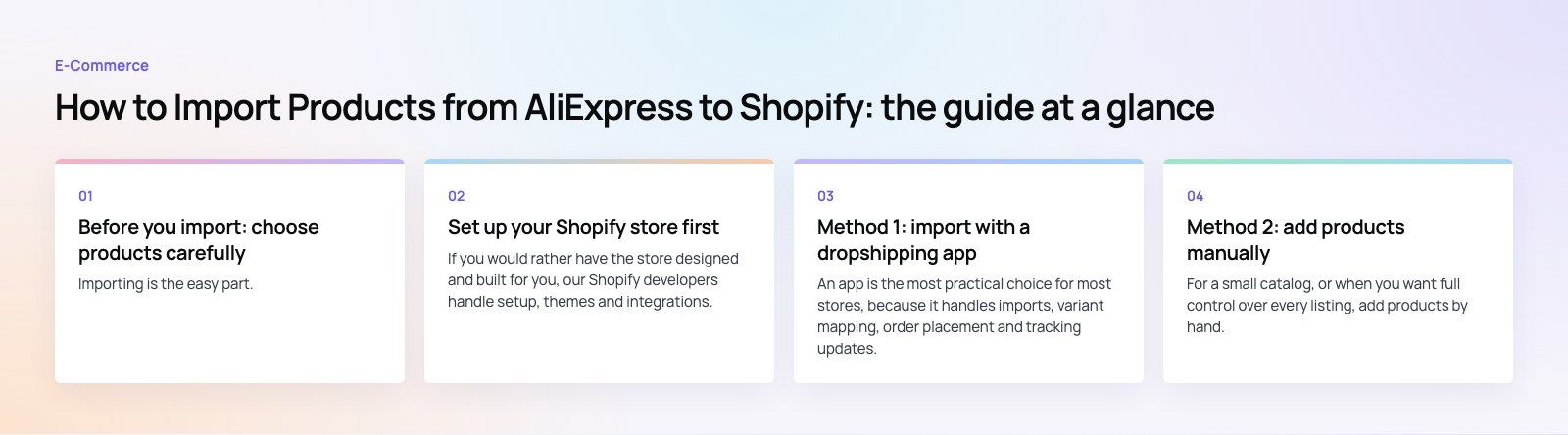
Importing is the easy part. Picking products people want, from suppliers who deliver, is what decides whether the store works.
Demand and competition
Look for products with steady interest rather than short spikes. Google Trends, marketplace bestseller lists and social media searches show what people are buying. Then check how many stores already sell the same item, and whether you can stand out on niche, bundle, content or service.
Supplier quality
On AliExpress, review the store's rating, how long it has been trading, recent buyer reviews with photos, and stated shipping times to your customers' countries. Order samples of anything you plan to promote heavily, so you see exactly what your customers will receive.
Margins after every cost
Your price must cover the product, shipping, payment processing fees, app subscriptions, advertising, returns and refunds. Work out the margin per order on a spreadsheet before importing, not after the first sales come in.
Rights and rules
Avoid branded, trademarked or counterfeit goods, and check that products meet the safety and labeling rules where your customers live. Supplier photos may also carry usage restrictions, so original photography is safer for your best sellers.
Set up your Shopify store first
- Create your Shopify account and choose a plan that fits your stage. You can change plans later.
- Pick and customize a theme. Add your logo, colors and fonts, and keep product pages clean and fast on mobile.
- Add the essential pages: About, Contact, Shipping, Returns and Refunds, Privacy and Terms. Be honest about delivery times.
- Set up payments and test a full order, including a refund.
- Configure shipping zones and rates that match what your suppliers can actually deliver.
- Install analytics and tracking so you can see which products and ads drive sales.
If you would rather have the store designed and built for you, our Shopify developers handle setup, themes and integrations.
Method 1: import with a dropshipping app
An app is the most practical choice for most stores, because it handles imports, variant mapping, order placement and tracking updates. DSers on the Shopify App Store is one widely used option built for AliExpress; others exist, so compare features and plan limits before installing.
1. Install and connect the app
Install the app from the Shopify App Store and approve the permissions it requests. Then link your AliExpress account inside the app so it can place orders on your behalf.
2. Find products
Browse AliExpress as usual, or search inside the app. Most apps provide a browser extension that adds an import button to AliExpress product pages.
3. Add products to the import list
Click import on the product, or paste the AliExpress product link into the app. The product lands in the app's import list, not yet on your store.
4. Edit before pushing
In the import list, rewrite the title, clean up the description, remove irrelevant images, rename variants into clear options such as size and color, and set pricing rules. Many apps let you apply a pricing formula across all imported products.
5. Push to Shopify
Send the product to your store. It usually arrives as a draft or hidden product, so you can review it in the Shopify admin first.
6. Review and publish
Check the product page on mobile and desktop, confirm the variants and prices, add it to the right collections, then publish.
7. Set up fulfillment
Map each Shopify variant to the correct AliExpress variant and supplier, so orders are placed for the right item. Turn on tracking sync so customers receive shipping updates automatically.
Method 2: add products manually
For a small catalog, or when you want full control over every listing, add products by hand.
- Open the product on AliExpress and note the details, variants and supplier link.
- In the Shopify admin, go to Products and click Add product.
- Write an original title and description that focus on benefits and answer common questions.
- Upload images you are allowed to use, ideally your own photos.
- Set the price, compare at price if appropriate, and cost per item so Shopify can report margins.
- Add variants such as size or color, with their own prices and SKUs.
- Add the product to collections, set the search engine listing, and save as active when ready.
Manual products are not linked to AliExpress automatically, so you will need to place supplier orders yourself or connect the products to a dropshipping app later.
Method 3: bulk import with a CSV file
CSV import suits larger catalogs prepared in a spreadsheet. Shopify publishes the product CSV format in its help center; download the sample template and follow its column names exactly.
- Download Shopify's sample CSV from the import screen or help page.
- Fill in the products. Title is the only required column for new products. Use the URL handle column to group variants under one product, and the option name and value columns for sizes or colors. Add price, SKU, status and image URLs.
- Save as CSV with UTF-8 encoding, especially if you use non English characters.
- Import from Products then Import, and upload the file. Choose whether to overwrite products with matching handles.
- Review the preview and any errors, fix them in the spreadsheet, and import again if needed.
- Check a sample of products in the admin and on the storefront before publishing them all.
Which method should you use?
| Method | Best for | Order fulfillment | Effort |
|---|---|---|---|
| Dropshipping app | Most dropshipping stores | Linked to AliExpress, with tracking sync | Low per product |
| Manual entry | Small catalogs and hero products | Placed by hand unless linked later | High per product |
| CSV import | Large catalogs prepared in a spreadsheet | Placed by hand unless linked later | Medium, mostly upfront |
Mistakes to avoid
- Publishing supplier copy as is. Machine translated titles and duplicate descriptions hurt trust and search visibility.
- Ignoring delivery times. Long shipping times without clear messaging lead to disputes and refunds.
- Too many products. A focused range with strong pages usually outsells hundreds of thin listings.
- Unmapped variants. A wrong mapping sends customers the wrong size or color.
- Weak checkout trust. Missing policies, unclear returns and slow pages cost sales. A checkout teardown can find the leaks.
Once products are live, traffic is the next challenge. Our digital marketing team runs campaigns for stores, and our retail and ecommerce work includes EGO Sustainable, a bilingual Shopify store with Tabby and Tamara across five markets. If you need a Shopify store set up properly before you start importing, talk to us.
Frequently asked questions
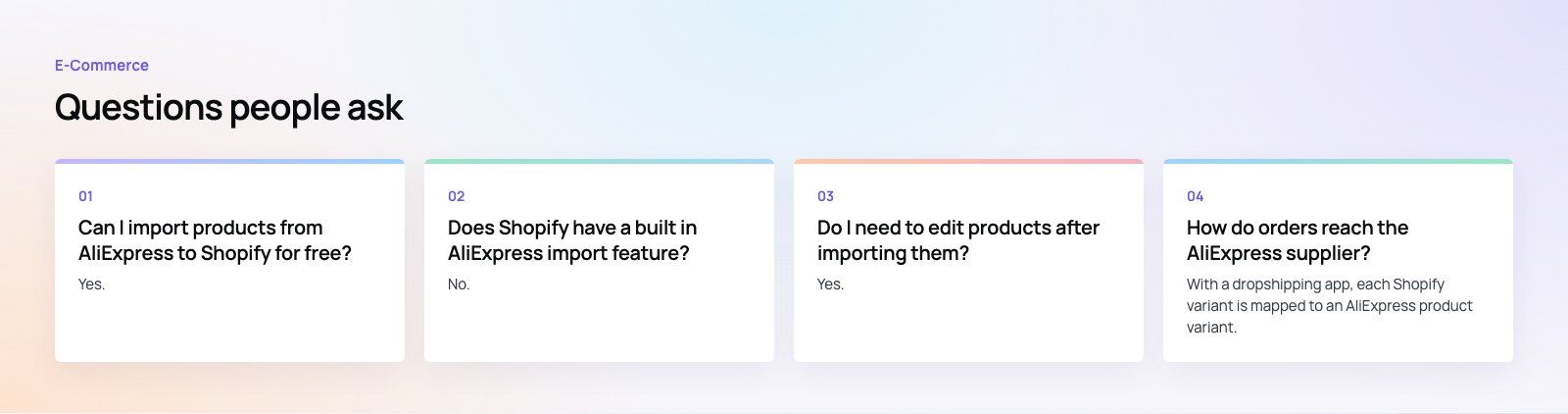
Yes.
Adding products manually in the Shopify admin or uploading them with Shopify's product CSV file costs nothing beyond your Shopify plan. Many dropshipping apps also offer a free plan with limits on products or orders. The trade off is that manual and CSV imports are not linked to AliExpress, so you will need to place supplier orders and update tracking yourself.
E-Commerce10 Features of a High-Converting Ecommerce WebsiteThe ten features that turn store visitors into buyers, from product pages and checkout to speed, mobile design, social proof and ongoing testing. E-CommerceBenefits of Using a CMS for Ecommerce WebsitesHow a CMS helps online stores manage products, SEO, growth and security, how it compares with a custom build, and how to choose between WooCommerce, Shopify and headless.
 E-CommerceEcommerce Website Development: 9 Elements Every Store NeedsThe nine parts every online store needs, from catalog data and search to checkout, security, operations and analytics, with what to decide before you build.
Tell us what the business needs. We will tell you what to build first.
Schedule a free consultation and get a written recommendation, with costs, before you commit to anything.
Get in touchPROVEN RESULTS
4.7 / 5verified reviews on Google