 App DevelopmentCross Platform App Development: How It Saves Time and MoneyHow shared code across iOS and Android cuts build and maintenance effort, which frameworks to consider in 2026, and when native development is still the better call.
iOS vs Android App Development: Key Differences Explained
How iOS and Android development differ in languages, tools, design rules, testing, store review and monetization, and which platform to build for first.
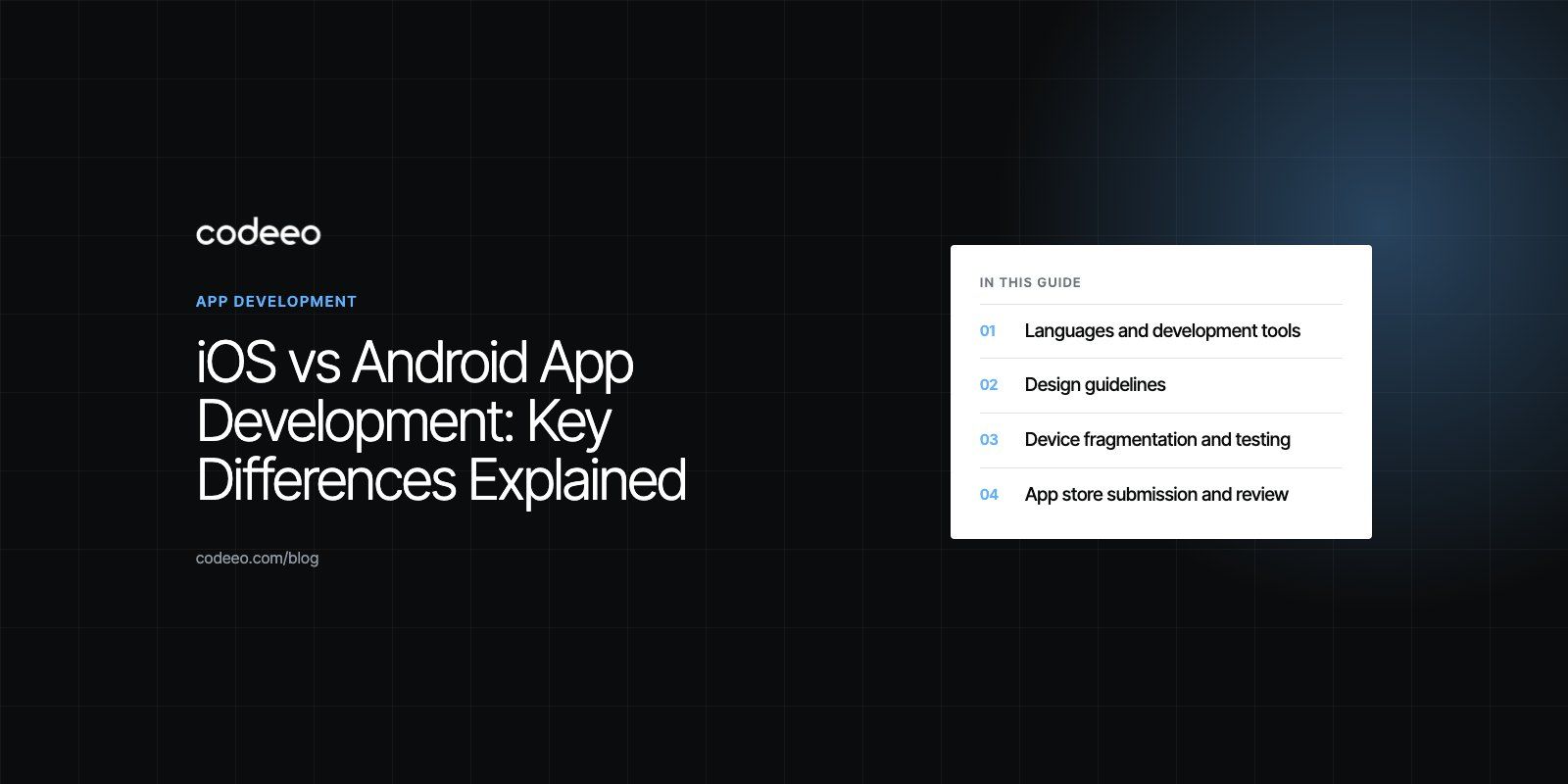
iOS and Android app development differ in languages, tools, design rules, store review and the devices you must test on. iOS apps are built in Swift with Xcode for a small range of Apple devices, while Android apps are built in Kotlin with Android Studio for thousands of device models from many manufacturers. The right platform to start with depends on where your users are, how you plan to make money, and whether a cross platform build makes more sense than two native ones.
This guide walks through each difference that affects a real project, then gives a simple way to decide which platform to build for first.
iOS vs Android at a glance
| Factor | iOS | Android |
|---|---|---|
| Main language | Swift (Objective C in older apps) | Kotlin (Java in older apps) |
| UI framework | SwiftUI, with UIKit for older or complex screens | Jetpack Compose, with XML views in older apps |
| Development tool | Xcode, which runs only on a Mac | Android Studio on Mac, Windows or Linux |
| Design guidance | Apple Human Interface Guidelines | Material Design |
| Devices to test | A limited set of iPhone and iPad models | Many manufacturers, screen sizes and OS versions |
| Store | Apple App Store | Google Play, plus other Android stores |
| Store review | Every build and update is reviewed by Apple | Automated and manual checks, with testing rules for new personal accounts |
| Distribution outside the store | Very limited for consumer apps | Possible through sideloading and other stores |
Languages and development tools
iOS development uses Swift, Apple's modern language, and SwiftUI for building interfaces. Older apps may still contain Objective C and UIKit code. All iOS work happens in Xcode, which includes the code editor, interface previews, simulators, debugging and the tools to submit to the App Store. Because Xcode only runs on macOS, every iOS developer needs a Mac.
Android development uses Kotlin, which Google describes as its preferred language in its Kotlin first approach, with Jetpack Compose for modern interfaces. Older apps may be written in Java. Android Studio runs on macOS, Windows and Linux and includes an emulator, profiling tools and build system.
In practice, both toolchains are mature. The bigger difference is what you test on, not what you build with.
Design guidelines
Apple's Human Interface Guidelines and Google's Material Design both aim for clear, usable apps, but they differ in the details users notice:
- Navigation. iOS apps usually use a bottom tab bar and a back button at the top left, with swipe from the edge to go back. Android apps rely on the system back gesture and often use navigation bars or drawers.
- Controls. Switches, date pickers, alerts and menus look and behave differently on each platform.
- Typography. iOS uses San Francisco by default, Android uses Roboto or the device maker's font.
- Touch targets. Google recommends interactive elements of at least 48 by 48 density independent pixels in its Android accessibility guidance, and Apple publishes its own minimum sizes.
Users expect apps to feel native to their phone. A good product design process keeps the brand consistent across both platforms while respecting each one's conventions.
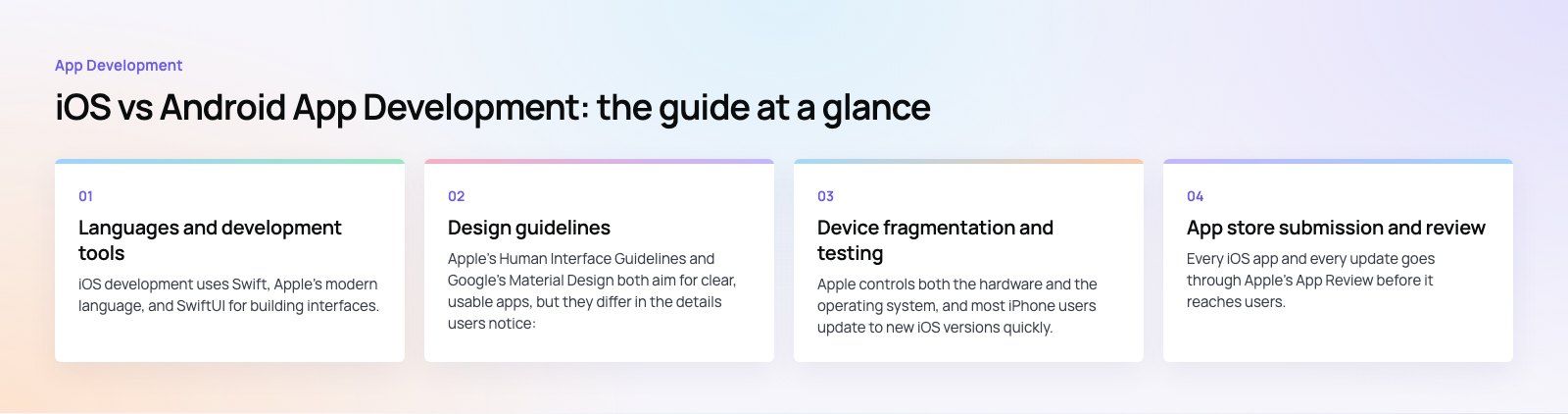
Device fragmentation and testing
Apple controls both the hardware and the operating system, and most iPhone users update to new iOS versions quickly. That means an iOS team can test on a small set of devices and support only the last few OS versions.
Android runs on phones and tablets from many manufacturers, each with different screen sizes, chipsets, memory and custom software layers. Users also stay on older Android versions for longer. An Android team therefore needs a wider test matrix, typically mixing popular high end phones, mid range models common in the target market, and at least one older or low memory device. Cloud device farms help, but some issues only show up on real hardware.
This is one reason Android projects can take more testing effort even though the code itself is not harder to write.
App store submission and review
Every iOS app and every update goes through Apple's App Review before it reaches users. Apple's App Review page, checked in October 2026, says it typically reviews at least half of submissions in under 24 hours and 90% in under 48 hours. Rejections are common for incomplete information, broken links, unclear permission requests or in app purchase rules, so build review requirements into your plan from the start.
Google Play also reviews apps, using a mix of automated and manual checks. For new developers there is an extra step: Google's Play Console testing requirements, checked in October 2026, say that personal developer accounts created after 13 November 2023 must run a closed test with at least 12 testers opted in for at least 14 days before applying for production access. The rule applies to personal accounts, so check which account type suits your business before you register.
Both stores require a developer account, a privacy policy, accurate data safety or privacy labels, and screenshots for each device type you support.
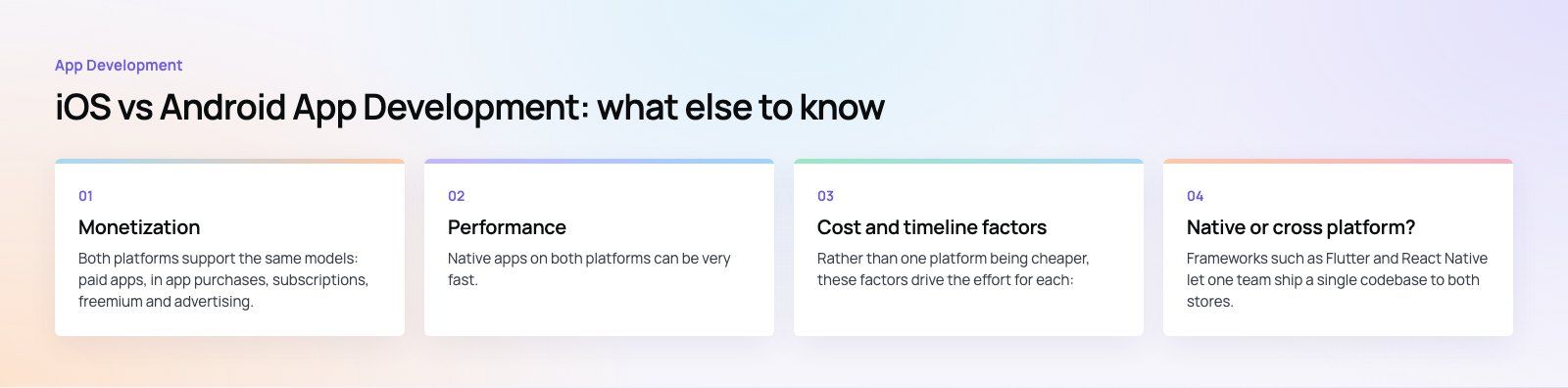
Monetization
Both platforms support the same models: paid apps, in app purchases, subscriptions, freemium and advertising. Digital goods and subscriptions sold inside the app must generally use the platform's own billing system, and both stores take a commission. Physical goods and real world services, such as food delivery or bookings, can use your own payment gateway, which is where payment integration work comes in.
Which model performs better depends on your audience and category rather than the platform alone. Look at competitors in your market on both stores before deciding.
Performance
Native apps on both platforms can be very fast. iOS benefits from Apple tuning hardware and software together, so performance is consistent across devices. On Android, performance ranges from excellent on flagship phones to limited on budget models, so you must design for the low end: smaller images, careful memory use, and work moved off the main thread.
Cost and timeline factors
Rather than one platform being cheaper, these factors drive the effort for each:
- Number of screens and features. This matters far more than the platform.
- Test coverage. Android usually needs more devices, iOS needs Mac hardware and Apple developer membership.
- Store review cycles. Allow time for rejections and resubmissions, especially on a first iOS release.
- Integrations. Payments, maps, chat and push notifications add similar work on both.
- Two native apps or one cross platform app. This is often the biggest single decision.
Native or cross platform?
Frameworks such as Flutter and React Native let one team ship a single codebase to both stores. For most business apps, such as booking, ordering, marketplaces, community and content apps, this is the most efficient route. Native development still makes sense when the app depends heavily on platform features such as advanced camera work, Bluetooth hardware, AR, or very high performance graphics.
The Ourcast Live case study is an example where native iOS and Android apps were the right call, because the product streams a venue's audio to attendees' phones in real time.
Which platform should you build for first?
- Check where your users are. Platform share varies sharply by country and by audience. Look at your website analytics, competitor reviews and market data for your region.
- Consider your revenue model. If you rely on subscriptions or in app purchases, look at how competitors in your category perform on each store.
- Think about launch speed. If you need both platforms at launch, a cross platform build is usually faster than two native apps.
- Plan for the second platform. If you start native on one, budget and schedule the other early. Users on the missing platform will ask for it.
- Validate first. For a new product, a focused MVP on the platform your early users prefer, or a cross platform MVP on both, tests demand before you commit to the full build. A product scoping session helps decide that.
Planning your app
The platform choice matters, but scope, design and testing matter more. Codeeo's team of 80+ across Dubai, Riyadh and Karachi builds native and cross platform apps, and has delivered 200+ projects across the UAE and the US. See how our mobile app development team plans iOS and Android builds.
Frequently asked questions
Neither platform is always more expensive.
Effort is driven mainly by the number of features and screens. iOS needs Mac hardware and an Apple developer membership, and its review process can add resubmission time. Android usually needs more device testing because of the wide range of phones. Building one cross platform app for both stores is often more efficient than two separate native apps.
App DevelopmentCross Platform App Development: How It Saves Time and MoneyHow shared code across iOS and Android cuts build and maintenance effort, which frameworks to consider in 2026, and when native development is still the better call. App DevelopmentHow to Plan an App Development Project From Start to FinishA step by step plan for an app project: define users and goals, scope an MVP, choose platforms, design, build the team, phase the timeline, test and launch.
 App DevelopmentMust Have Features of an HR Management AppThe features an HR management app needs, from onboarding and self service to payroll, performance and analytics, plus when to buy or build.
Tell us what the business needs. We will tell you what to build first.
Schedule a free consultation and get a written recommendation, with costs, before you commit to anything.
Get in touchPROVEN RESULTS
4.7 / 5verified reviews on Google