 E-Commerce10 Features of a High-Converting Ecommerce WebsiteThe ten features that turn store visitors into buyers, from product pages and checkout to speed, mobile design, social proof and ongoing testing.
Is Shopify Still Worth It for Ecommerce Startups?
Is Shopify still worth it for a new online store? The real pros and cons, how to choose a plan, when to pick something else, and the mistakes startups make.
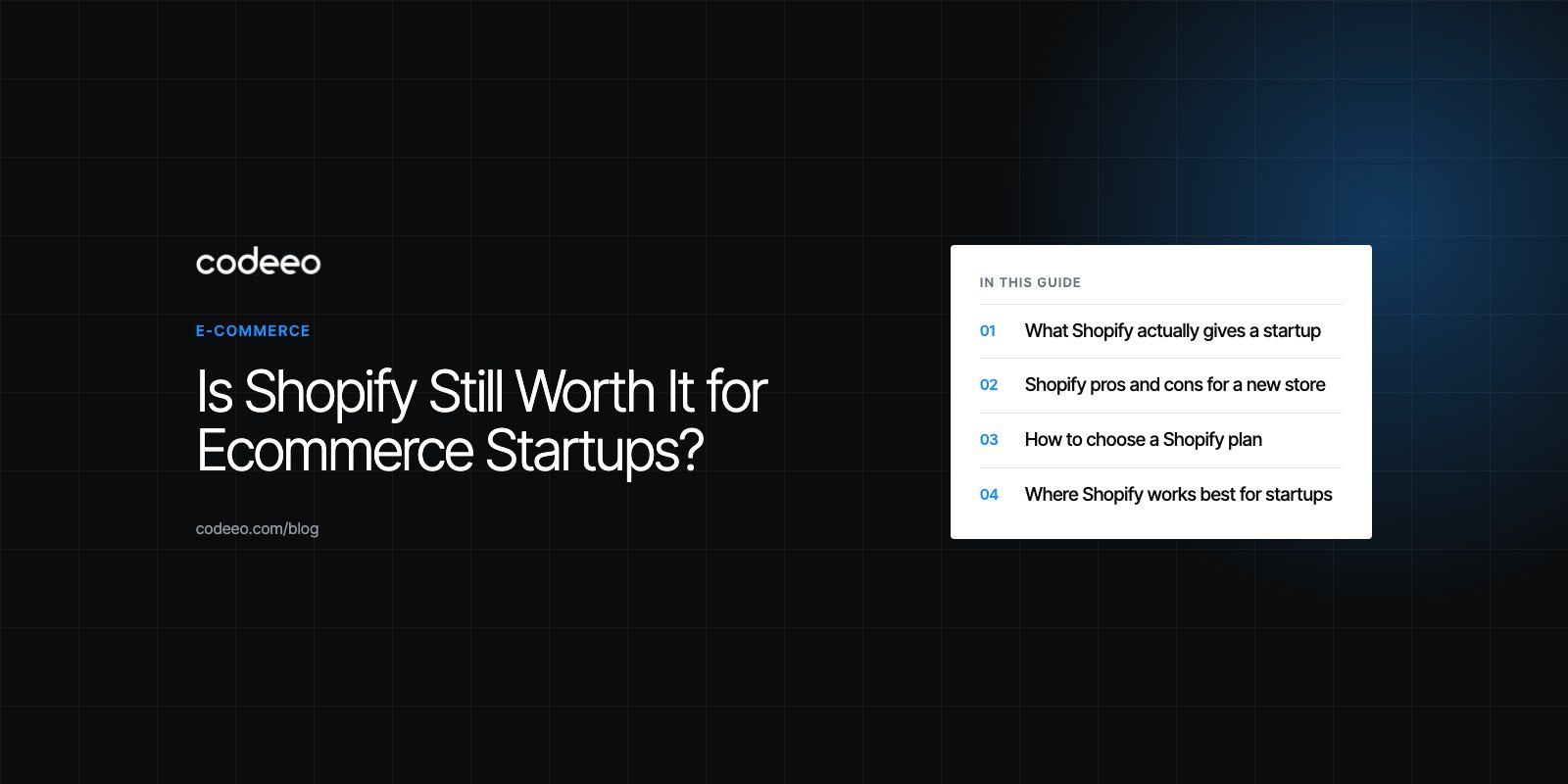
Yes, Shopify is still worth it for most ecommerce startups. It gets a store selling quickly without a developer on staff, it handles hosting, security and checkout for you, and it grows with you through higher plans and apps. It is a weaker fit if you need deep control over backend code, unusual checkout logic, or very complex catalogs, and every app you add raises your monthly running cost.
This guide explains where Shopify fits a new store well, where it does not, how to pick a plan, and what to check before you commit.
What Shopify actually gives a startup
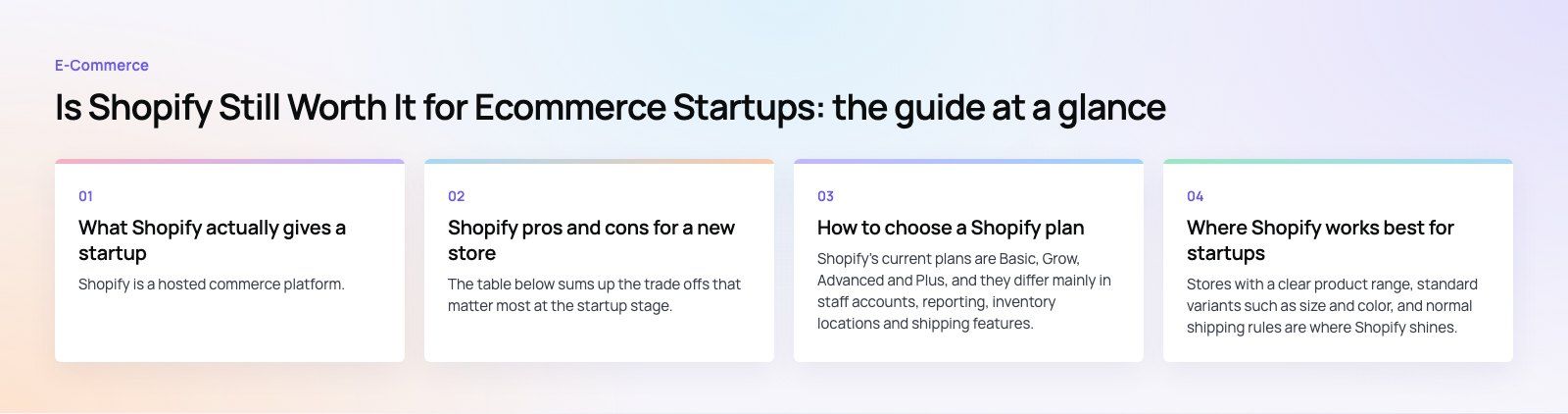
Shopify is a hosted commerce platform. You pay a subscription, and in return you get a storefront, an admin for products and orders, a checkout, payment processing, hosting and security updates. You do not install anything on a server, and you do not patch software.
For a founder with a product and limited technical help, that is the main attraction. The work shifts from building infrastructure to building the business: product pages, photography, pricing, shipping rules and marketing.
Selling in more than one place
Shopify connects the same catalog and inventory to several sales channels, including social shops, marketplaces and in person selling through its point of sale. A startup can test where its customers actually buy before investing heavily in any one channel. The catch is that each extra channel adds its own rules on listings, returns and fees, so start with one or two and add more only when the first ones run smoothly.
An app store for the gaps
The Shopify App Store lists thousands of apps covering reviews, subscriptions, loyalty, email, shipping, inventory and analytics. That breadth is a real advantage: almost any common feature can be added in an afternoon. It is also the most common way stores become slow and expensive, which we cover below.
Shopify pros and cons for a new store
The table below sums up the trade offs that matter most at the startup stage.
| Area | Strength | Limitation |
|---|---|---|
| Setup | A working store in days, using themes and a visual editor | Themes look similar until you invest in design |
| Apps | Thousands of apps for common features | Each app adds cost, scripts and another vendor to depend on |
| Checkout and payments | Fast, trusted checkout with built in payments in supported countries | Extra transaction fees can apply when you use an outside gateway |
| Hosting and security | Managed hosting, SSL and platform security included | Little control over the server or backend code |
| SEO | Editable titles, descriptions, redirects and sitemaps | Fixed URL patterns for products and collections |
| Scale | Handles traffic spikes without you managing servers | Some advanced features need higher plans |
| Customization | Theme code and apps cover most needs | Unusual logic may need a custom app or a headless build |
How to choose a Shopify plan
Shopify's current plans are Basic, Grow, Advanced and Plus, and they differ mainly in staff accounts, reporting, inventory locations and shipping features. Check the live details on the Shopify pricing page before you sign up, because plan names and inclusions change from time to time. Instead of picking on price alone, match the plan to how your business actually runs.
Start with your real requirements
List what you need in the first year, not what you hope to need in five. Useful questions include:
- How many people need their own login to the admin?
- How many warehouses, shops or stock locations will you track?
- Do you sell to more than one country or in more than one currency?
- Do you need live carrier shipping rates at checkout?
- What reports will you actually read each week?
Map features to those requirements
Once the list is written, compare it with each plan. Staff accounts are a common trigger for upgrading: the Basic plan is built for a founder working alone, while Grow and Advanced add staff seats. Live third party shipping rates come with Advanced. Plus is aimed at high volume stores that need more locations, more automation and checkout customization.
Budget for the whole stack, not the plan
The subscription is only one line of your running cost. A realistic budget also covers theme purchase or design work, paid apps, payment processing, email marketing, and occasional developer time. Many startups pick a cheaper plan and then spend more on apps than the upgrade would have cost. Add up the full stack before you decide.
Where Shopify works best for startups
Simple to moderate catalogs
Stores with a clear product range, standard variants such as size and color, and normal shipping rules are where Shopify shines. Fashion, beauty, homeware, food and accessories brands usually fit without much custom work.
Teams without a developer
If no one on the team writes code, a hosted platform removes a whole category of risk. Updates, uptime and payment security become Shopify's job.
Brands that sell across regions
Built in tools for multiple currencies, languages and markets make it practical to test new countries. We built a bilingual Shopify store for a GCC athleisure label selling across five markets, with local buy now pay later options at checkout.
When Shopify may not be the right choice
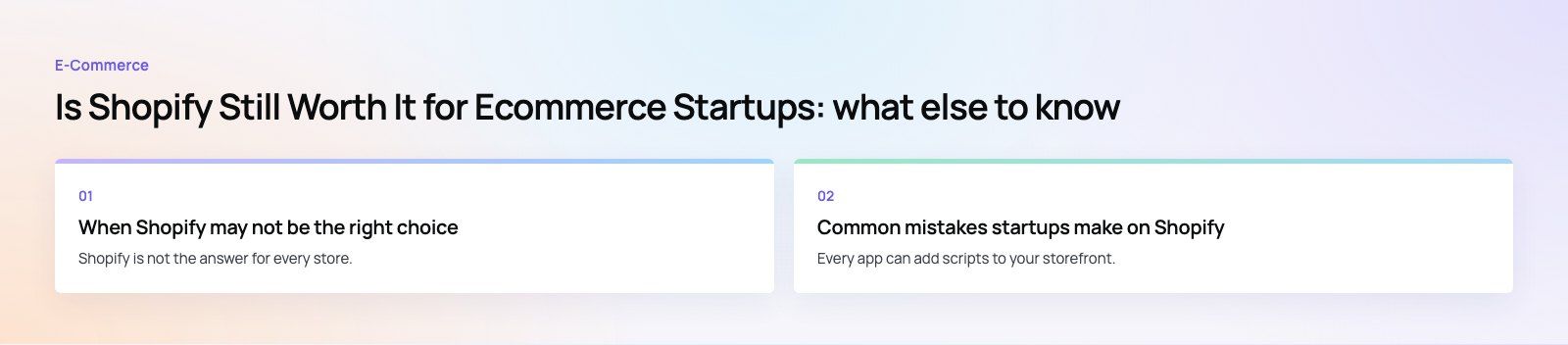
Shopify is not the answer for every store. Consider other options when:
- You need full code ownership. If your business depends on custom backend logic, complex pricing rules or deep integration with in house systems, an open source platform such as WooCommerce may suit you better.
- Your catalog is unusual. Parts stores with fitment data, configurators and quote based B2B ordering can strain standard themes and apps.
- Content is the product. Publishers with large editorial sections sometimes find Shopify's blog tools limiting.
- You already have strong developers. A team comfortable with React may prefer a headless commerce setup that keeps Shopify for checkout and inventory but builds a custom front end.
Common mistakes startups make on Shopify
Installing too many apps
Every app can add scripts to your storefront. Ten apps installed in the first month can slow pages noticeably and cost more than the plan. Uninstall anything you are not actively using, and check that removed apps have not left code behind in your theme.
Ignoring page speed
Large images, heavy themes and app scripts all slow the store. Slow product pages lose both shoppers and search visibility. Run regular checks and fix the biggest issues first; our Core Web Vitals service is built for exactly this.
Treating the theme as finished
A purchased theme is a starting point. Product page layout, trust signals, delivery information and returns messaging usually need work to match how your customers buy.
Picking a payment setup late
Decide early which payment methods your market expects. Card payments, wallets and buy now pay later options differ by country, and switching gateways after launch can be disruptive. Our payment integration team can help when local providers are involved.
A quick checklist before you commit
- Write down your first year requirements: staff, locations, markets, shipping.
- Compare them with the current Shopify plans and note the lowest plan that fits.
- List the apps you think you need and check their running cost.
- Test checkout with your intended payment methods.
- Choose a theme that suits your catalog, then plan the changes it needs.
- Plan how you will measure sales, traffic and page speed from day one.
Shopify remains a sensible default for most new online stores because it lets founders spend their time on products and customers rather than servers. Choose the plan from real requirements, keep the app list short and watch page speed. If you want a second opinion before you build, our Shopify developers can review your plan, theme and integrations, drawing on 200+ projects delivered across the UAE and the US.
Frequently asked questions
Yes, for most small stores.
Shopify removes hosting, security and maintenance work, so a founder can launch without hiring a developer. The key is to control running costs: start on the lowest plan that fits your real needs, install only the apps you use every week, and review the total monthly spend after the first few months of trading.
E-Commerce10 Features of a High-Converting Ecommerce WebsiteThe ten features that turn store visitors into buyers, from product pages and checkout to speed, mobile design, social proof and ongoing testing. E-CommerceBenefits of Using a CMS for Ecommerce WebsitesHow a CMS helps online stores manage products, SEO, growth and security, how it compares with a custom build, and how to choose between WooCommerce, Shopify and headless.
 E-CommerceEcommerce Website Development: 9 Elements Every Store NeedsThe nine parts every online store needs, from catalog data and search to checkout, security, operations and analytics, with what to decide before you build.
Tell us what the business needs. We will tell you what to build first.
Schedule a free consultation and get a written recommendation, with costs, before you commit to anything.
Get in touchPROVEN RESULTS
4.7 / 5verified reviews on Google